The short answer from this Brandwatch review: Brandwatch is worth the enterprise price when your team needs deep consumer research, historical social data, crisis monitoring, stakeholder reporting, and enough internal ownership to manage complex queries and dashboards.
It is harder to justify if you only need alerts on buyer-intent conversations, a social publishing calendar, or a simple brand-monitoring setup.
Brandwatch is not a cheap monitoring tool. Third-party procurement data from Vendr's Brandwatch pricing analysis puts the median annual contract at $50,000, based on 40 purchases, with observed deal values from $19,542 to $81,200.
That does not mean every buyer pays $50,000. It means the buying motion is enterprise: custom scope, annual contracts, data limits, seats, add-ons, onboarding, and negotiation.
Quick Verdict: Brandwatch Is Strongest When Research Depth Matters More Than Speed to Action#
Choose Brandwatch if your team needs a consumer intelligence system for brand health, market research, crisis monitoring, campaign analysis, and executive reporting across a large data archive.
Skip it if the requirement is narrower: finding high-intent community conversations and turning them into pipeline action before competitors do. That is a different workflow.
Best fit: - Enterprise research, insights, PR, and comms teams with complex monitoring requirements. - Brands that need historical context, custom dashboards, analyst workflows, and board-ready reporting. - Global teams that can invest time in query setup, dashboard governance, and stakeholder enablement.
Poor fit: - Small teams that need transparent monthly pricing. - GTM teams that care more about "who is asking for an alternative right now?" than broad brand intelligence. - Social teams that mostly need simple publishing, engagement, and reporting.
What Brandwatch Does#
Brandwatch is a social suite covering three major product areas:
Consumer Intelligence | Researchers and analysts | Consumer research, social listening, segmentation, dashboards, alerts |
Social Media Management | Social media teams | Publishing, engagement, calendar workflows, benchmarking |
Influencer Marketing | Influencer teams and agencies | Creator discovery, relationship management, campaign reporting |
Brandwatch's Consumer Intelligence is a platform for searching, segmenting, analyzing, and sharing insights from online conversations.
Its claims 1.7 trillion historical conversations back to 2010, 501 million new conversations added daily, 100 million unique sites, 50+ live visualizations, export options, alerts, and Vizia reporting.
Feature Walkthrough: What Using Brandwatch Actually Looks Like#
Brandwatch's core research workflow has four stages: query building, data collection, analysis, and reporting. Understanding how each works helps set realistic expectations before you buy.
Query building#
Everything in Brandwatch Consumer Intelligence starts with a Boolean query. You define what conversations you want tracked — brand names, competitors, product terms, hashtags, specific platforms — using Boolean logic (AND, OR, NOT, wildcards).
This is where Brandwatch rewards investment. A well-built query pulls highly relevant data. A poorly built one floods your dashboards with noise.
Advanced queries and fully customized dashboards require meaningful time to set up correctly, and this is where the learning curve is steepest for new users.
Data collection and filtering#
Once a query runs, Brandwatch pulls matching conversations from its data network into your workspace. You can filter by date, source, language, sentiment, author type, location, and custom categories you define.
The historical archive means you can backfill data to understand how a topic looked months or years ago — not just what is happening now.
Analysis layer#
This is where Brandwatch's depth shows. You can segment conversations by audience, run sentiment analysis, apply custom classifiers, upload first-party data for comparison, and use image analysis to catch brand logos or visual references in posts.
The platform supports 50+ live visualizations and lets you compare time periods, campaigns, competitors, or audience segments side by side.
Reporting and sharing#
Brandwatch's Vizia tool lets you build live, shareable dashboards for stakeholders who do not have platform access.
You can export to PDF, pull data through the API, or set up automated alerts when volume or sentiment crosses a threshold. For teams that present regularly to leadership, this is one of the more practical features.
The overall workflow is powerful. But it rewards teams with a clear owner who understands the platform well enough to maintain queries, update dashboards, and decide which reports actually matter.
Onboarding and Time to Value: What Setup Actually Looks Like#
Brandwatch is not a tool you sign and activate in an afternoon. The onboarding commitment is real, and it should factor into your buying decision.
Because of the platform's depth and power, setup can take weeks, and complex deployments often require a paid implementation fee.
Based on Vendr transaction data, onboarding and implementation fees typically run from a few thousand dollars to 10–15% of annual contract value for complex deployments. Professional services for custom integrations and advanced analytics projects carry separate fees on top of that.
What the setup process involves:#
The first phase is query architecture — deciding which topics, brands, competitors, and keywords you want to track, then translating those into Boolean queries. This alone can take two to four weeks for teams new to the platform, especially when multiple stakeholders have different monitoring priorities.
The second phase is dashboard and alert configuration. Teams need to agree on what metrics matter, who reviews them, and how often — before the dashboards are useful rather than just populated.
The third phase is stakeholder enablement: making sure the people who need reports can read them, understand what they are looking at, and know when to pull fresh data versus rely on automated updates.
Brandwatch offers a self-guided onboarding path covering data collection, custom dashboards, and insight workflows, but this path assumes the buyer already knows what they want to track and why.
Many enterprise clients report that a dedicated customer success manager makes a meaningful difference in getting value from the platform. Whether your contract includes CSM access, and at what level of support, is worth confirming before you sign.
Realistic expectations:#
Most teams report that meaningful, repeatable value from Brandwatch takes one to three months, not one to three days. Teams without a clear internal owner tend to stall in the query-building phase. Teams with a dedicated analyst or social intelligence function tend to move faster.
If your team needs quick time to value, factor the onboarding period and cost explicitly into your business case.
Data Coverage: What Brandwatch Actually Tracks (and Where the Gaps Are)#
Brandwatch's data network is one of its strongest competitive claims. It is worth understanding what that coverage actually includes before assuming "1.7 trillion conversations" means every platform is covered equally.
Strong coverage:#
Brandwatch covers X (formerly Twitter) with complete firehose access, Reddit from 2011 onwards with official partner access, Tumblr with full firehose data, Facebook and Instagram with their strongest compliant coverage available, and TikTok as one of a select few platforms to offer compliant brand monitoring.
News, blogs, forums, and review sites are also part of the network — making it useful for reputation monitoring beyond social platforms.
A recent expansion added coverage of Threads, LinkedIn, YouTube, and 70,000+ podcasts.
Where coverage has limits:#
Platform access is not the same as full data access. Facebook and Instagram data is subject to API restrictions set by Meta, which means public conversation coverage is narrower than what is technically visible on the platform. Private groups, dark social, and closed community channels are not captured by any social listening tool, including Brandwatch.
TikTok coverage, while available, is still maturing. Short-form video content presents a structural challenge for text-based listening platforms: the meaning is often in the audio, the visual, or the comment thread, not just in the caption.
Like most platforms in this space, coverage of newer platforms and short-form video content remains a work in progress.
What Users Actually Say: Brandwatch G2 Review Breakdown#
Brandwatch has a 4.2 out of 5 rating across 1,704 verified reviews on G2. That is a solid but not exceptional score for an enterprise platform at this price point.
The pattern across reviews is consistent: users who go deep with the platform tend to rate it well. Users who bought it expecting quick, low-maintenance insights tend to struggle.
What users praise most:#
Users consistently highlight the intuitive dashboards and robust data collection capabilities. The platform's ability to transform complex data into actionable insights is highly valued.
A common use case cited in reviews is brand mention tracking and newsjacking, teams building keyword-heavy queries around their brand and using Brandwatch to surface conversations they can enter.
What users disliked:#
The most common complaint is a steep learning curve, particularly when it comes to creating advanced queries or fully customizing dashboards. Certain types of analysis require manual adjustments — like optimizing queries or building categories — that can be time-consuming for teams new to the platform.
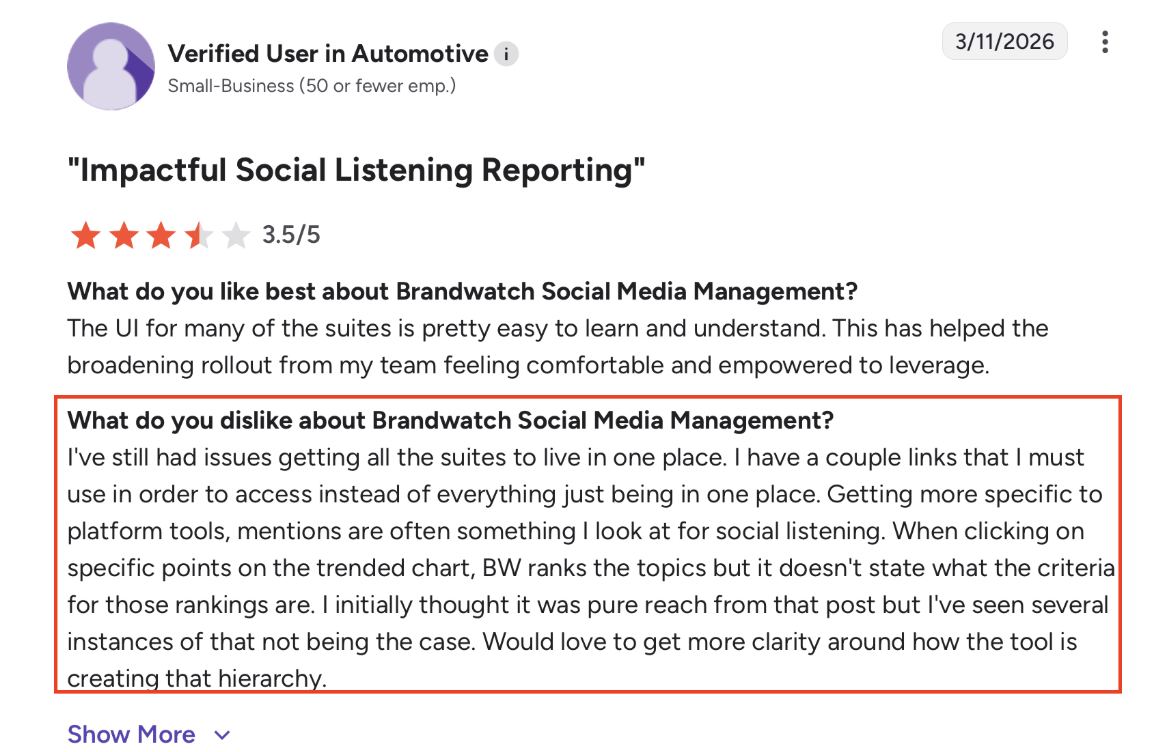
Other recurring themes in reviews include pricing opacity and cost (many users acknowledge the tool feels expensive relative to alternatives), and platform complexity since the Cision merger, with some users feeling the product direction has become less focused and multiple overlapping tools creating confusion about which module to use for what.
The key pattern:#
Brandwatch reviews split clearly by team type. Research and insights teams with dedicated ownership rate it highly. Smaller teams or GTM teams that bought it expecting fast, low-effort signal extraction tend to find the value harder to reach.
On G2, 35% of Brandwatch Consumer Intelligence reviews come from enterprise buyers. That concentration matters: the reviews skew toward exactly the buyer it is built for, which means the overall score flatters teams that fit the profile and understates the friction for teams that do not.
Brandwatch AI: What Iris Does (and Where It Still Has Gaps)#
Brandwatch's AI layer is called Iris. It is embedded throughout the platform, not a separate add-on, and it has evolved significantly in the last 12 months.
What Iris does today:#
The most recent update introduced "Ask Iris," a chat assistant that allows users to ask natural-language questions and receive instant, data-driven answers without building a query or dashboard. The AI Query Writer automates the creation of complex Boolean queries from simple prompts. AI Dashboards automatically generate narrative summaries to explain key insights and trends.
Iris also offers topic and audience analysis, helping teams understand what is driving conversations and who is participating. Its dataset spans real-time and historical social and traditional media sources.
Brandwatch also launched React Score, an AI-powered reputation management tool that uses NLP to analyze conversations across over 100 million sources, identifying brand risks and opportunities in real time.
Where Iris still has gaps:#
Iris is strongest for summarization, trend explanation, and query assistance. It is less useful as a full replacement for analyst judgment — particularly on nuanced or ambiguous topics where context matters and the model's summaries can flatten important distinctions.
For 2026, Brandwatch has signaled further Iris AI evolution with deeper analysis capabilities and broader reach planned. But buyers evaluating the platform today should view Iris as a productivity layer that reduces manual work, not a fully autonomous insight engine.
Brandwatch Pricing#
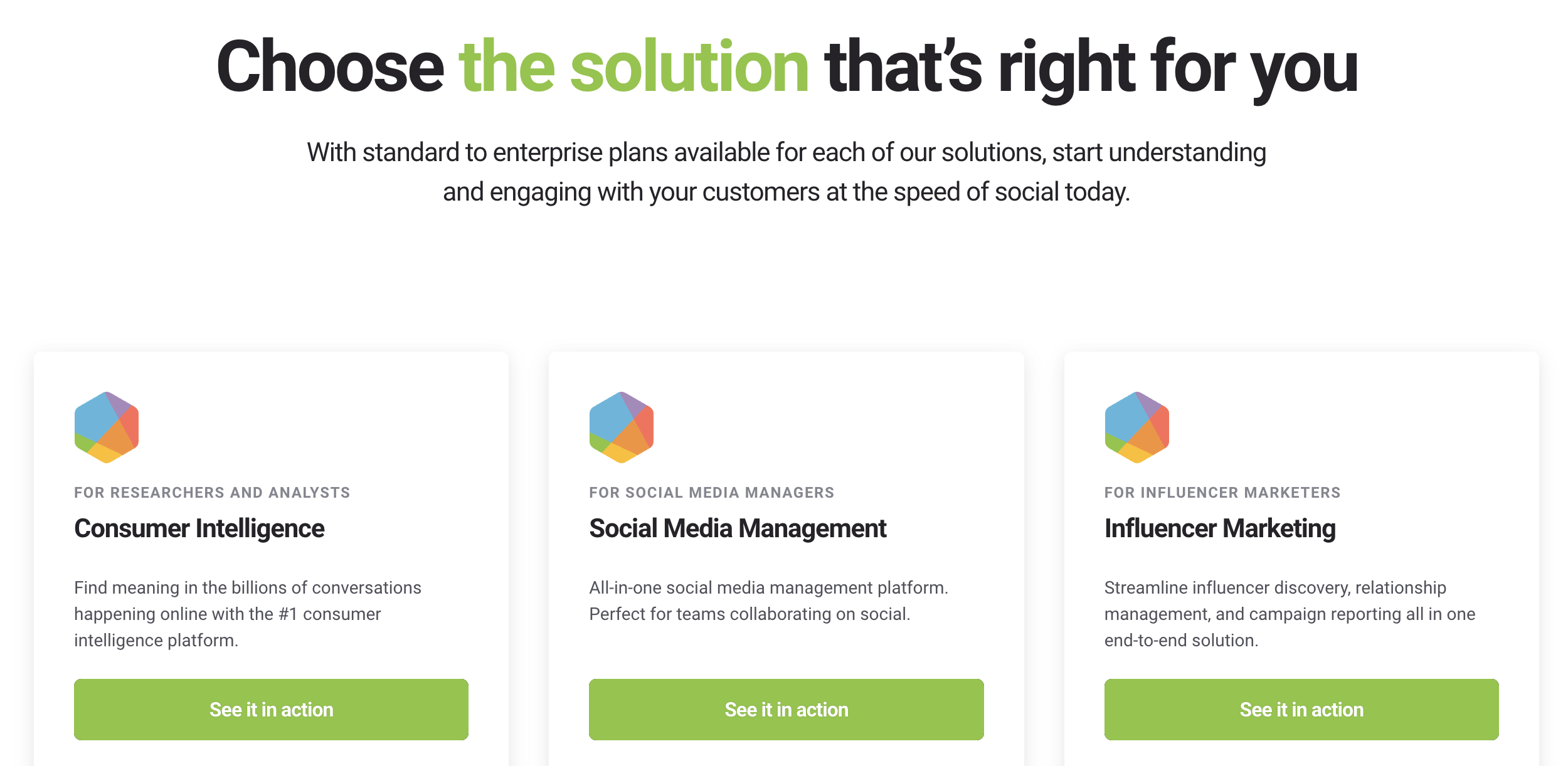
Brandwatch does not mention simple self-serve pricing on its own site. The official Brandwatch plans page lists standard-to-enterprise plans for each solution, then pushes buyers to schedule a demo.
Vendr reports a $50,000 median annual contract from 40 Brandwatch purchases, with buyer outcomes ranging from $19,542 to $81,200 in its dataset.
Before signing, ask Brandwatch sales:
Which suite or suites are included.
Number of users, profiles, topics, queries, dashboards, and exports.
Historical data access and premium data source rules.
Onboarding, training, services, and support fees.
Overage handling if your mentions, seats, or monitored topics grow.
Renewal language, especially auto-renewal, price increases, and cancellation windows.
The price tag can make sense when Brandwatch replaces several research, listening, reporting, and analyst workflows.
Integrations: What Brandwatch Connects With#
For a platform at this price point, integration coverage matters. Social data sitting in a silo rarely moves organizations to action.
Brandwatch officially integrates with 17 partner tools, including Salesforce, HubSpot, Shopify, Zendesk, and ServiceNow.
The Salesforce integration handles social cases surfaced through Brandwatch feeding into Service Cloud workflows. The HubSpot connection allows social data to be attached to contact and company records. Zendesk and ServiceNow integrations route social mentions into support ticketing systems.
Beyond native integrations, Brandwatch also exposes a full API, which enterprise teams use to push data into Tableau, Power BI, custom data warehouses, and internal tools. The API gives teams the ability to extract brand mentions, sentiment analysis, influencer data, and conversation metrics into downstream reporting and BI environments.
What to ask before signing:#
Native integrations vary in depth. Some connections sync data automatically; others require configuration and may carry additional setup fees. Before committing, ask specifically which integrations are included in your contract, which require a professional services engagement, and whether the API is available at your tier or adds cost.
For teams building a connected marketing stack, Brandwatch's integration coverage is credible, but it is not seamless out of the box. Most enterprise deployments require IT involvement to connect Brandwatch to existing data infrastructure.
Conclusion: Is Brandwatch Worth It for Enterprise Intelligence, Not Narrow Signal Tracking#
Brandwatch is a strong fit when the workflow is broad, executive-facing, and research-heavy: brand health, category intelligence, market research, reputation monitoring, and social data storytelling across multiple teams.
It is not the natural first choice for a small and medium team looking for transparent pricing, quick alerts, or a direct path from community mention to GTM action.
Use Brandwatch when the question is: "What is the market saying, how has it changed, and how do we report that across the business?"
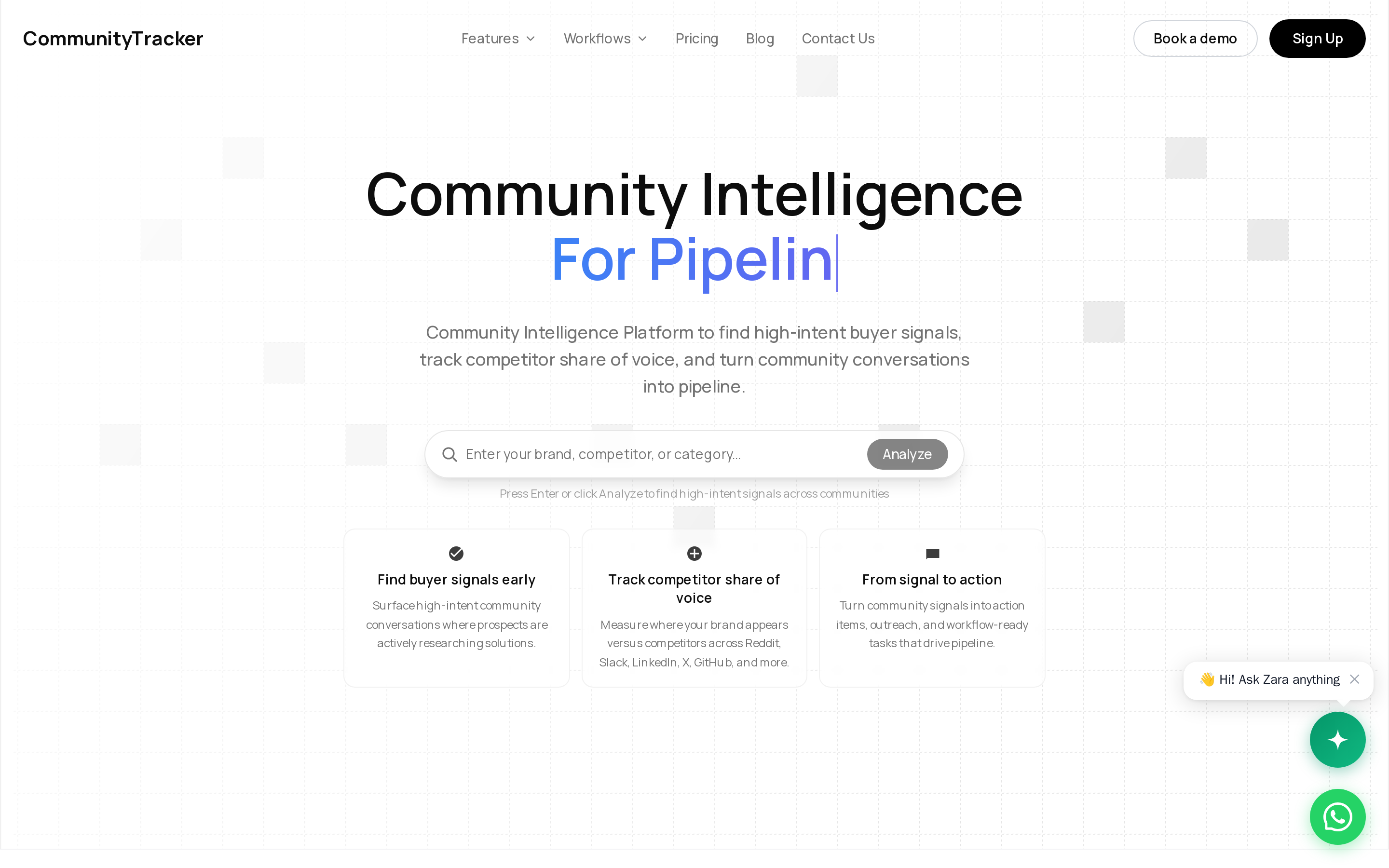
Use a focused buyer-signal tool like CommunityTracker when the question is: "Who is showing intent right now, and what is our next move?"
Start tracking for free at communitytracker.ai. No credit card. No setup call. Just add your website and CommunityTracker automates everything from which keyword to prioritise based on your goal.