If you're searching for Data Enrichment Tools for Sales Leads, you're probably dealing with a CRM that has too many half-filled records and too few reasons to act on them.
Maybe your reps have names but no direct dials. Your campaign ops team may have company domains but no buying context. Or, your RevOps team is being asked to route "intent" that is really just a page visit, a stale job title, or a generic firmographic match.
The market has changed in 2026. A useful enrichment tool no longer stops at filling email, phone, title, company size, and tech stack. RevOps needs to know where the buyer signal came from, whether it is fresh enough to route, and what action should happen next.
There's a bigger thing worth flagging before we get into the list.
In this post we'll cover the quick RevOps shortlist, the criteria I used to judge each tool, the at-a-glance comparison, and 9 alternatives with pricing, pros & cons.Then we'll end with a decision guide you can use before the next vendor call.
Let's get started.
TL;DR#
CommunityTracker is the strongest fit when sales lead enrichment starts from a live buyer signal and needs to move from signal discovery to GTM action.
CommunityTracker - Best alternative if you're looking for community-sourced buyer signals, contact enrichment, and outreach action in one workflow.
Clay - Best alternative if RevOps wants to build custom enrichment waterfalls across many data providers.
Apollo - Best alternative if sales wants a contact database, sequencing, and prospecting in one familiar workspace.
ZoomInfo - Best alternative if an enterprise team needs a large B2B database, intent add-ons, and mature admin control.
Cognism - Best alternative if mobile data quality and EMEA compliance sit above low entry cost.
Lusha - Best alternative if reps need quick contact reveals from LinkedIn and basic buying signals.
LeadIQ - Best alternative if SDRs work from Sales Navigator and need fast capture into Salesforce or Outreach.
UpLead - Best alternative if a smaller team wants verified emails, phone numbers, technographics, and a clear credit model.
People Data Labs - Best alternative if your team needs enrichment APIs and data infrastructure, not a seller-facing workflow.
Common Room is the comparison point because it blends enrichment, buyer intelligence, AI agents, and workflow activation for larger GTM teams. The real question is narrower: do you need Common Room's broad customer intelligence layer, or do you need a focused way to catch a high-intent signal before your competitors do?
How I judged these tools for RevOps#
I judged each tool by what a RevOps manager would trust after uploading or routing the same 1,000 sales lead records: how much missing data it can fill, how clearly it separates noise from intent, how fast a rep can act, and how predictable the cost becomes once usage leaves a small trial.
Data coverage: Does the tool enrich people, companies, emails, direct dials, job changes, technographics, or buyer intent?
Signal quality: Can it tell the difference between a generic contact match and a high-intent signal worth sales attention?
RevOps control: Does it support CRM sync, field mapping, credit governance, API access, routing, and dedupe cleanup?
Outreach action: Can a rep move from enriched record to email, LinkedIn, phone, Slack alert, meeting link, or sequence without rebuilding the workflow?
Cost shape: Does the price stay legible at 1,000 contacts, or do seats, credits, add-ons, and annual commitments hide the real spend?
Here's what the workflow looks like:
Turn Social Buyer Signals Into Pipeline With CommunityTracker
At-a-glance comparison for RevOps#
CommunityTracker | Community buyer signals | Reddit, LinkedIn, X, Bluesky, Hacker News, Indie Hackers, Dev.to, Stack Overflow, Product Hunt, GitHub, Slack | Slack alerts, warm email, response generator, lead qualification | $39/mo | Not a publishing or scheduling suite |
Clay | Custom enrichment ops | 150+ providers, job changes, company news, web intent | Sequencer, integrations, webhooks | $167/mo | Requires workflow design discipline |
Apollo | Prospecting database plus outreach | Contact database, intent, filters | Email sequences, dialer, CRM export | $49/user/mo | Credit usage drives cost |
ZoomInfo | Enterprise B2B intelligence | Contact database, intent, visitors, technographics | CRM, Engage, workflows | Reported ~$14,995/yr | Sales-led buying path |
Cognism | Phone-heavy EMEA prospecting | Contact data, verified mobiles, Bombora intent | CRM enrichment, CSV, DaaS | Reported ~$15k+/yr | No self-serve price |
Lusha | Fast contact reveal | Emails, phones, company data, intent topics | Extension, CRM export, webhooks | $49.90/mo monthly | Phone numbers cost 5 credits |
LeadIQ | SDR capture workflow | LinkedIn capture, job changes, signals, profiles | CRM export, email writer, integrations | $200/mo | Pro caps users at 5 |
UpLead | Clear SMB credit buying | Verified email, phones, technographics, intent | CRM export, Chrome extension, API on top tier | $99/mo | Buyer intent gated to Professional |
People Data Labs | API enrichment | Person and company data APIs | API, data license, integrations | $98/mo | Not built as a rep workspace |
1. CommunityTracker#

CommunityTracker is built for teams that treat community posts as sales lead enrichment inputs, not just brand mentions. It tracks Reddit, LinkedIn, X, Bluesky, Hacker News, Indie Hackers, Dev.to, Stack Overflow, Product Hunt, GitHub, and Slack for keywords tied to your ICP, then turns those mentions into context, contact details, outreach paths, meeting links, and lead qualification.
The practical difference is the starting point. A database-first tool starts with a person record and tries to append data. CommunityTracker starts with the buyer signal and helps your team act while the timing still matters.
Disclosure: We build CommunityTracker, and it earns the top slot here because this article is focused on sales lead enrichment that begins with live community intent, not static contact lookup.
Features#
Tracks the canonical eleven platforms: Reddit, LinkedIn, X, Bluesky, Hacker News, Indie Hackers, Dev.to, Stack Overflow, Product Hunt, GitHub, and Slack.
Detects signal patterns around product comparisons, pain points, competitor mentions, category questions, and replacement searches.
Adds contact details for people posting on supported platforms when enrichment is available.
Sends daily alerts and Slack alerts, depending on plan.
Gives reps a response generator so they can turn context into a relevant public reply, DM, email, or follow-up.
Supports Share of Voice and AI visibility on higher tiers.
Lets teams move from signal discovery to GTM action without treating every mention as equal.
Pricing#
Free is $0 with one keyword, Reddit-only monitoring, daily alerts, and basic analytics. Starter is $39 per month with four keywords, 5,000 mentions, Reddit, LinkedIn, Hacker News, GitHub, daily alerts, up to 100 warm emails per month, and the response generator.
Pro is $99 per month with 10 keywords, all eleven platforms, unlimited mentions, unlimited warm emails, Slack alerts, AI scoring, Share of Voice, and Community AI.
Advanced is $199 per month with 20 keywords, Share of Voice, and AI visibility.
We wrote a full guide on how CommunityTracker compares with other community-intelligence tools for teams that want the broader category view.
Pros#
Captures buyer signal where the conversation starts, which helps reps act before a form fill or demo request.
Keeps the platform list explicit, so RevOps can map alerts by source instead of treating every post as one generic mention.
Combines signal detection, contact enrichment, warm email, Slack alerts, response generation, and lead qualification in the same motion.
Pricing starts low enough for founders, small GTM teams, and agencies to validate the workflow before expanding.
Cons#
CommunityTracker is not a publishing, scheduling, or inbox-management suite, so teams that need post calendars and approval flows need a separate tool.
The strongest fit is social signals; database replacement is not the primary job.
Who should not choose CommunityTracker: #
Pick Common Room if your team needs a larger customer-intelligence control plane across CRM, product usage, website visits, AI agents, and enterprise workflow governance. Pick Clay if your main job is building multi-provider enrichment waterfalls against CSVs, CRM tables, and custom APIs.
2. Clay#
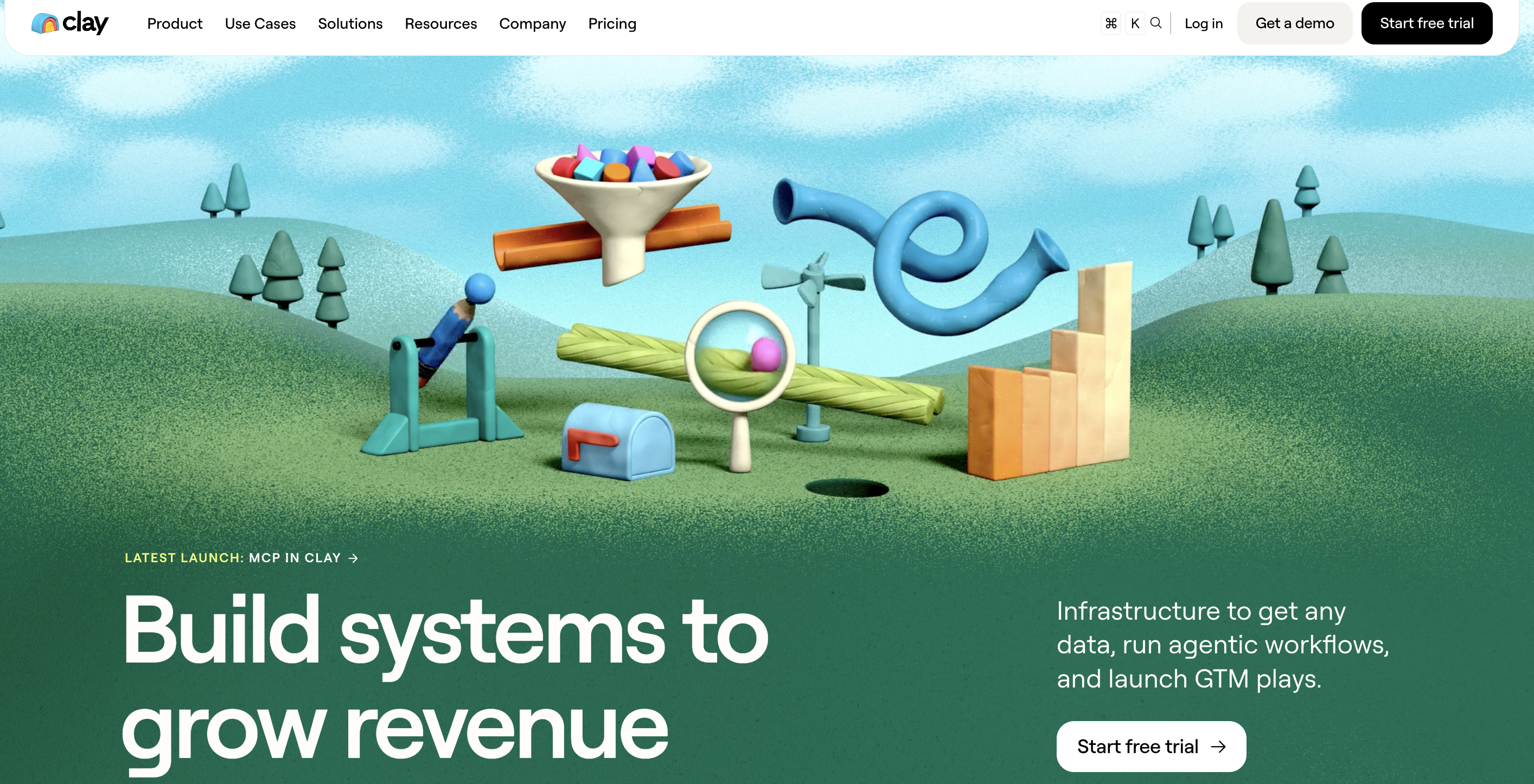
Clay fits RevOps teams that want to design their own enrichment system. You can pull from 150+ providers, run multi-provider waterfalls, use Claygent for account and people research, track job changes or company news, and push records into a CRM, warehouse, sequencer, or ad audience.
The tradeoff is control. Clay gives operators a flexible workspace, but the quality depends on how well you design the table, credit rules, prompts, and downstream sync.
Features#
Multi-provider enrichment from 150+ providers.
Waterfall logic for people and company records.
Claygent for account research and custom data points.
Job-change, promotion, new-hire, company-news, social, and web-intent signals by plan.
CRM and data-warehouse sync on Growth and above.
Webhooks, HTTP APIs, and custom functions for GTM engineers.
Native sequencer plus integrations with campaign tools.
Pricing#
Free includes 500 actions per month, 100 data credits per month, unlimited seats and tables, up to 200 rows per table, Claygent, bring-your-own API keys, and Clay's sequencer.
Launch starts at $167 per month with 15,000 actions per month, 3,000 data credits per month, phone enrichment, signals, and 50,000 rows per table.
Growth starts at $446 per month with 40,000 actions per month, 6,000 data credits per month, CRM and warehouse sync, web intent, webhooks, HTTP API integrations, and one ads audience.
Enterprise is custom and adds bulk enrichment, SSO, role controls, dedicated support, and custom credit economics.
We have a longer dive on CommunityTracker API integration if your team wants to move signal data into the rest of your GTM stack.
Pros#
Flexible enough for CRM cleanup, outbound list building, custom research, and account scoring.
Waterfalls reduce dependency on a single data vendor when one provider misses a record.
Credit reporting and bring-your-own API keys help operators control enrichment economics.
Signals, webhooks, and CRM sync make it useful beyond one-time CSV enrichment.
Cons#
A bad table design can burn credits without producing route-ready records.
Growth-level features are where CRM sync, web intent, data warehouses, and HTTP API integrations start to matter.
Sales teams that need a simple rep workspace may find Clay too operator-driven.
Native community-signal capture is not the center of the product.
3. Apollo#
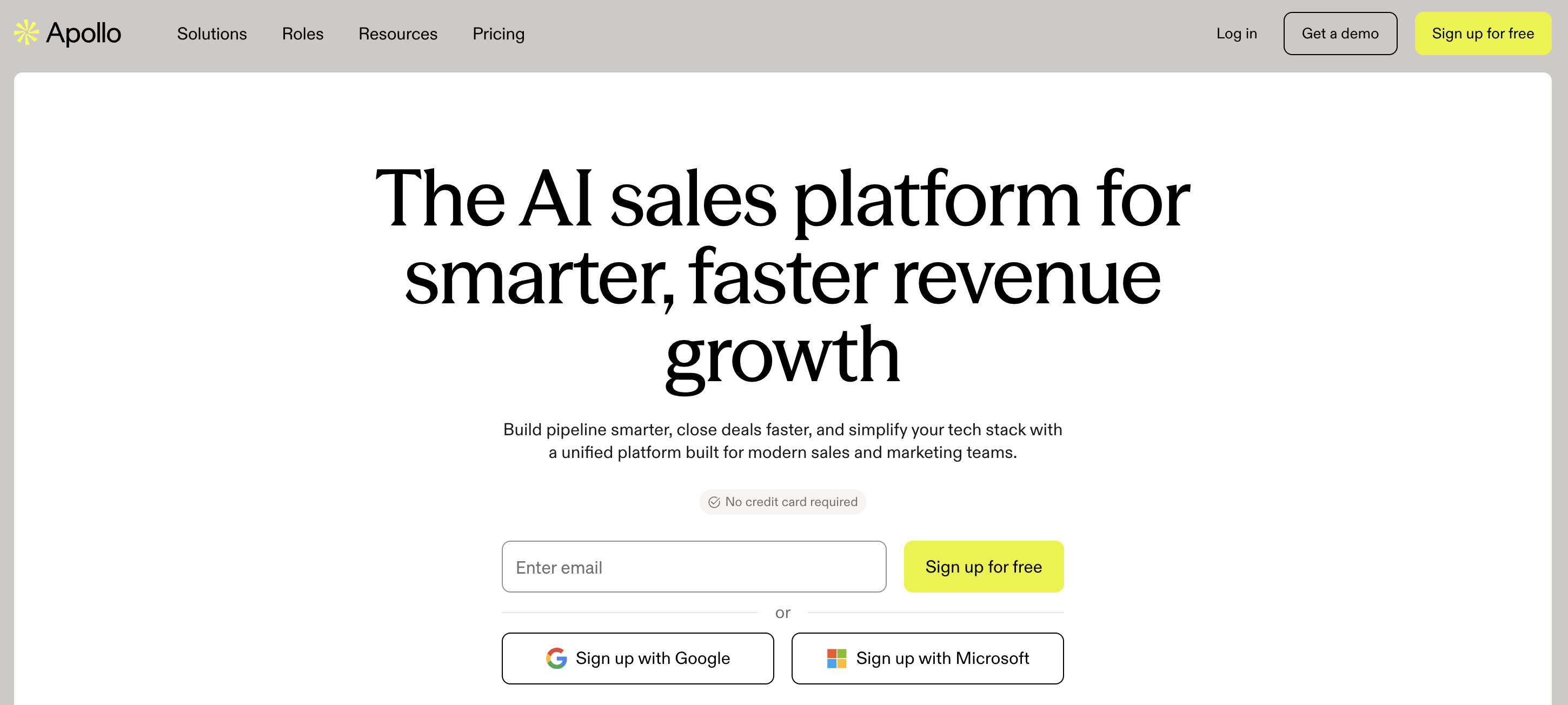
Apollo is a common first enrichment tool because it combines contact search, company data, email addresses, mobile credits, sequences, dialer features, CRM export, and intent data inside one sales platform. It is useful when reps want to build lists and start outreach without asking RevOps to assemble a custom waterfall.
Apollo's weakness for this use case is the same as its appeal: it is broad. It can enrich and engage, but it does not specialize in community-sourced buyer signal detection.
Features#
B2B contact and company search for sales prospecting.
Email credits, mobile credits, export credits, and enrichment credits.
Email campaigns and sequences, with mailbox rules tied to plan level.
Dialer, A/B testing, intent data, and advanced controls on higher tiers.
Salesforce, HubSpot, Outreach, Salesloft, Marketo, SendGrid, LinkedIn, and email integrations.
Custom API access for advanced use cases.
Opportunity and pipeline features for sales teams that want one workspace.
Pricing#
Free is $0 and works as a starter tier with limited credits.
Basic starts at $49 per user per month on annual billing. Professional starts at $79 per user per month on annual billing.
Organization starts at $119 per user per month on annual billing with a three-user minimum.
Trial plans include 50 credits and 5 mobile credits; the top custom tier gates advanced terms, enterprise needs, and API-heavy use cases.
Pros#
Reps can find contacts, save lists, enrich records, and start email sequences without leaving the workspace.
Transparent self-serve tiers make early budgeting easier than quote-only platforms.
CRM and sales-engagement integrations cover the common outbound stack.
The database plus engagement combo works well for SMB and mid-market outbound teams.
Cons#
Credits can make heavy phone, export, and enrichment usage more expensive than the seat price suggests.
Community conversation tracking is not the main product motion.
Organization has a three-user minimum, which can raise the practical entry price for small teams.
Teams with strict data governance may need a more controlled RevOps layer around usage.
Turn Social Buyer Signals Into Pipeline With CommunityTracker
4. ZoomInfo#
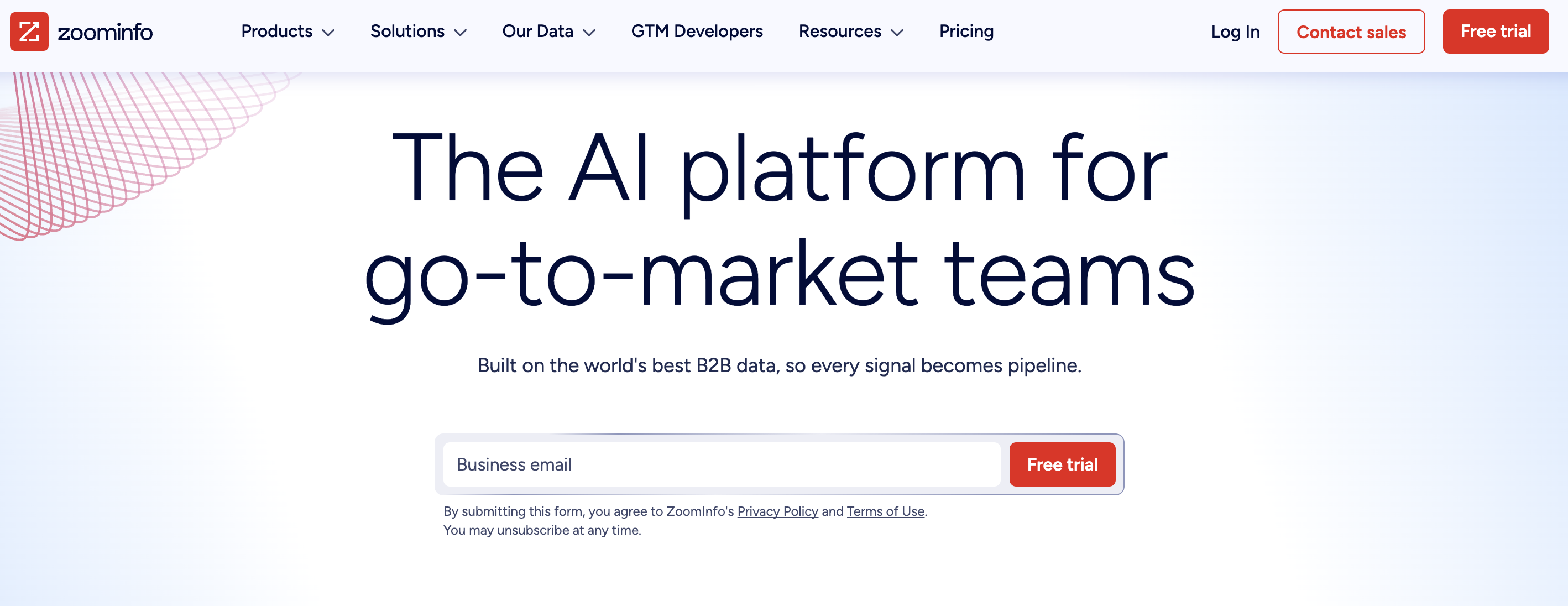
ZoomInfo is the enterprise default many teams evaluate when they need large-scale company and contact data. Its Sales product covers contact profiles, direct dials, business emails, company insights, buying intent, website visitor tracking, CRM integrations, Engage, Chorus, and workflow automation.
For RevOps, ZoomInfo's strength is breadth and maturity. Its limitation is buying complexity: pricing depends on licenses, credit usage, add-ons, integrations, and packaging.
Features#
Contact and company data across large B2B datasets.
Direct dials, business emails, firmographics, technographics, funding data, and org context.
Buyer intent, website visitor tracking, champion tracking, and job-posting changes.
CRM, marketing automation, and sales-engagement integrations.
Copilot Advanced and Enterprise tiers for account prioritization, signals, workflows, and AI account summaries.
Marketing Demand and ABM packages for audience building and intent targeting.
Conversation intelligence through Chorus and engagement tools through Engage.
Pricing#
Buyer-reported ranges put Professional around $14,995 per year, Advanced around $24,995 per year, and Elite around $39,995 per year, with many real team deployments landing between $30,000 and $60,000 after seats and add-ons.
ZoomInfo offers a free trial path through sales. The highest packages gate advanced intent, automation, enterprise reporting, custom integrations, and dedicated support.
Pros#
Deep enterprise data coverage makes it useful for broad TAM work and named-account selling.
Intent, website visitor tracking, and workflow products give RevOps more than basic field append.
Mature CRM and marketing automation integrations support larger operating models.
Admin, reporting, onboarding, and package depth fit teams with formal procurement and governance needs.
Cons#
The buying process is sales-led, so cost discovery takes longer than self-serve tools.
Annual contracts, seats, credits, and add-ons can make the real deployment much larger than the entry quote.
Smaller teams may pay for database scale before they prove the outbound motion.
Community-thread context is not the central enrichment input.
5. Cognism#
Cognism is a good fit when sales lead enrichment depends on accurate mobile data, EMEA coverage, GDPR-conscious workflows, and intent topics. It is sold through Standard and Pro packages, with CRM Enrichment and Data-as-a-Service available as add-ons or separate products.
The product is built for teams that value contact-data confidence and compliance more than low-friction self-serve buying.
Features#
Standard prospecting package with company revenue, headcount, HQ, emails, mobiles, job titles, work history, technology usage, hiring, funding, M&A, job changes, AI company research, AI persona builder, AI search, CSV enrichment, and SSO.
Pro adds premium mobile filtering, on-demand mobile verification, intent data, and stronger prospecting workflows.
CRM Enrichment can enrich and maintain CRM records at scale.
Data-as-a-Service delivers data by API or bulk delivery.
Bombora Company Surge topics support intent prioritization.
Credits are used when a contact record is revealed.
Sales Prospecting packages include five seats.
Pricing#
Buyer-reported ranges commonly place Standard-style deployments around $15,000+ per year and Pro-style deployments around $25,000 to $30,000+ per year for five-seat teams.
Cognism offers a sales-led evaluation and sampled data routes; there is no permanent free plan. The top package gates on-demand mobile verification, intent data, CRM enrichment add-ons, Data-as-a-Service, and larger support needs.
Pros#
Strong fit for teams that prioritize mobile numbers and European data compliance.s.
CRM Enrichment and Data-as-a-Service give RevOps more deployment options than rep lookup alone.
Intent topics help sales teams prioritize accounts that are researching related problems.
Cons#
The strongest data is contact and mobile coverage, not social-first buying context.
API and CRM enrichment choices may require more setup than a simple Chrome-extension workflow.
6. Lusha#
Lusha gives a straightforward way to reveal verified emails, phone numbers, company data, intent topics, and signals through a web app, API, and browser extension. It is a practical option when you want contact data fast and does not need a full GTM control plane.
The credit model is easy to understand: email reveals cost less than phone reveals, so phone-heavy outbound needs closer math.
Features#
Verified emails and phone numbers.
Contact and company lookalikes.
Bulk enrichment, CSV enrichment, CRM export, API, webhooks, and MCP support by plan.
Buying intent topics and signals on higher tiers.
LinkedIn and website browser extension.
Automated email sequences and conversation intelligence features.
SOC 2, ISO 27701, GDPR, CCPA, and do-not-call support listed in plan comparisons.
Pricing#
Free is $0 with 40 credits per month and one seat.
Starter is $49.90 per month on monthly billing, or $32.45 per month billed yearly, with 4,800 credits per year and one seat.
Pro is $69.90 per month on monthly billing, or $45.45 per month billed yearly, with 7,200 credits per year and two included seats.
Premium is $399.90 per month on monthly billing, or $259.95 per month billed yearly, with 40,800 credits per year and five included seats.
Scale is custom and offers custom credits, custom seats, larger discounts per credit, SSO, 25 intent topics, advanced compliance, dedicated success, and priority support.
Pros#
Excellent Chrome extension makes capturing and enriching prospects directly from LinkedIn fast and reliable.
Strong contact database with verified emails and direct dials for outbound prospecting.
CRM integrations and enrichment workflows fit both SDR prospecting and RevOps automation.
Company intent and buying signals add useful context beyond basic contact enrichment.
Cons#
Buyer intent capabilities are limited compared to dedicated signal intelligence platforms.
Coverage is strongest for contact enrichment rather than account-level buying journeys.
Doesn't monitor community conversations across Reddit, GitHub, LinkedIn, Slack, and other intent-rich channels.
Better suited for finding contacts than identifying why an account is ready to buy.
7. LeadIQ#
LeadIQ is built around the daily SDR workflow: find contacts, track sales triggers, enrich CRM data, generate emails, and move prospects from LinkedIn or database search into the rest of the outbound stack. It also includes Lando, its AI sales agent, on Enterprise.
The product works best when reps spend a lot of time in Sales Navigator and RevOps wants cleaner capture into Salesforce, Outreach, Salesloft, and related systems.
Features#
People search with emails and mobile numbers.
Chrome extension for prospect capture.
Job-change tracking for champions.
Signals such as 10-K mentions, podcast mentions, hiring, and related account events.
CRM enrichment, webform enrichment, and company search.
AI outbound message writer.
MCP integration and API access.
Enterprise controls for duplicate detection, custom field mapping, analytics, governance, and Lando.
Pricing#
Free is $0 with one user and 50 credits.
Pro starts at $200 per month with up to five users, and the page invites teams to try any plan free for 30 days.
Enterprise is annual and custom, adding AI account prospecting, governance controls, file enrichment, advanced admin settings, Salesforce duplicate detection, team analytics, custom mappings, SSO, and Lando.
LeadIQ credits cost 1 credit for email, 10 credits for a phone number, 11 credits for email plus phone, and 3 credits for account enrichment.
Pros#
One of the best LinkedIn-first workflows for SDRs capturing prospects into Salesforce and sequencing tools.
Job-change tracking helps teams reconnect with former champions at the right time.
CRM enrichment, duplicate detection, and governance features make it attractive for larger RevOps teams.
AI email generation and sales-trigger tracking reduce manual prospect research.
Cons#
Buying signals focus mainly on company events rather than deeper buyer intent.
Works best when LinkedIn is already central to your prospecting workflow.
Social media conversations and external buying intent are outside its core strengths.
Not designed to help reps discover buyers before they enter traditional sales channels.
8. UpLead#
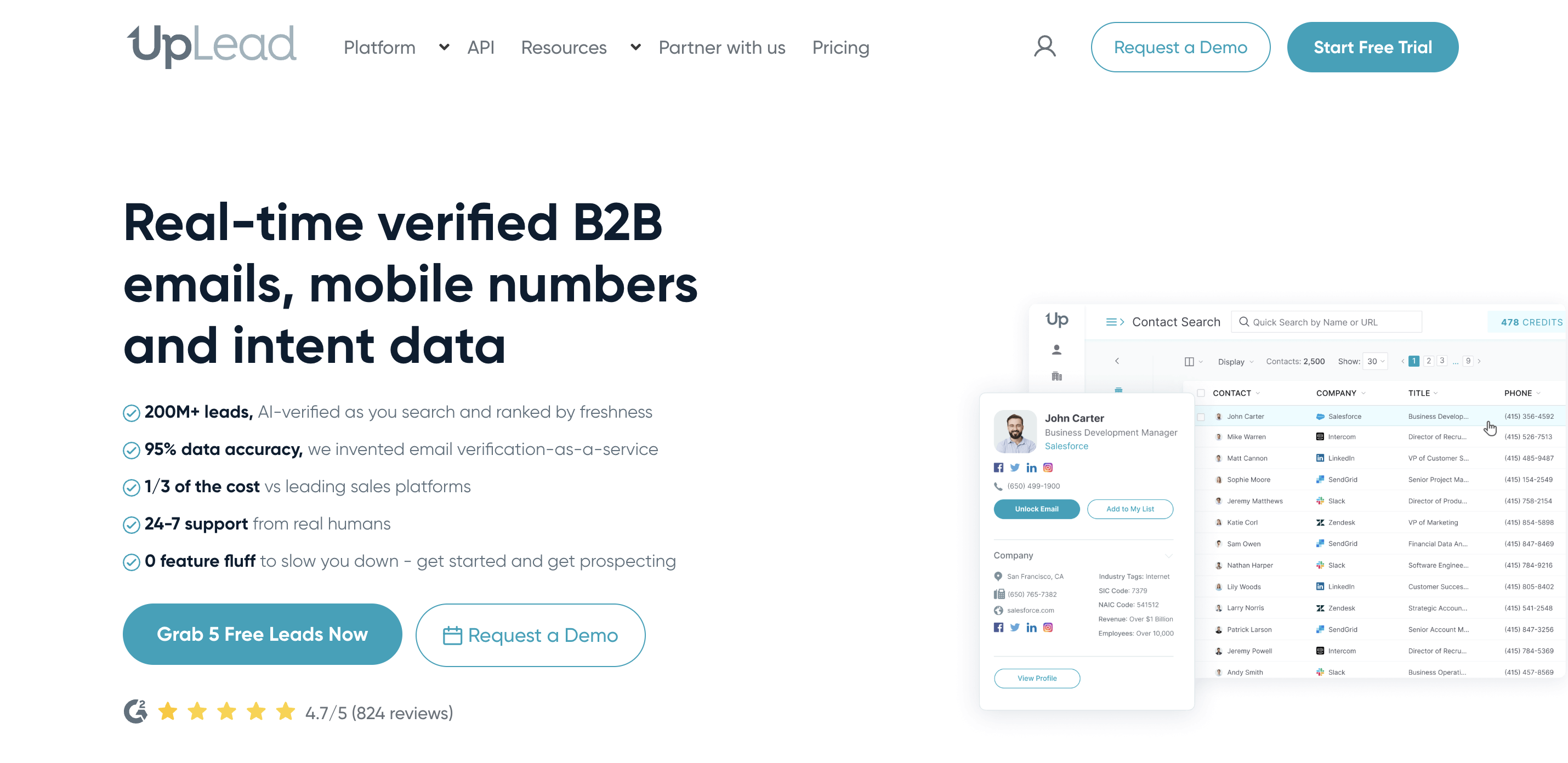
UpLead is one of the cleaner self-serve options for teams that want verified emails, mobile direct dials, company data, technographics, and enrichment without enterprise procurement. It also gives clear credit counts for its trial and paid plans.
For RevOps, the appeal is cost legibility. You can estimate a 1,000-contact enrichment run without asking for a quote until you need Professional.
Features#
Verified emails and verified phone numbers.
Mobile direct dials.
Chrome extension.
CRM integrations with Salesforce, HubSpot, Zoho, Pipedrive, Microsoft Dynamics 365, Outreach, Salesloft, Reply, Woodpecker, Copper, Nimble, Mailshake, Lemlist, Close, Insightly, and Zapier.
Data enrichment, email-pattern intel, technographics, advanced filters, and suppression lists on Plus.
Buyer intent data, full API access, bi-directional CRM sync, competitor intelligence, team management, and dedicated support on Professional.
Additional credits listed by tier.
Pricing#
The Test Drive trial is $0 for 7 days with 5 credits.
Essentials is $99 per month with 170 credits on monthly billing, or $74 per month billed annually with 2,040 credits per year.
Plus is $199 per month with 400 credits on monthly billing, or $149 per month billed annually with 4,800 credits per year.
Professional is annual-only and custom, gating buyer intent data, all search filters, full API access, bi-directional CRM sync, competitor intelligence, team management, dedicated support, onboarding, and priority phone support.
Pros#
High-quality verified contact data with strong company and technographic enrichment.
Simple interface that's easy for small and mid-sized sales teams to adopt.
Broad CRM and sales engagement integrations fit into most outbound workflows.
Good balance of enrichment, prospecting, and company intelligence without enterprise complexity.
Cons#
Buyer intent capabilities are relatively limited compared to dedicated intent platforms.
Best suited for enriching existing prospects rather than discovering new buying opportunities.
Doesn't capture buying conversations happening across online communities or social platforms.
Larger RevOps teams will eventually outgrow the self-serve workflow.
9. People Data Labs#
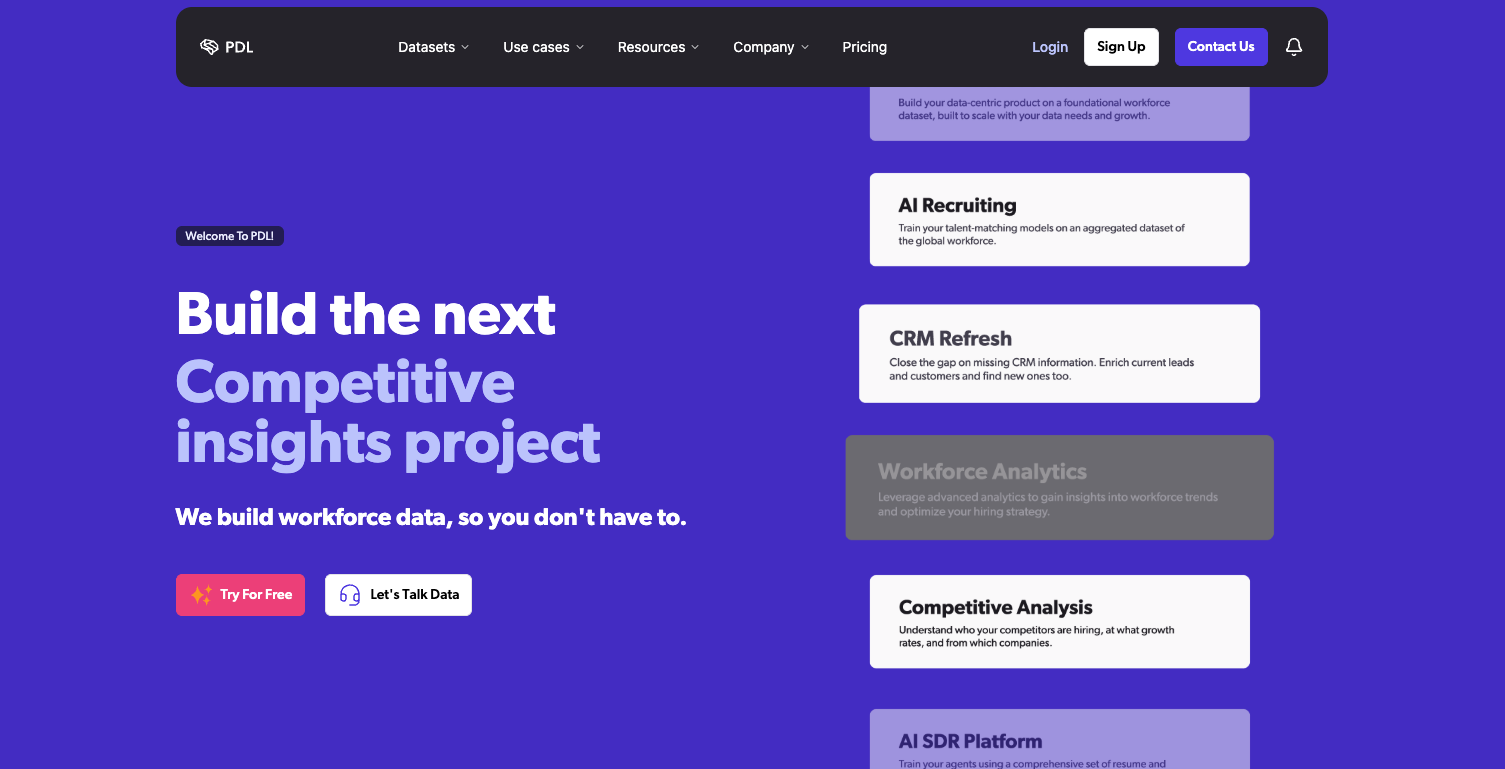
People Data Labs is different from the rep-facing tools on this list. It is a data provider for teams that want person and company data through APIs, data licenses, integrations, and bulk delivery. If RevOps has engineering or data-ops support, PDL can sit behind routing, scoring, enrichment, or internal tools.
Features#
Person Data and Company Data products.
API delivery for enrichment workflows.
Data licensing and flat-file bulk delivery on Enterprise.
Integrations for appending, transforming, and syncing data across systems.
Contact data unlocked on Pro; obfuscated on Free.
Premium fields available as add-ons.
ISO and SOC 2 Type 2 compliance listed across plans.
Pricing#
Free is $0 per month with up to 100 monthly records for API testing, but contact data is obfuscated.
Pro starts at $98 per month with 350 monthly records, contact data, premium-field access, and email support.
Enterprise is custom with formal data testing, custom volume, API or data-license feeds, flexible payment terms, designated success, SSO/SAML, and custom usage terms.
Pros#
One of the strongest API-first enrichment providers for engineering and data teams.
Massive person and company datasets support custom enrichment and scoring models.
Flexible infrastructure works well for internal products, routing systems, and large-scale enrichment.
Strong choice for organizations building proprietary data pipelines.
Cons#
Built for developers rather than SDRs or sales teams.
Requires engineering resources before sales teams can benefit from the data.
Doesn't provide seller workflows, prioritization, or outbound guidance out of the box.
No native community monitoring or external buying-intent discovery.
Final decision guide for sales lead enrichment#
Here's the simplest way to pick:
Use CommunityTracker when you need a live buyer signal from Reddit, LinkedIn, X, Bluesky, Hacker News, Indie Hackers, Dev.to, Stack Overflow, Product Hunt, GitHub, or Slack and get their emails to reach when the signal is active.
Pick Clay when you have an operator who can design enrichment waterfalls, prompts, and sync rules.
Apollo works when you want database search, contact enrichment, and outbound execution in one tool.
ZoomInfo fits larger teams that need enterprise B2B data coverage, procurement support, intent, and admin depth.
Cognism is the right call when verified mobile data and EMEA compliance are more important than self-serve pricing.
Lusha is practical when contact reveal speed and credit math matter more than signal orchestration.
LeadIQ suits SDR teams that live in Sales Navigator and need clean CRM handoff.
UpLead fits small teams that want transparent contact credits and verified data.
People Data Labs belongs behind your systems when engineers or data ops own enrichment.
The 1,000-contact test should not ask only "which vendor filled the most fields?" That question matters, but it misses the RevOps reality.
Ask these instead:
Which records became safe enough to route?
Which ones carried a reason to contact now?
Which source made the rep smarter before the first message?
Which tool exposed hidden usage fees before the campaign scaled?
Which workflow turned enrichment into action without extra manual cleanup?
Use CommunityTracker to turn buyer signals into sales action#
Clay, Apollo, ZoomInfo, Cognism, Lusha, LeadIQ, UpLead, and People Data Labs all solve real enrichment problems. Some are better at contact coverage. Others are better at API delivery, phone data, CRM hygiene, or rep capture.
The gap is the moment before the record exists.
When a founder asks for an alternative on Reddit, a GitHub issue reveals a competitor gap, or a LinkedIn post complains about pricing, you're not looking at a static lead. You are looking at a buyer signal. CommunityTracker helps you catch it before your competitors do, enrich the person behind it, and create an email campaign to reach out to them right when they have shown any social signals.