If you're searching for Clay Alternatives, you're probably dealing with one of three problems: the workflow builder has become too much for the team, the credit math is hard to forecast, or the leads still feel cold after the enrichment is done.
Maybe your RevOps team built a few good Clay tables, but reps still ask which accounts deserve action today. Your SDRs may have clean emails and phone numbers, yet no reason to reach out beyond a generic persona match. Or your founder wants pipeline from Reddit, LinkedIn, X, Bluesky, Hacker News, Indie Hackers, Dev.to, Stack Overflow, Product Hunt, GitHub, and Slack before competitors see the same conversations.
The bigger shift in 2026 is simple: enrichment alone is no longer enough for high-performing outbound. Teams want the trigger, the person, the context, and the next move in one workflow. That is where the right Clay alternative depends on the actual RevOps job you need solved.
There's a bigger thing worth flagging before we get into the list. CommunityTracker is our product, and we are putting it first because this article is written for teams that care about buyer signals and action, not static contact data alone. We'll let you decide after you see what we bring to the table.
In this post we'll cover the best Clay alternatives by use case, compare them on RevOps criteria, then show where each tool fits or breaks. By the end, you'll know which tool belongs in your GTM motion and which one adds another system to manage.
Let's get started.
TL;DR: the best Clay alternative depends on the GTM motion#
Clay is still a strong enrichment workbench when an ops-heavy team wants custom waterfalls, AI columns, and complex automations. The alternatives below make more sense when you need a narrower job done faster.
CommunityTracker - Best alternative if you're looking for buyer signals from Reddit, LinkedIn, X, Bluesky, Hacker News, Indie Hackers, Dev.to, Stack Overflow, Product Hunt, GitHub, and Slack, plus contact enrichment and outreach action.
Apollo - Best alternative if your reps need a contact database, sequencing, and basic enrichment in one sales workspace.
Common Room - Best alternative if your GTM team needs enterprise signal orchestration across product, community, CRM, and sales activity.
ZoomInfo - Best alternative if your company wants a broad enterprise data platform with org charts, intent, routing, and mature admin controls.
Cognism - Best alternative if phone-verified B2B data and EMEA coverage matter more than workflow flexibility.
Persana AI - Best alternative if you want live intent signals, enrichment, and AI-led outbound flows inside one prospecting system.
FullEnrich - Best alternative if you only need waterfall email and phone enrichment without Clay's table-building overhead.
LeadIQ - Best alternative if SDRs prospect from LinkedIn and need quick CRM sync, champion tracking, and simple enrichment.
Lusha - Best alternative if your team wants verified contacts, buying signals, and GTM plays without a heavy ops build.
UpLead - Best alternative if you need real-time verified contact data with clear credit bundles.
Seamless.AI - Best alternative if a high-volume sales team wants contact search, enrichment, and outreach automation under one vendor.
How I judged these Clay alternatives#
I judged these tools by what a RevOps manager actually needs after the lead record is enriched. A Clay replacement cannot be only a cheaper database. It has to reduce manual work, explain why a buyer matters now, sync cleanly into the sales stack, and help reps act before the signal goes stale.
Buyer-signal depth: Does the tool find timing signals such as community posts, job changes, funding, hiring, competitor pain, or product activity?
Enrichment workflow: Can RevOps enrich contacts and accounts without rebuilding brittle tables every week?
Outreach handoff: Does the tool push the signal into email, LinkedIn, phone, CRM, Slack, or a sales engagement platform?
Pricing control: Can a team forecast cost before a campaign runs, or does usage create surprise credit burn?
Operational fit: Is the tool built for SDR execution, RevOps data quality, demand gen, founder-led outbound, or enterprise GTM operations?
Why teams switch from Clay#
Clay works best when someone owns the system. The team needs to understand tables, waterfall logic, data credits, actions, enrichment providers, AI prompts, and integrations. That flexibility is the point, but it is also the cost.
Clay's Free plan includes 100 Data Credits and 500 Actions per month. Launch starts at $185 per month with 2,500 Data Credits and 15,000 Actions.
Growth starts at $495 per month with 6,000 Data Credits and 40,000 Actions. That pricing can work for a team with clean workflows and a clear operator.
It gets harder when every campaign needs new rows, new enrichment steps, and another round of debugging.
RevOps teams usually leave Clay for one of five reasons:
They need buyer intent before enrichment, not after it.
Reps want a ready-to-use outbound workspace instead of a table.
Finance wants simpler pricing than data credits plus workflow actions.
The team needs phone-verified data, EMEA coverage, or enterprise governance.
The company has no GTM engineer to maintain enrichment logic.
Clay still deserves credit. It gives advanced teams a flexible way to combine many data sources, run waterfalls, use AI columns, and automate research. The problem is fit. A team trying to turn community conversations into pipeline should not buy a generic enrichment workbench and then rebuild the signal layer from scratch.
We wrote a full guide on AI social listening tools that find buyer intent if your main gap is signal discovery rather than database enrichment.
Clay alternatives compared for RevOps teams#
CommunityTracker | Community buyer signals | 11-platform signal capture + enrichment | Slack, email, LinkedIn, phone, meeting links | Free; paid from $39/mo | You need a publishing suite |
Apollo | Database plus sequences | Large contact database + intent filters | Built-in email sequences | Free; paid from $49/user/mo annually | You need deep community context |
Common Room | Enterprise signal orchestration | Product, CRM, enrichment, community, web signals | Workflows, alerts, CRM, SEP | Essential $2,500/mo billed annually | You need self-serve SMB pricing |
ZoomInfo | Enterprise sales intelligence | Contact, company, intent, routing | CRM, SEP, marketing tools | No self-serve price; reported near $15k/yr | You need low-cost testing |
Cognism | Phone-verified B2B data | Credits for revealed contacts + intent | CRM exports and integrations | Custom; reported around $15k-$20k/yr | You need transparent self-serve buying |
Persana AI | Intent-led outbound engine | 100+ providers and 75+ signals | CRM, Slack, email sequencing | Free; paid from $68/mo annually | You need lightweight contact lookup |
FullEnrich | Waterfall contact enrichment | Email and phone waterfalls | CRM and AI-agent workflows | Free trial; paid from $29/mo | You need prospecting and sequencing |
LeadIQ | SDR prospect capture | Contact data, job changes, CRM enrichment | CRM, Outreach, Salesloft | Free; paid from about $15/mo and scales | You need complex enrichment workflows |
Lusha | Verified data and plays | Contacts, buying signals, GTM plays | CRM, API, MCP, automations | Free; paid from $49.90/mo monthly | You need broad custom waterfalls |
UpLead | Verified B2B contacts | Real-time email verification + intent | CRM, API, exports | Free trial; paid from $99/mo | You need built-in outbound sequences |
Seamless.AI | High-volume prospecting | Contact search, enrichment, AI agents | Engagement Hub and automation | Free; Pro quote-only, reported $147+/mo | You need transparent pricing |
Alternative #1: CommunityTracker#
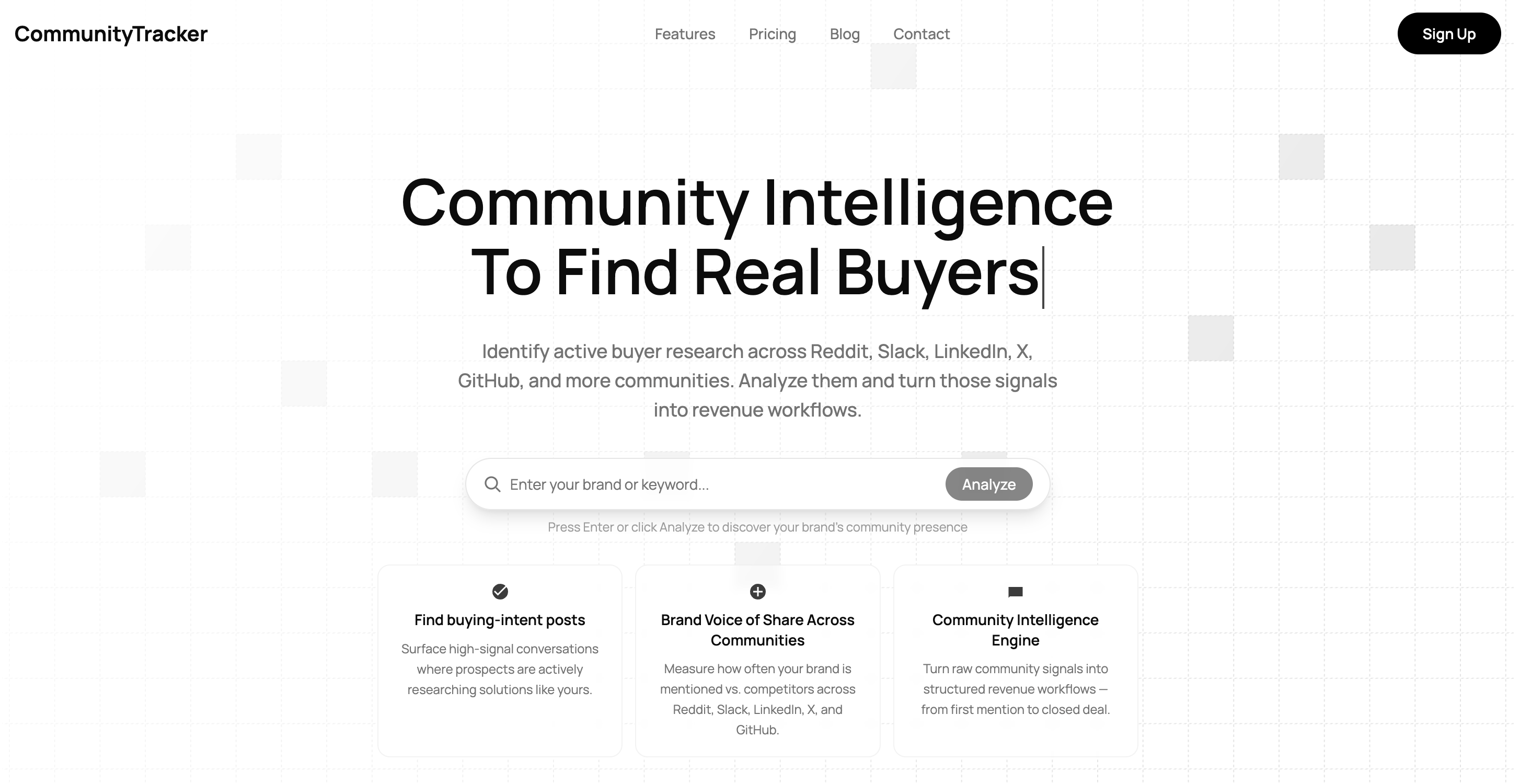
CommunityTracker is the best Clay alternative when your enrichment problem starts before the spreadsheet. Clay helps you build enriched lists. CommunityTracker helps you catch buyer signals while they still matter, enrich the person behind the signal, and move from signal discovery to GTM action.
Disclosure: We build CommunityTracker, and it earns the top slot here because Clay alternatives for RevOps teams should include tools that find live buyer intent before enrichment begins.
Who should not choose CommunityTracker: Pick Apollo or UpLead if you only need a broad contact database for static list building. Choose Sprout Social or Hootsuite if your real job is publishing, scheduling, or managing owned social accounts.
Features#
CommunityTracker tracks keyword and ICP mentions across Reddit, LinkedIn, X, Bluesky, Hacker News, Indie Hackers, Dev.to, Stack Overflow, Product Hunt, GitHub, and Slack.
It scores intent, gives thread context, generates response drafts, pushes daily Slack alerts, supports warm email workflows, and turns community activity into a lead qualification motion.
You can also bring a manual lead list into CommunityTracker and enrich it with social signals, recent activity, and industry context. That matters when a RevOps team wants to prioritize outreach by what the buyer just did, not only by company size, funding, or job title.
A founder on Reddit asking which tool replaces the one they are on is not a cold lead. Budget is already moving. CommunityTracker scores it as a high-intent signal, drafts a response, and pushes a Slack alert so the team can act before competitors do.
We covered the broader measurement problem in our guide to community engagement analytics.
Pricing#
CommunityTracker has a Free plan at $0 for one Reddit keyword with daily alerts and basic analytics.
Starter is $39 per month for four keywords and 5,000 mentions across Reddit, LinkedIn, Hacker News, and GitHub, with daily alerts, up to 100 warm emails per month, and the response generator.
Pro is $99 per month for 10 keywords, unlimited mentions, all eleven platforms, advanced AI filtering, unlimited warm emails, AI scoring, daily Slack alerts, Share of Voice, and Community AI. Advanced is $199 per month for 20 keywords, unlimited mentions, Share-of-Voice Exporter, and AI visibility. Annual billing is contact.
CommunityTracker vs Clay#
Clay starts with a list or table and lets RevOps enrich, transform, and route it. CommunityTracker starts with live community behavior and asks whether that behavior is worth action. For teams that already know their ICP but miss timing, that starting point matters.
Clay is stronger for custom enrichment logic across many providers. CommunityTracker is stronger when the GTM motion needs to catch buyer signals across Reddit, LinkedIn, X, Bluesky, Hacker News, Indie Hackers, Dev.to, Stack Overflow, Product Hunt, GitHub, and Slack, then send the next move to sales.
Pros#
It connects signal discovery, contact context, outreach drafting, Slack alerts, and qualification in one GTM workflow.
The platform list matches where B2B SaaS buyers actually ask questions, complain about tools, compare vendors, and reveal switching intent.
Pricing is usable for lean GTM teams, with Starter at $39 per month and Pro at $99 per month.
It forces RevOps to prioritize intent quality, not mention volume.
Cons#
CommunityTracker is not a publishing, scheduling, or owned-account management suite.
It is newer than enterprise data vendors, so teams with heavy procurement, custom security reviews, and legacy enrichment contracts may need more evaluation time.
It is built for signal-led GTM, not generic data warehousing or unlimited provider chaining.
Static database coverage is not the main job; a pure list-building team may still need Apollo, UpLead, or ZoomInfo.
Summary#
CommunityTracker is the safer buy when your outbound problem is timing. If your team already has enough records but misses the buyer signal, CommunityTracker gives reps the post, the context, the person, and the next move.
Alternative #2: Apollo#
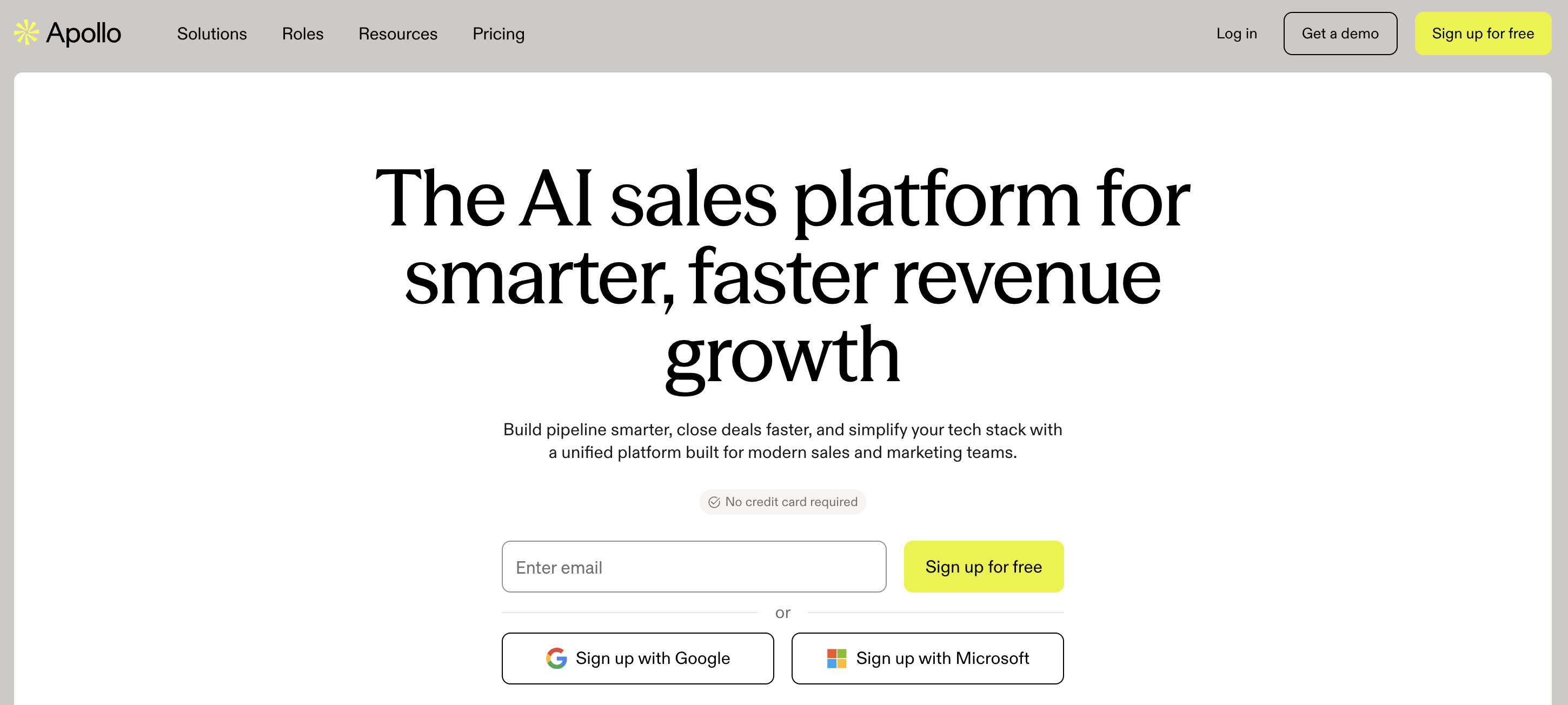
Apollo is the obvious Clay alternative for teams that want enrichment and outbound in the same place. It gives reps a large B2B contact database, search filters, intent filters, email sequencing, task workflows, analytics, and CRM sync without asking RevOps to build every step from scratch.
Features#
Apollo combines contact search, company profiles, enrichment, email sequences, call tasks, CRM integrations, and reporting. Reps can find accounts, filter by persona, add contacts to sequences, and track outreach performance inside the same workspace.
For a sales team that uses Clay mainly to build lead lists and push them into outbound, Apollo is simpler. The tradeoff is that Apollo is database-led. It can help identify prospects and run outreach, but it does not give the same community-thread context that a signal-led GTM team needs.
Pricing#
Apollo has a Free plan at $0 with 900 credits per seat per year, granted monthly. Basic starts at $49 per user per month on annual billing. Professional starts at $79 per user per month on annual billing. Organization starts at $119 per user per month on annual billing and adds stronger team controls and advanced workflows. Trial plans include 50 credits and 5 mobile credits.
Apollo vs Clay#
Apollo is easier for reps because the database and sequencer are already there. Clay gives RevOps more control over custom waterfalls, provider choice, and AI transformations. A small team that wants one sales workspace will usually move faster with Apollo. A GTM engineering team that wants to build its own enrichment logic may still prefer Clay.
Pros#
Reps can search, enrich, sequence, and report without leaving the sales workspace.
Public pricing makes the first buying conversation easier than enterprise quote-only vendors.
CRM and sales engagement workflows fit outbound teams that need volume and follow-through.
The free plan gives small teams a low-risk way to inspect data coverage before buying.
Cons#
Community signals are not the center of the workflow.
Credit allocation can still become a planning issue once multiple reps export and enrich contacts.
Advanced teams may hit limits when they want custom provider waterfalls or unusual data logic.
Data quality can vary by segment, geography, seniority, and phone availability.
Summary#
Apollo wins when reps need a usable outbound system today. CommunityTracker fits better when the GTM team wants to know which buyer is showing intent in a live community conversation before any sequence starts.
Alternative #3: Common Room#
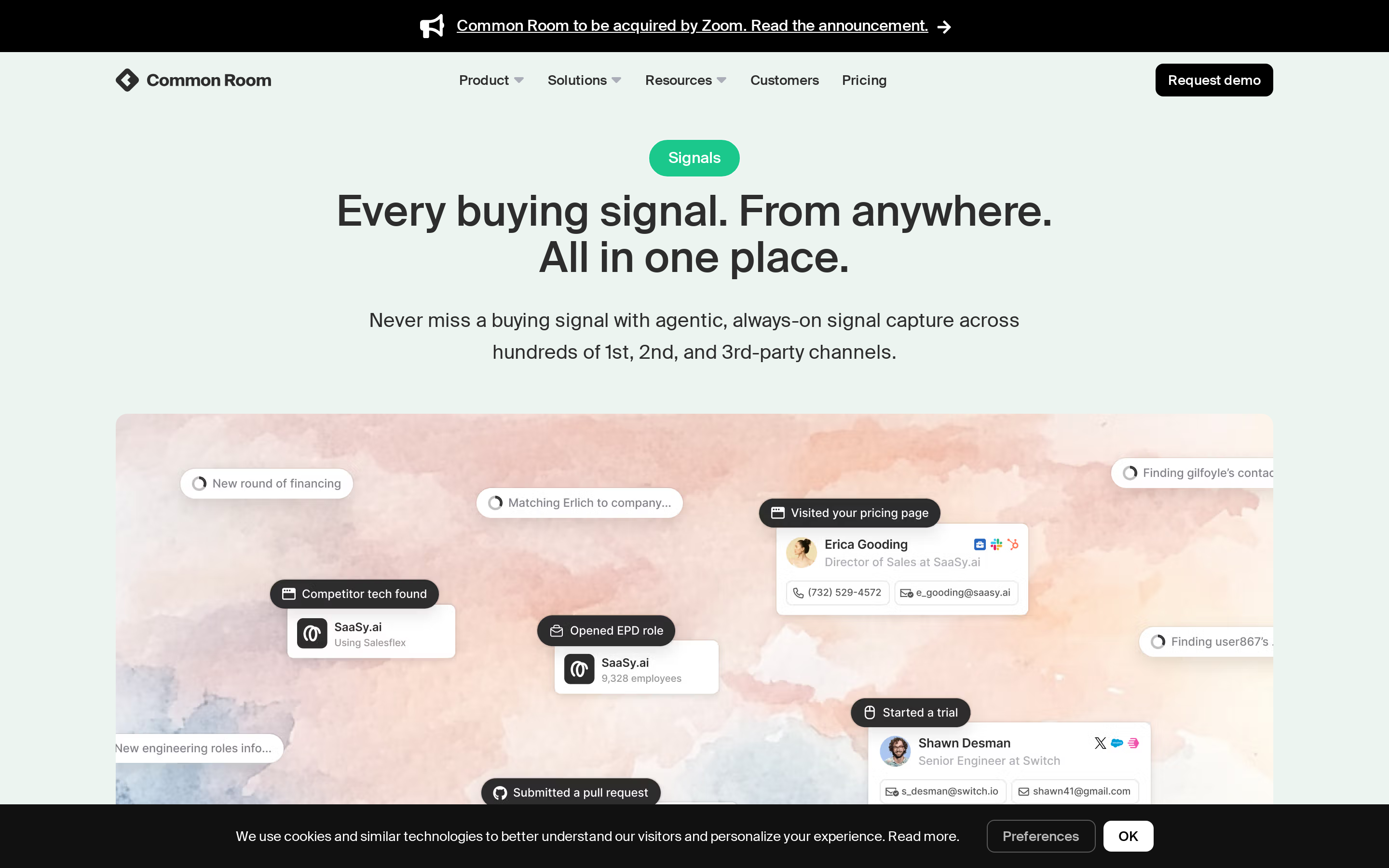
Common Room is a strong Clay alternative for enterprise teams that want buyer intelligence across first-party and third-party signals. It brings enrichment, identity resolution, workflows, alerts, CRM integrations, product signals, community signals, and AI research into a single GTM platform.
Features#
Common Room tracks signals from product usage, website visits, job changes, community activity, CRM history, and sales activity. Its Context360 and Prospector workflows help revenue teams connect person-level identity, account context, and sales action.
The better fit is enterprise RevOps. Common Room makes sense when the company has multiple signal sources, enough reps to use workflows, and the budget to operationalize a full GTM intelligence platform.
We wrote a deeper comparison in our Common Room alternatives guide.
Pricing#
Common Room's Essential plan is $2,500 per month billed annually, with five seats, up to 100,000 contacts, 5,000 RoomieAI research credits, 2,500 Prospector credits, unlimited alerts, workflows, and segments. Advanced and Enterprise are custom. Advanced includes 15 seats and up to 250,000 contacts. Enterprise includes 30 seats and up to 750,000 contacts. No free plan or trial is published.
Common Room vs Clay#
Clay is an enrichment and automation workbench. Common Room is closer to an enterprise GTM command center. It is a stronger option when signals come from many systems and need to feed coordinated sales plays. Clay is still easier to justify for a smaller team that wants custom enrichment tables without enterprise platform cost.
Pros#
It connects enrichment, identity resolution, alerts, workflows, and sales context across multiple GTM surfaces.
The contact and credit limits are designed for larger teams, not solo operators.
CRM, SEP, Slack, MCP, and workflow support make it easier to embed signal data into the tools reps already use.
It gives RevOps more control over enterprise routing and segmentation than lighter prospecting tools.
Cons#
The entry price is high for startups and lean sales teams.
It can be more platform than a team needs if the job is only email and phone enrichment.
Procurement, implementation, and workflow design will take more planning than self-serve tools.
A team without multiple signal sources may not use enough of the platform to justify the spend.
Summary#
Common Room is the enterprise pick when GTM signals already exist across many systems and RevOps needs one operating layer. For B2B SaaS teams focused on community buyer signals and faster outreach, CommunityTracker gives a narrower path from signal discovery to GTM action.
Alternative #4: ZoomInfo#
ZoomInfo is the Clay alternative for companies that want a mature enterprise sales intelligence platform. It combines contact data, company data, org charts, intent signals, routing, enrichment, sales workflows, marketing integrations, and admin controls.
Features#
ZoomInfo helps teams identify target accounts, find decision-makers, map buying committees, enrich CRM records, route leads, and trigger follow-up workflows. It also supports intent signals, funding events, job changes, technology adoption, and account research.
For RevOps, the appeal is scale and governance. ZoomInfo can support sales, marketing, operations, and data workflows across a larger company. The downside is buying complexity and cost.
Pricing#
ZoomInfo publishes no self-serve paid price. The pricing page offers a free trial and package discussions across SalesOS, MarketingOS, TalentOS, and OperationsOS.
Price commonly starts near $15,000 per year for entry packages and climb with seats, credits, add-ons, and contract scope. No free plan is published. The top tiers gate deeper intent, workflow, data, and enterprise controls.
ZoomInfo vs Clay#
ZoomInfo gives RevOps a broad data platform with enterprise support. Clay gives operators a flexible workspace to build custom enrichment and automation logic.
ZoomInfo is better when procurement wants one established vendor for data, intent, and account intelligence. Clay is better when a GTM engineer wants to compose many data sources in a table.
Pros#
Enterprise buyers get mature data, admin controls, integrations, and support paths.
Org charts and buying committee data help reps work complex accounts.
Intent, funding, job change, and technology signals can help prioritize accounts beyond static firmographics.
CRM and marketing integrations fit larger revenue teams with routing and segmentation needs.
Cons#
Cost is hard to evaluate without a sales process.
Smaller teams may pay for capabilities they do not use.
Community conversations are not the center of the product.
Contract size and implementation work can slow experimentation.
Summary#
ZoomInfo is the heavyweight option for sales intelligence at scale. Teams that need live community intent and a lower-friction path to warm outreach will get more direct value from CommunityTracker.
Alternative #5: Cognism#
Cognism is a strong Clay alternative when phone-verified B2B data, European coverage, and compliance-aware prospecting matter more than workflow building. It focuses on sales intelligence, CRM enrichment, data-as-a-service, and contact records your team can trust enough to call.
Features#
Cognism gives teams company and contact data, CRM enrichment, CSV enrichment, intent data, hiring signals, funding and M&A signals, job changes, AI company research, persona building, and integrations with Salesforce, HubSpot, Pipedrive, and other sales tools.
The practical RevOps use case is database quality. If the team is constantly patching phone numbers, missing fields, or regional compliance concerns, Cognism may solve more pain than a flexible enrichment builder.
Pricing#
Cognism uses custom pricing with Standard and Pro packages. Each seat includes a credit allocation, and one credit is used when a contact record is revealed.
Additional credits can be purchased. No self-serve free plan is published, though the market commonly references demo-led data samples.
Reported annual contracts often start around $15,000 to $20,000 and rise with seats, credits, Diamond Data, intent, CRM enrichment, and data-as-a-service scope.
Cognism vs Clay#
Cognism is a data-vendor decision. Clay is an enrichment-workflow decision. A team that wants phone-verified records and EMEA strength will prefer Cognism.
A team that wants to create custom waterfall workflows across many providers may still prefer Clay.
Pros#
Phone-verified data is useful for teams that rely on calls, not only email.
EMEA coverage and compliance positioning make it appealing for European GTM motions.
CRM enrichment and data-as-a-service options fit RevOps data quality projects.
Intent, hiring, funding, M&A, and job change signals help prioritize accounts.
Cons#
Pricing is quote-led, so smaller teams cannot compare cost quickly.
It is not a community-signal workflow for Reddit, LinkedIn, X, GitHub, Slack, or technical forums.
Teams still need a separate motion for response drafting, warm outreach, and meeting conversion.
It can be too data-vendor-focused if the actual problem is signal timing.
Summary#
Cognism is the cleaner buy when phone data quality and EMEA coverage drive the decision. CommunityTracker fits when the buyer signal starts in a public conversation and the team needs to act before the thread cools down.
Alternative #6: Persana AI#

Persana AI is a Clay alternative for teams that want enrichment, intent signals, and outbound execution in one prospecting workflow. It is closer to a GTM engine than a pure database, with signals, AI agents, CRM sync, and sequencing capabilities.
Features#
Persana tracks job changes, funding news, hiring trends, G2 reviews, website visits, keyword intent, competitor information, technographics, website activity, product data, and social listening. It also supports lead generation, enrichment, AI message generation, sequencing, exports, CRM integrations, Slack, and ad-platform workflows.
The fit is a team that wants more automation than Apollo-style prospecting but less open-ended table work than Clay.
Pricing#
Persana has a Free plan at $0. Starter starts at $68 per month billed annually. Growth starts at $151 per month billed annually.
Pro is $400 per month billed annually with 216,000 credits per year, unlimited users, CRM integration, job changes, intent data, hiring triggers, news, and up to 10,000 exports.
Unlimited is $600 per month billed annually with unlimited searches under fair use, AI agents, email sequencing, and unlimited CSV exports. Enterprise is custom. Paid plans offer a free trial.
Persana AI vs Clay#
Persana is more packaged around prospecting and outbound. Clay gives operators more freedom to build custom tables and enrichment logic. Persana makes sense when the team wants signal-driven workflows without stitching together every provider and action manually.
Pros#
It combines enrichment, live signals, AI messaging, sequencing, and CRM sync.
The pricing ladder is easier to understand than credit-plus-action systems.
Unlimited users on higher plans can simplify team rollout.
Signal categories such as hiring, funding, G2 reviews, and site visits help reps time outreach.
Cons#
It may be too broad for teams that only need verified email and phone enrichment.
Annual billing lowers the listed monthly price, so cash planning still matters.
Teams with very custom enrichment logic may find Clay more flexible.
Social listening is one signal type, not the center of the product.
Summary#
Persana AI fits teams that want enrichment and outbound automation packaged together. CommunityTracker fits the team that wants community buyer signals to drive the whole GTM motion.
Alternative #7: FullEnrich#
FullEnrich is the cleanest Clay alternative when the job is contact enrichment and nothing else. It focuses on waterfall enrichment for work emails, personal emails, mobile phones, and reverse lookups, with credits charged only when verified data is found.
Features#
FullEnrich supports unlimited users, integrations, waterfall enrichment, CRM workflows, AI-agent workflows, international provider selection, and flexible credit use across work emails, personal emails, mobile phones, and reverse lookups. One verified work email uses one credit. One mobile phone uses 10 credits. One personal email uses three credits.
This is useful when RevOps likes Clay's enrichment output but does not want to maintain Clay tables for a straightforward data job.
Pricing#
FullEnrich offers a free trial at $0 with 50 credits. Paid pricing starts around $29 per month for 500 credits. A 1,000-credit monthly package runs about $55 per month at $0.055 per credit. Every plan includes unlimited users, integrations, and core features. Enterprise and high-volume packages add priority support, custom SSO add-on, custom rate limits, dedicated account management, shared Slack support, and bring-your-own-key options.
FullEnrich vs Clay#
FullEnrich removes complexity by narrowing the job. It will not replace Clay's AI tables, custom workflows, and broad automation logic. It can replace Clay when the main use case is finding verified work emails, personal emails, or mobile numbers at predictable credit rates.
Pros#
The pricing model is easier to reason about for enrichment-only workflows.
Unlimited users reduce seat-cost friction for RevOps and SDR teams.
Credits are charged on successful verified finds, which helps protect data spend.
Provider selection by geography can improve international enrichment workflows.
Cons#
It is not a full prospecting database, sequencer, or signal platform.
Mobile numbers consume 10 credits each, so phone-heavy campaigns need cost modeling.
RevOps may still need separate tools for list building, intent capture, routing, and outreach.
It will feel too narrow for teams that used Clay as a full GTM automation layer.
Summary#
FullEnrich is the practical pick when Clay is being used as an expensive contact-enrichment layer. CommunityTracker fits when the team needs to find the buyer signal before enriching the person behind it.
Alternative #8: LeadIQ#
LeadIQ is a Clay alternative for SDR teams that prospect from the browser, capture contacts fast, sync to CRM, and track warm job-change opportunities. It is less about custom enrichment systems and more about giving reps a faster route from account research to outreach.
Features#
LeadIQ supports people search, mobile numbers, email capture, Chrome prospecting, Salesforce enrichment, HubSpot workflows through Workato, API access, job-change tracking for champions, AI outbound message writing, signals such as 10-Ks, podcast mentions and hiring, plus integrations with Salesforce, HubSpot, Outreach, Salesloft, Gong, and more.
Its Lando agent and MCP support also move LeadIQ toward conversational prospecting, where reps can ask for companies and contacts in natural language using existing credits.
Pricing#
LeadIQ has a Free plan at $0 for one user and 50 credits. The current pricing table shows Pro pricing that can start around $15 per month at lower credit settings and scale upward with credit packages; larger visible packages reach about $200 per month.
Enterprise is custom and adds AI account prospecting, governance controls, file enrichment, advanced admin settings, duplicate detection, team analytics, custom field mappings, and Lando Agent. No separate free trial is needed because the free plan is permanent.
LeadIQ vs Clay#
LeadIQ is built around rep workflow. Clay is built around operator workflow. LeadIQ makes sense when the bottleneck is getting contacts from research into CRM and outreach tools with less friction. Clay makes sense when RevOps needs to build custom enrichment systems that reps do not touch.
Pros#
The browser workflow is useful for SDRs who prospect from LinkedIn and company pages.
Champion tracking gives teams a warm reason to re-engage previous buyers.
CRM enrichment and integrations reduce manual copy-paste work.
The free plan lets teams inspect fit before buying credits.
Cons#
It is not a community-signal engine.
Pricing scales with credit bundles, so teams need to map expected exports before buying.
The deepest governance and analytics features sit behind Enterprise.
It will not match Clay for custom provider waterfalls or complex table logic.
Summary#
LeadIQ is a better rep-side prospecting tool than Clay for quick capture and sync. CommunityTracker wins when the trigger comes from a live buyer conversation and the rep needs context before outreach.
Alternative #9: Lusha#
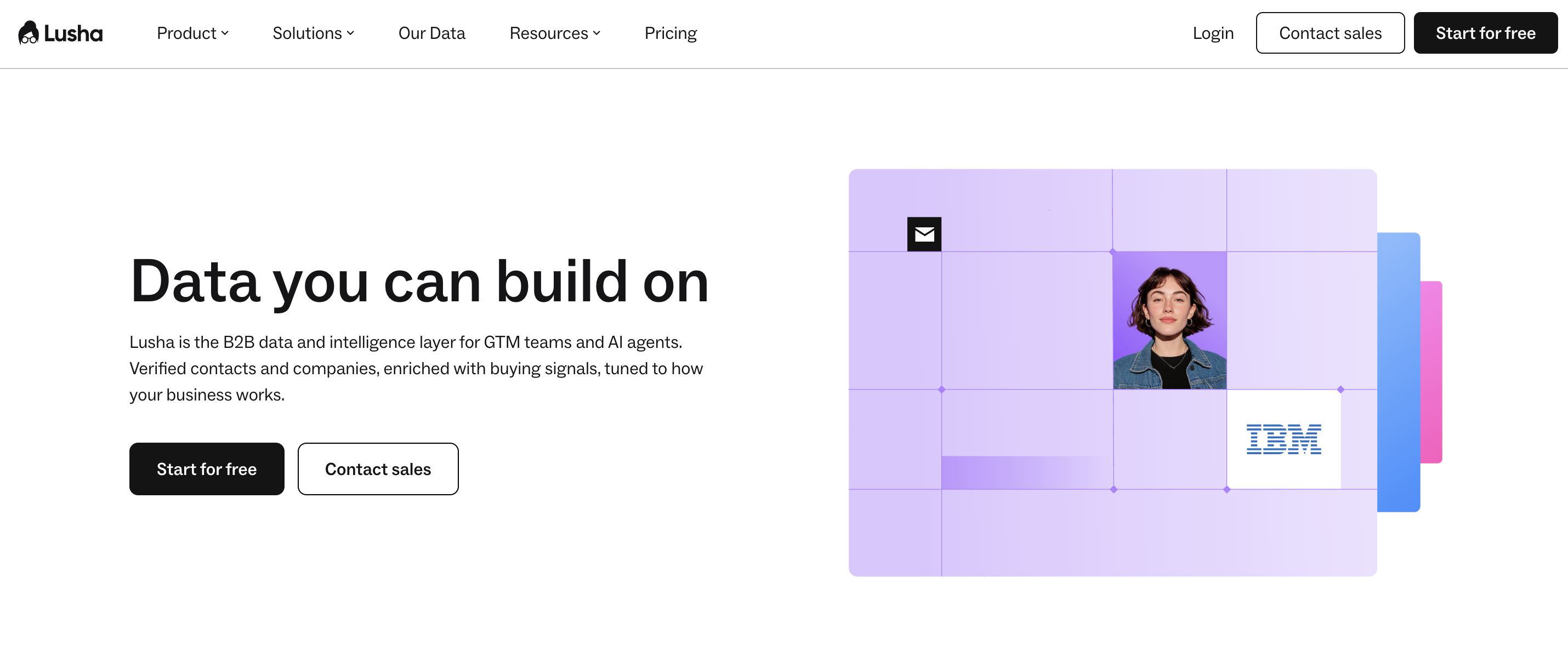
Lusha is a Clay alternative for teams that want verified B2B data, buying signals, automated GTM plays, and integrations without building a Clay-style workflow.
It is especially useful for sales and operations teams that want contacts, enrichment, and repeatable plays in one place.
Features#
Lusha supports verified emails and phones, a browser extension, contact and company search, bulk enrichment, company data, buying intent topics, GTM plays, CRM connections, API, MCP, webhooks, automations, and integrations with Salesforce, HubSpot, Monday, Zoho, Clay, Make, n8n, Zapier, ChatGPT, Claude, Gemini, and Perplexity.
For RevOps, the GTM plays are the interesting part. Examples include job-change reactivation, Salesforce account auto-updates, and HubSpot contact enrichment.
Pricing#
Lusha has a Free plan at $0 with 40 credits per month, one seat, basic prospecting, the browser extension, and CRM integrations.
Starter is $49.90 per month on monthly billing, or $32.45 per month on yearly billing, with 4,800 credits per year and one seat.
Pro starts at $69.90 per month on monthly billing, or $45.45 per month on yearly billing, with higher credit bundles. Scale is custom and gates larger credit volumes, admin needs, and team support.
Lusha vs Clay#
Lusha is easier to buy and easier to hand to sellers. Clay is better for teams that want to design custom enrichment workflows. Lusha fits when the job is verified contacts plus repeatable GTM plays. Clay fits when every campaign has unusual data logic.
Pros#
The free plan gives one user a usable way to inspect data fit.
GTM plays give operations teams repeatable workflows without building tables from scratch.
API, MCP, webhooks, and automation integrations help data move into existing workflows.
Buying intent topics give reps another prioritization layer beyond static contact data.
Cons#
Credit costs rise when teams reveal many phone numbers.
It is still contact-data-first, so community context is limited.
Custom enrichment logic across many providers is not the core product.
Larger RevOps controls require higher tiers or custom buying.
Summary#
Lusha fits teams that want verified data and packaged plays. CommunityTracker fits when the strongest buying signal comes from what the prospect said in a community thread.
Alternative #10: UpLead#
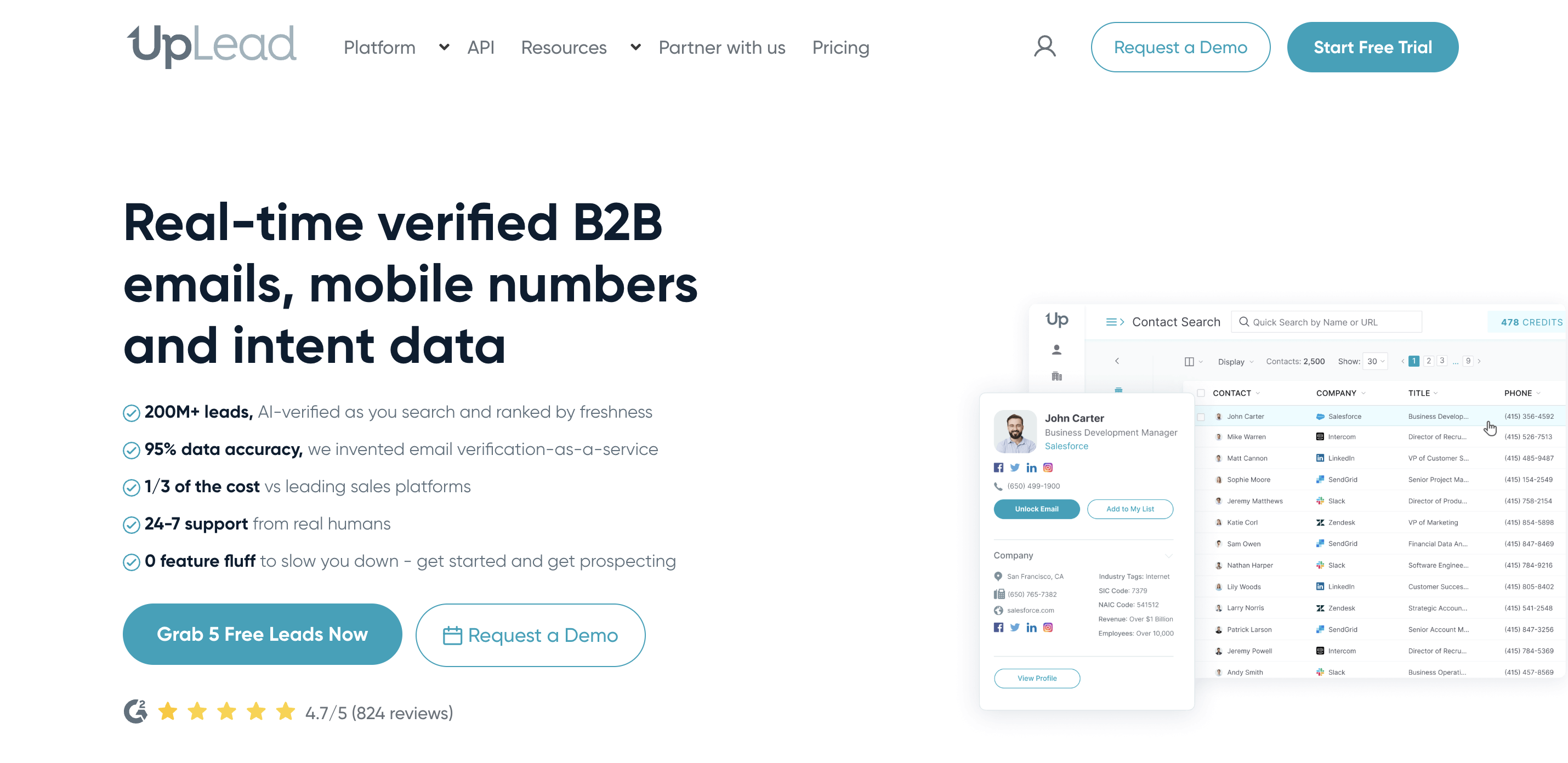
UpLead is a Clay alternative for teams that want real-time verified contacts, clear credit bundles, and simple lead exports. It is less flexible than Clay, but that is the point for teams that only need accurate contact data and do not want an ops project.
Features#
UpLead includes more than 50 search filters, email verification, mobile direct dials, API access, data enrichment, intent data, CRM export, and credit refunds for bounces and poor data. It is built for teams that want to find qualified contacts and move them into sales workflows quickly.
The RevOps value is predictability. One credit unlocks one contact for download or CRM export, including email and mobile direct dial access when available.
Pricing#
UpLead offers a 7-day Free Trial at $0 with 5 credits. Essentials is $99 per month for 170 credits and one user. Plus is $199 per month for 400 credits and one user.
Professional is custom and adds team management, permissions, dedicated customer success, onboarding, priority support, and larger team controls. Additional credits can be purchased when a plan runs out.
UpLead vs Clay#
UpLead is simpler than Clay because it narrows the workflow to verified data and exports. Clay is stronger when the team needs multi-step research, data transformations, AI prompts, and custom routing. UpLead is a better fit when the team wants to know the cost per contact before the campaign starts.
Pros#
Clear credit bundles help RevOps forecast data costs.
Real-time email verification reduces wasted exports.
More than 50 filters make it practical for targeted list building.
The 7-day trial lets teams inspect coverage before a paid plan.
Cons#
It does not provide Clay-style workflow automation.
Built-in outreach is limited compared with Apollo or Seamless.AI.
Community buyer-signal context is absent.
Professional features require a custom plan.
Summary#
UpLead is the straightforward contact-data pick. CommunityTracker fits when the record needs to be tied to a live signal, a recent post, and a warm outreach angle.
Alternative #11: Seamless.AI#
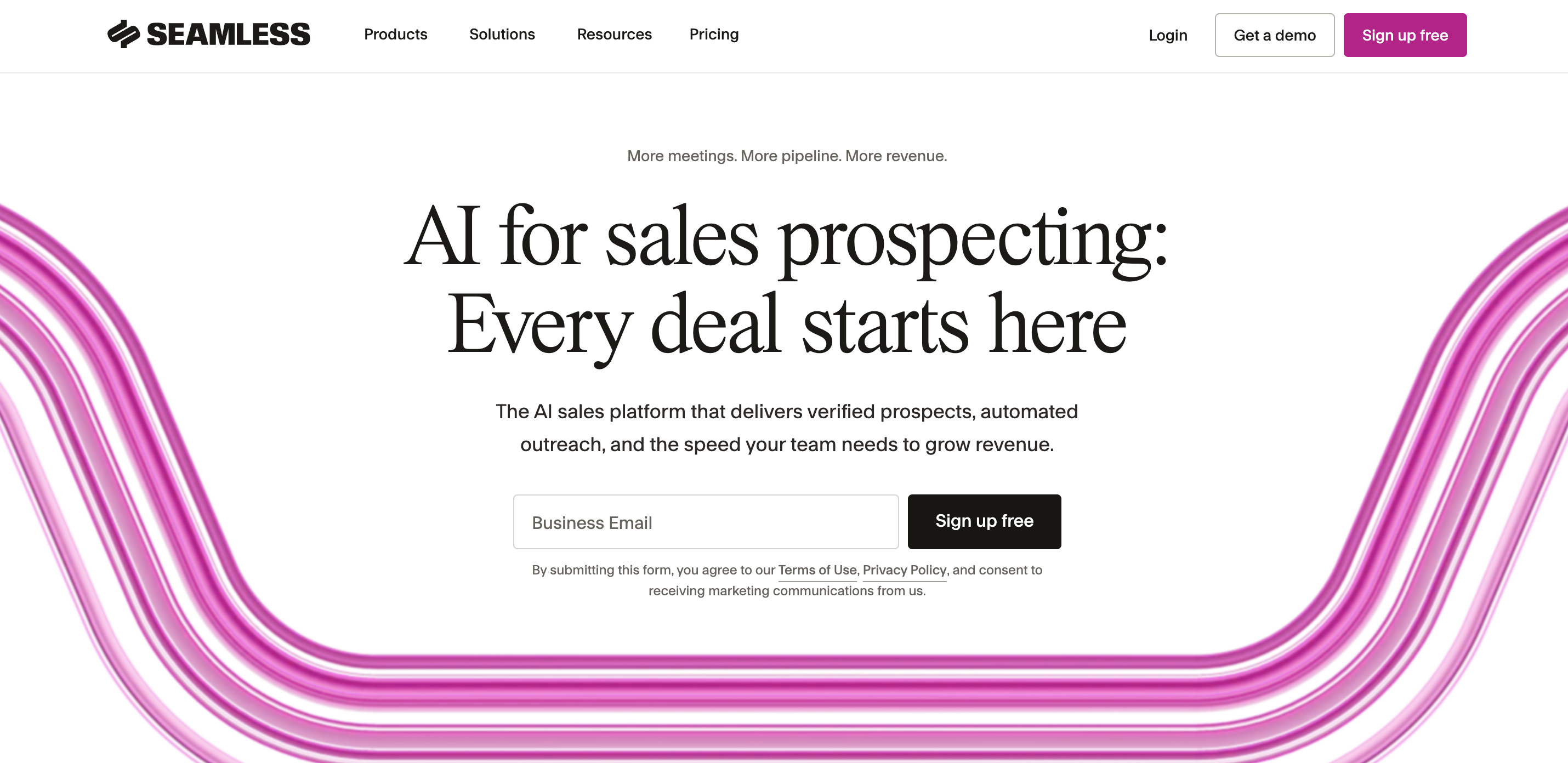
Seamless.AI is a Clay alternative for high-volume sales teams that want prospect search, enrichment, contact data, outreach automation, and AI agents under one vendor. It is built around sales execution more than custom RevOps workflow design.
Features#
Seamless.AI includes a Data Engine for real-time contact search, an Engagement Hub for outreach, AI agents for outbound, inbound, CRM enrichment, marketing, and customer success campaigns, plus automation features for prospecting and meeting booking.
It fits teams that want sales reps to find contacts and act quickly. The tradeoff is pricing clarity and workflow control.
Pricing#
Seamless.AI has a Free plan at $0 with 50 credits for one user. Pro is quote-led and starts with 10,000 annual credits. Public buyer reports commonly place Pro around $147 to $299 per user per month, with contract totals rising by users, credits, and add-ons.
Custom plans cover larger teams with daily credit allotments and 5+ license tiers. No self-serve paid price is published.
Seamless.AI vs Clay#
Seamless.AI is more of a sales lead platform. Clay is an ops workbench. Seamless.AI makes sense when the team wants prospecting, enrichment, and engagement in one sales-facing system. Clay makes sense when the team needs custom data orchestration and is willing to maintain it.
Pros#
It gives sales teams contact search, enrichment, engagement, and automation in one environment.
The free account lets one user inspect basic coverage before a sales conversation.
AI agents can support outbound and CRM enrichment workflows.
High-volume teams can negotiate credit packages around their sales motion.
Cons#
Paid pricing is not transparent enough for quick budget comparison.
The platform can be too sales-facing for RevOps teams that want precise enrichment logic.
Add-ons and credit packages need careful contract review.
Community signal capture is not the product's main job.
Summary#
Seamless.AI works when a sales team wants a larger prospecting and engagement platform. CommunityTracker fits when the trigger starts in Reddit, LinkedIn, X, Bluesky, Hacker News, Indie Hackers, Dev.to, Stack Overflow, Product Hunt, GitHub, or Slack and the team needs to catch it before your competitors do.
Final decision guide for Clay alternatives#
Use this section to choose by job, not brand preference.
Pick CommunityTracker when your GTM motion depends on catching high-intent community conversations, enriching the person behind the post, and routing the next move to sales.
Apollo is the fastest path when reps need a database and outbound sequences in one workspace.
Common Room fits enterprise teams that already have many signal sources and need one GTM intelligence layer.
ZoomInfo belongs in the evaluation when procurement wants a mature data platform with intent, routing, and enterprise controls.
Cognism is the right call when phone-verified data and EMEA coverage are the buying criteria.
Persana AI works when you want signals, enrichment, AI-generated messages, and sequencing in one prospecting engine.
FullEnrich is the clean enrichment-only option when Clay is doing too much for a simple email and phone workflow.
LeadIQ fits SDR teams that prospect from the browser and need quick CRM sync.
Lusha works for verified data, buying signals, and packaged GTM plays.
UpLead is a good fit when you want transparent credit bundles for verified contact data.
Seamless.AI fits high-volume sales teams that want prospecting, enrichment, and engagement under one quote.
A competitor-wins scenario is easy to name here. If you need enterprise contact coverage, org charts, and a procurement-ready data vendor, ZoomInfo or Cognism may beat CommunityTracker. If you only need low-cost verified emails, FullEnrich or UpLead will be easier to justify.
CommunityTracker wins when the buying moment starts in a conversation. A LinkedIn post complaining about a competitor's pricing is switching intent, not idle grumbling. A GitHub issue describing the gap your product closes is a technical buyer showing pain. A Hacker News thread discussing the category without naming a vendor is category awareness before vendor awareness. Those signals need action, not another static field.
We have a longer dive on media monitoring tools if you are comparing broad monitoring against GTM signal workflows.
Use CommunityTracker to turn Clay alternatives into signal-led pipeline#
Clay is excellent when a technical GTM team wants a flexible enrichment workbench. Apollo, ZoomInfo, Cognism, Lusha, UpLead, LeadIQ, FullEnrich, Persana AI, Seamless.AI, and Common Room each solve a real part of the RevOps problem.
What they do not all solve is the moment before enrichment: finding the buyer signal early enough to act.
CommunityTracker is a stronger fit when your workflow needs live community intent, contact context, response drafting, Slack alerts, and warm outreach from the same motion. If your team only needs a cheaper email lookup tool, a lighter contact database is easier to justify.
To make progress this week, pick five buying-intent phrases your ICP uses when they complain, compare tools, or ask for recommendations. Track them across Reddit, LinkedIn, X, Bluesky, Hacker News, Indie Hackers, Dev.to, Stack Overflow, Product Hunt, GitHub, and Slack. Find their emails through CommunityTracker and reach out to you potential users at the right time with the right context.
That is how you move from signal discovery to GTM action.