If you are searching for B2B Data Enrichment, you probably have the same problem every RevOps team hits: your CRM has names, domains, stale titles, half-filled firmographics, and no clear signal for who is worth action today.
Maybe your reps are wasting time on contacts who left the company six months ago. Another team may be buying lists that fill email fields but say nothing about urgency. Or your enrichment workflow cleans Salesforce nicely, then leaves the revenue team guessing which account has a problem right now.
Basic enrichment fills records. Better enrichment adds context. The strongest GTM workflows connect a person, an account, a reason to act, and the next move.
In this post, we'll cover the quick shortlist, the criteria I used to judge the tools, a RevOps comparison table, and 12 tool breakdowns. Then we'll close with a decision guide. By the end, you'll know which tool fits your enrichment workflow and which one gives your reps a reason to act.
Let's get started.
TL;DR#
CommunityTracker AI - Best when you need a live buyer signal from Reddit, LinkedIn, X, Bluesky, Hacker News, Indie Hackers, Dev.to, Stack Overflow, Product Hunt, GitHub, or Slack and get their emails to reach out when the signal is active.
Clay - Best if your RevOps team wants multi-provider enrichment workflows and can manage credit economics.
Apollo - Best if sales wants a database, sequencer, and basic enrichment in one sales platform.
ZoomInfo - Best if enterprise sales and marketing need a large B2B database, intent add-ons, and admin control.
HubSpot Breeze Intelligence (Clearbit) - Best if your customer data already lives inside HubSpot.
Lusha - Best if SMB sales teams need verified emails and phones with transparent credit pricing.
Cognism - Best if your outbound motion depends on compliant EMEA contact data and phone-verified mobiles.
Kaspr - Best if reps prospect inside LinkedIn and Sales Navigator every day.
LeadIQ - Best if SDRs need fast LinkedIn capture, CRM enrichment, and trigger-based prospecting.
UpLead - Best if you want transparent self-serve credits, technographics, and verified contact exports.
Seamless.AI - Best if you want a real-time contact search engine with free starter credits and quote-led paid tiers.
RocketReach - Best if you need simple email and phone lookup across a broad professional database.
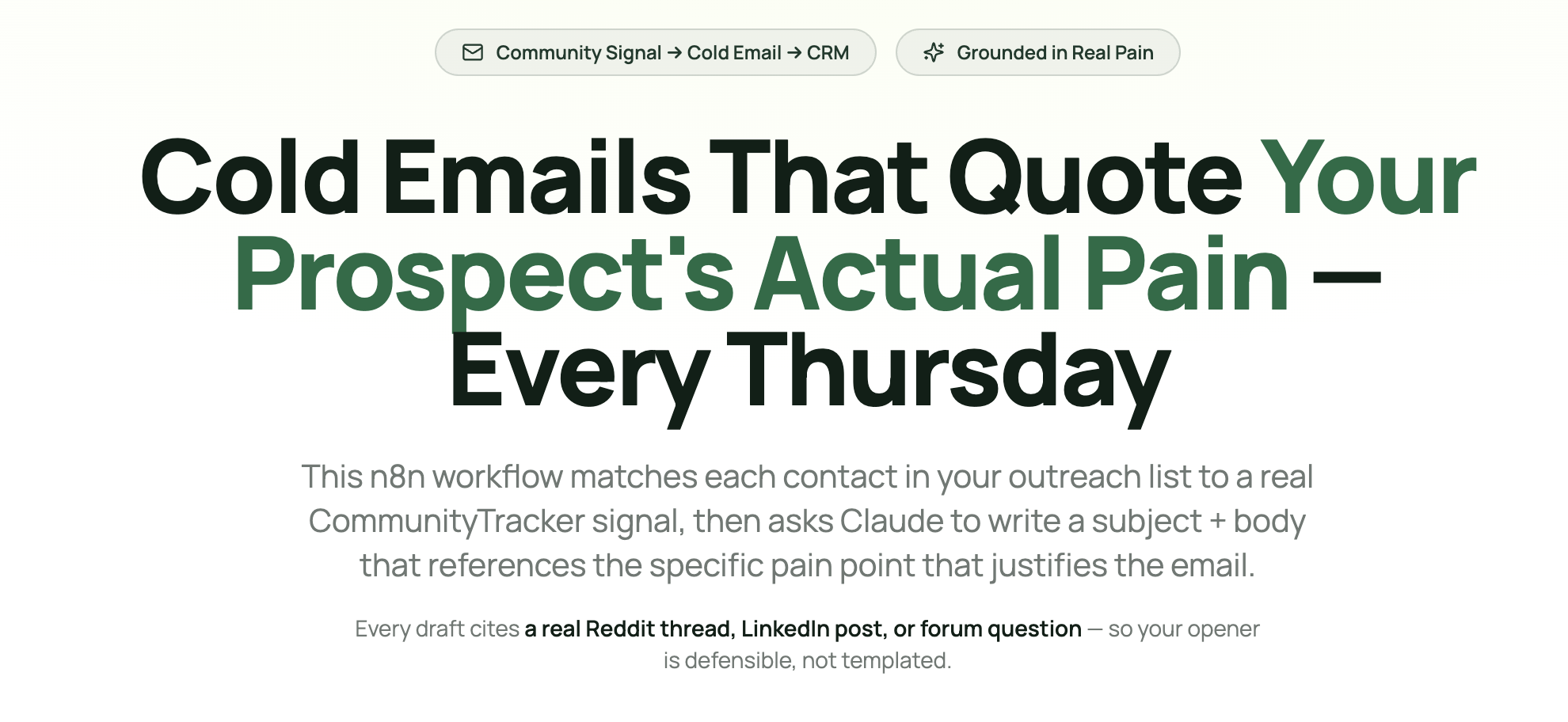
Turn Real Buyer Pain Into Better Cold Emails.
Use CommunityTracker signals to personalize outreach around what your prospects are actually talking about across Reddit, LinkedIn, and other communities.
Match each prospect to a real pain point, generate a relevant cold email, and push the context into your outbound workflow.
Build signal-based cold emails with this free workflow template →
How I evaluated these B2B data enrichment tools#
I judged each tool by how well it helps a GTM team move from an incomplete record to a revenue action. The question was not just whether the product can add emails, phone numbers, titles, company size, or technographics.
I looked at whether you can control data quality, route the right records into sales workflows, connect enrichment to buyer intent, and understand the cost of each motion before the team burns credits.
Record coverage: Does the tool enrich contacts, accounts, direct dials, firmographics, technographics, and CRM fields that RevOps actually uses?
Signal depth: Does it explain why this person or account matters now, or does it only complete missing fields?
Workflow control: Can we route enriched records into Salesforce, HubSpot, Slack, outreach tools, APIs, webhooks, or warehouse workflows without manual cleanup?
Cost predictability: Are credits, seats, trials, add-ons, and quote-led tiers clear enough to forecast monthly usage?
Action fit: Does the tool help a rep send the next move, book a meeting, or prioritize an account, instead of leaving the record idle?
B2B data enrichment tools compared#
Tool | Best at | Data focus | Signal action | Pricing shape | Avoid when |
CommunityTracker | Outreach from social signals | Community posts plus contact context | High | $0-$199/mo public tiers | You need a publishing suite |
Clay | Multi-provider GTM workflows | Waterfalls, APIs, CRM enrichment | Medium-high | Free, then $167/mo+ | You need simple lookup only |
Apollo | Sales database plus sequencing | Contacts, accounts, emails, phones | Medium | Free, then $49/seat/mo+ | You need deep data ops logic |
ZoomInfo | Enterprise GTM intelligence | Large contact and company database | Medium-high | Free Lite, paid custom/reported $14,995/yr+ | You need low-cost self-serve |
HubSpot Breeze Intelligence | HubSpot-native enrichment | CRM records and AI credits | Medium | Free CRM, Starter $7/seat/mo+ | Your CRM is outside HubSpot |
Lusha | SMB contact enrichment | Emails, phones, signals, API | Medium | Free, then $49.90/mo+ | You need complex routing |
Cognism | EMEA sales intelligence | Compliant contacts and mobiles | Medium | Custom/reported $15K-$25K/yr+ | You need transparent self-serve |
Kaspr | LinkedIn contact capture | Emails, phones, CSV enrichment | Low-medium | Free, then $49/user/mo+ | You need account-level intent |
LeadIQ | SDR prospecting capture | Contacts, CRM enrichment, triggers | Medium | Free, then $15/mo+ | You need full database depth |
UpLead | Verified contacts and technographics | Emails, phones, tech stack | Medium | Free trial, then $99/mo+ | You need community signals |
Seamless.AI | Real-time contact search | Emails, phones, search credits | Medium | Free, paid quote/reported $147/mo+ | You need clear paid pricing |
RocketReach | Fast contact lookup | Emails, phones, profiles | Low-medium | Free, team plans $6K/yr+ | You need intent scoring |
We wrote a full guide on generating leads from social communities if your enrichment problem starts before a person enters your CRM.
1. CommunityTracker AI: best for buyer-signal enrichment and signal-based outreach#

CommunityTracker helps you find buyers while they're actively looking for a solution. Instead of waiting for someone to visit your website or fill out a demo form, it surfaces high-intent conversations across Reddit, LinkedIn, X, GitHub, Slack, Product Hunt, Hacker News, Dev.to, and Stack Overflow.
From there, you can identify the right contact, enrich the record, and start an email campaign while the buying signal is still fresh.
Disclosure: We build CommunityTracker, and it earns the top slot here because B2B data enrichment is weakest when it fills fields without explaining why the rep should act now.
Features#
Tracks buyer signals across Reddit, LinkedIn, X, Bluesky, Hacker News, Indie Hackers, Dev.to, Stack Overflow, Product Hunt, GitHub, and Slack.
Monitors ICP keywords and competitor terms, then separates noise from high-intent signal.
Adds contact context for people posting in public communities, so reps can reach out on LinkedIn, email, or phone when data is available.
Sends daily alerts and Slack alerts depending on plan, which helps you route signals without another manual queue.
Generates response drafts so reps can move from signal discovery to GTM action.
Supports Share of Voice and AI visibility on higher tiers, useful when GTM teams track category mentions and competitor movement.
Pricing#
Free is $0 with 1 keyword, limited mentions, Reddit-only tracking, daily alerts, and basic analytics.
Starter is $39 per month with 4 keywords, 5,000 mentions, Reddit, LinkedIn, Hacker News, GitHub, daily alerts, up to 100 warm emails per month, and a response generator.
Pro is $99 per month with 10 keywords, unlimited mentions, all 11 platforms, unlimited warm emails, AI scoring, daily Slack alerts, Share of Voice, and Community AI.
Advanced is $199 per month with 20 keywords, unlimited mentions, Share-of-Voice Exporter, LinkedIn and Email outreach.
Must Read: 5 AI Social Listening Tools That Actually Find Buyer Intent, Not Just Mentions
Pros#
Finds buying moments that contact databases miss because the signal starts in Reddit, GitHub, Slack, Hacker News, or LinkedIn.
Connects signal, context, response draft, and outreach route in one workflow.
Helps sales and marketing share the same signal source instead of arguing over mention volume.
Cons#
It is not a publishing, scheduling, inbox management, or broad brand-monitoring suite.
Deep enrichment depends on the public signal and available contact context; private buying committees still need CRM, data warehouse, or sales-intelligence coverage.
The Free plan is Reddit-only, so teams evaluating all 11 platforms need a paid tier.
2. Clay: best for multi-provider enrichment workflows#
Clay is the operator's spreadsheet for enrichment, prospecting, and GTM workflow design. It lets RevOps combine data from many providers, run waterfalls, bring API keys, create custom AI research fields, and sync enriched lists into outbound or CRM workflows.
The tradeoff is complexity. Clay gives flexible building blocks, but somebody has to own credits, tables, routing logic, and QA.
Features#
Multi-provider enrichment from 150+ providers, with marketplace access and bring-your-own API options.
Waterfall enrichment for emails, phones, company data, custom web research, and AI-generated fields.
Job change, promotion, new hire, company news, social listening, and web intent signals depending on plan.
CRM auto-sync, HTTP API integrations, data warehouse connections, webhooks, and audience pushes on higher tiers.
Claygent for AI web research and custom data points inside the workflow.
Native sequencer plus integrations with external campaign tools.
Pricing#
Free is $0 with 100 data credits per month, 500 actions per month, unlimited seats and tables, and up to 200 rows per table; phone enrichment is excluded.
Launch is $167 per month in the plan grid, with expanded action tiers shown from $54-$60 per month, and includes phone enrichment, job-change signals, other signal tracking, integrations for campaigns, and up to 50,000 rows per table.
Growth is $446 per month in the plan grid, with expanded action tiers shown from $185-$205 per month, and adds CRM auto-sync, HTTP API, webhooks, web intent signals, and one ads audience.
Enterprise is custom and gates bulk enrichment above 50,000 records, SSO, RBAC, unlimited audiences, and dedicated support.
Pros#
Deep workflow control for GTM engineering, RevOps, and outbound builders.
Waterfalls reduce dependency on one data provider's fill rate.
Strong fit for enrichment experiments because tables, providers, AI fields, and exports live in one place.
Useful for teams that want to centralize enrichment logic before pushing records to CRM or outbound tools.
Cons#
Credit planning can become a RevOps project on its own when multiple providers and actions run in the same table.
Non-technical sales teams may need templates or GTM ops support before they get reliable workflows.
Signal features exist, but Clay is still mainly a workflow and enrichment layer, not a community-intelligence system built around public buyer conversations.
Enterprise controls and heavy bulk use sit behind custom pricing.
Must Read: We wrote a full comparison of Clay alternatives for teams that want enrichment plus outreach execution
3. Apollo: best for data plus sales engagement in one tool#
Apollo is a strong default for sales teams that want contacts, account search, email credits, phone credits, sequencing, a dialer, and CRM integrations in one platform.
It is less specialized than Clay for custom enrichment logic and less signal-led than CommunityTracker, but it gives many sales teams enough data and execution without a heavy stack.
Features#
Contact and account search across Apollo's B2B database.
Email credits, mobile credits, enrichment, sequencing, dialing, and workflow automation by plan.
CRM integrations and record selection controls on paid tiers.
Buyer intent and AI research in Apollo's broader sales platform.
API access and advanced permissions on higher plans.
Chrome extension for prospecting while reps work across LinkedIn and websites.
Pricing#
Free is $0 with 900 credits per seat per year.
Basic is $49 per seat per month.
Professional is $79 per seat per month and adds stronger enrichment and sales-execution capacity.
Organization is $119 per seat per month and gates advanced team controls.
Apollo offers a free tier; paid trials and billing terms vary by plan.
Pros#
Combines data and sales engagement, which reduces tool count for lean sales teams.
Transparent entry pricing makes it easier to budget than quote-led enterprise databases.
Works well when SDRs need list building, email outreach, and basic enrichment in one workflow.
Free plan gives teams a low-risk way to inspect data coverage before committing.
Cons#
Database search can create volume without enough reason-to-act context.
Teams with strict enrichment QA may outgrow Apollo's native workflow control and move logic into Clay or a warehouse.
Phone credit economics matter when outbound relies heavily on direct dials.
Community conversations across Reddit, GitHub, Hacker News, Slack, and Product Hunt are outside Apollo's core job.
4. ZoomInfo: best for enterprise GTM intelligence#
ZoomInfo remains an option if you need a broad B2B database, admin controls, enrichment, intent, website visitor tools, conversation intelligence, and sales or marketing orchestration.
Features#
Large contact and company database for sales, marketing, and recruiting teams.
Enrichment, buyer intent, website visitor identification, and CRM integrations across the broader platform.
Engage, Chorus, Copilot, and other modules available through package configuration.
ZoomInfo Lite offers a free starting point with limited export credits.
Advanced admin, segmentation, and enterprise deployment support.
Bundled GTM intelligence for organizations that want one vendor across teams.
Pricing#
ZoomInfo Lite is $0 with 10 monthly export credits, Chrome extension access, HubSpot integration, and website visitor identification.
Public buyer reports commonly put paid annual contracts near $14,995 per year at the low end, with larger bundles moving into $25,000-$60,000+ depending on modules, seats, exports, and intent features. No broad self-serve paid tier is published.
Pros#
Strong fit for mid-market and enterprise teams that need database breadth, compliance process, and GTM admin controls.
Useful when sales, marketing, recruiting, and RevOps all need access to shared company and contact intelligence.
Intent and visitor products can help prioritize accounts inside enterprise motions.
Free Lite tier gives some exposure before a paid contract conversation.
Cons#
Paid pricing is quote-led, which makes early budgeting harder for small teams.
Contract size can be difficult to justify if the team only needs email and phone enrichment.
Module bundling can create extra evaluation work for RevOps before procurement.
Community-originated buyer signals still need a separate workflow when public conversations matter.
5. HubSpot Breeze Intelligence (Clearbit): best for HubSpot-native enrichment#
Clearbit's enrichment is now part of HubSpot's broader Breeze and data tools.
It is less compelling when RevOps uses Salesforce or a warehouse-first architecture and only wants an independent enrichment layer.
Features#
Data enrichment inside HubSpot records and workflows.
HubSpot Credits for AI agents and credit-consuming features.
Data Agent and Prospecting Agent available on Starter and higher tiers.
Intent signals and CRM workflows inside the HubSpot environment.
Sales, marketing, service, content, data, and revenue products under one customer platform.
Strong fit for teams that prefer native CRM data operations over another enrichment vendor.
Pricing#
HubSpot has free tools at $0 for up to 2 users.
Sales Hub Starter starts at $7 per seat per month when billed annually and includes 500 HubSpot Credits.
Sales Hub Professional starts at $90 per seat per month and includes 3,000 HubSpot Credits, with required onboarding for that tier.
Enterprise starts at $150 per seat per month and includes 5,000 HubSpot Credits. Extra HubSpot Credits are priced at $9 per 1,000 credits when paid annually.
Data enrichment for Starter, Professional, and Enterprise accounts does not consume HubSpot Credits, while buyer intent uses credits.
Pros#
Native HubSpot workflows reduce sync issues for teams already standardized on HubSpot.
Starter pricing gives small teams a low entry point into CRM, credits, and AI agents.
Enrichment, intent, routing, and reporting can stay close to the customer record.
Good fit for marketing and sales teams that want one operational system.
Cons#
Teams outside HubSpot may not want to adopt a CRM platform just to get enrichment.
Credit mechanics require planning when AI agents, buyer intent, and enrichment-adjacent features run together.
It is not designed as a standalone multi-provider waterfall tool like Clay.
Community signals from public platforms still need a dedicated discovery layer.
6. Lusha: best for transparent SMB contact enrichment#
Lusha is easy to understand: search contacts and companies, reveal verified emails and phones, enrich records, and manage credits.
It works well for SMB and mid-market teams that want a straightforward contact-data workflow without enterprise procurement.
Features#
Verified emails and phone numbers with credit-based reveal economics.
Free plan with monthly credits and no credit card required.
Bulk enrichment, CSV enrichment, API, webhooks, signals, and buying intent by plan.
Chrome extension and CRM exports for rep-level prospecting.
Team management, credit allocation, and advanced compliance on higher tiers.
Credit charges vary by data type, with phone numbers using more credits than emails.
Pricing#
Free is $0 with 40 credits per month and 1 seat. Starter is $49.90 per month on monthly billing, or $32.45 per month on annual billing, with 4,800 credits per year and 1 seat.
Pro is $69.90 per month on monthly billing, or $45.45 per month on annual billing, with 7,200 credits per year and 2 free seats.
Premium is $399.90 per month on monthly billing, or $259.95 per month on annual billing, with 40,800 credits per year and 5 free seats.
Scale is custom and gates larger credit discounts, SSO, 25 intent topics, advanced compliance, dedicated success, and priority support.
Pros#
Strong individual and small-team fit because reps can work from the extension and CRM exports.
Phone and email credits are separated clearly enough to model outreach costs.
Higher tiers add API, CSV enrichment, webhooks, and signals for operational use.
Cons#
Credit usage rises quickly when phone numbers matter because a phone reveal consumes more credits than an email.
Lower tiers are better for prospecting than complex RevOps data architecture.
Intent topics and advanced compliance sit higher in the plan ladder.
It enriches known prospects; it does not watch public communities for new buying moments.
7. Cognism: best for EMEA contact data and compliance-led outbound#
Cognism is built for sales and marketing teams that care about compliant prospecting, European data coverage, phone-verified mobiles, and account prioritization.
It is a stronger fit for mid-market and enterprise buyers than for solo operators comparing cheap self-serve databases.
Features#
Standard and Pro prospecting packages with 5 seats included.
Contact and company data, emails, mobiles, job titles, work history, revenue, headcount, HQ, and technology usage.
Hiring, funding, M&A, job changes, and intent data on higher plans.
CRM enrichment as a standalone product or add-on.
Data-as-a-Service through API or bulk delivery.
On-demand mobile verification and premium mobile filters on Pro.
Pricing#
Public buyer ranges commonly place Cognism around $15,000-$25,000 per year for many teams, with onboarding and seat or data-volume factors changing the total.
A free data sample is offered, and paid packages require a sales conversation. Top-tier capability gates include Pro mobile verification, intent data, enhanced dashboards, API delivery, and CRM enrichment add-ons.
Pros#
Strong fit for teams selling into Europe because data quality and compliance are core to the product.
Phone-verified mobile data helps sales teams that still rely on calling decision-makers.
CRM enrichment and Data-as-a-Service give RevOps more than a rep-only prospecting tool.
Intent and contextual signals help teams prioritize accounts beyond static firmographics.
Cons#
Paid pricing is quote-led, so early comparison against self-serve tools takes extra work.
Smaller teams may find the package size heavy if they only need occasional lookup.
API and bulk delivery depend on package design, which slows fast experiments.
It does not specialize in Reddit, GitHub, Slack, Hacker News, or Product Hunt conversation tracking.
8. Kaspr: best for LinkedIn-first prospecting teams#
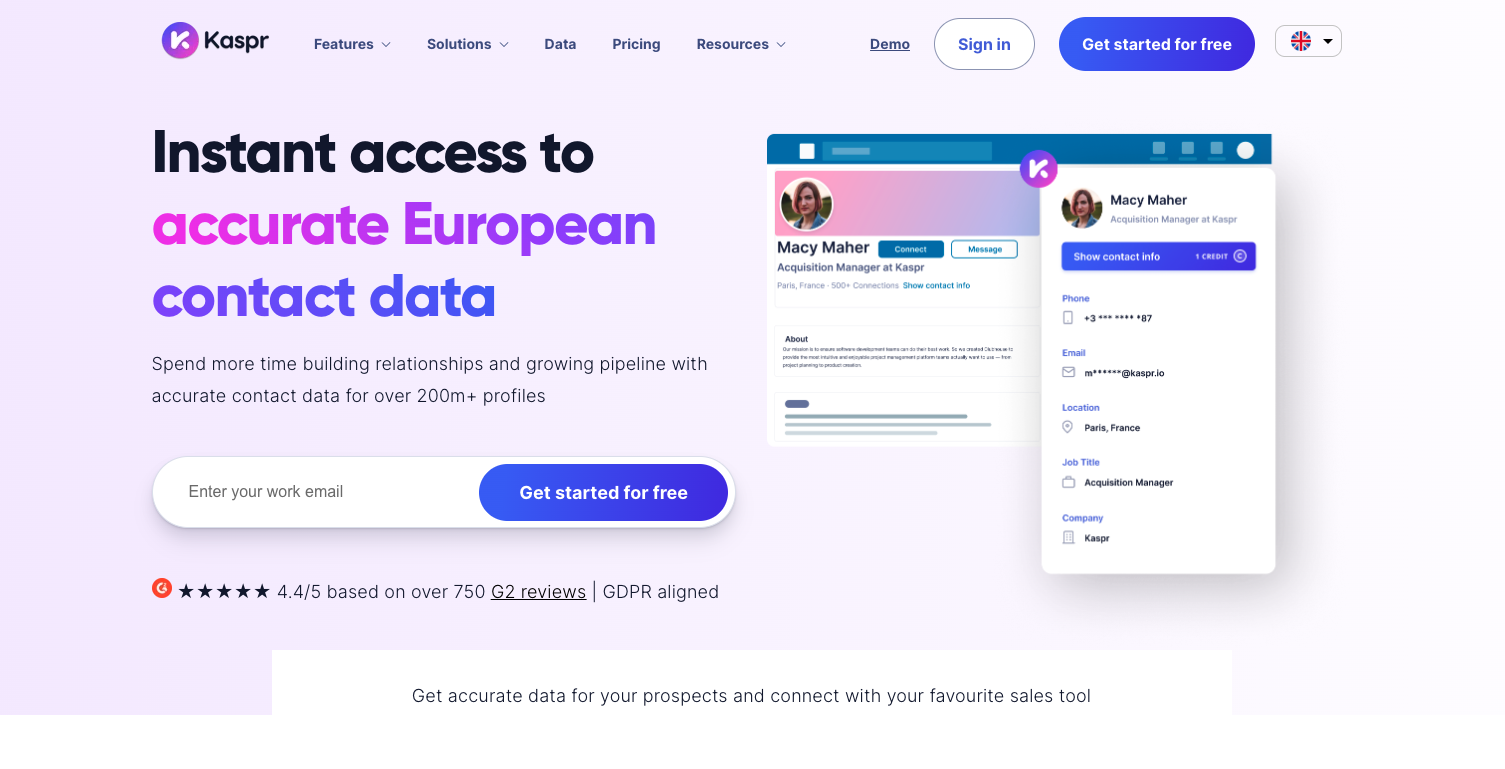
Kaspr is a good fit when reps live inside LinkedIn, Sales Navigator, LinkedIn groups, and LinkedIn events. It captures and enriches contact data from that workflow, then pushes leads into CRM and sales tools.
Features#
Chrome extension for LinkedIn, Sales Navigator, Recruiter Lite, groups, and events.
B2B email credits, phone credits, direct email credits, export credits, and shared credit pools.
CSV enrichment and enrichment automations for bulk contact workflows.
Integrations with HubSpot, Salesforce, Pipedrive, Lemlist, Brevo, Zoho, Aircall, Ringover, and Zapier by plan.
API access on paid plans upon request.
Team reports, custom permissions, and enterprise compliance on higher tiers.
Pricing#
Free is $0 per user per month with 15 B2B email credits, 5 phone credits, and 5 direct email credits per month.
Starter is $49 per user per month on annual billing or $65 monthly, with unlimited B2B email credits, 100 phone credits per month, 5 direct email credits per month, shared credits, Sales Navigator support, and up to 12,000 exports per year.
Business is $79 per user per month on annual billing or $99 monthly, with 200 phone credits and 200 direct email credits per month, Recruiter Lite support, 30,000 exports per year, and stronger permissions.
Enterprise is custom with unlimited credits, intent data, advanced Salesforce enrichment, SSO, and enterprise compliance.
Pros#
Very practical for sales teams already using LinkedIn and Sales Navigator as their daily source.
The free tier gives enough credits to inspect coverage before paying.
CRM and outreach integrations help reps move enriched contacts into existing workflows.
Cons#
The workflow is heavily tied to LinkedIn, so it is weaker for cross-platform buyer-signal discovery.
Phone and direct email credit caps can constrain high-volume calling teams.
API access is available upon request, which may slow technical rollout.
Account-level intent is less central than contact capture.
9. LeadIQ: best for SDR capture and trigger-based prospecting#
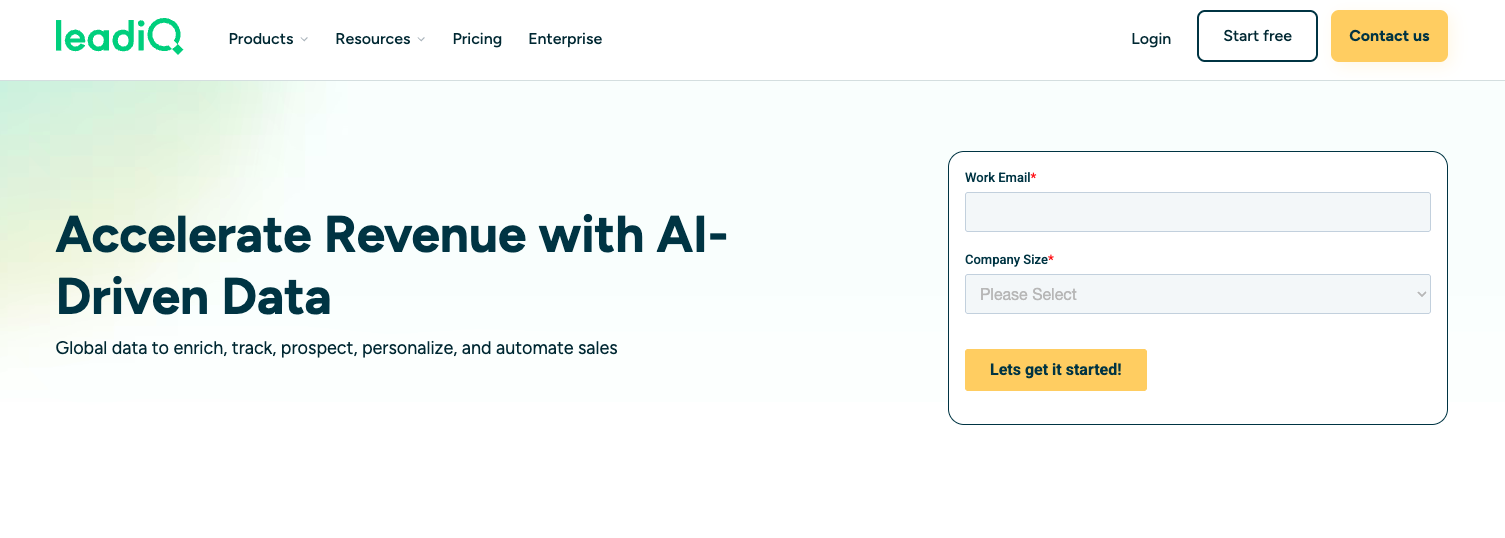
LeadIQ helps SDRs find contacts, capture them from LinkedIn, enrich CRM fields, track sales triggers, and generate outreach.
Features#
Contact capture and enrichment for outbound prospecting.
CRM enrichment and sync into sales systems.
Sales triggers such as job changes and account movement.
AI email generation and workflow support through Lando.
Universal credits across LeadIQ workflows.
Team and enterprise controls on larger plans.
Pricing#
Free is $0 with 1 user and 50 credits.
Pro starts at $15 per month and includes a credit pool for individual prospecting workflows. Enterprise is custom and includes broader team controls, higher limits, success support, and larger workflow needs.
Pros#
Strong fit for SDR teams that need fast LinkedIn capture and CRM updates.
Free plan and low published Pro entry price reduce buying friction.
Trigger tracking helps teams prioritize contacts beyond static data.
AI-assisted email generation can speed first-touch workflows.
Cons#
It is not a full enrichment data platform for complex multi-source waterfalls.
Enterprise needs are quote-led, so RevOps has to confirm scale pricing.
Signal coverage is narrower than dedicated community-intelligence workflows.
Best value depends on reps consistently using the capture workflow.
10. UpLead: best for transparent verified contact exports#
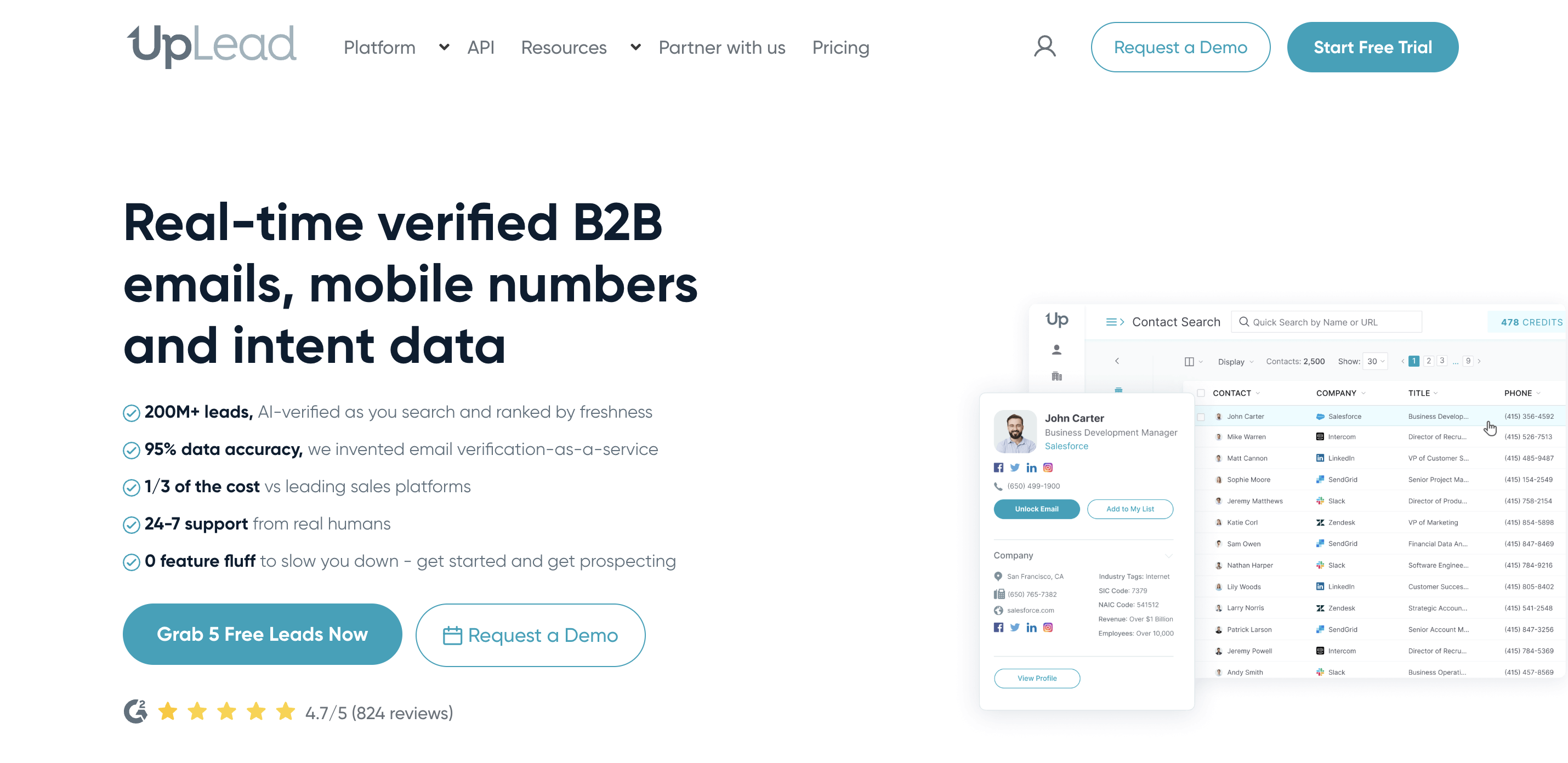
UpLead is a good option for you if you want verified emails, phone numbers, mobile direct dials, technographics, buyer intent, competitor intelligence, and API access without starting with an enterprise quote.
Features#
Verified emails, verified phone numbers, and mobile direct dials.
Contact, company, technographic, and CRM data enrichment.
Buyer intent, competitor intelligence, suppression lists, and email pattern intel.
Chrome extension and CSV exports.
Integrations with Salesforce, HubSpot, Zoho, Pipedrive, Microsoft Dynamics 365, Outreach, Salesloft, Reply, Woodpecker, Mailshake, Lemlist, Close, Insightly, and Zapier.
Enrichment API and fuller API access on higher tiers.
Pricing#
Free trial is $0 for 7 days with 5 credits and 1 user.
Essentials is $99 per month, billed annually, with 170 credits per month, 1 user, and extra credits at $0.60 each.
Plus is $199 per month, billed annually, with 400 credits per month, 1 user, and extra credits at $0.50 each.
Professional is custom, billed annually, and includes custom credits, team management, onboarding, dedicated success, priority phone support, and full API access.
Pros#
High-quality verified contact data with strong company and technographic enrichment.
Simple interface that's easy for small and mid-sized sales teams to adopt.
Broad CRM and sales engagement integrations fit into most outbound workflows.
Good balance of enrichment, prospecting, and company intelligence without enterprise complexity.
Cons#
Buyer intent capabilities are relatively limited compared to dedicated intent platforms.
Best suited for enriching existing prospects rather than discovering new buying opportunities.
Doesn't capture buying conversations happening across online communities or social platforms.
Larger RevOps teams will eventually outgrow the self-serve workflow.
11. Seamless.AI: best for real-time contact search with quote-led scaling#
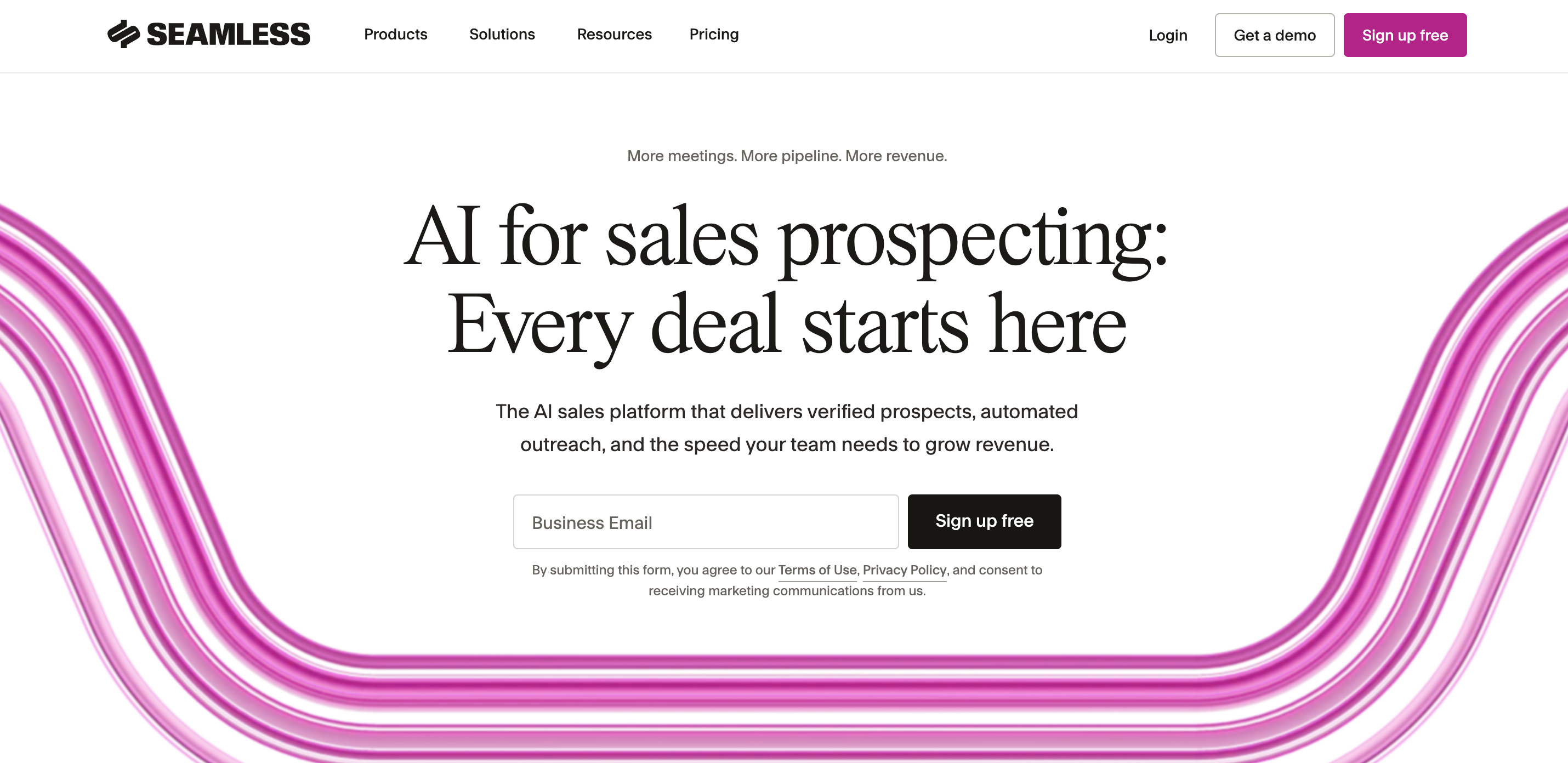
Seamless.AI is a sales lead platform for finding emails, cell phones, direct dials, job changes, buyer intent, and enrichment through credits. It gives individual users a free start, then moves serious usage into quote-led paid plans.
Features#
Real-time search for emails, cell phones, and direct dials.
Free plan with 50 credits for 1 user.
Pro and Enterprise plans with annual credit packages, unlimited exports, and premium products.
Data Enrichment, Autopilot, Buyer Intent, AI Assistant, API, and job changes as paid or add-on capabilities.
Connect for emailing, phone calls, and sales tasks across plans.
Enterprise support, SSO options, dedicated success, quarterly reviews, and phone support at higher tiers.
Pricing#
Free is $0 with 1 user and 50 credits.
Pro is quote-led, starts at 10,000 annual credits, and includes unlimited exports with add-ons for enrichment, Autopilot, buyer intent, API, and AI Assistant depending on package.
Enterprise is custom with unlimited users, custom packages, daily credit allotments, and enterprise support.
Public buyer reports commonly place entry paid usage around $147 per month for smaller credit packages, while large custom contracts can rise much higher. No public free trial beyond the free credit account is published.
Pros#
Broad contact search works for teams that need quick emails and phone numbers.
Add-ons cover enrichment, buyer intent, job changes, API, and automated prospecting.
Connect gives sales teams an execution layer for email, calls, and tasks.
Cons#
The product centers contact search more than signal-first GTM routing.
Credit and package design need close review before high-volume rollout.
12. RocketReach: best for simple email and phone lookup#
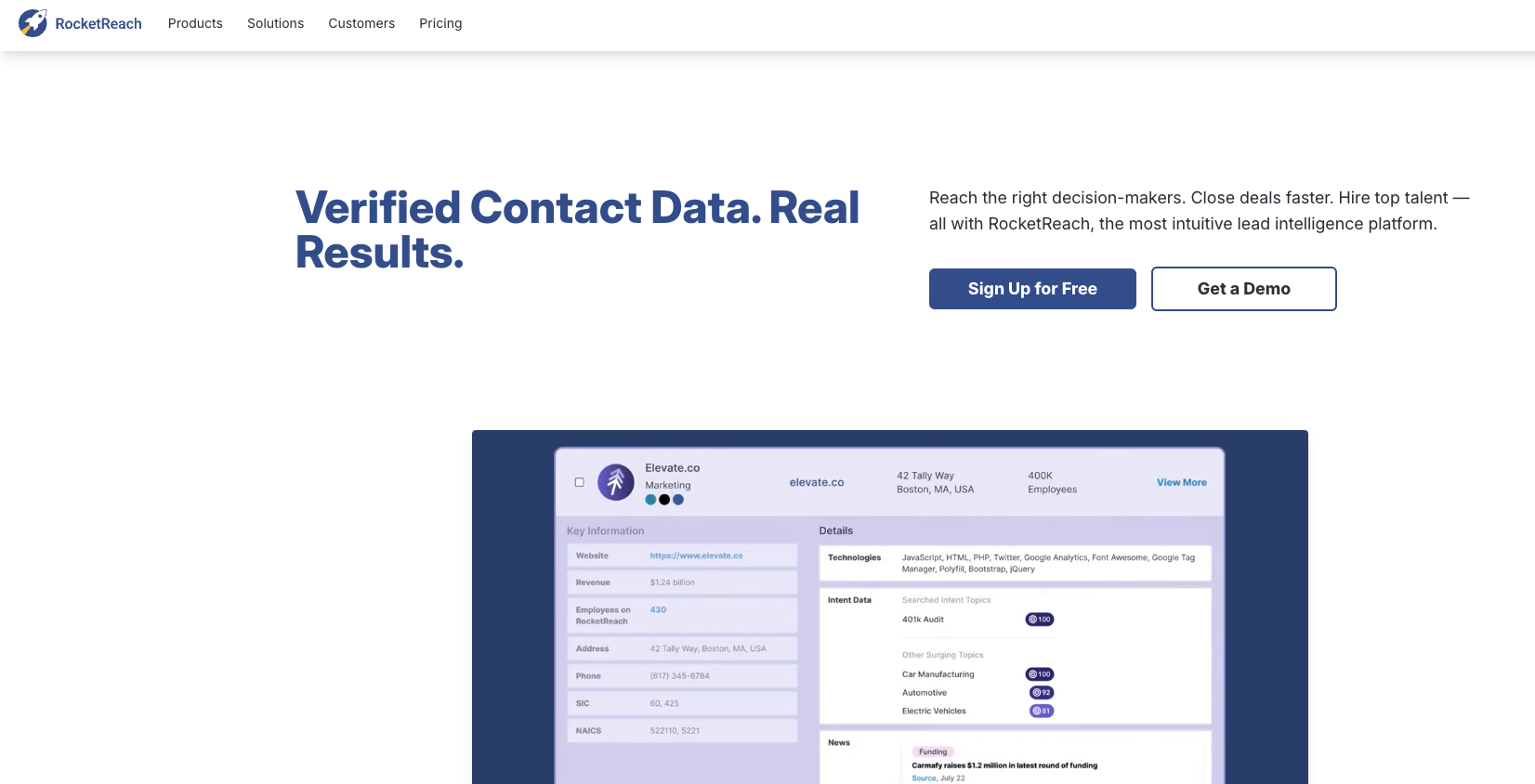
RocketReach is a simple contact lookup tool for finding work emails, personal emails, mobile phones, company profiles, and professional data.
It is useful for sales, recruiting, PR, and business development teams that need fast contact lookup without a heavy workflow builder.
Features#
Professional contact search across a large profile and company database.
Work emails, personal emails, mobile phones, and company exports.
Browser lookup, advanced search filters, and real-time verification.
Salesforce, CRM, ATS, and API workflows depending on plan.
Free account with a small number of lookups.
Custom team plans with pooled credits, higher API limits, custom exports, and dedicated account management.
Pricing#
Free account is $0 with 5 free lookups and no credit card required.
RocketReach plans starting at $6,000 annually for larger organizations.
Public buyer reports list individual paid plans around $33 per month on annual billing for Essentials, with higher tiers such as Ultimate reported around $207 per month depending on lookup volume and billing term.
Team packages gate pooled credits, company exports, custom exports, and higher API limits.
Pros#
Fast lookup workflow makes sense for sales, recruiting, PR, and founder-led prospecting.
Free lookups give teams a lightweight data-quality check.
Team plans support pooled credits and custom exports for larger workflows.
Broad profile coverage makes it useful outside pure B2B SaaS sales.
Cons#
It is contact lookup first, so RevOps teams may need another product for enrichment workflows and routing logic.
Team pricing starts high compared with self-serve SMB tools.
Intent data and automated next-step routing are limited compared with signal-first platforms.
Reported individual plan pricing varies by billing term and lookup volume.
Final decision guide for RevOps teams#
Use CommunityTracker when you need a live buyer signal from Reddit, LinkedIn, X, Bluesky, Hacker News, Indie Hackers, Dev.to, Stack Overflow, Product Hunt, GitHub, or Slack and get their emails to reach when the signal is active.
Clay fits RevOps teams that want programmable enrichment and multi-provider waterfalls.
Apollo makes sense for sales teams that want contact data and outreach in one tool.
ZoomInfo is the enterprise option when database breadth, governance, and GTM modules matter more than self-serve pricing.
HubSpot Breeze Intelligence fits if HubSpot is already your CRM and workflow center.
Lusha, Kaspr, LeadIQ, UpLead, Seamless.AI, and RocketReach are better when the job is rep-level contact discovery or direct enrichment.
Cognism deserves a short list spot when EMEA data quality and compliance shape the outbound motion.
A practical RevOps pattern is to split the stack by job. Use a database or enrichment workflow to clean known records. Use CommunityTracker to catch the high-intent signal that tells sales which record deserves action now.
Use CommunityTracker to turn B2B data enrichment into buyer action#
B2B data enrichment tools solve an important problem. They help you identify the right company, complete missing contact records, append firmographic data, and give your sales team a cleaner CRM to work from.
What they don't always tell you is when that contact becomes worth reaching out to.
A complete record doesn't mean the account is in market. A verified email address doesn't explain why now is the right time to send a message.
Instead of starting with a contact database, CommunityTracker starts with buyer intent. It monitors high-intent conversations across Reddit, LinkedIn, X, Bluesky, Hacker News, Indie Hackers, Dev.to, Stack Overflow, Product Hunt, GitHub, and Slack, helping your team identify buyers while they're actively discussing problems, evaluating alternatives, or asking for recommendations.
Once a signal is detected, you can enrich the contact, identify the right stakeholder, and reach out while the buying intent is still active. That creates a very different outbound workflow. Rather than enriching millions of records and waiting for opportunities to appear, you start with accounts already showing intent and enrich only the people you need to contact.
If your team already has a data provider, CommunityTracker complements it by adding the missing layer: timing. If you don't, its built-in contact lookup makes it easy to find an email or phone number when a high-intent signal appears, without paying for another large contact database.
Before investing in another enrichment platform, look at your last 20 closed-won deals.
Ask yourself where the first real buying signal appeared. If it came from a LinkedIn discussion, a GitHub issue, a Product Hunt launch, or a competitor comparison long before someone filled out a form, your biggest gap isn't contact data. It's finding buyer intent early enough to act on it.