I used to check Twitter (now X) for leads almost every day.
Not just mentions, but people asking for tools, comparing options, or sharing problems. That’s where real opportunities show up.
But most Twitter monitoring tools don’t surface this well. From what I’ve seen:
Some flood the feed with irrelevant mentions
Some are slow, so you miss the moment
Some feel built for PR teams, not growth
That makes it harder to find conversations that actually convert. So I went through 11 Twitter monitoring tools to see what works in real workflows.
I focused on:
Brand mentions
Keywords and hashtags
Competitor activity
Trends and sentiment
High-intent conversations
And instead of looking at feature lists, I tested how they perform day-to-day.
This guide compares the best Twitter monitoring tools for finding leads, tracking mentions, and spotting buying intent.
How We Evaluated These Twitter (X) Monitoring Tools#
When I tested these tools, I focused on what actually matters in day-to-day use:
Mention accuracy — picks up brand + competitor mentions (even without @ tags)
Keyword depth — filters noise and tracks specific phrases
Trend detection — surfaces spikes and emerging topics early
Alert speed — real-time signals with Slack/email alerts
Signal quality — highlights intent, not just volume
Competitor tracking — shows comparisons and share of voice
Workflow fit — easy to act on conversations, not just view them
Turn high-performing competitor posts into structured X threads. 👉 Download the workflow template
Best Twitter Monitoring Tools: Quick Comparison #
Tool | Core Focus | Intent Detection | Platforms Covered | Real-Time Alerts | Analytics & Reporting | Ease of Use | Pricing (Starting) | Best For |
Intent-based monitoring | Yes (strong) | Multi-platform (X, Reddit, etc.) | Yes | Limited (focus on action) | Medium | $29/mo | Lead generation, outbound | |
Social media management | No | Multi-platform | Yes | Strong dashboards | Medium | $249/user/mo | Agencies, social teams | |
PR & media monitoring | No | Social + news + media | Yes | Strong (enterprise) | Low (complex) | Custom | PR & enterprise teams | |
Real-time alerts | No | Twitter only | Yes (fast) | Minimal | High (simple) | $19/mo | Founders, small teams | |
Deep analytics & research | No | Multi-platform | Yes | Very strong | Low (complex) | Custom | Enterprise research teams | |
Native monitoring | No | Twitter only | Yes (instant) | None | High | Included (X Premium) | Live tracking | |
Brand visibility tracking | No | Web + social | Yes | Moderate | Medium | $99/mo | Brand monitoring | |
Community listening | Partial (via filters) | Multi-platform | Yes (delay ~15 min) | Minimal | High | $19.95/mo | Niche/community tracking | |
Brand awareness & analytics | No | Multi-platform | Yes | Strong | Medium | $249/mo | Marketing & PR teams | |
AI-filtered monitoring | Good | Multi-platform | Yes | Moderate | Medium | $149/mo | SaaS, dev-focused teams | |
Keyword-based monitoring | No | Multi-platform | Yes | Moderate | Medium | $49/mo | Research, social selling |
1. CommunityTracker – Best for Intent-Based Twitter Monitoring#
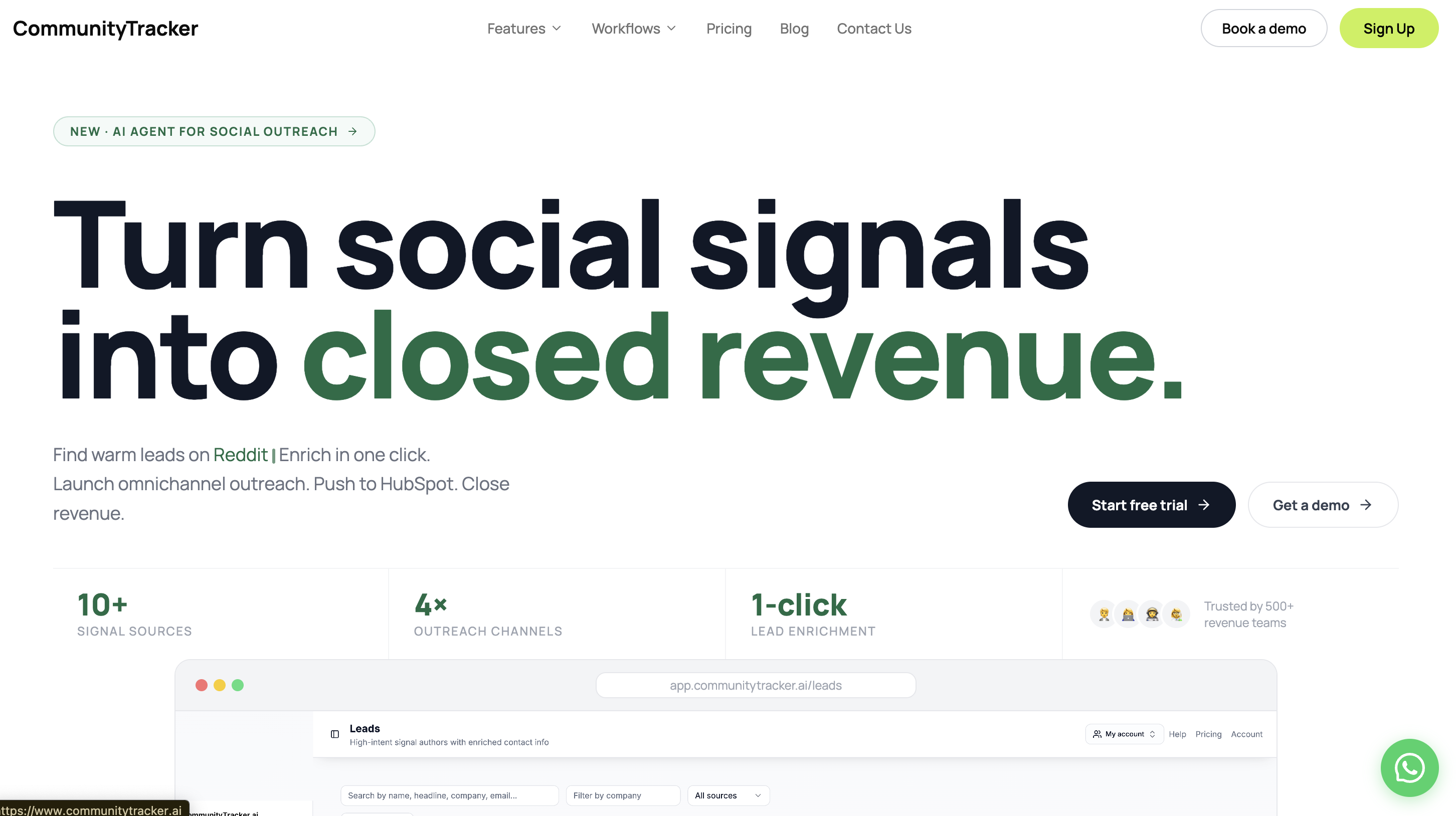
When I tested Twitter monitoring tools, most showed too many irrelevant mentions.
CommunityTracker focuses on conversations that actually matter.
On Twitter (X), I could find:
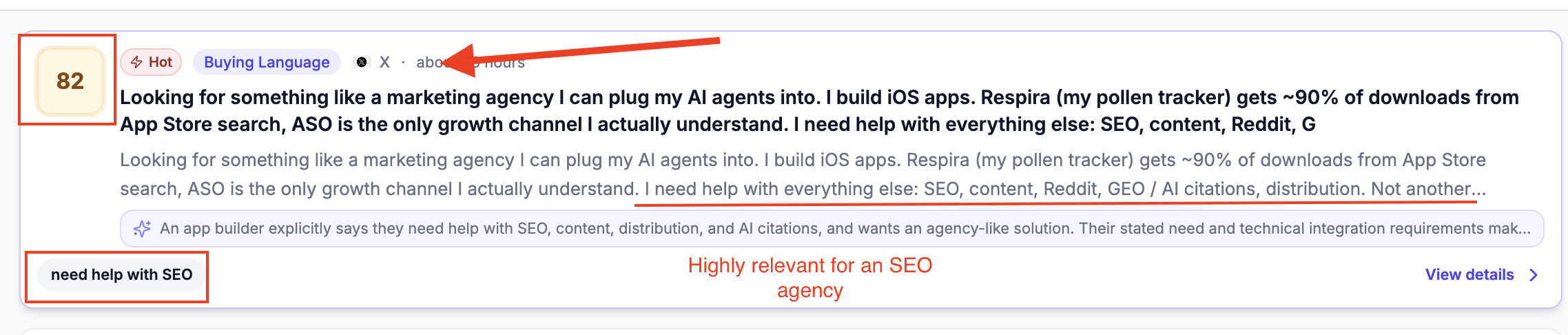
Recommendation and “looking for” tweets

Competitor comparisons (“X vs Y”)
Complaint threads and problem discussions
Viral conversations and keyword spikes
It filters out noise, so I can focus on tweets with real intent.
What Makes It Different#
The intent detection is the main difference.
It doesn’t just surface tweets. It explains:
Why the conversation matters
How strong the buying signal is
What action to take next
This saves time.
I didn’t have to manually judge every tweet. The tool already prioritized the ones that could convert.
Pros#
Surfaces “looking for” and comparison tweets instead of just keyword mentions
Detects untagged brand mentions, which most basic tools miss
Shows intent score + context, so I don’t have to judge every tweet manually
Flags competitor comparison threads early (before they get saturated)
Tracks signals across multiple platforms (not just Twitter) in one place
API lets me turn real conversations into content ideas or workflows automatically
Find emails from mentions
Cons#
Doesn’t support tweet scheduling, replies, or account management
Value depends on how well keywords are set up
No deep historical analytics or long-term reporting like enterprise tools
Best For#
B2B SaaS founders
SDR and outbound teams
Growth marketers
Pricing#
Starter — $29/month (3 keywords, limited communities)
Pro — $99/month (all communities, unlimited mentions, API)
Advanced — $199/month (more keywords, deeper insights)
2. Sprout Social – Best All-in-One Twitter (X) Monitoring Suite#
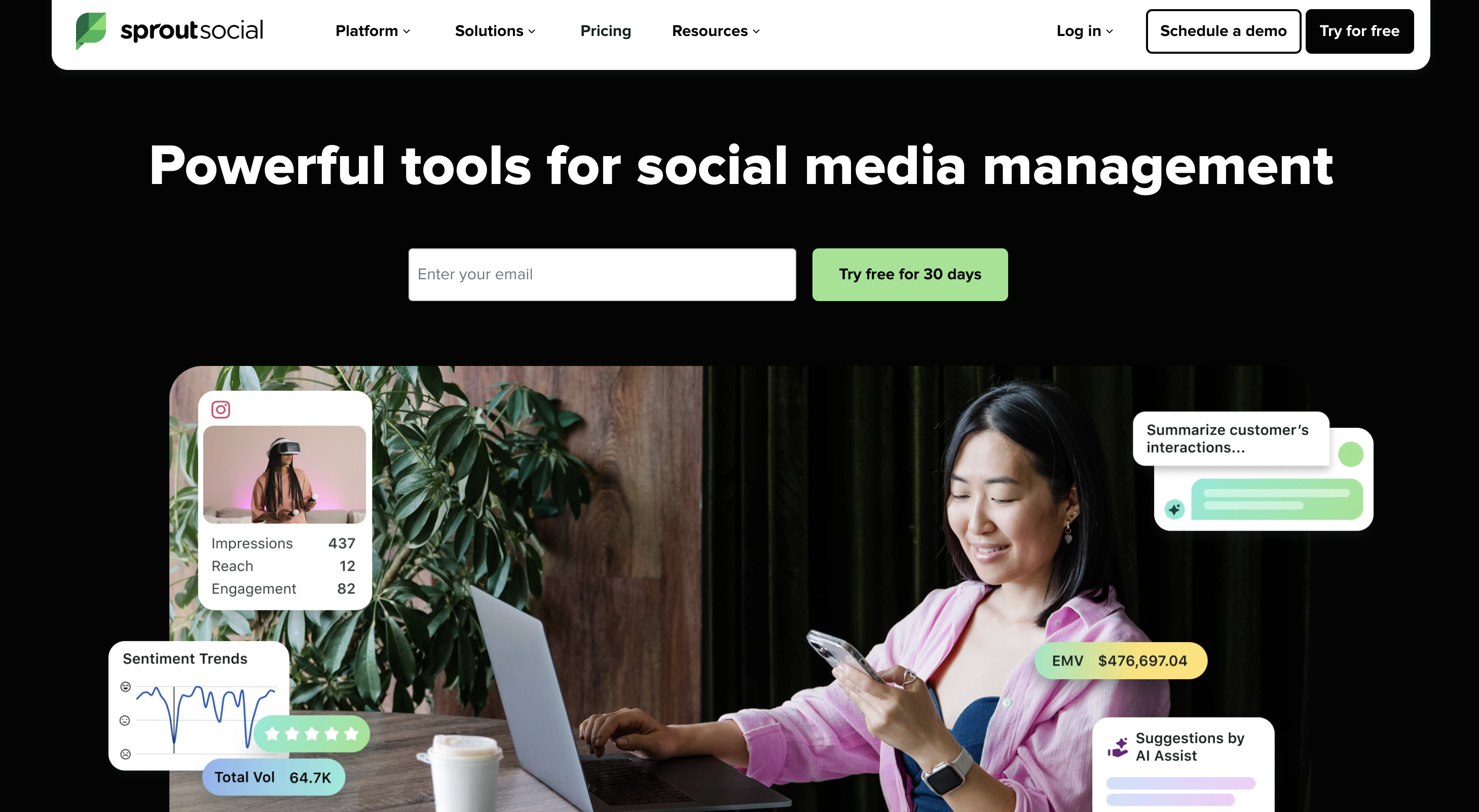
When I used Sprout Social, it felt more like a control center than a monitoring tool.
Everything sits in one place: mentions, replies, DMs, and reports.
On Twitter (X), I could track:
Tagged and untagged brand mentions
Hashtags and campaign keywords
Replies, quote tweets, and DMs
Competitor engagement and content performance
Sentiment (on higher plans)
Sudden spikes in message volume
It’s built for teams managing conversations at scale, not just finding leads.
What Makes It Different#
The strength is in how it combines monitoring with engagement.
I could go from seeing a tweet → replying → reporting results without switching tools.
Pros#
Tracks mentions, replies, and DMs together in one inbox
Shows competitor engagement metrics (followers, content performance)
“Message Spike Alerts” help catch sudden increases in activity
Built-in publishing and scheduling, so no extra tools needed
Clean reporting dashboards for team and client reporting
Cons#
Doesn’t prioritize buying intent or “looking for” signals
Pricing is per seat, which gets expensive for teams
Keyword tracking is less flexible than dedicated monitoring tools
Advanced features like sentiment require higher-tier plans
Best For#
Social media teams
Agencies managing multiple accounts
Brands focused on engagement + reporting
Pricing#
Standard — $249/user/month
Professional — $399/user/month
Advanced — $499/user/month
Enterprise — Custom
3. Meltwater – Best for PR & Enterprise Twitter Monitoring#
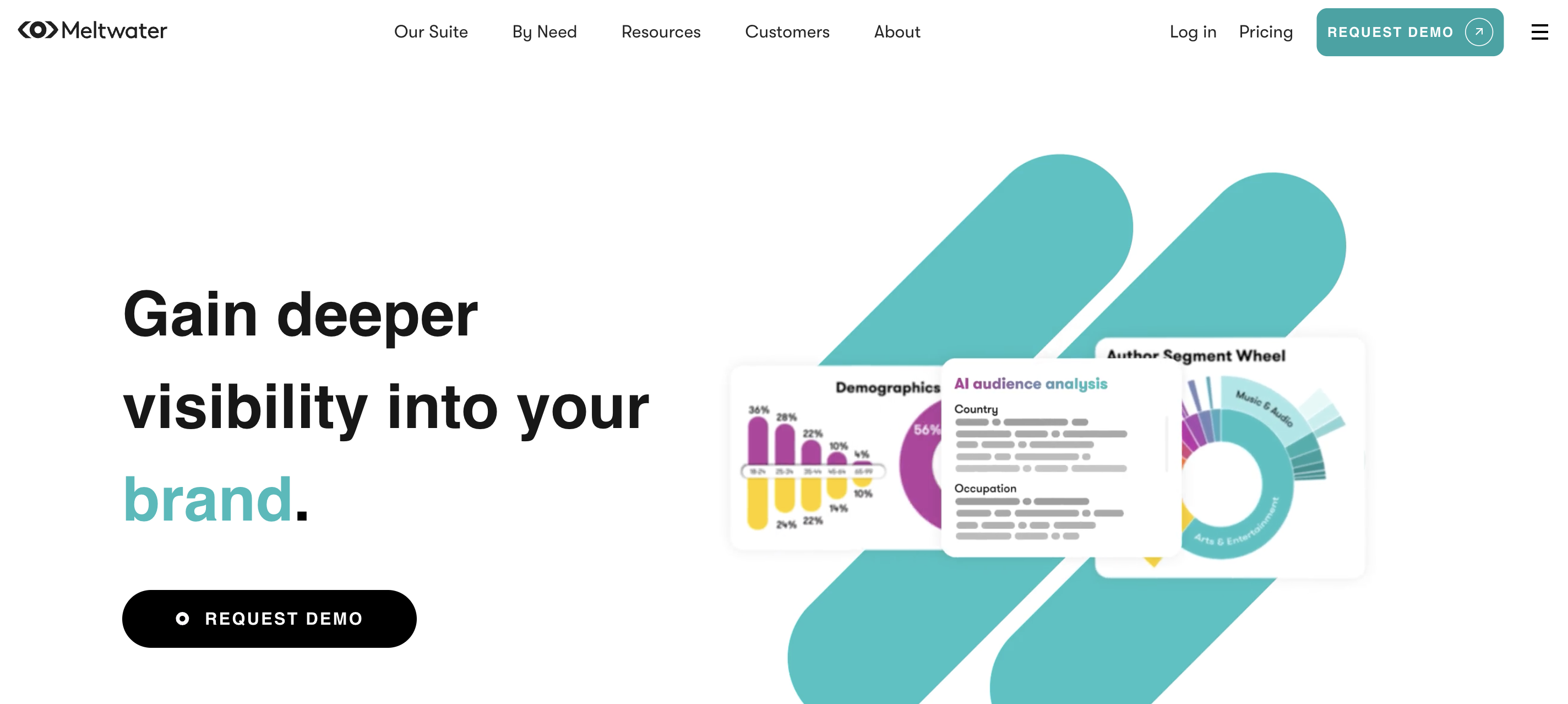
Meltwater is built for scale.
When I tested it, the focus was less on individual tweets and more on overall visibility—media, competitors, and trends.
On Twitter (X), it tracks:
Brand mentions across large datasets
Competitor comparisons and share of voice
Sentiment trends across campaigns
Influencer and journalist activity
Regional and global trends
It combines Twitter with news and media data, which changes how insights are used.
What Makes It Different#
It connects social + media monitoring in one system.
So instead of just tracking tweets, I could see how conversations spread across channels.
Pros#
Covers Twitter + news + blogs + media in one dashboard
Strong competitor benchmarking and share-of-voice tracking
Tracks influencers and journalists, not just users
Handles large-scale data across regions
Useful for brand reputation and PR monitoring
Cons#
Requires annual contracts (no self-serve pricing)
Setup takes time due to complex dashboards and filters
Not designed for finding high-intent leads quickly
Pricing is high compared to growth-focused tools
Best For#
PR teams
Enterprise brands
Corporate communications teams
Pricing#
Custom pricing (demo required)
Also Read: Meltwater Review 2026: Features, Pricing & The Real User Verdict
4. KWatch.io – Best Lightweight Real-Time Twitter Monitoring#
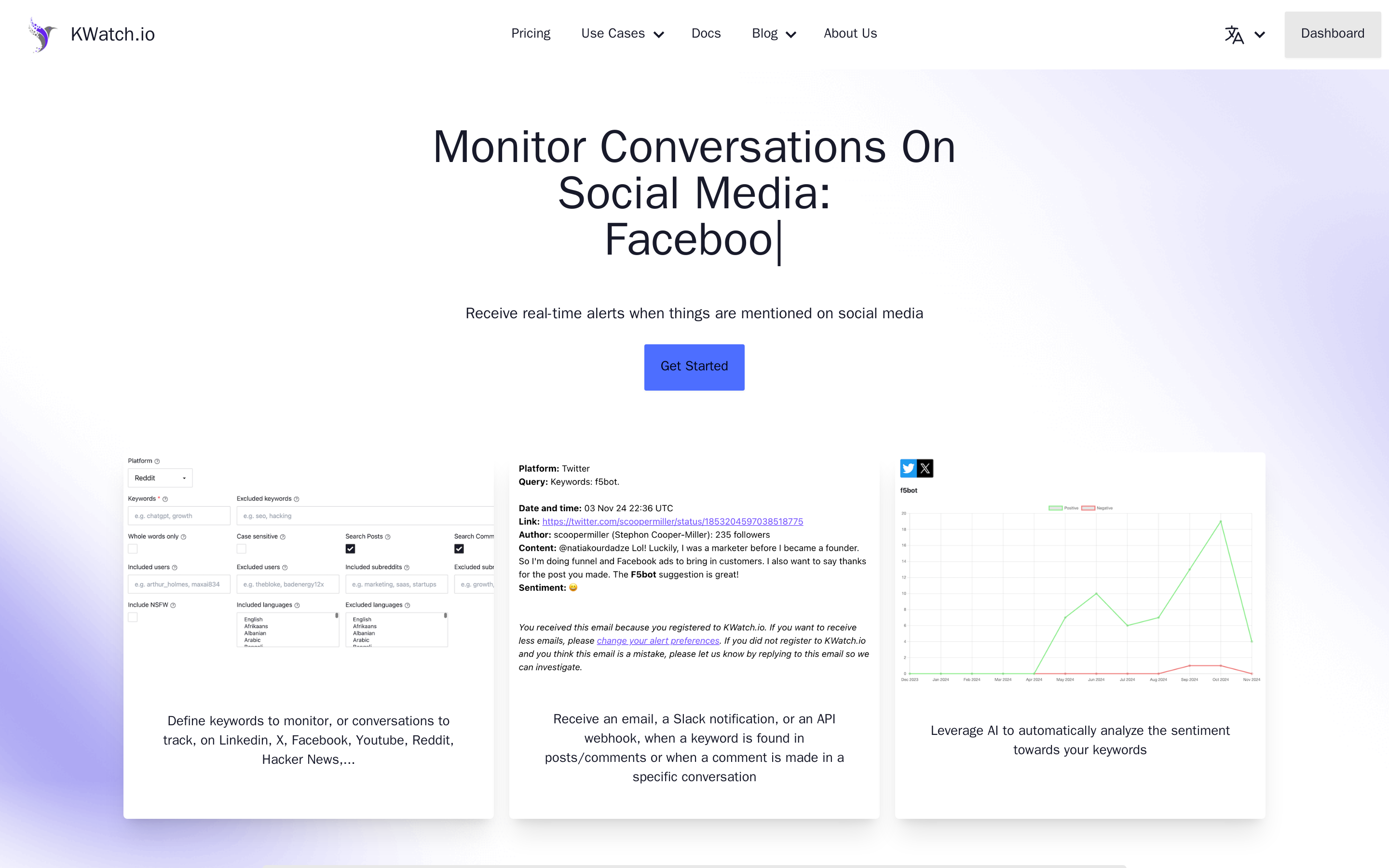
KWatch.io is straightforward.
I set keywords, and it started sending alerts within seconds.
On Twitter (X), it tracks:
Keyword mentions in tweets
Untagged brand mentions
Competitor mentions
Real-time alerts via email, Slack, or webhook
Basic sentiment on keywords
There’s no heavy dashboard. It’s built for speed.
What Makes It Different#
The focus is on instant alerts, not analysis.
It’s closer to a notification system than a full monitoring platform.
Pros#
Sends real-time alerts within seconds of a tweet
Detects untagged mentions using keyword tracking
Simple setup—no complex filters required
Supports Slack, email, and webhook alerts
Lightweight, so it’s easy to run in the background
Cons#
Lower plans have strict keyword limits (2–10 keywords)
No intent detection or prioritization of conversations
Limited analytics and reporting features
Not built for multi-account or campaign management
Best For#
Founders
Small teams
Users who want instant alerts
Pricing#
Free — limited features (no X monitoring)
Essential — $19/month
Business — $79/month
Enterprise — $199/month
Agency — Custom
5. Brandwatch – Best Enterprise Social Listening Tool#
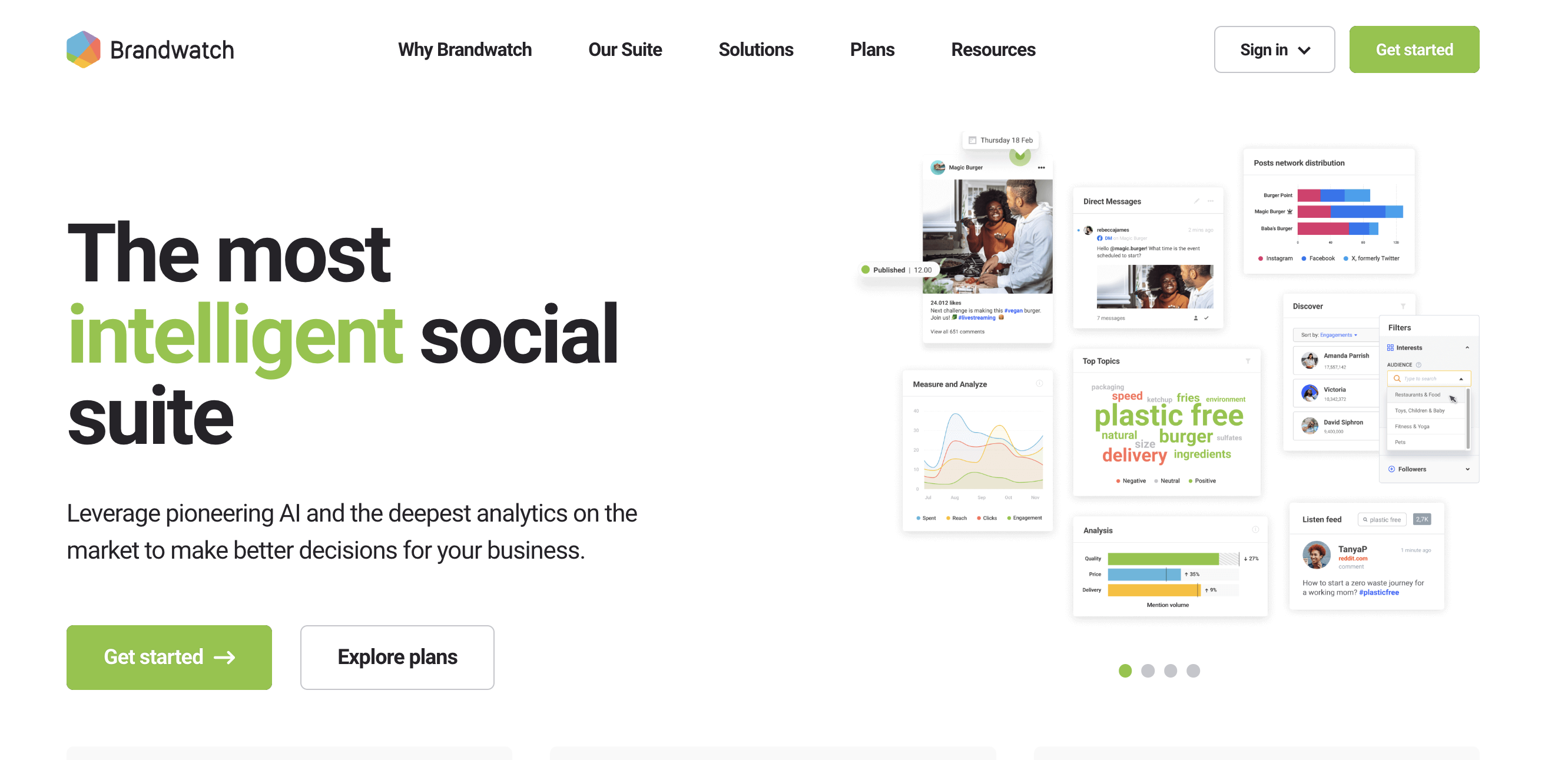
Brandwatch goes deep into data.
On X, it analyzes:
Brand mentions across large datasets
Sentiment trends over time
Competitor benchmarking
Emerging topics and spikes
Influencer and audience insights
It’s designed for research-heavy use cases.
What Makes It Different#
The depth of analysis.
It doesn’t just show what’s happening; it helps explain patterns at scale.
Pros#
Access to large historical Twitter data sets
Advanced sentiment and audience segmentation
Custom dashboards for deep analysis
Strong trend and topic detection
Useful for market research and brand perception
Cons#
Complex setup with steep learning curve
Not built for real-time lead capture or quick replies
Requires custom pricing and onboarding
Overkill for small teams or simple use cases
Best For#
Enterprise teams
Market research teams
Global brands
Pricing#
According to third-party reports, the average Brandwatch annual contract value is $ 50,000 from 40 purchases, with observed contracts from $19,542 to $81,200.
6. X Pro (TweetDeck) – Best Native Real-Time Twitter Monitoring#
X Pro is the fastest way to monitor Twitter.
Since it’s built by X, there’s no delay in the data.
I could create columns for:
Keywords and hashtags
Mentions and replies
Lists and competitor accounts
Trending topics
Specific searches
Everything updates in real time.
What Makes It Different#
Zero lag. It shows tweets as they happen, without relying on external APIs.
Pros#
Real-time feed with no delay in tweet updates
Fully customizable column-based dashboard
Tracks multiple keywords, hashtags, and lists at once
Native tool, so no data limitations or API issues
Ideal for live events and rapid monitoring
Cons#
No intent detection or filtering of noise
No analytics, reporting, or sentiment insights
Works only for Twitter (no cross-platform tracking)
Requires manual monitoring—no automation or alerts
Best For#
Journalists
Community managers
Live event tracking
Pricing#
X Pro's US pricing is split into three tiers:
Basic: $3/month or $32/year
Premium: $8/month or $84/year
Premium+: $40/month or $395/year
The annual plans lower the effective monthly cost, with the biggest absolute saving on Premium+. Basic is the entry-level option, Premium sits in the middle, and Premium+ is positioned for users who need the highest tier of features.
7. BrandMentions – Best for Broad Web and Social Mention Tracking#
BrandMentions is more useful when the goal is broad monitoring across the web, not just Twitter.
It tracks social mentions, trending topics, influencer activity, and brand sentiment in one place.
For Twitter (X), it is useful for:
Brand and keyword mentions
Trending topic tracking
Consumer sentiment
Competitor activity
Daily, hourly, or real-time alerts depending on plan
It is more of a brand visibility tool than a lead-finding tool.
What Makes It Different#
The broad monitoring coverage stands out.
It is built to help track how a brand or topic is being discussed across social and the web, not just inside one platform.
Pros#
Tracks both brand mentions and broader topic trends
Offers AI sentiment across plans
Higher plans include real-time updates, Boolean search, and API access
Includes up to 10 years of historical data on the Expert plan
Can help identify influencers and industry conversations, not just direct mentions
Cons#
Review feedback mentions poor data quality and a dated UI
Starter plan is billed quarterly, which may not suit smaller teams
More useful for visibility and reputation tracking than intent-based lead capture
Lower plans are less flexible if you need advanced filtering or automation
Best For#
Marketing teams tracking brand visibility
Businesses monitoring competitors and sentiment
Teams that want broader social + web tracking
Pricing#
Starter — $99/month billed quarterly
Pro — $299/month billed monthly
Expert — $499/month billed monthly
8. Syften – Best Lightweight Community Monitoring Tool for Technical and Niche Platforms#
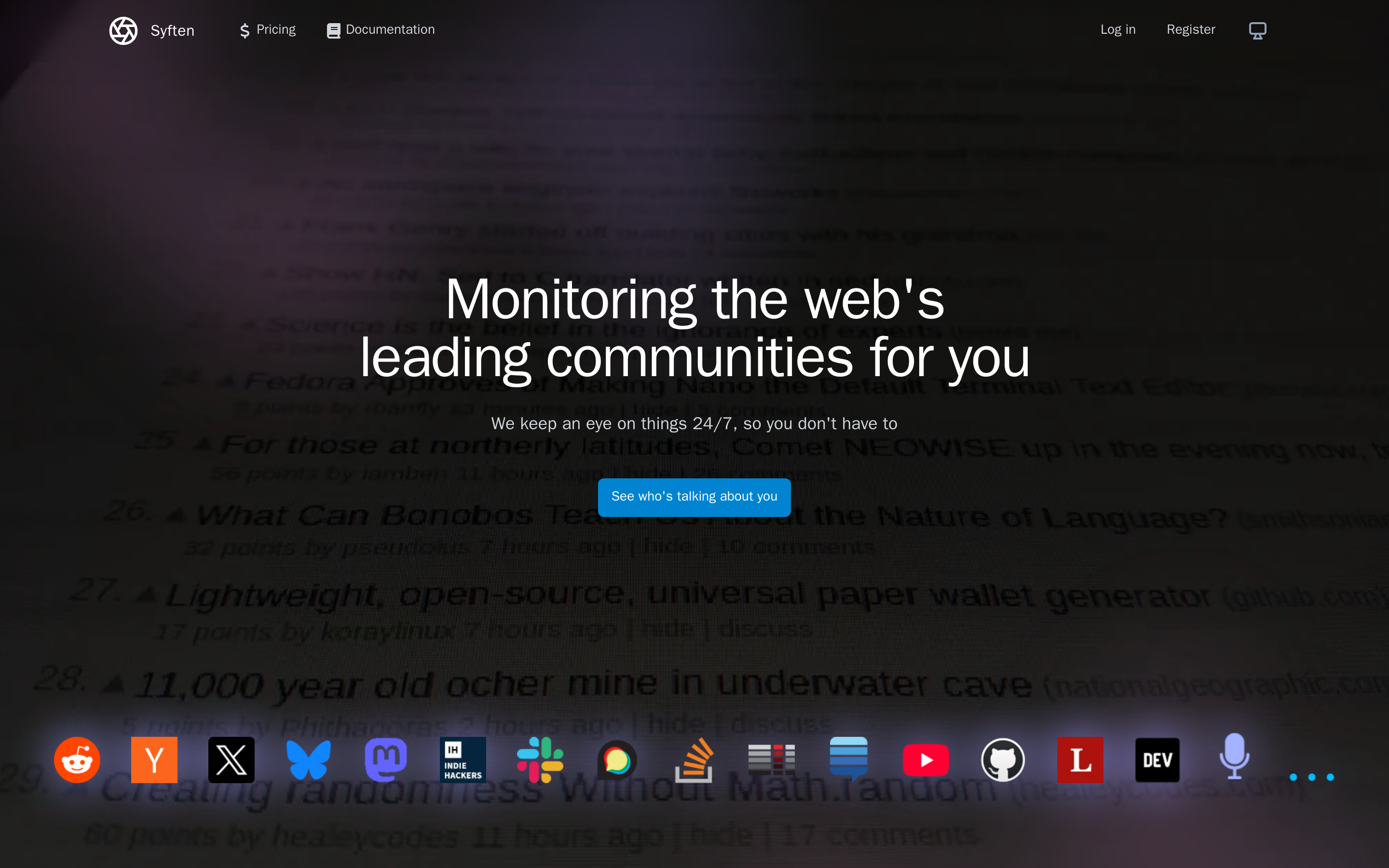
Syften covers a wide mix of discussion-heavy communities, but broad searches can still create a lot of noise. The useful part is the filtering: you can tighten queries and reduce irrelevant matches before alerts start piling up.
It supports:
X/Twitter
Reddit
Hacker News
Slack communities
Indie Hackers
GitHub
YouTube
Podcasts
Bluesky
Mastodon
Stack Exchange sites
For Twitter, it works through keyword monitoring and alerting rather than full social management.
What Makes It Different#
Syften is very strong at community listening with low noise.
The filtering system is a big part of that. It lets me narrow searches by source and syntax instead of relying only on basic keyword alerts.
Pros#
Covers many niche and technical communities beyond Twitter
Strong reputation for low-noise results
Supports Slack integration and webhooks on higher plans
Offers AI filtering to suppress duplicates, spam, and low-value mentions
Pricing is much lower than most enterprise listening tools
The product is actively developed, with frequent changelog updates
Cons#
Twitter monitoring is a paid add-on on Standard and PRO
X/Twitter delay is up to 15 minutes, so it is not the fastest tool here
No LinkedIn monitoring
The product is more functional than polished if you want a modern reporting experience
Best For#
SaaS founders
Technical products
Teams monitoring Reddit, X, Slack, and forums together
Users who want affordable community listening
Pricing#
Entry — $19.95/month
Standard — $39.95/month
Syften PRO — $99.95/month
Custom
Also Read: 7 Powerful Syften Alternatives for Reddit and Community Monitoring
9. Brand24 – Best for Brand Awareness and Cross-Channel Social Listening#
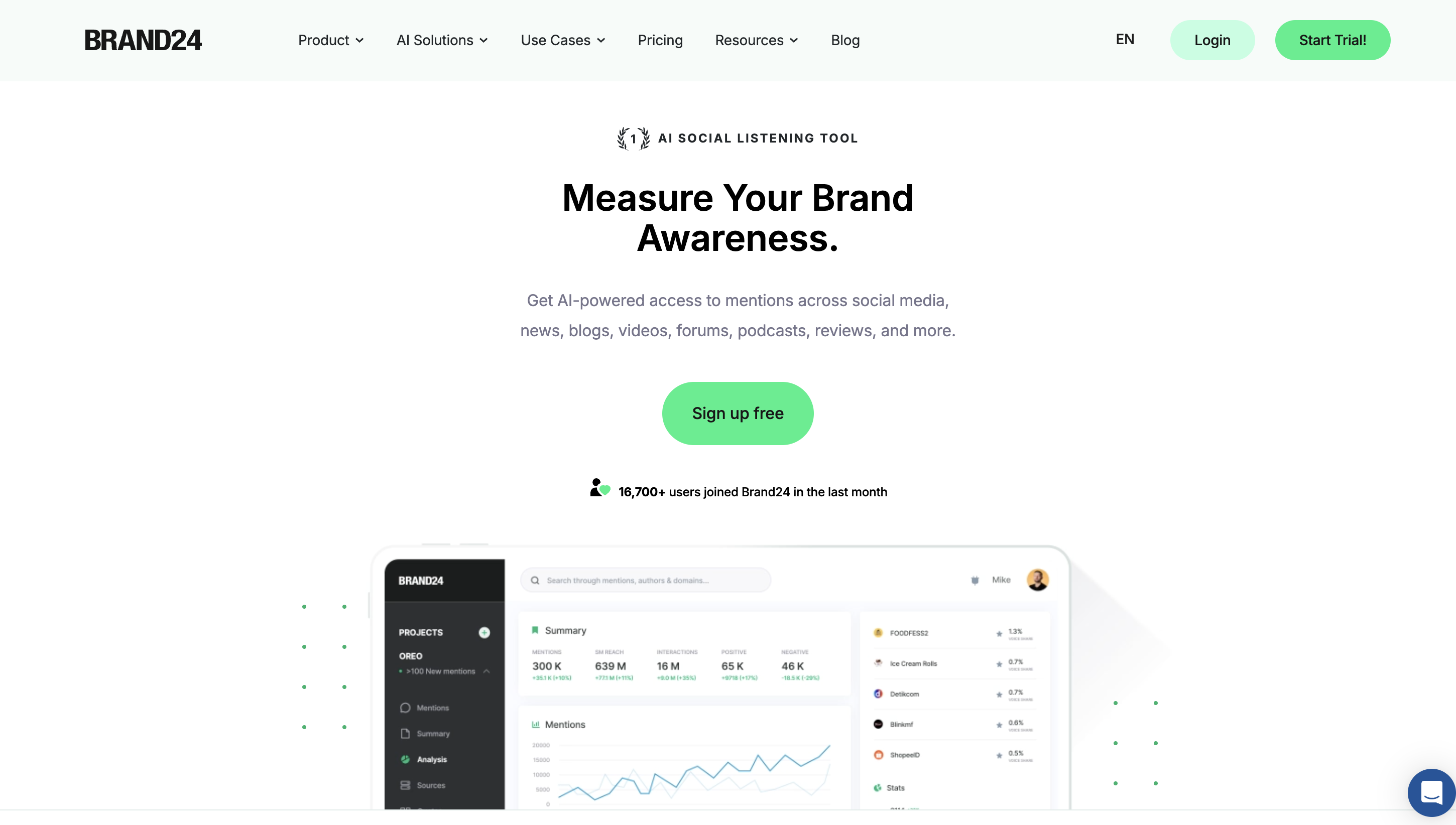
Brand24 is built for teams that want a wider view of brand presence.
It tracks mentions across social media, news, blogs, reviews, forums, podcasts, and more.
For Twitter (X), it is useful for:
Brand mentions
Hashtag tracking
Reach and awareness measurement
Sentiment analysis
AI event detection
Competitor benchmarking
This is more about brand health and campaign measurement than direct lead capture.
What Makes It Different#
Brand24 combines large-scale mention tracking with AI summaries and brand analytics.
It is a better fit when the question is “How visible is the brand?” rather than “Which tweet should I reply to right now?”
Pros#
Tracks mentions across 25 million online sources
Includes AI sentiment, AI event detection, and AI insights on higher plans
Strong for reach, awareness, and campaign reporting
Supports 108 languages
Offers real-time updates from the Pro plan upward
Unlimited users on Team and higher plans
Cons#
Starts at a relatively high price compared to lightweight tools
Lower plan updates are slower, with the Individual plan refreshing every 12 hours
Better for brand monitoring and reporting than intent-focused X (Twitter) lead generation
Some advanced AI features are limited to higher plans or specific projects
Best For#
Marketing teams
PR teams
Brands tracking awareness and sentiment
Companies comparing competitor visibility
Pricing#
Individual — $249/month
Team — $349/month
Pro — $499/month
Business — $699/month
Enterprise — from $1499/month billed annually
10. Octolens – Best for AI-Filtered Monitoring for SaaS and Developer Brands#
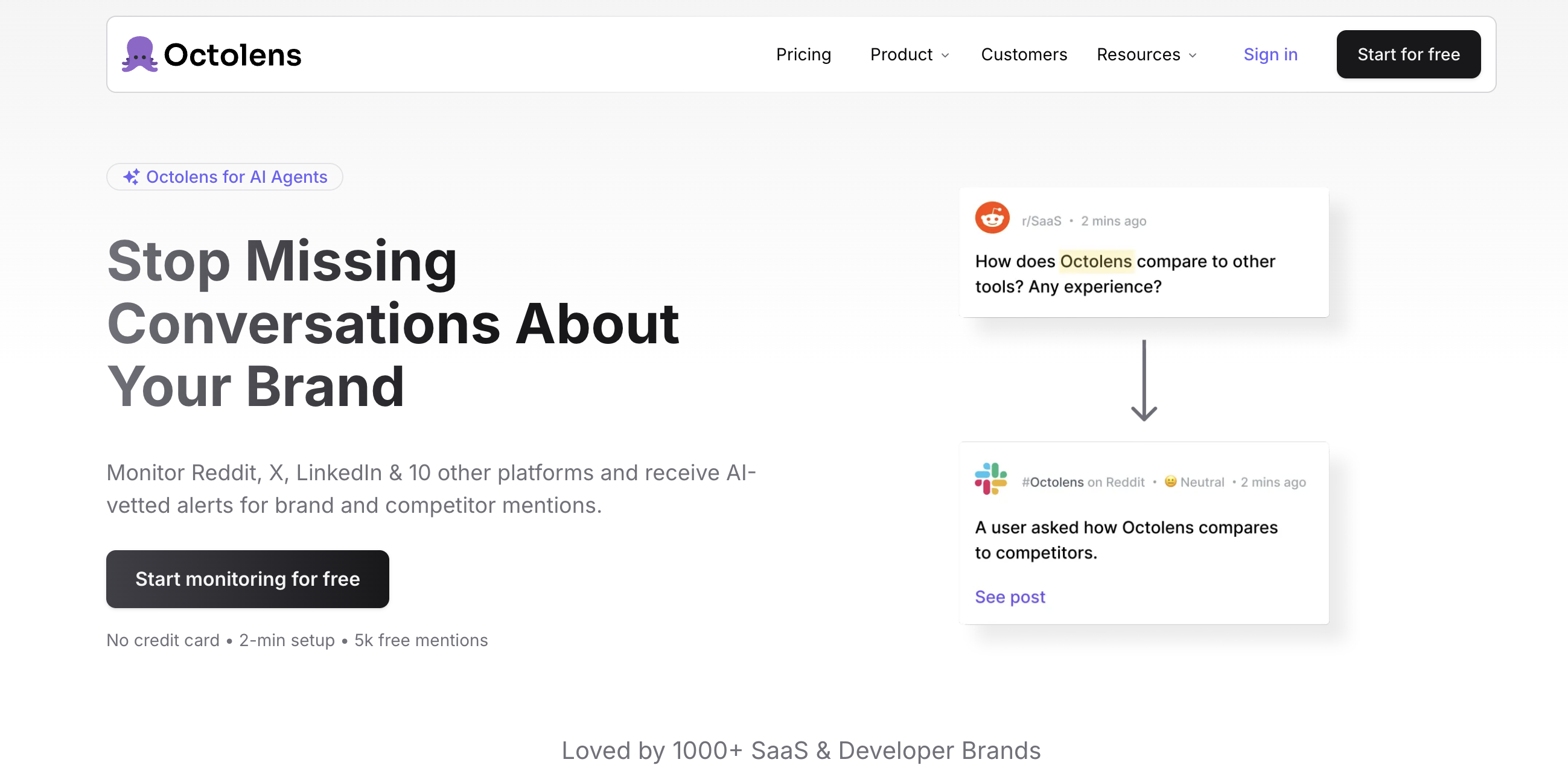
Octolens is built around one idea: reduce noise before it reaches the team.
It monitors Twitter/X along with Reddit, LinkedIn, GitHub, Hacker News, YouTube, podcasts, newsletters, and more.
On Twitter (X), it helps track:
Brand mentions
Competitor mentions
Pain point conversations
Alerts filtered by AI
Slack, email, or webhook notifications
It is clearly designed for SaaS and developer-focused teams that need faster signal review.
What Makes It Different#
The AI triage is the main difference.
Instead of sending everything, Octolens tries to filter for relevance first. That matters when a brand is mentioned often, and the team cannot review everything manually.
Pros#
Monitors 13 platforms relevant to SaaS and developer brands
Includes AI filtering and triage to cut down noise
Supports API, webhooks, and MCP without needing an enterprise plan
Offers hourly refresh on Pro and real-time refresh on Scale
Useful for founders, marketing, DevRel, and AI agent workflows
Extra keywords and mentions can be added without changing plans
Cons#
More expensive than lightweight tools like Syften or KWatch.io
Keyword limits are still modest on core plans (10 on Pro, 15 on Scale)
Better suited to SaaS and tech brands than broad consumer brand monitoring
The strongest value comes when the team actually uses alerts and workflows, not just reports
Best For#
SaaS companies
Developer tools
DevRel teams
Founders and growth teams who want AI-filtered alerts
Pricing#
Pro — $149/month
Scale — $399/month
Enterprise — Custom
Related Read: In-depth Octolens Review: Our 30 Days Hands On Experience Breakdown
11. Awario – Best for Flexible Keyword Monitoring with Large Mention Volumes#
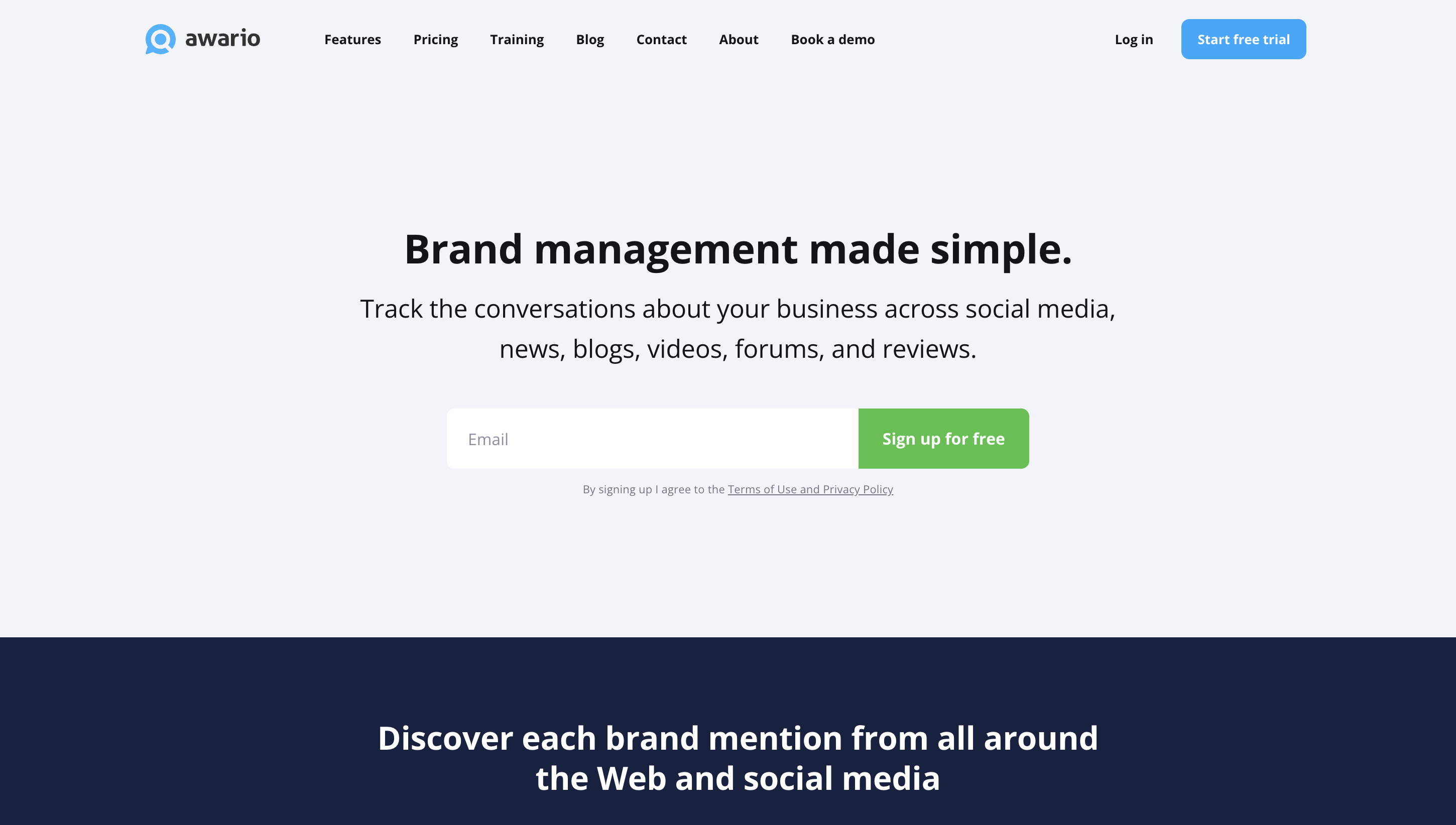
Awario is useful when the goal is to monitor a lot of keywords, topics, and mentions without hitting tight limits too early.
It tracks conversations across:
X/Twitter
Reddit
Facebook
Instagram
YouTube
Blogs
Forums
News
Reviews
The wider web
For Twitter, it is good for brand monitoring, market research, and finding sales opportunities through keyword-based alerts.
What Makes It Different#
The topic and mention limits stand out.
Even the Starter plan includes 3 topics, unlimited keywords per topic, and 30,000 new mentions per month, which is generous for the price.
Pros#
Supports unlimited keywords per topic
Starter plan already includes Boolean search, data export, PDF reports, and API
Strong mention volume limits compared to many tools in a similar price range
Good for market research, reputation monitoring, and social selling
Pro and Enterprise plans support larger teams and higher storage limits
Cons#
Better at monitoring and research than prioritizing intent automatically
Stored mention history is capped per topic, so older mentions rotate out
The interface is more useful for tracking and export than for fast action on high-intent tweets
Does not emphasize AI-based lead scoring or next-step recommendations
Best For#
Teams that need flexible keyword tracking
Agencies and analysts
Brands doing market research and reputation monitoring
Users who want large mention limits without enterprise pricing
Pricing#
Starter — $49/month
Pro — $149/month
Enterprise — $399/month
Which Twitter Monitoring Tool Should You Choose?#
Twitter (X) is still one of the fastest places to spot demand.
People ask for tools, compare options, and share problems in real time.
The challenge is not access to data. It’s knowing which conversations are worth paying attention to.
Most tools help track mentions.
Fewer help you prioritize and act on them.
If your goal is reporting, analytics, or brand tracking, tools like Sprout Social, Brandwatch, or Brand24 are a better fit.
If you want simple alerts, KWatch.io or Syften are enough to stay updated.
But if you’re trying to find leads or understand buying intent, the approach changes.
You need to focus on conversations where users are actively looking for solutions.
CommunityTracker is built around that.
It filters conversations, highlights intent, and adds context so it’s easier to decide where to engage.
If that’s how you plan to use Twitter, try CommunityTracker with the free trial.