6 Lemlist Alternatives I Compared in 2027
6 Lemlist alternatives I compared in 2027: CommunityTracker first for buyer-signal outreach, and Reply.io when you need a full sequencer.
Adarsh Kumar
GTM Expert
Founder — CommunityTracker, Miraa.io, and Infraboxes
You have a Lemlist renewal on your desk, and Lemlist alternatives is the search you ran because you still have to decide if LinkedIn belongs in the same sequence as email, or if that motion should live in another tool.
A lot of GTM teams are now putting AI agents into outbound, chasing buying signals, and building their own workflows with Claude. That only helps if the people those agents reach are worth a sequence in the first place, and if the sender you pick can run the motion you use.
I’m sure you’ve tried Instantly, or you added LinkedIn seats and still dislike the bill, and that is why you landed here.
Keep scrolling for why CommunityTracker is my first pick when outreach should start from buyer signals, why Reply.io is the one I’d buy when you need a full sequencer, and how the other four senders split.
TL;DR
I’d start with CommunityTracker when the list should come from buyer signals, and I’d buy Reply.io when you need a full sequencer.
CommunityTracker - Best for outreach that starts from buyer signals, with LinkedIn and email in the same workspace.
Reply.io - Best for teams that need a full sequencer.
Snov.io - Best for a whole team that needs a login inside a recipient cap.
Instantly - Best for a large pool of sending accounts.
Apollo - Best for a team that already wants contacts and a dialer in the same account.
Saleshandy - Best for one person who mostly sends email.
Should you stay on Lemlist?
For a team that needs every person to have a login, the Email plan is still a strong seat deal. On monthly billing, Email is $69 a month, with unlimited users and a cap of 50,000 emails a month, and Multichannel is $109 a month. Lemlist has a 4.7 TrustScore from 265 reviews on Trustpilot. Lemlist gives you a 14-day free trial.
Multichannel is the plan that adds LinkedIn automation and SMS automation. It is not an unlimited-user plan, so count the people who will send before you assume the Email seat deal carries over.
My rule: stay on Lemlist if unlimited users on email is the main reason you bought it, and LinkedIn is a nice extra. Leave if LinkedIn in the same sequence is the motion, and you want one fixed price that spells out the term.
1. CommunityTracker
When the list should come from buyer signals
I’d put CommunityTracker first on this list when the people you email or message should come from buyer signals, and you want LinkedIn and email campaigns in the same workspace. For a full sequencer, my call is Reply.io.
The named buying signals are job changes, funding and hiring. Posts in communities get a score if someone is asking for a tool in your category, complaining about the one they use, or lining up a shortlist. People land in Hot, Warm or Watch, each with a reason attached. Every paid plan includes lead lists and buying-signal monitoring.
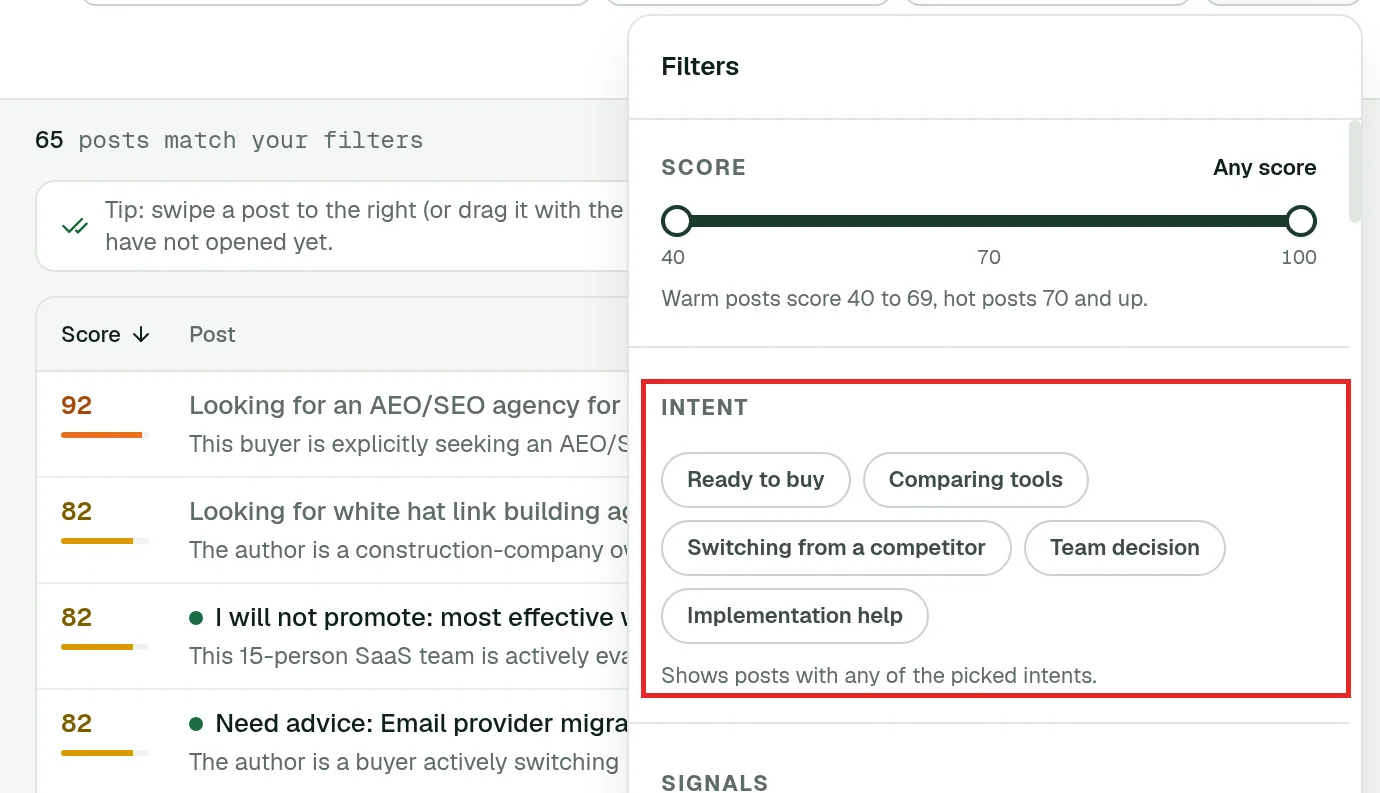
I’d use this Filters panel to narrow the feed to intent chips such as comparing tools, switching from a competitor, or a team decision. The posts and titles on the left are sample data from a tracked set.
LinkedIn and email campaigns can run from those signals, and replies land in one inbox. You can approve each message, or let the campaign run. If a sender such as lemlist, Instantly, Smartlead or Salesforge already sits in your stack, you can hand those leads over with your own key, and keep heavier sequence work there.
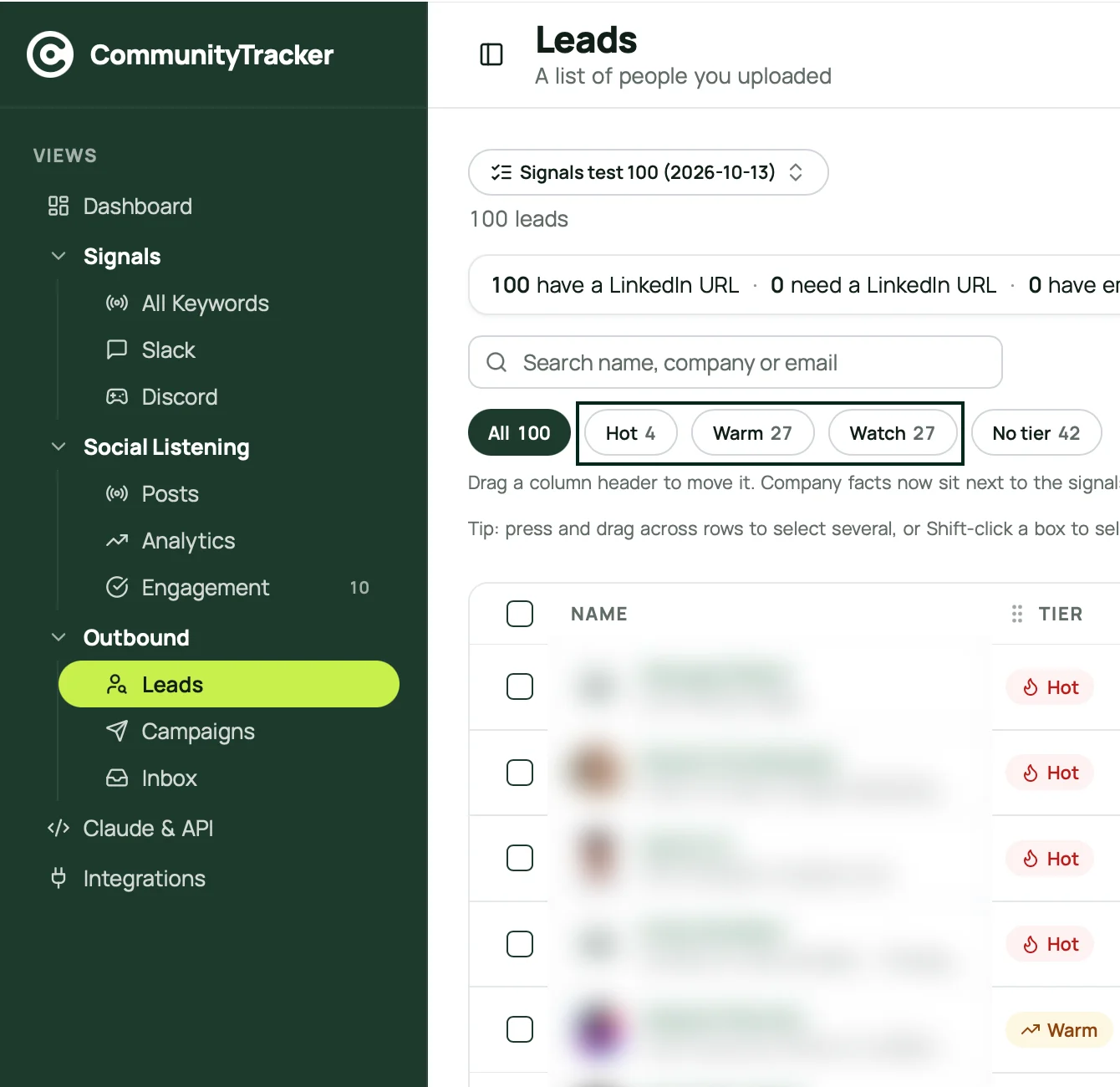
Once the feed is filtered, I’d sort people on the Hot, Warm or Watch chips in this Leads view (the counts are sample) before I push a list into the sequencer.
Starter stays on Reddit, LinkedIn, Hacker News and GitHub only. The remaining official sources open on Pro or Advanced. Starter gives you 4 keywords and 5,000 mentions. Pro raises that to 10 keywords on the official platform set, with no mention cap.
A seven-day trial costs $4.99.
Starter alerts once a day.
100 warm emails a month on Starter, unlimited on Pro.
$39 is the monthly price of Starter, $99 is the monthly price of Pro, and $199 is the monthly price of Advanced, all billed monthly (see current fees).
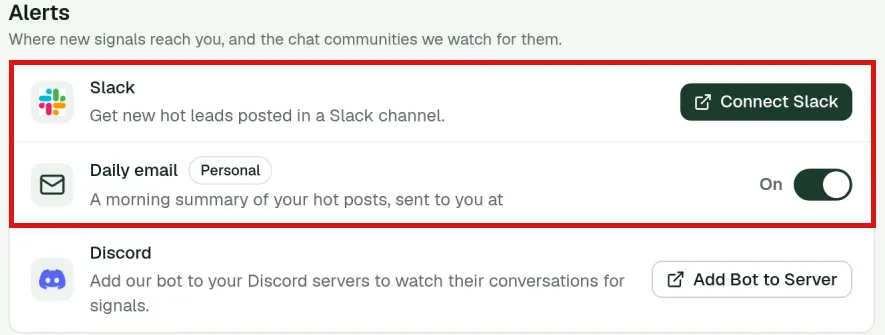
I’d use this Alerts card to route hot leads into Slack, and to receive a morning email that recaps those hot posts.
Pros:
LinkedIn and email campaigns can start from the same buyer signals, with replies in one inbox.
Job changes, funding and hiring are tagged Hot, Warm or Watch, each with a reason.
You can hand the leads over to lemlist, Instantly, Smartlead or Salesforge with your own key.
You can approve each message, or let the campaign run.
The monthly plan prices are public, and the paid seven-day trial is $4.99.
Cons:
Daily alerts on Starter, so I would not treat it as a live sender.
Starter caps you at 4 keywords, 5,000 mentions, and those four sources.
100 warm emails a month on Starter, with unlimited warm emails starting on Pro.
I’d keep heavy multi-step sequences in a sender you already run, since CommunityTracker can pass that list into lemlist, Instantly, Smartlead or Salesforge.
A draft reply is only a starting point. You have to edit it and post it yourself.
Credit usage applies when you enrich a lead.
I’d keep CommunityTracker if the list and the first outreach should come from buyer signals. I’d buy Reply.io, or stay on Lemlist, when the sending stack itself is the job.
2. Reply.io
When LinkedIn has to sit in the same sequence
Reply.io is where I’d send a team that picked Lemlist for LinkedIn steps rather than cheap seats. On the monthly view, Multichannel starts from $99 per user /month and bundles email, LinkedIn, SMS and phone outreach at one fixed price, with a 14-day trial. I’d walk away if you only need email and a lot of free logins, because this plan is priced per user.
You can add automatic LinkedIn steps (connect, message, InMail, profile views and more) in the same sequence as your email steps. That is the closest match to Lemlist Multichannel on this list. Email Volume is the other track, with no limit on users or mailboxes, and LinkedIn automation on it costs $69 /mo per account on monthly billing. On the monthly view, Multichannel has 5 mailboxes under Email Automation. The default view, billed annually, has 10 mailboxes. Check mailbox counts on the view you’ll buy before you assume unlimited carries across both plans.
Reply.io has a 4.6 TrustScore from 270 reviews on Trustpilot.
Pros:
Email, LinkedIn, SMS and calls on one Multichannel price.
Automatic LinkedIn steps inside a sequence.
14 days to test Multichannel.
Email Volume has no limit on users or mailboxes.
Cons:
Multichannel is priced per user, from $99 /month.
On Email Volume, LinkedIn automation adds $69 /mo per account.
On the monthly view, Multichannel has 5 mailboxes. The default view, billed annually, has 10.
On Email Volume, Calls and SMS automation adds $29 /mo per account.
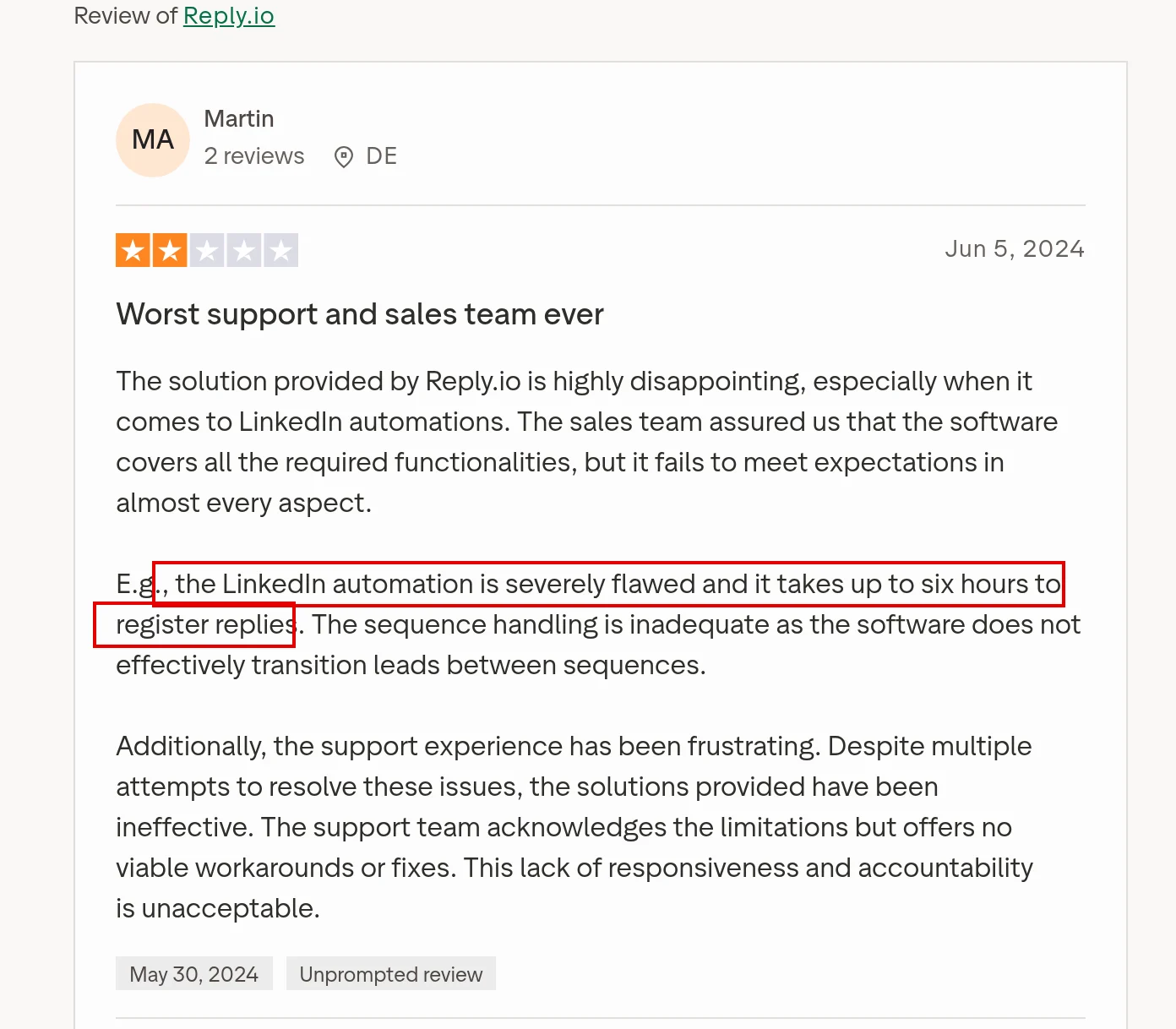
Martin’s two-star card from Jun 5, 2024, badged Unprompted review and older than 12 months. The wait on replies is why I’d test LinkedIn steps during the 14-day trial, before you migrate the whole list.
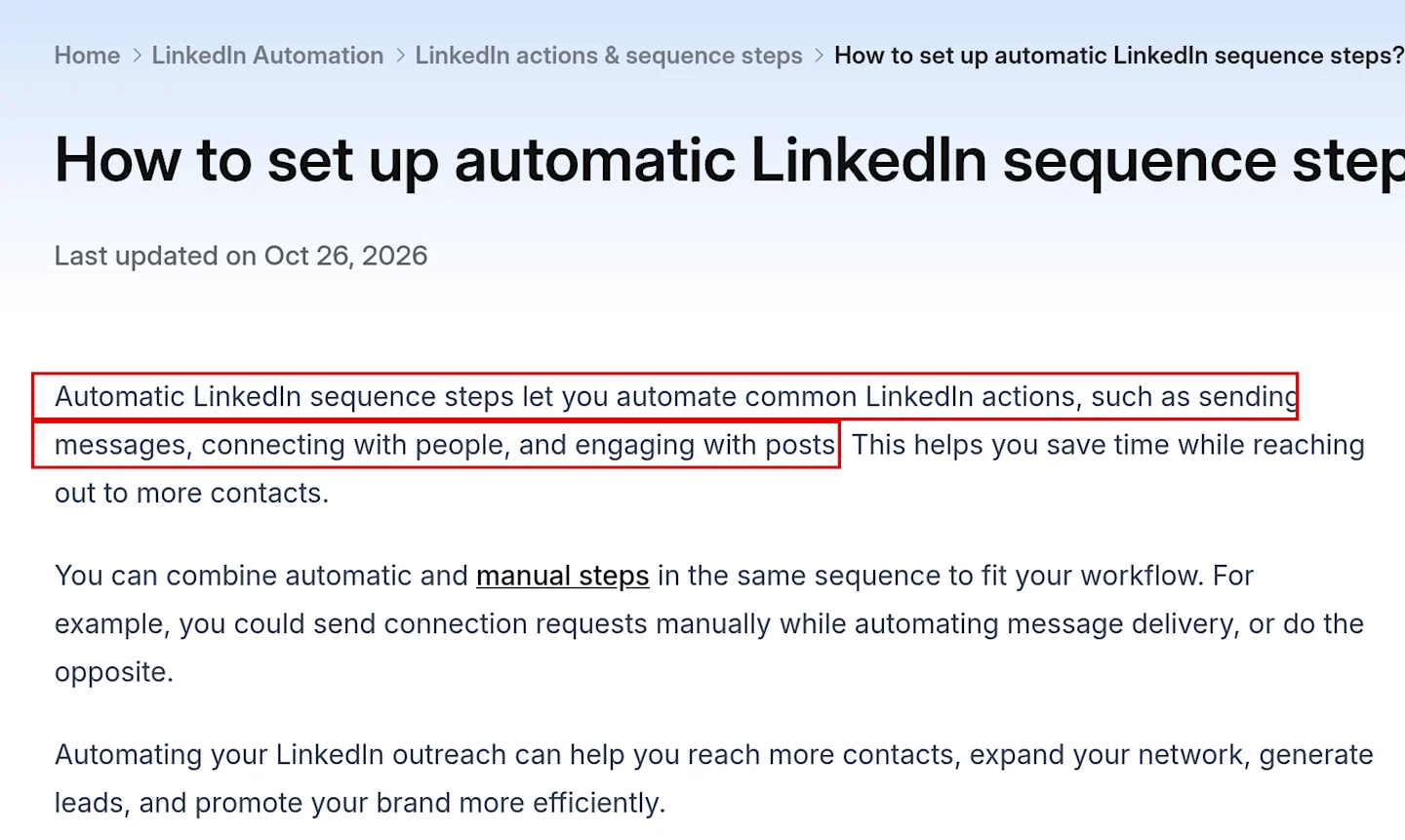
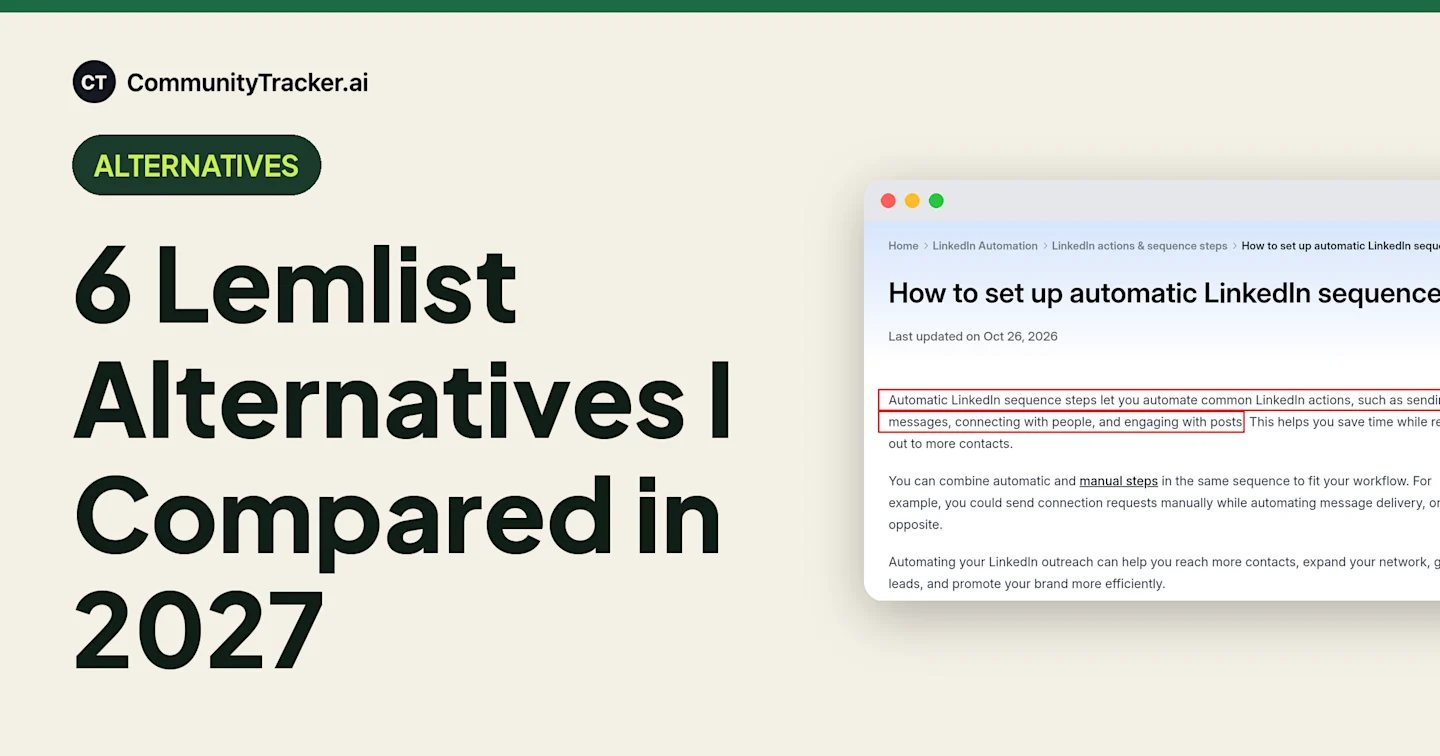
I’d use this article on automatic LinkedIn sequence steps, with the line that you can automate messages, connections and post engagement.
3. Snov.io
A $39 plan that seats the whole team
Snov.io is the seat play on this list. On the monthly view, Starter costs $39 /mo, includes as many team seats as you need, 1,000 credits and a 5,000-recipient cap. Senders, follow-ups and campaigns are unlimited. I’d go here if everyone on your team needs a login and your volume fits inside 5,000 recipients. I’d walk away if you are already bumping a recipient cap each month, or if you expected every teammate to start the LinkedIn trial themselves.
Pro is $99 /mo on the monthly view, with 25,000 recipients and 5,000 credits, still with unlimited team seats. LinkedIn Automation sits on its own tab. A free 7-day trial of LinkedIn Automation is available, and only the team leader can start it. Seats are not the same as LinkedIn slots: unlimited team seats on any paid plan, including the LinkedIn Automation plan, so every teammate can join, and each LinkedIn profile needs its own paid slot.
Snov.io has a 4.6 TrustScore from 1,609 reviews on Trustpilot.
Pros:
Unlimited team seats on Starter and Pro.
No cap on senders, follow-ups or campaigns.
Starter is $39 /mo on the monthly view.
A 7-day LinkedIn Automation trial exists, started by the team lead.
Cons:
Starter stops at 5,000 recipients.
LinkedIn Automation is a separate add-on, billed per slot rather than per seat.
The team lead is the one who can start the 7-day LinkedIn trial.
Starter includes 1,000 credits.
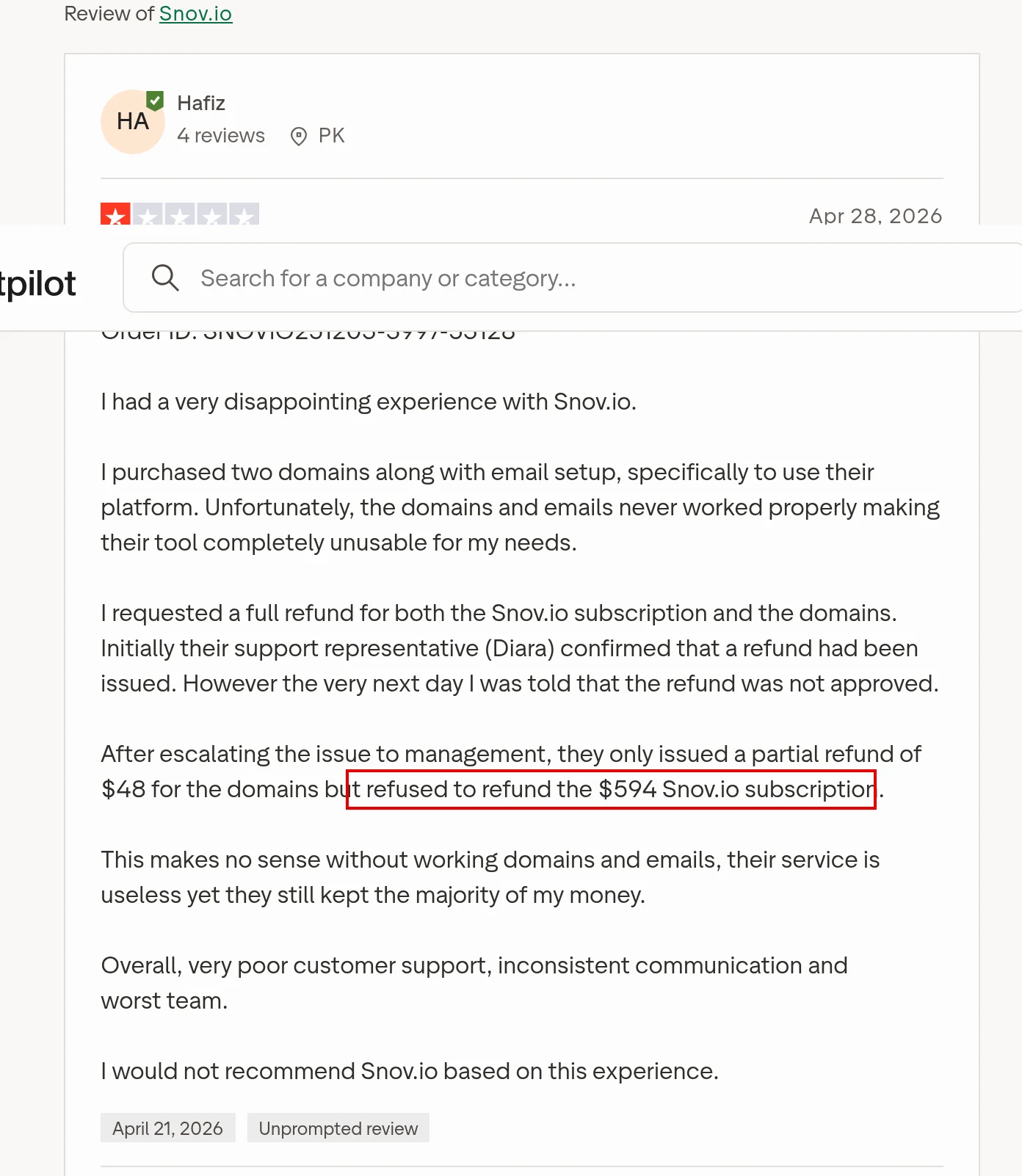
Hafiz’s one-star card from Apr 28, 2026, badged Unprompted review. Get cancellation and refund terms in writing before you buy domains or annual credits through the vendor.
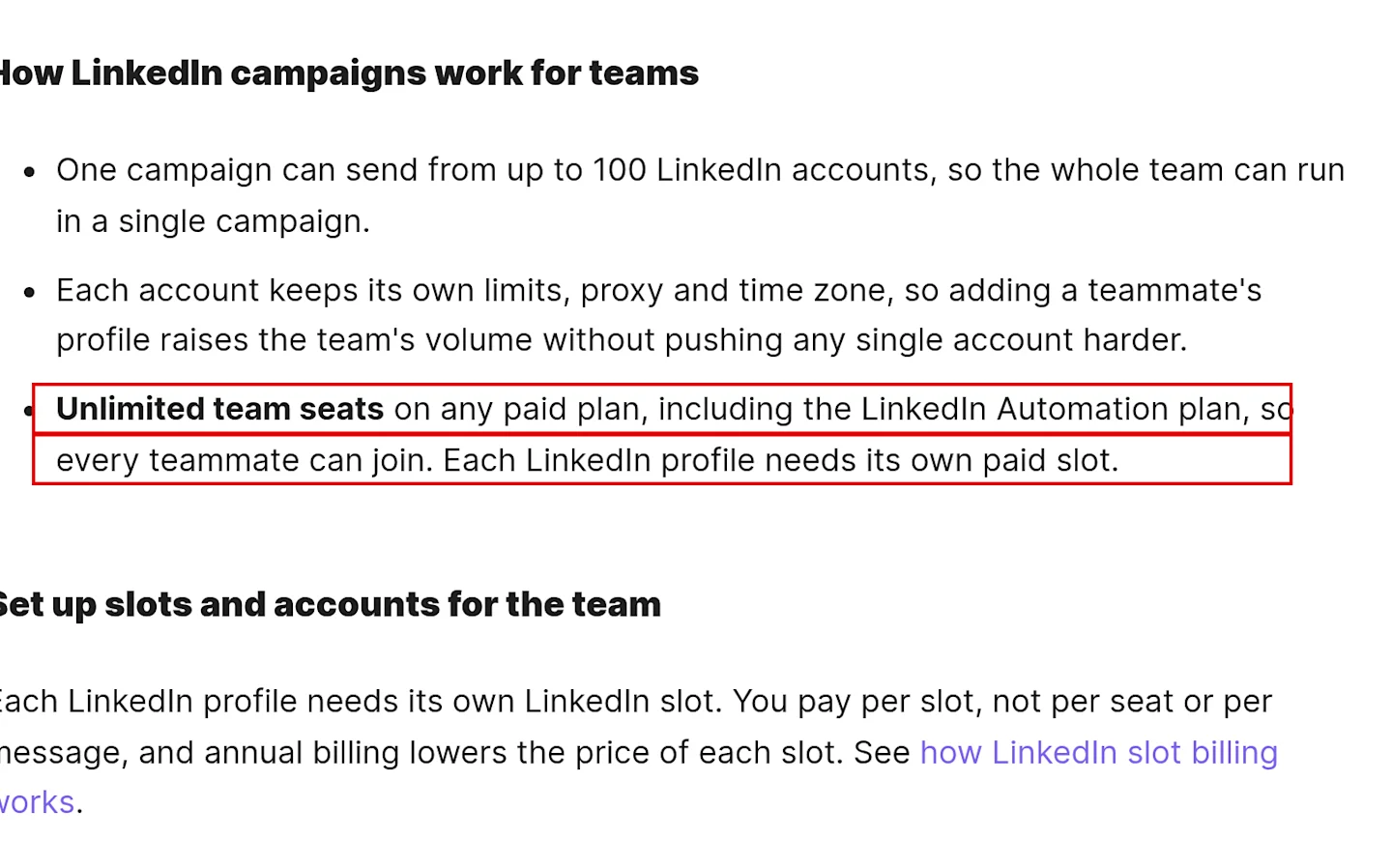
I’d use this article on team LinkedIn accounts, with the line that seats are unlimited on a paid plan and each LinkedIn profile needs its own paid slot.
4. Instantly
Unlimited inboxes, and a 14-day trial you have to find yourself
Instantly is the inbox play. On monthly billing, Growth is $47 a month, with unlimited email accounts, 1,000 contacts you upload and 5,000 emails each month. Hypergrowth is $107 a month, with 25,000 uploaded contacts and 125,000 emails a month. I’d pick it if you need many sending accounts under one flat fee. I’d walk away if you need LinkedIn automation in the same sequence, or if you refuse to start a trial whose terms are missing from the public prices.
The public prices do not include trial terms. Free trial users can connect up to 2 email accounts, outbound plans get unlimited email accounts, and after the 14-day free trial, accounts, warmup and campaigns pause until you subscribe. Trustpilot has hidden Instantly’s rating: “This company’s rating is unavailable due to a breach of our guidelines.”
Pros:
Unlimited email accounts on Growth and Hypergrowth.
Unlimited email warmup on those plans.
A 14-day free trial, with a cap of 2 accounts.
Reports cover opportunities, pipeline, conversions and revenue.
Cons:
Trial terms are missing from the public prices.
Trustpilot has hidden the score after a guidelines breach.
Growth caps uploaded contacts at 1,000 and emails at 5,000 a month.
After the 14-day trial, accounts, warmup and campaigns pause until you subscribe.
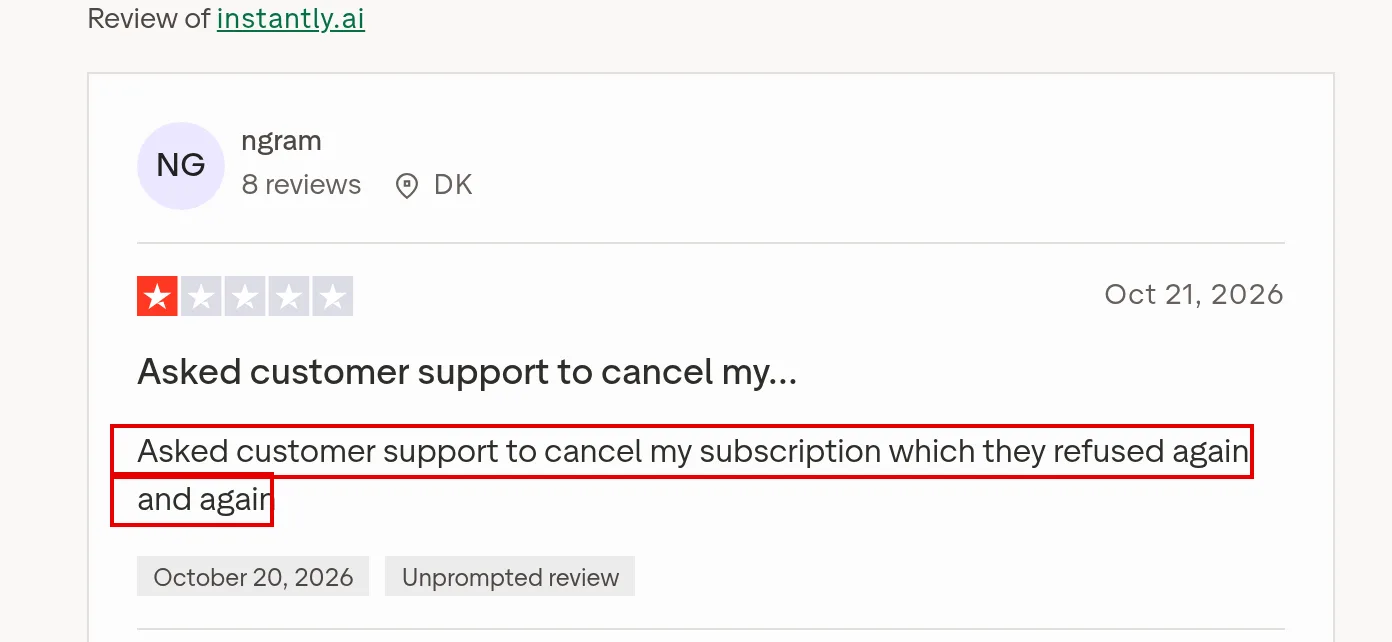
ngram’s one-star card from Oct 21, 2026, badged Unprompted review. If cancellation is a worry, take a screenshot of the cancel state before the billing date.
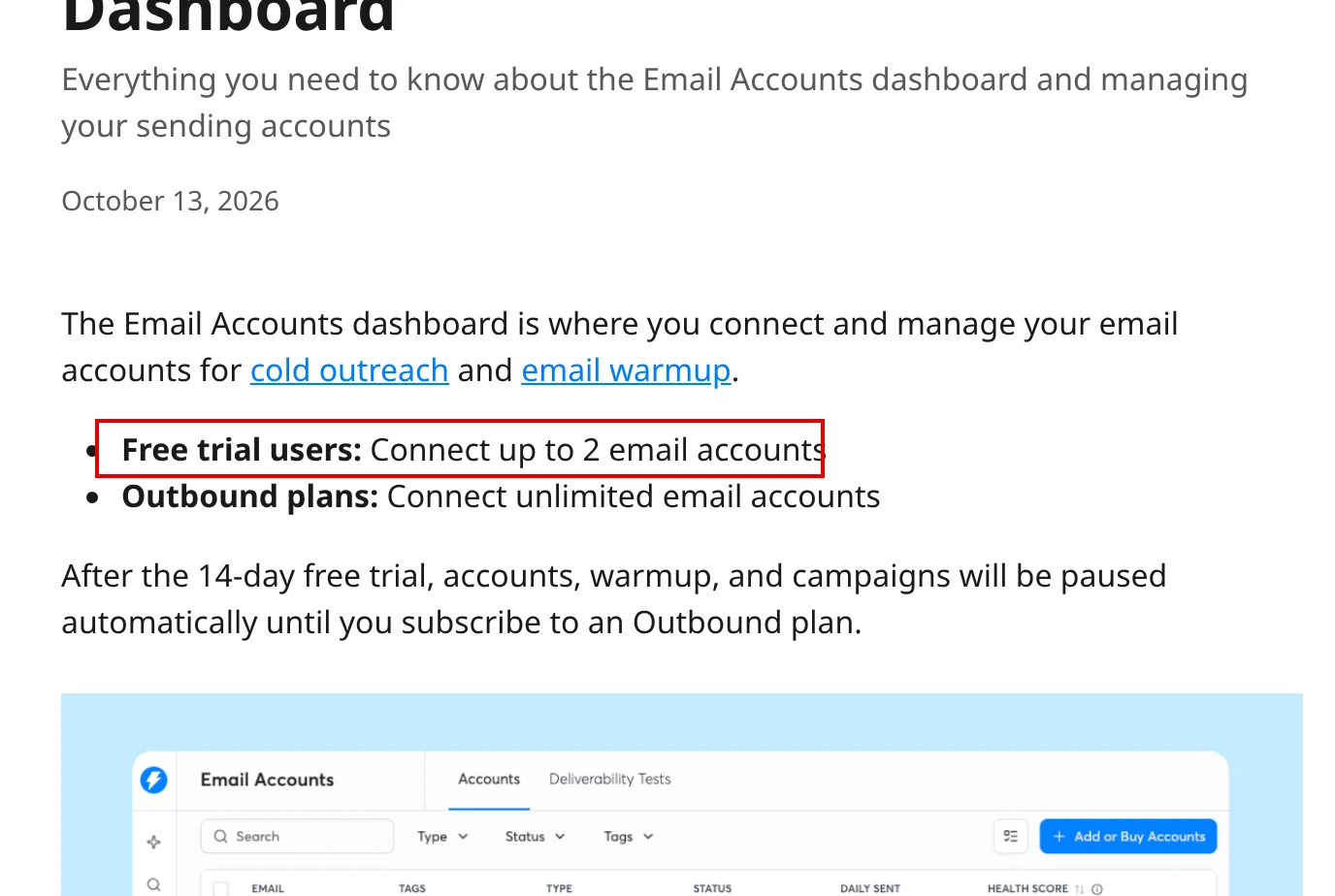
I’d use this Email Accounts dashboard to see the free-trial cap of 2 accounts. The pause-after-trial line sits under that list.
5. Apollo
A database and a dialer, without LinkedIn automation
Apollo fits you if you already buy contact data on top of a sequencer, because it combines prospecting, outreach and a dialer under one login. It is a weak Lemlist swap if the only job is sending, and a worse one if you need automatic LinkedIn steps. On monthly billing, a Basic seat is $65 per seat per month, billed monthly, with 2,500 credits, and a Professional seat is $99 with 4,000. Every seat on an account has to be on the same plan. You can begin on a free plan with 75 credits at $0, or take a 14-day trial of a paid plan. Apollo keeps the money for unused time in a billing cycle.
LinkedIn tasks have to be completed by hand: “LinkedIn tasks need to be manually completed, like by manually visiting a contact profile to send a connection request. Apollo doesn’t automatically complete LinkedIn tasks for you.” If automatic LinkedIn steps are why you opened this page, this is not your tool.
Apollo has a 3.2 TrustScore from 1,411 reviews on Trustpilot, the lowest visible score on this list.
Pros:
Contact data, outreach and a dialer in one workspace.
A $0 plan that includes 75 credits.
A 14-day trial of paid plans.
Sequences can mix email, calls and manual LinkedIn tasks.
Cons:
Priced per seat, from $65 a month billed monthly.
You can’t mix plans across seats.
No refund for unused time in the current cycle.
LinkedIn steps are manual.
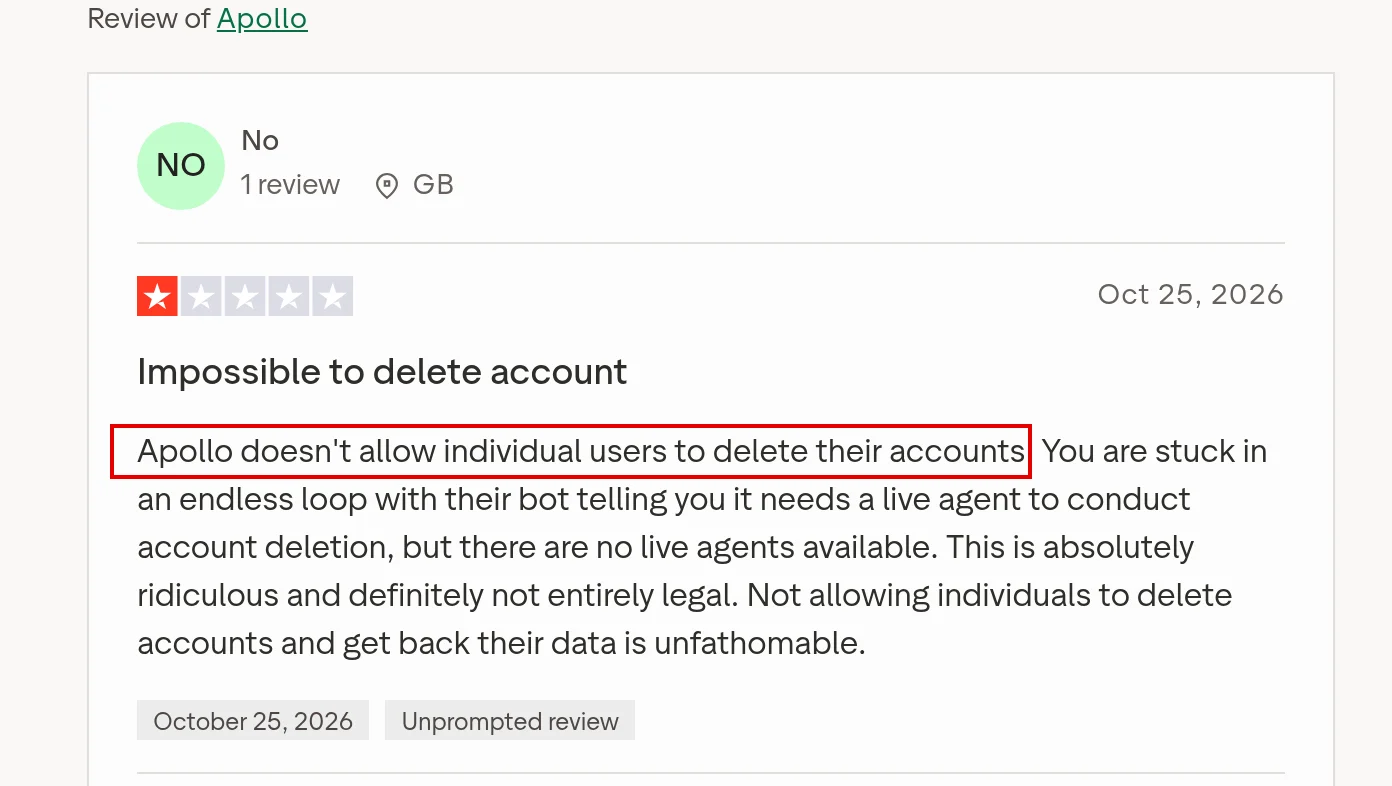
A one-star card from Oct 25, 2026, badged Unprompted review. If an agency contractor needs an off-board path, get that in writing before you add seats.
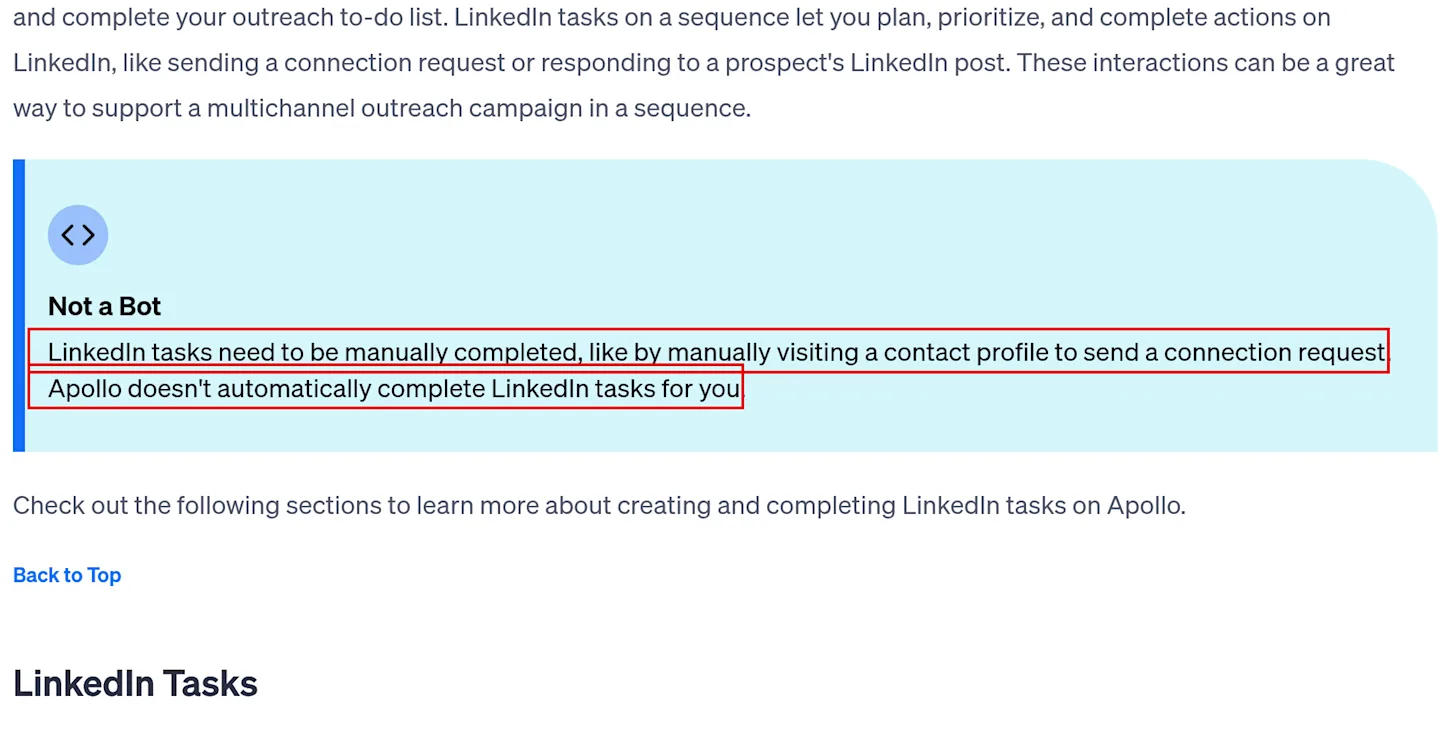
I’d use this article on LinkedIn tasks in a sequence, with the line that those tasks have to be completed manually.
6. Saleshandy
A lower email price, and one seat on Starter
Saleshandy is the budget email pick, with a seat cap you need to see before you invite the team. Starter costs $41/mo if paid monthly, or $26.52 /month billed annually at $318.24/year, plus a 7-day free trial, and no card is required. That plan covers 2,000 active prospects, 6,000 emails a month and 1,500 lead finder credits, and it includes 1 user. Pro costs $99 a month on monthly billing and includes 10 users. I’d choose it if you mostly send email, one person will run it, and you want lead search included for less than Lemlist’s Email plan on monthly billing. I’d pass for an agency that needs many logins on the cheap plan, and I’d pass if you need automatic LinkedIn steps.
Lead Finder is a prospecting tool. It is not a LinkedIn sequencer. It finds verified B2B contacts, reveals work and personal email addresses, and adds prospects to your outreach campaigns from one place, from a database of 852M+ contacts across 42M+ companies.
Trustpilot has now hidden Saleshandy’s rating: “This company’s rating is unavailable due to a breach of our guidelines.” A second Trustpilot note reads: “We’ve removed a number of fake reviews for this company.” Saleshandy still has 772 reviews on Trustpilot.
Pros:
Starter is $41/mo if paid monthly, or $26.52 /month billed annually at $318.24/year.
Starter includes 1,500 lead finder credits each month.
7-day trial, and you do not need a credit card.
Unlimited email accounts on Starter, Pro and Scale.
Cons:
Starter includes 1 user, and Pro includes 10.
Trustpilot has hidden the score after a guidelines breach.
Active prospects on Starter stop at 2,000, and emails sent stop at 6,000 a month.
Lead Finder finds contacts and adds them to campaigns. It does not run automatic LinkedIn steps.
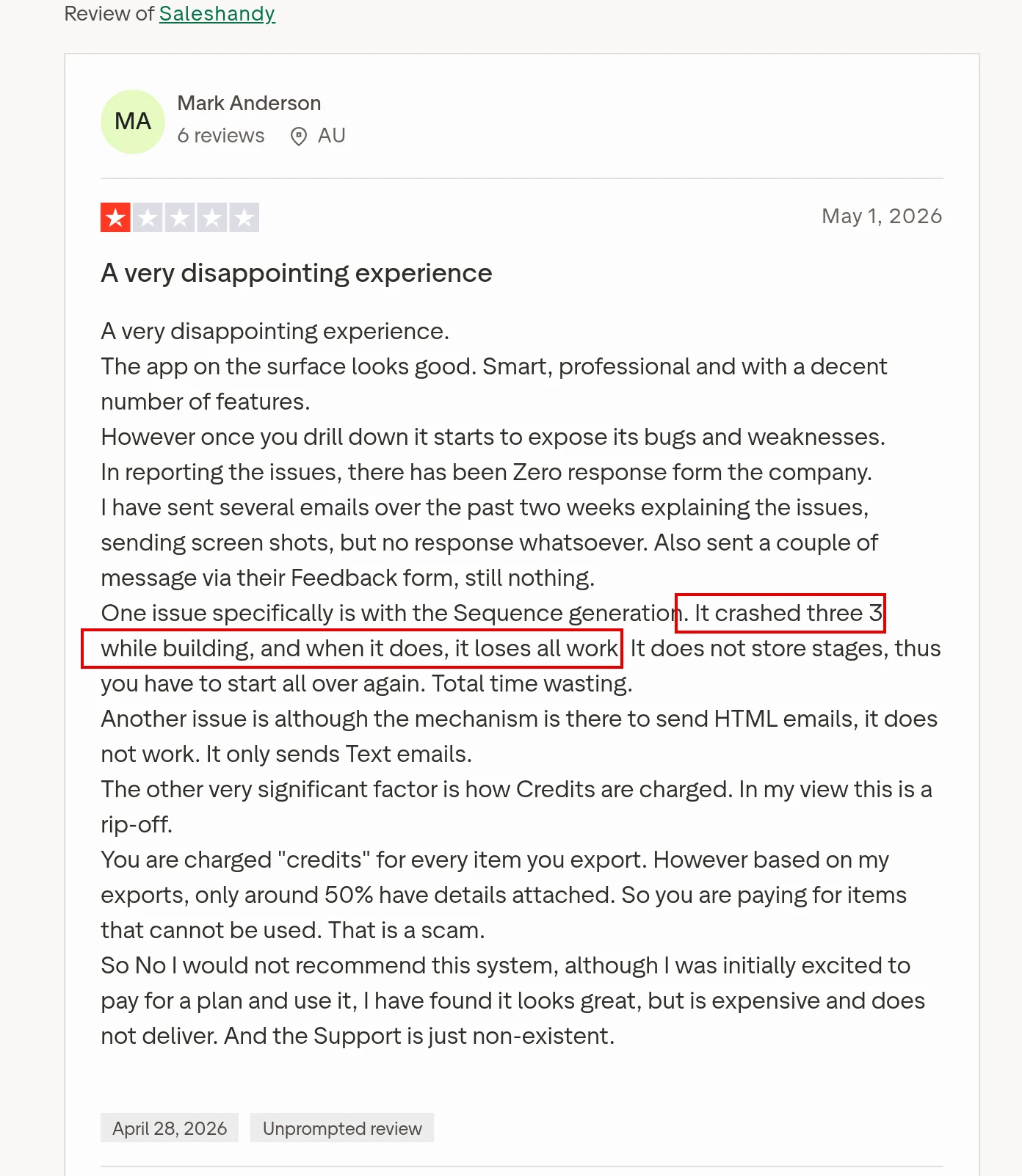
Mark Anderson’s one-star card from May 1, 2026, badged Unprompted review. I’d duplicate a sequence in a second tool before I rebuild a long one inside Saleshandy alone.
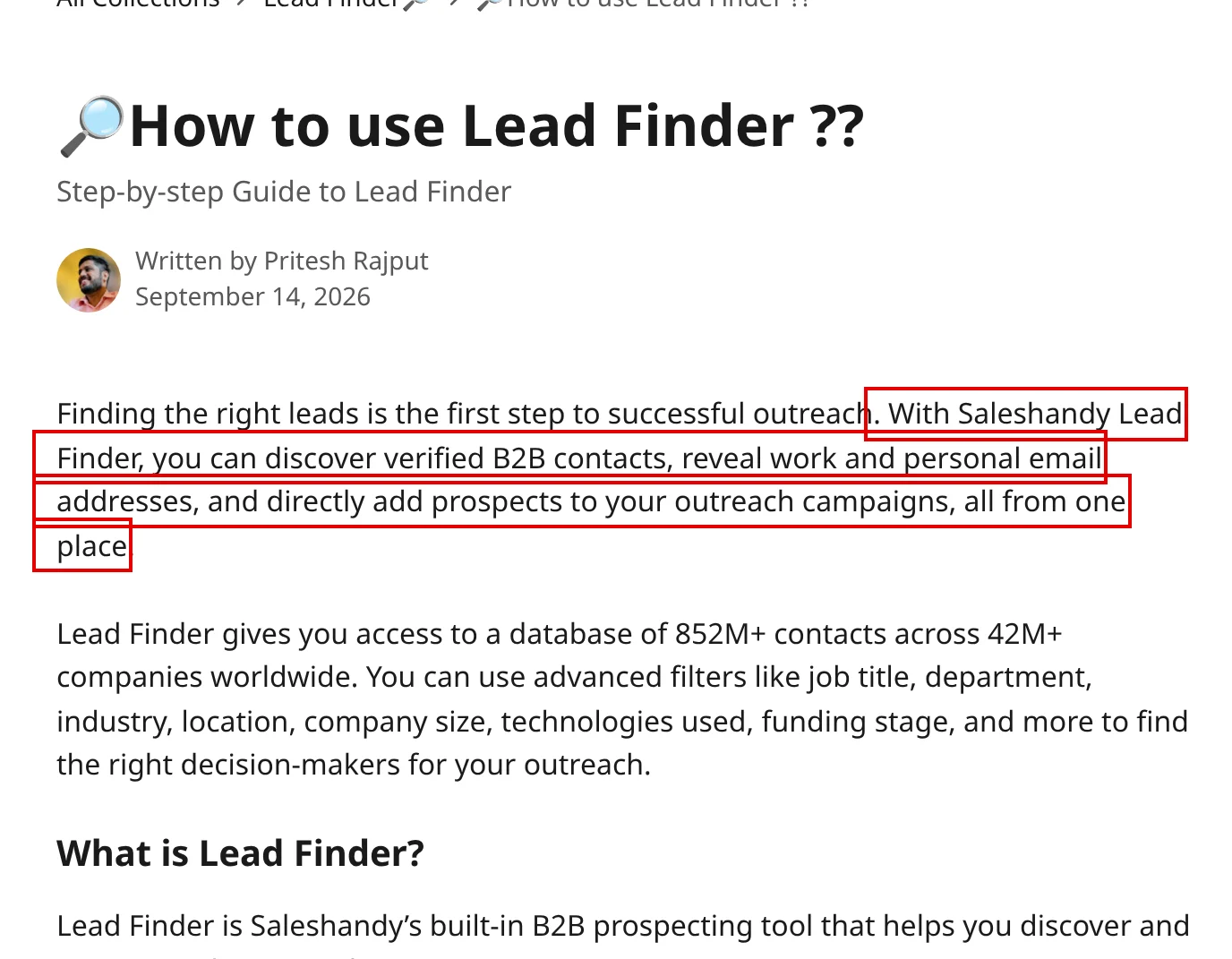
I’d use this article on Lead Finder, with the line that you can discover verified contacts, reveal emails and add prospects to campaigns.
What reviewers flagged on Trustpilot
The tool sections stay on seats, LinkedIn steps and price. The short set of verbatim quotes sits here. Every quote carries the date on the card and every badge on that card. “Older than 12 months” marks reviews published before Nov 24, 2025. “Updated” is used when the card itself carries that label.
Reply.io
Negative, Unprompted review, older than 12 months, Jun 5, 2024: “the LinkedIn automation is severely flawed and it takes up to six hours to register replies”
Positive, Unprompted review, Sep 10, 2026: “Email and LinkedIn steps in one sequence instead of two disconnected tools”
Negative, Unprompted review, older than 12 months, Oct 5, 2024: “we were billed for a LinkedIn subscription that we never signed up for”
Snov.io
Negative, Unprompted review, Apr 28, 2026: “refused to refund the $594 Snov.io subscription”
Positive, Unprompted review, Sep 10, 2026: “Had an amazing onboarding experience with Yuliia.”
Negative, Unprompted review, May 25, 2026: “For some reason, cancelling a subscription requires contacting sales?”
Instantly
Negative, Unprompted review, Oct 21, 2026: “Asked customer support to cancel my subscription which they refused again and again”
Negative, Unprompted review, Updated Oct 20, 2026: “The AI bot upsells you into things you can’t access until you pay for more subscriptions.”
Negative, Unprompted review, Updated Nov 4, 2026: “customer service say they are unable to extend the trial”
Apollo
Negative, Unprompted review, Oct 25, 2026: “Apollo doesn’t allow individual users to delete their accounts.”
Positive, Verified, Nov 13, 2026: “Nice app..however more Credits should be available for reaching out Clients !!”
Negative, Unprompted review, Nov 13, 2026: “A 3rd party sales company called my personal cellphone to solicit my company’s business.”
Saleshandy
Negative, Unprompted review, May 1, 2026: “It crashed three 3 while building, and when it does, it loses all work.”
Negative, Unprompted review, older than 12 months, Nov 13, 2025: “Hidden credits charges and then limit of emails on normal plan”
Positive, Unprompted review, Jun 24, 2026: “you can hook up multiple email accounts without paying extra for each one”
If I were buying for your team
The people you contact should come from buyer signals: CommunityTracker. Keep a full sequencer if the sending stack is still the job.
You need a full sequencer, with LinkedIn steps in the same sequence as email: Reply.io. Test the automatic LinkedIn steps in the 14-day trial before you move the list.
Everyone needs a login and your volume fits 5,000 recipients: Snov.io Starter at $39 /mo. Have the team lead start the LinkedIn trial, and budget a slot for each profile.
You already buy contact data and a dialer: Apollo. Don’t come here only to replace Lemlist’s sender.
One person sends email and wants lead search included: Saleshandy Starter, knowing it is one user and that Trustpilot has hidden the score.
You need a pile of sending accounts: Instantly Growth, after you read the 14-day trial terms that are missing from the public prices.
I wouldn’t pick Instantly or Saleshandy on TrustScore, because both pages now hide the rating after a guidelines breach. I wouldn’t pick Apollo to replace Lemlist Multichannel, because its LinkedIn steps are manual.
If LinkedIn steps drive your pipeline, my list of LinkedIn message automation tools goes deeper. For AI help inside sequences, I also compared AI sales platforms for email sequence optimization.
Can you try one before you cancel?
Yes. Reply.io and Apollo give you 14 days on a paid plan, Saleshandy gives you 7 days with no card, Snov.io has a trial plan plus a 7-day LinkedIn Automation trial the team lead starts, and Instantly gives you a 14-day free trial that is missing from the public prices. Run one live sequence in both tools for those days before you cancel Lemlist.