7 Best AI Sales Platforms for Email Sequences in 2027
AI sales platforms for email sequences compared for 2027: 7 tools on signals, LinkedIn steps, deliverability and price. See which one fits your outbound.
Adarsh Kumar
GTM Expert
Founder — CommunityTracker, Miraa.io, and Infraboxes
Your email sequence gets no replies, so you rewrite the subject line again. That rarely helps, because a sequence with no replies seldom has a copy problem.
You swap the opener, wait a week, and the numbers stay flat. The words were never the issue.
The cause sits upstream:
Nobody on the list had a reason to hear from you this week.
The first email gives no reason for reaching out.
LinkedIn runs in a separate app, so timing drifts.
Replies scatter across inboxes, and reporting stops at opens.
Most AI sales platforms for email sequence optimization work at the wrong layer. A longer AI email still goes to a person who never asked.
So I compared platforms by the job each one does in a sequence: who enters it, why now, which channels run, and what happens to the reply. Fix the system, and the subject line stops mattering much.
TL;DR: The 7 AI Sales Platforms I Recommend
CommunityTracker - Best for starting sequences from buying signals on LinkedIn, Reddit and X
Reply.io - Best for email, LinkedIn, calls and SMS steps in one conditional sequence
Instantly - Best for high email volume on a fixed monthly budget
Apollo - Best for building the contact list and the sequence in one login
Outreach - Best for sales orgs with managers, CRM rules and a sales-led buying process
Smartlead - Best for agencies running many mailboxes and client workspaces
lemlist - Best for small, researched lists where the message is the weak point
My pick: CommunityTracker, because it decides who enters the sequence and why before the first email, and every paid plan includes LinkedIn and email outreach from that signal.
The Scorecard I Used
I spent about five years scaling GTM at startups from zero to $5M+ ARR. The sequences that worked started after the prospect did something: a new VP, a funding round, a post asking for a tool. So the scorecard weights the inputs as heavily as the sending:
Criterion | Weight |
|---|---|
Trigger and targeting (who enters, why now) | 15% |
Personalization from that trigger | 15% |
Sequence logic and branching | 15% |
Deliverability and inbox controls | 15% |
Contact data and enrichment | 12% |
A/B testing and analytics | 12% |
CRM sync and feedback loop | 11% |
Reply handling and rollout | 5% |
I compared each tool on its pricing and product pages, Capterra and G2 reviews, and three vendor or creator demos. All prices were checked on the vendor sites on November 10, 2026.
Features Compared
Platform | Email sequences | Native LinkedIn steps | Buying signals or intent data | Community post monitoring | Built-in warm-up | Unified reply inbox | Contact database | Public pricing |
|---|---|---|---|---|---|---|---|---|
CommunityTracker (My pick) | Yes | Yes | Yes | Yes | No | Yes | No | Yes |
Reply.io | Yes | Yes (add-on) | Yes | Not published | Yes | Yes | Yes | Yes |
Instantly | Yes | No | Enrichment only | Not published | Yes | Yes | Yes | Yes |
Apollo | Yes | Manual tasks | Yes | Not published | Yes | Not published | Yes | Yes |
Outreach | Yes | Yes | Not published | Not published | Not published | Outbox view | Not published | No |
Smartlead | Yes | Via integration | Not published | Not published | Yes | Yes | Yes | Yes |
lemlist | Yes | Yes | Yes (add-on) | Not published | Yes | Yes | Yes | Yes |
“Not published” means I found no mention of the feature on the vendor’s pricing and product pages.
Pricing Compared
Platform | Entry price (monthly billing) | Higher tiers | Free plan or trial | Price driver |
|---|---|---|---|---|
CommunityTracker | $39/mo Starter | $99 Pro, $199 Advanced | Free plan $0; Pro trial 7 days for $4.99 once | Keywords, platforms, warm emails |
Reply.io | From $59/mo Email Volume | From $99 Multichannel, $166 Agency, $500 AI SDR | 14-day free trial | Active contacts; LinkedIn $69/mo per account |
Instantly | $47/mo Growth | $107 Hypergrowth, $358 Light Speed | Not published | Emails a month, uploaded contacts; lead data sold apart |
Apollo | $65/seat/mo Basic | $99/seat Professional; Organization annual only | Free plan $0; 14-day trial on Basic and Professional | Seats and credits |
Outreach | Request pricing | Amplify Essentials, Core, Plus, Pro | Not published | Seats plus AI credits |
Smartlead | $39/mo Base | $94 Pro, $174 Smart, $379 Prime | Free trial; 50% off first month | Sends, contacts, add-ons |
lemlist | $69/mo Email | $109/user/mo Multichannel | 14-day free trial | Users and senders |
1. CommunityTracker
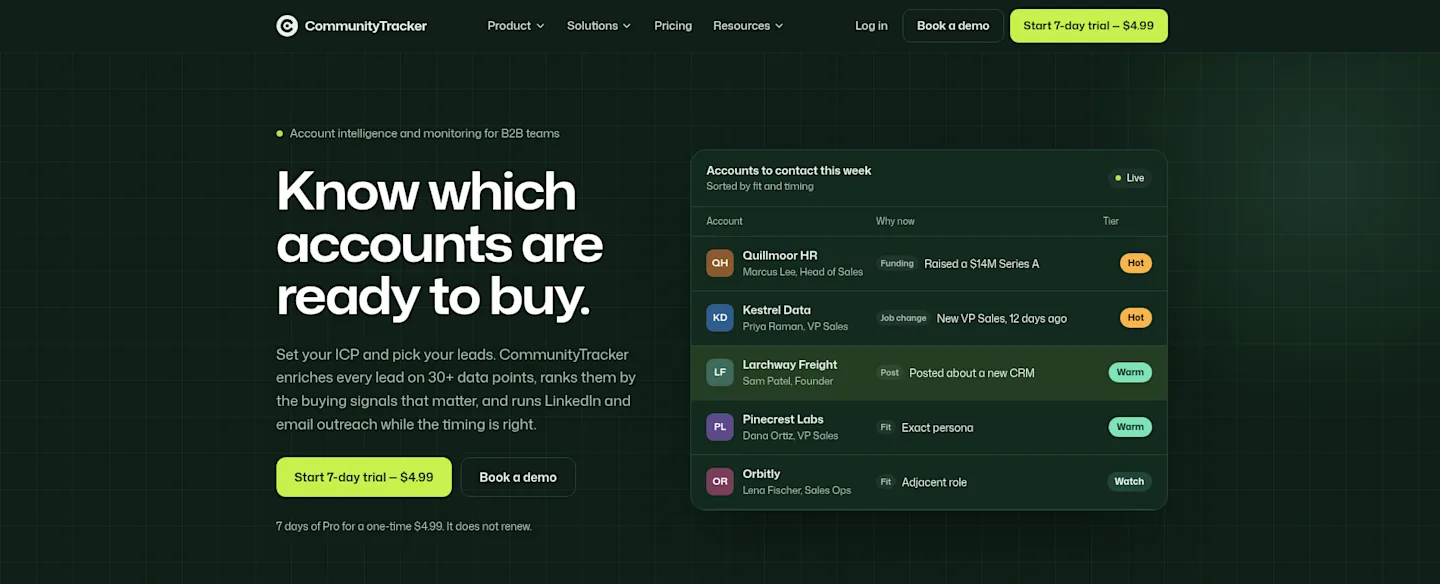
CommunityTracker reads public community posts for buying intent and ranks your own accounts by fresh signals, then writes the outreach from whichever signal fired.
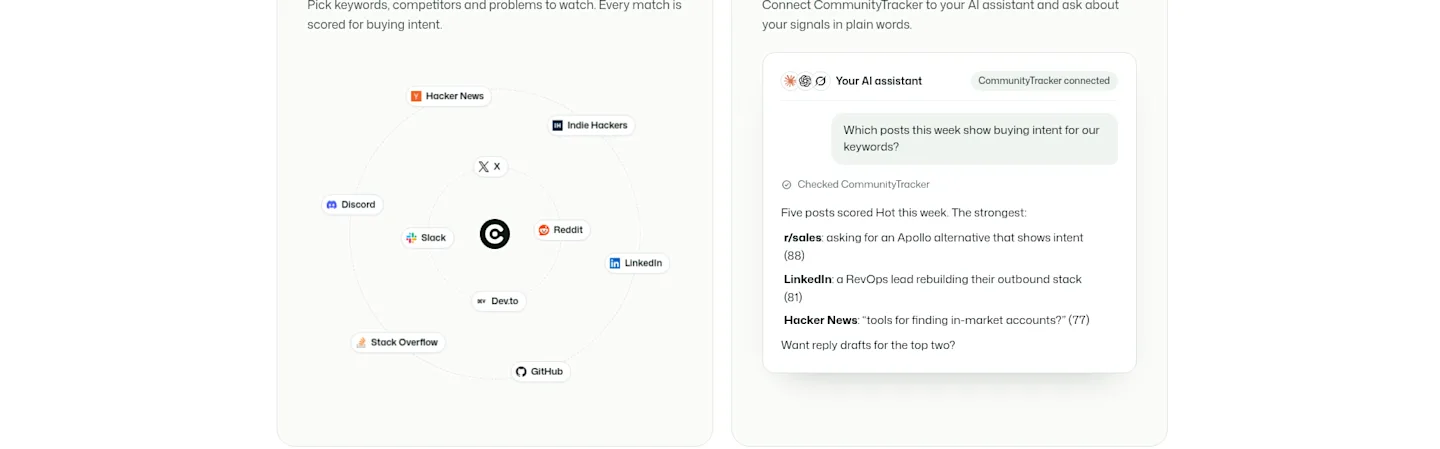
It works on two inputs. Your accounts: you upload a CSV, CommunityTracker enriches each lead on 30+ data points and ranks it Hot, Warm or Watch on job changes, funding and hiring, with the reason next to the name. Public conversations: it monitors Reddit, LinkedIn, X, Hacker News, GitHub, Stack Overflow, Dev.to, Indie Hackers, Slack and Discord, scores each post, finds the author’s work email and LinkedIn profile, and drafts a reply you post yourself.
Both end in a LinkedIn note or email written from the signal, with replies in one inbox. You approve each message or let the campaign send it.
Pricing
Free: $0.
7-day trial: every Pro feature, 5 keywords on all 10+ platforms, a one-time $4.99 that does not renew.
Starter, $39/month: 4 keywords on Reddit, LinkedIn, Hacker News and GitHub, 5,000 mentions, up to 100 warm emails a month, reply drafts.
Pro, $99/month: 10 keywords on all 10+ platforms, unlimited mentions and warm emails, AI intent scoring, share of voice, Slack alerts.
Advanced, $199/month: 20 keywords, more community intelligence searches, visibility gaps, share of voice PDF export.
Every paid plan includes lead lists, enrichment, buying signals, and LinkedIn and email outreach. 100 warm emails a month is about five per working day, which fits a founder who works only Hot accounts. An SDR team should start on Pro.
Pros
Step one has something to say: a dated job change, funding round, hiring push or intent post.
LinkedIn outreach comes on every paid plan, with no per-account add-on.
Teams can require a teammate’s approval before anything sends.
Leads push to Instantly, Smartlead or lemlist with your own key, so you keep the sender you pay for.
Hot and Warm leads sync to HubSpot.
A 14-day money-back guarantee and no long-term contract cap what a bad fit costs.
Cons
Starter caps warm emails at 100 a month.
There is no contact database to search; prospects come from your CSV or from post authors.
Calls and SMS steps are not part of it.
Enrichment spends credits, and you start with 100.
Annual billing exists only on request.
Judge it on one number: the share of sequences that start with a dated trigger.
2. Reply.io
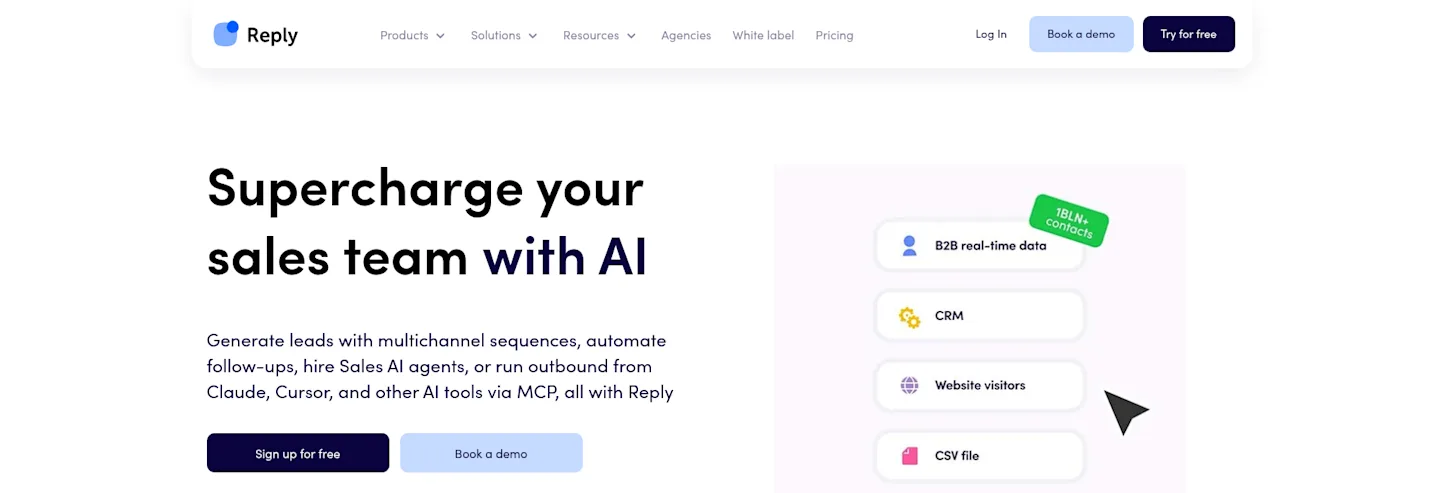
Reply.io is the closest swap if you want one sequencer and already know who to contact. Email, LinkedIn, calls, SMS and WhatsApp can share one sequence, and branches decide the next channel.
In Reply’s own demo, LinkedIn steps run automatically or as tasks that notify the rep (6:05), and the channel efficiency report breaks touches, replies and meetings down by channel, rep and sequence (8:38). That report is the one I would open every Friday.
What you pay
Email Volume from $59 a month, Multichannel from $99, Agency from $166, AI SDR (Jason) from $500.
LinkedIn automation adds $69 a month per LinkedIn account; calls and SMS add $29 per account.
A 14-day free trial covers the database, sequences, reports and integrations.
Pros
Follow-ups don’t count against the plan: an active contact is one that gets a first-step email that month.
Email plans include unlimited mailboxes, with warm-up through Mailtoaster inside Reply.
CRM sync covers Salesforce, HubSpot, Pipedrive, Copper and Close.
Jason drafts the ICP and sequences and handles responses in co-pilot or autopilot mode.
Live chat support targets under 15 minutes during 2 AM to 7 PM EST.
Cons
The $69 add-on is per account, so five reps pay $345 a month extra.
“Unlimited” mailboxes fall under a Fair Usage Policy tied to active contacts.
Simple actions can take too many steps, a Capterra reviewer wrote in November 2022.
Prices start at “from” figures, so the quote depends on volume and add-ons.
Pick Reply if you already have intent data and need five channels in one flow.
3. Instantly
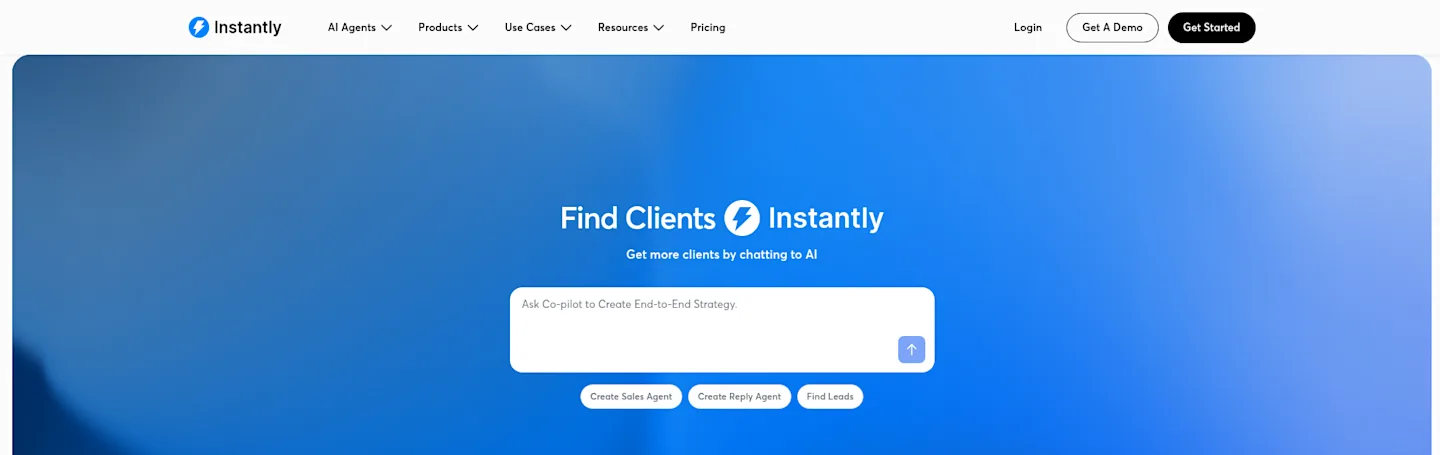
$47 a month buys unlimited email accounts and unlimited warm-up on Instantly’s Growth plan, with 5,000 emails and 1,000 uploaded contacts. Hypergrowth is $107 for 125,000 emails and 25,000 contacts; Light Speed is $358 for 500,000 emails. Yearly billing cuts each by 20%.
Lead data is a separate subscription. Growth Credits cost $47 a month for 1,500 credits against 450M+ B2B leads, with funding, job posting and news enrichment. The $94 Starter bundle is Growth plus Growth Credits, so the bundle saves nothing on monthly billing.
Pros
G2 reviewers credit its deliverability, setup and support.
One plan family scales to 500,000 emails a month.
A/Z testing, advanced sequences and a global block list come on outreach plans.
In a walkthrough by GTM engineer Somadina Umeh, a Unibox label triggers a subsequence of three short follow-ups (from 1:28), handy for replies that went quiet.
Cons
LinkedIn messages don’t send from Instantly; that step needs Aimfox, HeyReach or Valley, a second bill.
The AI Reply Agent sits in the $194 Scale package.
G2 reviewers name the cost for beginners and the need for extra lead generation tools.
G2 reviewers flag AI agent accuracy and CRM integrations that aren’t native.
Pick Instantly when you know who to email and the constraint is volume per dollar.
4. Apollo
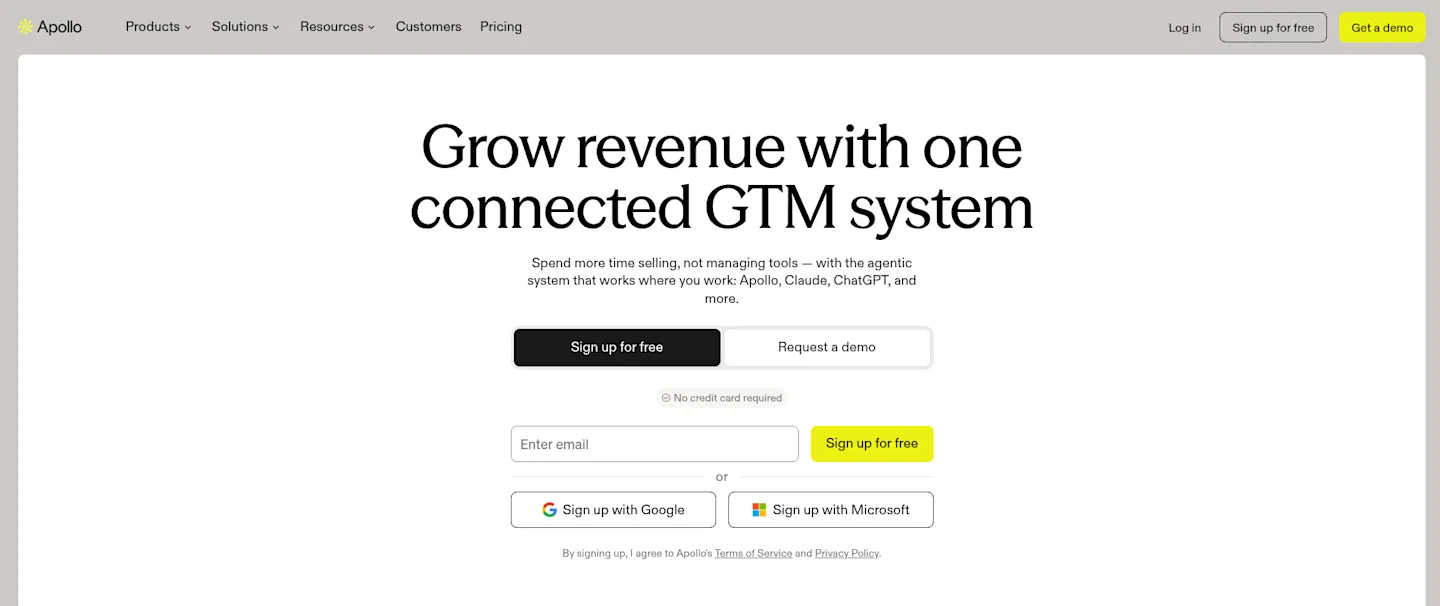
Your list decides your reply rate before your copy does. Apollo puts 240M+ contacts and 30M+ accounts in the same login as the sequence.
Pricing (per seat per month)
Free: $0, with 75 credits a month and 2 sequences.
Basic: $65 billed monthly, or $49 billed annually; 2,500 credits.
Professional: $99 billed monthly, or $79 billed annually; 4,000 credits.
Organization: $119 billed annually, annual only, with a three-seat minimum; 6,000 credits.
Basic and Professional come with a 14-day trial. Five Professional seats cost $495 a month on monthly billing, or $395 a month billed annually.
Pros
Credits pool across the team and arrive upfront each cycle.
Job change, intent and website visit signals feed list building.
Domain warming and inbox rotation come with the platform.
Integrations cover Salesforce, HubSpot, Outreach, Salesloft and Marketo.
Cons
LinkedIn steps are reminders; the rep does the LinkedIn work by hand.
Unused credits don’t roll over to the next cycle.
Every seat must sit on the same plan, so you pay your heaviest user’s tier for all.
A downgrade takes effect at once, with no refund for unused time.
The free plan connects Gmail only.
If your reply rate is low because the list is wrong, rebuild it in Apollo. Verify titles before you send.
5. Outreach
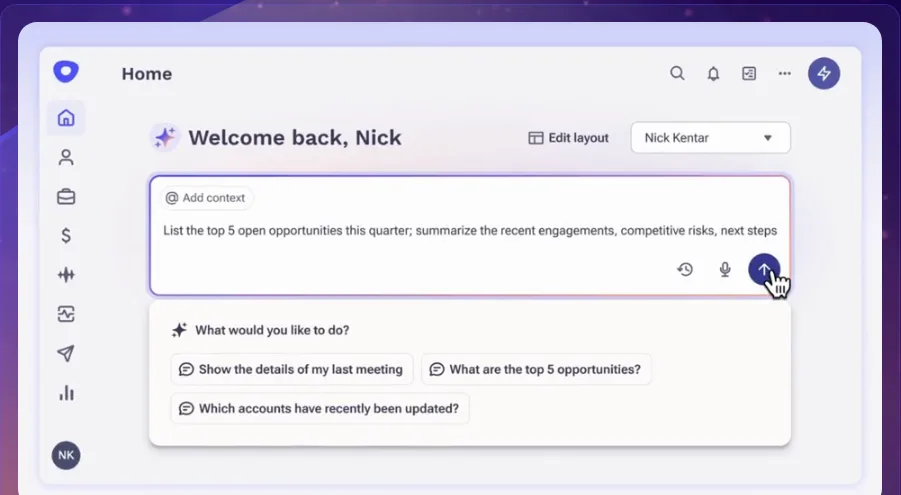
Outreach fits a floor of 40 reps, four managers and a RevOps lead who owns the Salesforce rules, where everyone needs to see which sequence a prospect is in and who owns the next step. For a founder sending 200 emails a week, it is overkill.
Pricing
Outreach publishes no prices. You pay per seat, plus AI credits for agent work such as research, personalization and conversation analysis. Packages run from Amplify Essentials (10K credits) and Core (25K) to Plus (50K) and Pro (enterprise forecasting with services). Extra credit packs and onboarding services are quoted on top.
Pros
Sequences mix manual and automatic steps across email, calls and LinkedIn.
Engagement tracking shows opens, clicks and replies per email.
A shared outbox lets admins troubleshoot every rep’s queue.
AI spend follows usage through credits.
Cons
You can’t model the cost before a sales call.
Two meters (licenses and credits) make the monthly bill hard to predict.
Field updates at specific steps and end-of-sequence actions are hard to set up.
A Capterra reviewer found setup harder than Salesloft for plain cadences.
Choose Outreach for process control across a large team.
6. Smartlead
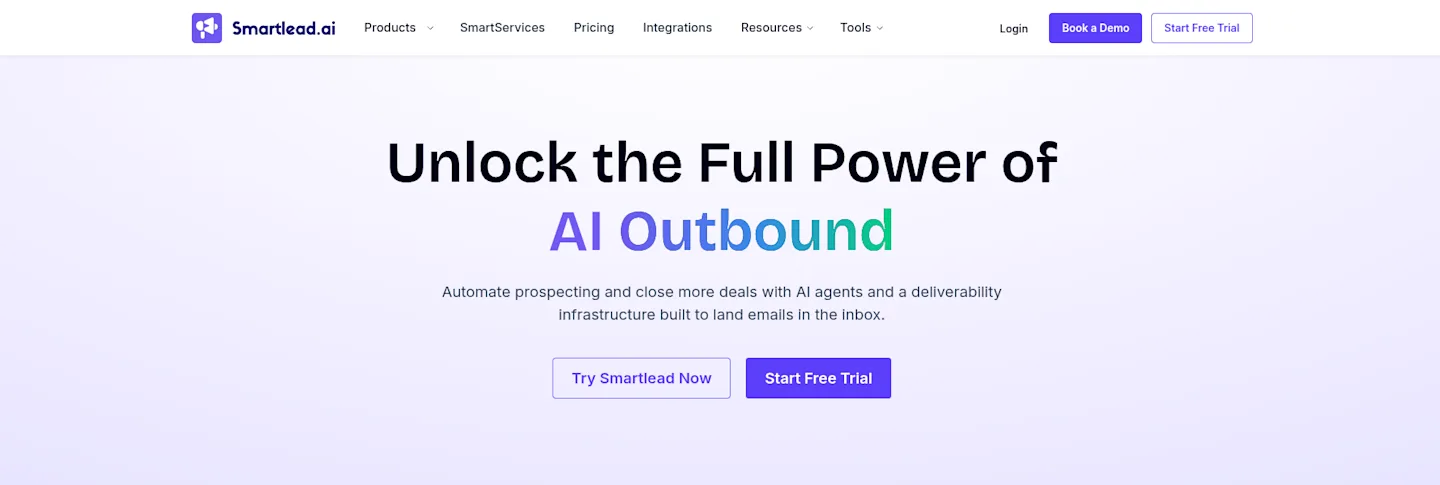
Smartlead’s Base plan costs $39 a month for 6,000 sends and 2,000 contacts, and every plan includes a warm-up pool. Pro is $94 (90,000 sends), Smart $174 (150,000 sends, unlimited contacts), and Prime $379 (500,000 sends). Yearly billing drops them to $32, $78, $144 and $315.
What costs extra
On Base and Pro, Verified Prospect Emails are a $59 a month add-on: 2,000 a month on Base, 30,000 on Pro. Smart and Prime include 50,000 and 170,000 free.
In Smartlead’s own tutorial course, the Master Inbox (from 2:14:45) pulls replies from every mailbox into saved views by lead category, and AI can draft the reply. Earlier (1:37:32), an import setting skips leads that bounced anywhere across Smartlead’s user base.
Pros
Every plan connects unlimited email accounts at no extra cost.
Prime includes three SmartServers and 3+ client workspaces.
Saved inbox views sort replies by category across mailboxes.
Imports can skip addresses that bounced for other users.
Cons
Finding opens and clicks feels clunky, a Capterra reviewer wrote on November 10, 2026.
LinkedIn needs HeyReach or Aimfox, a second subscription.
Client workspaces cost $29 each on the two middle tiers.
The 50% first-month offer hides the price you pay from month two.
For an agency sending from 50 mailboxes across clients, Smartlead fits.
7. lemlist
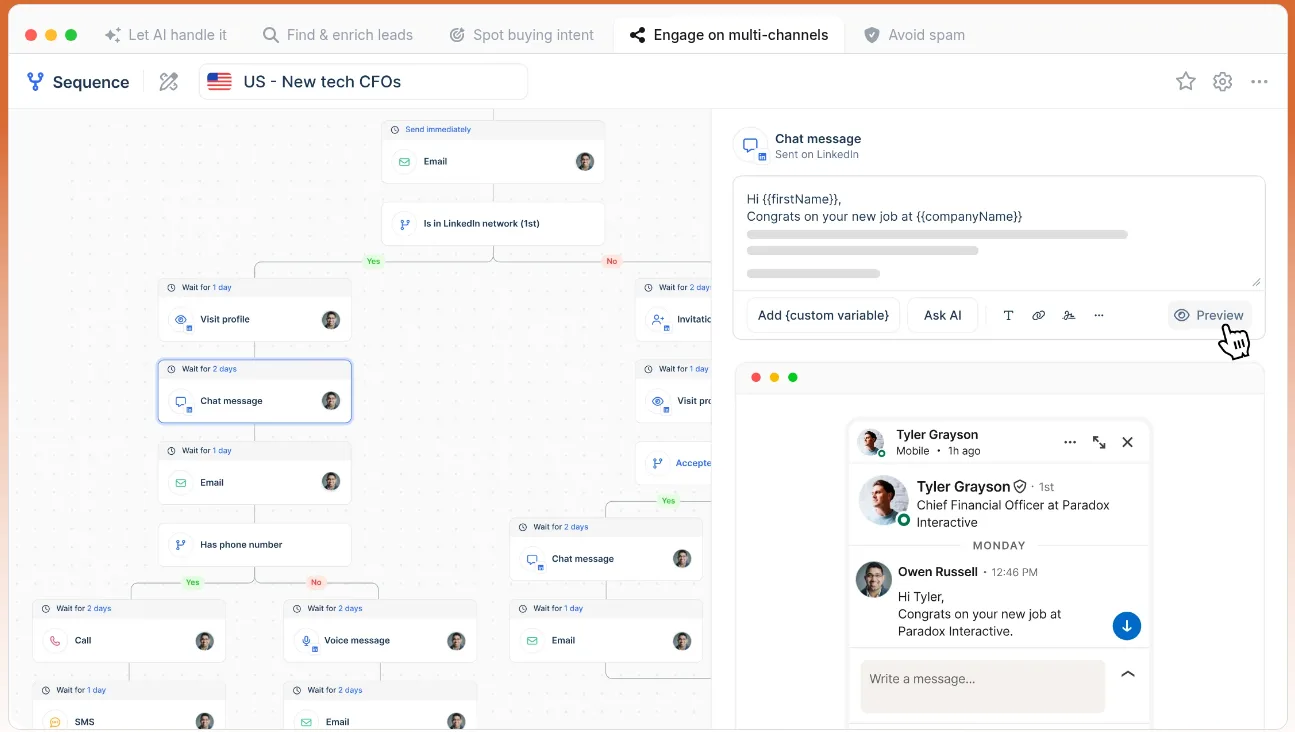
lemlist fits when the message is the weak point and the list is small enough that every prospect matters. Its plans split by channel.
Plans
Email, $69 a month ($55 yearly): unlimited users and senders, 50,000 emails a month, a 650M+ lead database, lemwarm.
Multichannel, $109 per user a month ($87 yearly): 5 senders per user, LinkedIn visits, invites, messages, voice notes and InMail, SMS, a dialer, WhatsApp as an add-on.
Three reps on Multichannel cost $327 a month; the Email plan costs $69 for the whole team. A 14-day trial includes Multichannel features (except in-app calls) and 200 credits.
Pros
One flat Email price covers unlimited users.
LinkedIn touches sit in the same sequence as email on Multichannel.
Conditioned next steps route each lead by behavior.
AI flags reply intent and out-of-office replies.
Cons
Each added rep adds $109 a month on Multichannel.
Contact data costs $20 a month for 2,000 credits (400 emails or 100 phone numbers).
Intent signals cost $29 a month for 100 signals, a thin pool for an SDR team.
Bot opens and link scans can inflate open and click counts.
Pick lemlist for a small team that writes each sequence by hand.
What Reviewers Say on Capterra and G2
Reply.io (Capterra, 4.6 from 95 reviews). Andreea C. wrote, “We get at least 2 meetings booked per week with reply.io just because of the way the cadences are set up automatically.” Md Jahan M. called the “Membership fee” “very high.” Most of these reviews date from 2017 to 2022.
Instantly (G2, 4.8 from 4,158 reviews). G2’s summary credits deliverability, setup and support, and lists AI agent accuracy, cost for beginners and non-native CRM integrations as complaints.
Apollo (Capterra, 4.5 from 400 reviews). One account development manager wrote that “between 5-10% of listed titles will be wrong compared to the prospects listed title on Linkedin.” Abhishek Y. noted that “credit can runs out quickly with heavy usage.”
Outreach (Capterra, 4.4 from 311 reviews). Dallin L. praised the “Email outbox” and then wrote, “there are obvious holes in its automation abilities.” Nicholas P. said “Support can be a little slow to respond.”
Smartlead (Capterra, 4.1 from 20 reviews). Gregory O. liked that “I can buy domains and mailboxes directly from them.” Alp K. wrote that support “paused the subscription for 2 months and billing resumed automatically.”
lemlist (Capterra, 4.6 from 430 reviews). Jamie H. found it “easy to create campaigns with both email and LinkedIn automations in a simple workflow.” A November 2026 reviewer wrote, “Bots open emails or scan links, but lemlist counts them as opens or clicks.”
The complaints cluster on data you have to verify and open counts you can’t trust.
How to Choose
By situation:
Your list has no reason to hear from you this week: CommunityTracker.
You know who to contact and need five channels in one flow: Reply.io.
Thousands of cold emails, price per mailbox decides: Instantly, or Smartlead for client workspaces.
Your list is wrong: Apollo.
30+ reps with rules and coaching: Outreach.
A small list where the message is the weak point: lemlist.
By budget (one seat, monthly billing): the lowest paid entry is $39 (CommunityTracker Starter, Smartlead Base), then Instantly at $47, Reply.io from $59, Apollo Basic at $65 and lemlist Email at $69. CommunityTracker and Apollo both have a $0 Free plan. Outreach is sales-led.
For a team under ten reps: CommunityTracker decides who goes in and why, plus Instantly or Smartlead if you need more volume. CommunityTracker Pro plus Instantly Growth costs $146 a month.
A 30-Day Plan to Fix a Sequence
Days 1 to 7: record replies, bounces, opt-outs and meetings per mailbox, ignore opens, and fix domain records and warm-up.
Days 8 to 14: pick three triggers you can act on (new leader, funding, a post asking for a tool) and write one sequence per trigger. The first line names the trigger.
Days 15 to 23: add a LinkedIn step where the trigger came from LinkedIn, and read replies daily.
Days 24 to 30: compare results by trigger, sender and step, cut the weakest trigger, and only then raise volume.
FAQ
What is the best AI sales platform for email sequence optimization?
CommunityTracker, if your sequences start cold. It ranks leads by job changes, funding and hiring, scores community posts for buying intent, and runs LinkedIn and email outreach from the signal on every paid plan. If you already have intent data, Reply.io runs a five-channel sequence.
Can I run LinkedIn and email steps in one sequence without a second tool?
Yes, with CommunityTracker, Reply.io (LinkedIn is $69 a month per account), lemlist Multichannel and Outreach. Apollo treats LinkedIn steps as manual tasks. Instantly and Smartlead hand LinkedIn to HeyReach or Aimfox.
Do I need a separate warm-up tool if I start sequences from buying signals?
On a new domain, yes. Signals fix who you contact; warm-up fixes whether the email lands. For high volume, push CommunityTracker leads to a sender with warm-up, such as Instantly or Smartlead.
Can I use CommunityTracker with Instantly, Smartlead or lemlist?
Yes. Push leads to them with your own key, so CommunityTracker decides who enters and your sender handles volume.
My Verdict
If your sequences start from a list and a guess, pick the platform that changes who enters them: CommunityTracker. It finds the job change, funding round, hiring push or post asking for a tool like yours, and writes the first LinkedIn note or email from it.
Buy Reply.io for five channels in one flow, Instantly or Smartlead for volume, Apollo to rebuild a list, Outreach for a large sales floor, and lemlist for a small list that needs message work.
Your next step: put five target accounts into CommunityTracker’s 7-day trial for $4.99 and count how many have a reason to hear from you this week.
Related reading: B2B buying signals to track · how to detect buying signals on LinkedIn · LinkedIn buyer signal tools · warm leads finder tools · Reddit lead generation