If you're searching for Valley Alternatives, you're probably bought into the idea of warm outbound but not fully sold on Valley's LinkedIn-first workflow.
Maybe Valley's $395/month starter tier is hard to justify before you know LinkedIn will become a repeatable channel. Your team may already have Apollo, Clay, HubSpot, or Salesforce in place, and you do not want another isolated outreach workspace.
Or the bigger issue is signal coverage: your buyers ask questions on Reddit, LinkedIn, X, Bluesky, Hacker News, Indie Hackers, Dev.to, Stack Overflow, Product Hunt, GitHub, and Slack before they ever view your LinkedIn profile.
There's a bigger thing worth flagging before we get into the list. Valley is useful when your GTM motion is already built around LinkedIn profile viewers, company profile viewers, and post engagers. A RevOps team looking for buyer intelligence needs a wider system: find the signal, understand the account, route the action, and keep the CRM clean enough for reps to act.
In this post we'll cover the best Valley Alternatives by use case, how I judged them, where each one beats Valley, and which tool fits each RevOps motion. Then we'll show you the final decision guide.
By the end, you'll understand which tool fits your signal-to-pipeline workflow.
Let's get started.
The best Valley alternatives by use case#
Use this section as the quick verdict before reading the deeper comparison.
CommunityTracker - Best alternative if you're looking for fresh buyer conversations across Reddit, LinkedIn, X, Bluesky, Hacker News, Indie Hackers, Dev.to, Stack Overflow, Product Hunt, GitHub, and Slack before deciding how to reach the person.
HeyReach - Best alternative if LinkedIn remains the main channel and you need sender management for agencies or multi-account outbound.
Expandi - Best alternative if your team wants a focused LinkedIn automation workspace with safety controls, campaign logic, and a clear single-account starting price.
SalesRobot - Best alternative if you want lower-cost LinkedIn outreach with email add-ons, AI appointment-setting features, and agency-friendly account pricing.
La Growth Machine - Best alternative if LinkedIn, email, and X need to sit in one outbound sequence with enrichment attached.
Common Room - Best alternative if an enterprise GTM team needs product signals, contact governance, enrichment, and CRM-ready signal operations.
Clay - Best alternative if GTM engineering wants to build custom enrichment, scoring, routing, and outbound prep.
Salesforge - Best alternative if sending infrastructure, mailbox rotation, email deliverability, and LinkedIn senders are the bigger constraint than signal discovery.
lemlist - Best alternative if your team wants multichannel outbound with lead database access, LinkedIn automation, email, calls, SMS, and WhatsApp follow-up tasks.
Valley at a glance#
Valley is a LinkedIn-first AI SDR and warm outbound platform for teams with a defined ICP and a serious LinkedIn outbound motion. It focuses on finding high-intent leads, qualifying them against the ICP, and using LinkedIn outreach to book meetings.
The pricing makes Valley a considered buy. Starter is $395/month for small startups and one-person sales teams. Growth is listed at $995 to $999/month on the rendered pricing page and includes the 10-meetings-in-90-days promise. Scale is positioned for a minimum of 10 seats and requires a sales conversation.
Valley Studios is a done-for-you service listed at $1,499/month on the current pricing page.
The guarantee has a usage condition: the team must send 600+ messages per seat or account every month for three months. That matters because a team with a narrow ICP, cautious LinkedIn account health rules, or a small market may not want to send at that volume.
Valley fits teams that want:
LinkedIn as the primary outbound channel.
AI-assisted prospect research and message generation.
A managed outbound workflow with onboarding support.
A meeting-oriented promise tied to consistent usage.
Teams start comparing Valley AI alternatives when they need a cheaper alternative to Valley, more signal coverage outside LinkedIn, more control over enrichment, or email and multichannel execution in the same stack.
Why teams look for Valley alternatives#
Valley solves a real workflow, but it is narrower than the buying problem many GTM teams have.
The first switching trigger is channel dependence. LinkedIn is useful when the buyer posts publicly, accepts invites, and responds to relevant comments or DMs. It is weaker when the signal starts in a Reddit thread, a GitHub issue, a Hacker News discussion, or a Stack Overflow question where the first action may be research, a public reply, or verified email.
Price is the second trigger. A founder can test We-Connect, SalesRobot, Expandi, or HeyReach at a lower entry price than Valley's Starter plan. That does not make those tools better products. It makes them easier test beds when the core question is whether LinkedIn outreach works for your segment.
Signal ownership is the third reason. Valley helps teams act on LinkedIn-style intent. A buyer-signal platform should also answer which keyword created the reply, which platform created the meeting, whether fresher signals convert better, and which signal types produce pipeline.
We wrote a separate guide to demand signal detection for teams that need that layer before buying another sender tool.
The fourth trigger is stack design. Clay gives GTM engineers more control over enrichment logic. Common Room gives larger teams signal governance across product, community, and CRM data. Salesforge and lemlist solve the sender side when email, LinkedIn, calls, SMS, and WhatsApp tasks matter more than finding the original signal.
How the tools were evaluated#
The right Valley alternative depends on which part of Valley's workflow you want to replace: LinkedIn automation, buyer-signal discovery, enrichment, or outbound execution. A direct LinkedIn tool can be a better buy when Valley's price is the problem.
It is a weaker replacement when your team needs to find buyer intent before it appears on LinkedIn.
Signal source: Does the tool find relevant buyer conversations, website intent, product signals, contact data, or imported lead lists?
Action path: Can the team move from signal to comment, invite, DM, email, call task, or routed manual action without losing the source context?
Workflow control: Does the product support approval, CRM sync, enrichment logic, sender management, and reporting that a founder, SDR leader, agency, or RevOps team can run?
Pricing and limits: What is the starting price, trial model, seat or sender model, credit system, and the plan ceiling?
Valley replacement fit: Which part of Valley does it replace, and where is Valley still the cleaner choice?
Valley alternatives comparison#
Pricing and plan details were checked in July 2026. Vendors may change their packaging.
Tool | Best for | Starting price | Signal or channel focus | Main advantage over Valley | Main limitation |
Cross-platform buyer signals with Outreach | $39/month Starter | Reddit, LinkedIn, X, Bluesky, HN, Indie Hackers, Dev.to, Stack Overflow, Product Hunt, GitHub, Slack | Keeps source context attached before choosing the next action | Not a high-volume LinkedIn automation suite | |
HeyReach | Multi-account LinkedIn outreach | Trial available, sender-based pricing | LinkedIn sender management | Better agency sender control | LinkedIn-only architecture |
Expandi | Focused LinkedIn automation | $99/month | LinkedIn campaigns and safety controls | Lower entry price for LinkedIn outreach | Less useful for signals outside LinkedIn |
SalesRobot | Lower-cost LinkedIn plus email add-ons | $59/LinkedIn account/month | LinkedIn automation, email add-ons | Cheaper LinkedIn testing path | Enrichment and signal coverage are narrower |
La Growth Machine | LinkedIn plus email and X sequences | EUR 50/month per identity | LinkedIn, email, X | More native channel mix | Per-identity pricing rises with every sender |
Common Room | Enterprise signal governance | $2,500/month billed annually | Product, community, CRM, and contact signals | Stronger governance and account context | Too heavy for lean LinkedIn tests |
Clay | Custom enrichment workflows | Free; Launch starts at $185/month | Data enrichment, AI research, workflow actions | More control for GTM engineers | Requires build ownership and a separate sender |
Salesforge | Email and LinkedIn sending infrastructure | $40/month Pro | Email senders, LinkedIn sender, mailbox rotation | Better sender infrastructure economics | Needs an external signal source |
lemlist | Multichannel outbound execution | $55/user/month Email | Email, LinkedIn, SMS, calls, WhatsApp add-on | Broader execution channels | Signal discovery is not the center |
1. CommunityTracker: best for signal-triggered outreach across social media#

CommunityTracker finds buyer signals across Reddit, LinkedIn, X, Bluesky, Hacker News, Indie Hackers, Dev.to, Stack Overflow, Product Hunt, GitHub, and Slack, keeps the source conversation attached, and helps your team decide the next move.
That matters because the social media post explains why the person is being contacted. A recent signal is more useful than an old profile record when the buyer is asking for alternatives, complaining about a competitor, opening a technical issue, or discussing the category in public.
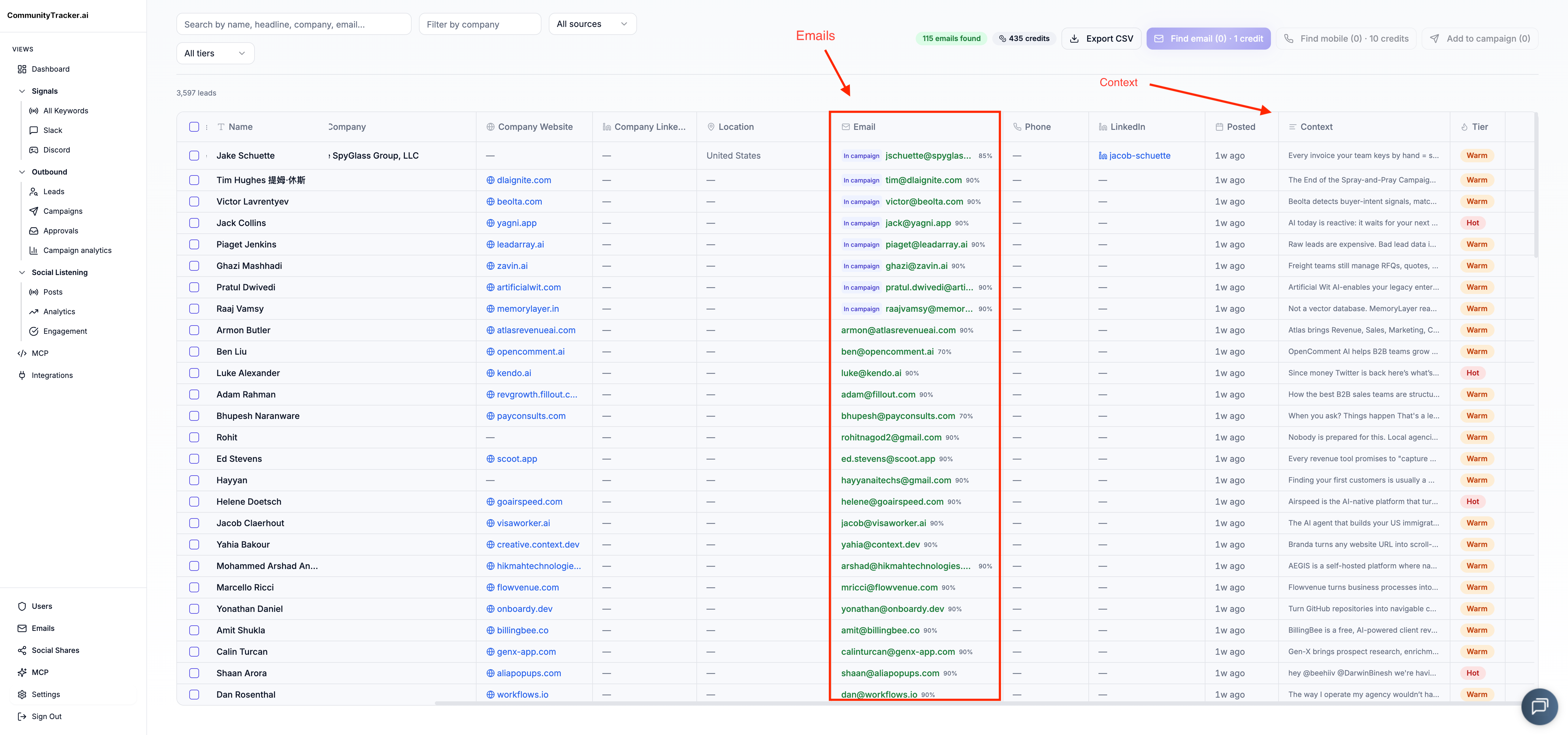
Suppose a prospect posts about replacing a competitor, CommunityTracker detects the post, and the user reviews the context. The first action may be a relevant public comment. A connection request or direct message can follow after that initial interaction, depending on account relationship and outreach rules.
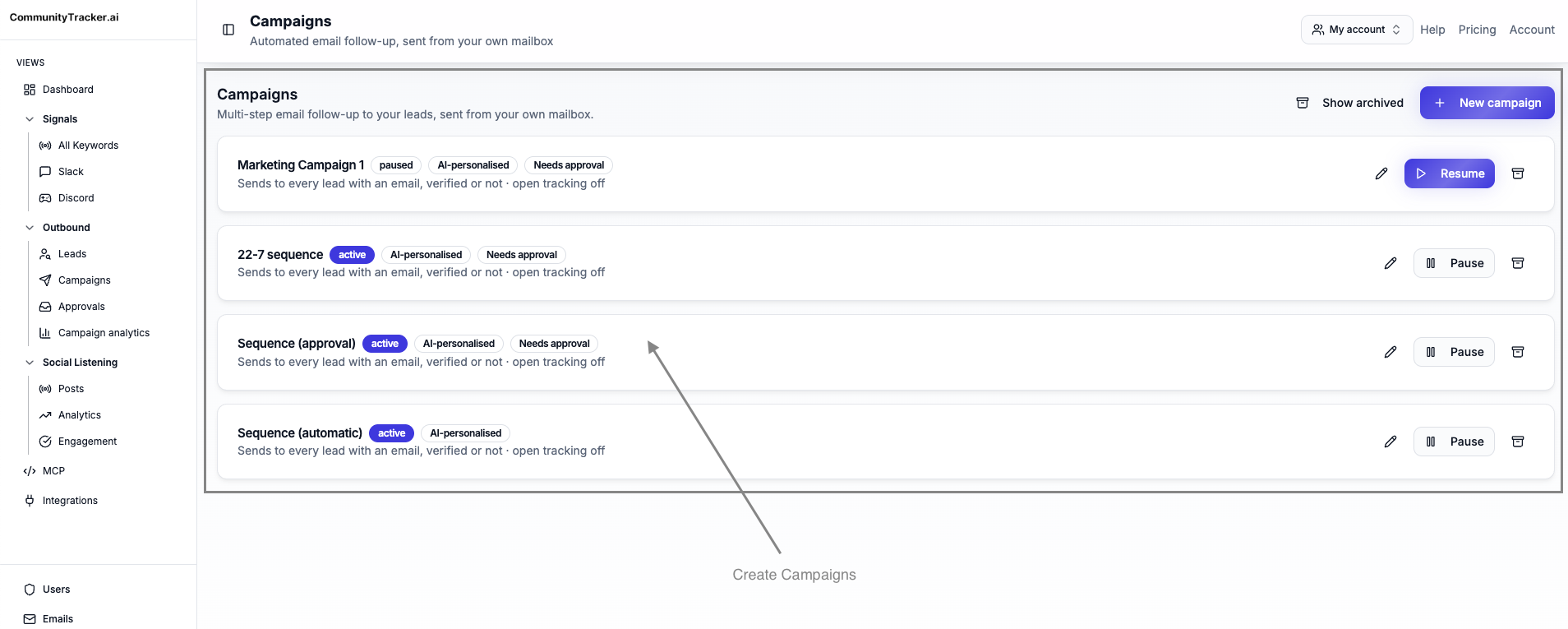
For teams building that motion, our LinkedIn social listening guide breaks down how LinkedIn posts and comments become buyer signals.
GitHub creates another path. A technical buyer opens an issue that describes a problem your product solves. CommunityTracker surfaces the signal, helps resolve available identity, and prepares a verified email or a manual action when a public reply is more appropriate than a cold message.
The workflow has five parts: find the buyer signal, identify the person when possible, choose the reachable channel, take the next action, and measure whether that signal created pipeline.
Starter is $39/month with 4 keywords, 5,000 mentions, Reddit, LinkedIn, Hacker News, GitHub, daily alerts, basic analytics, up to 100 warm emails/month, and response generation.
Pro is $99/month with 10 keywords, unlimited mentions, all supported communities, daily Slack alerts, AI scoring, Share of Voice, Community AI, and unlimited warm emails.
Advanced is $199/month with 20 keywords, Share-of-Voice Exporter, and AI visibility. Free is $0 with 1 keyword on Reddit.
Who should not choose CommunityTracker: Pick HeyReach, Expandi, SalesRobot, or We-Connect when the only job is high-volume LinkedIn automation from a known lead list. Choose Salesforge or lemlist when sending infrastructure is the bottleneck and your team already has a qualified audience.
Best fit: B2B SaaS teams that want to turn community conversations into pipeline while the signal is still fresh.
Main limitation: CommunityTracker is a community-intelligence and buyer-signal tool, not a high-volume LinkedIn automation suite
2. HeyReach: best for agencies running many LinkedIn sender accounts#
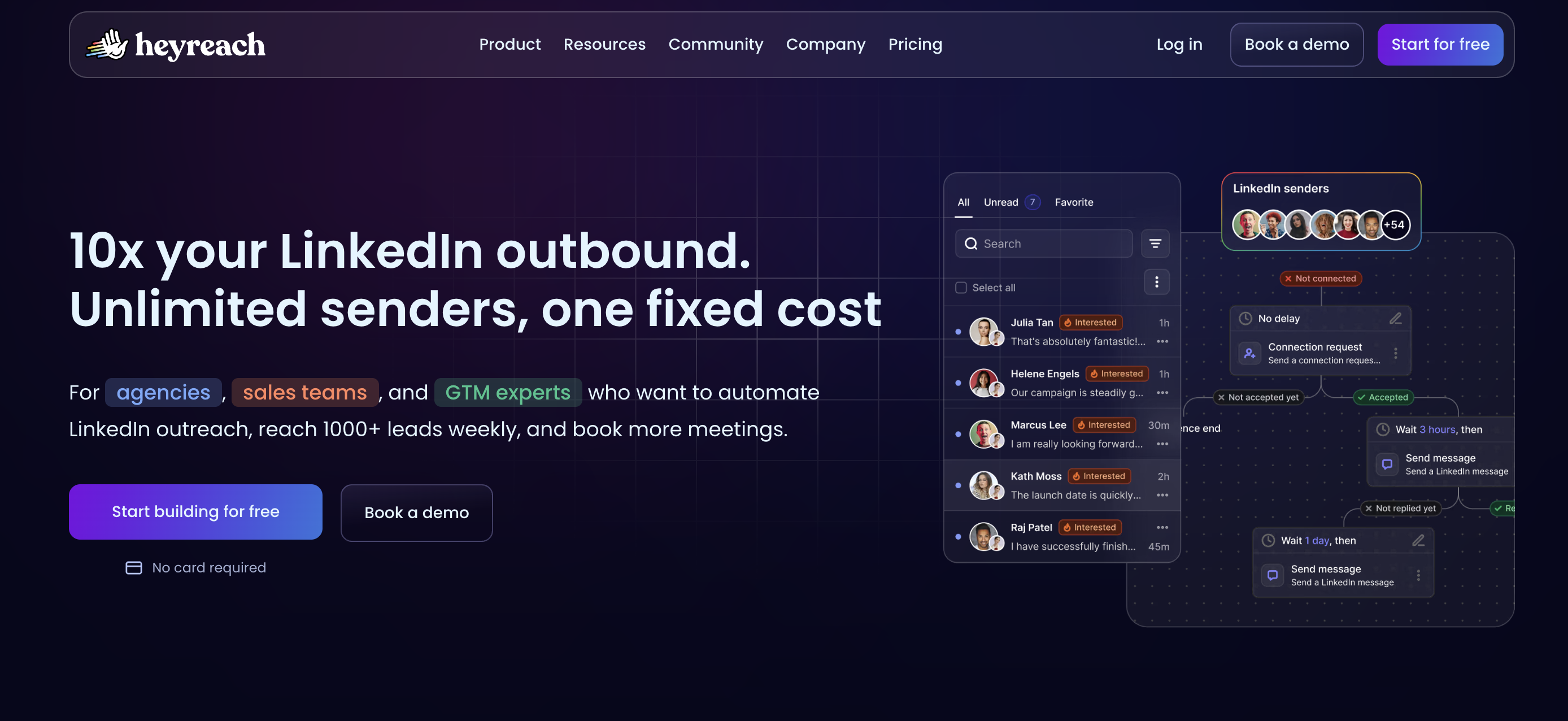
HeyReach is one of the closest Valley LinkedIn alternatives when your team wants to keep LinkedIn as the main channel and manage several sender accounts from one workspace. It charges around LinkedIn senders instead of charging for every teammate who needs visibility into campaigns.
That makes the product attractive for outbound agencies, founders using multiple accounts, and SDR leaders who need sender rotation, inbox management, and campaign visibility without moving the entire GTM motion into an enterprise signal platform.
HeyReach replaces LinkedIn campaign execution and sender management. It does not replace Valley's managed promise or a broader buyer-signal layer. You still need a source of leads, a reason to contact them, and enrichment if the prospect needs to move from LinkedIn into email or CRM.
The Starter plan supports testing with LinkedIn accounts and a no-card trial, while Agency and Unlimited are built for larger multi-sender operations. The exact plan economics may depend on current billing choices and sender volume, so teams should model cost by sender, not by user.
HeyReach wins over Valley when the pain is account economics. An agency with many LinkedIn senders usually cares less about a meeting guarantee and more about campaign routing, sender visibility, and client operations.
Valley is still cleaner when a small team wants a more guided LinkedIn outbound package with AI research, message generation, onboarding, and a meeting-oriented promise attached to consistent usage.
Choose HeyReach if your team already knows the ICP, LinkedIn is the only meaningful outreach surface, and the sales motion depends on managing senders at scale.
Main limitation: HeyReach is LinkedIn-centered. It will not tell you that a buyer is asking for alternatives on X or opening a relevant issue on GitHub before your LinkedIn workflow starts.
Also Read: 12 HeyReach Alternatives I Considered for Effective Outreach in 2026
3. Expandi: best for focused LinkedIn automation with safety controls#
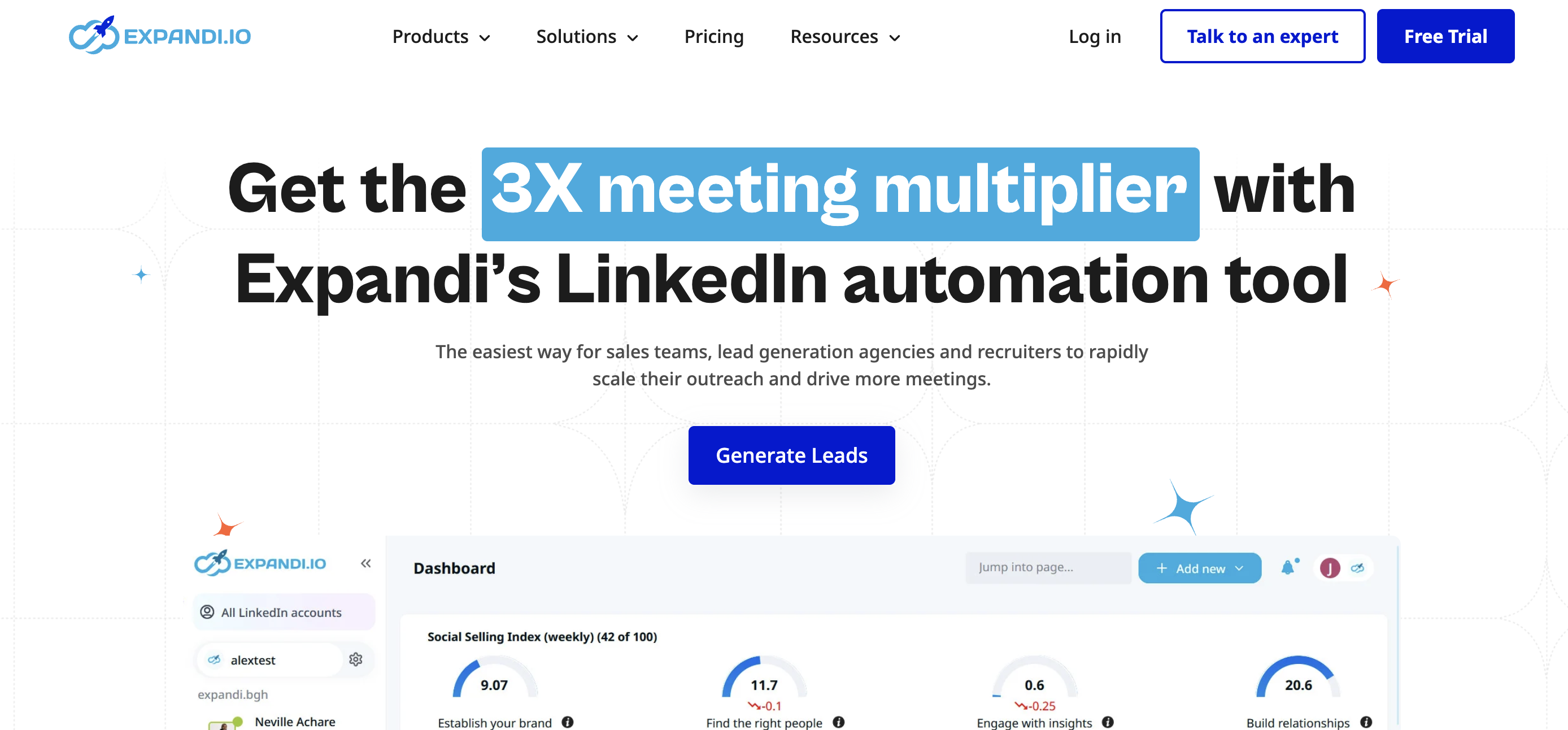
Expandi belongs on this list because it replaces the most visible part of Valley: LinkedIn outreach execution. It gives teams a cloud-based LinkedIn automation workspace, campaign builder, audience search, personalization controls, blacklist features, analytics, and a 7-day free trial.
The pricing is simpler than Valley's. Expandi starts at $99/month, with annual billing giving a discount. That makes it easier for a founder or SDR leader to test LinkedIn automation before committing to a higher Valley starter price.
Where Expandi performs better than Valley is control. You build and adjust LinkedIn campaigns directly, test audiences, warm up account behavior carefully, and manage campaign mechanics without buying a managed AI SDR-style package.
The tradeoff is signal depth. Expandi can act on LinkedIn audiences and campaign inputs, but it is not built around cross-platform signal discovery. If the buyer intent starts in a Hacker News thread or a Dev.to post, Expandi needs that lead and context from somewhere else.
Valley remains the more natural fit when your team wants a packaged LinkedIn signal and outreach motion with onboarding, AI-assisted prospect research, and a meeting promise. Expandi is better when you want a lower-cost LinkedIn automation product, and your team is comfortable owning targeting.
Pick Expandi when LinkedIn is still the main outbound surface, your budget does not support Valley, and your team wants campaign-level control.
Main limitation: Expandi solves LinkedIn automation more than buyer intelligence. It needs clean targeting and a separate signal source for intent-led outbound.
4. SalesRobot: best for lower-cost LinkedIn outreach with agency controls#
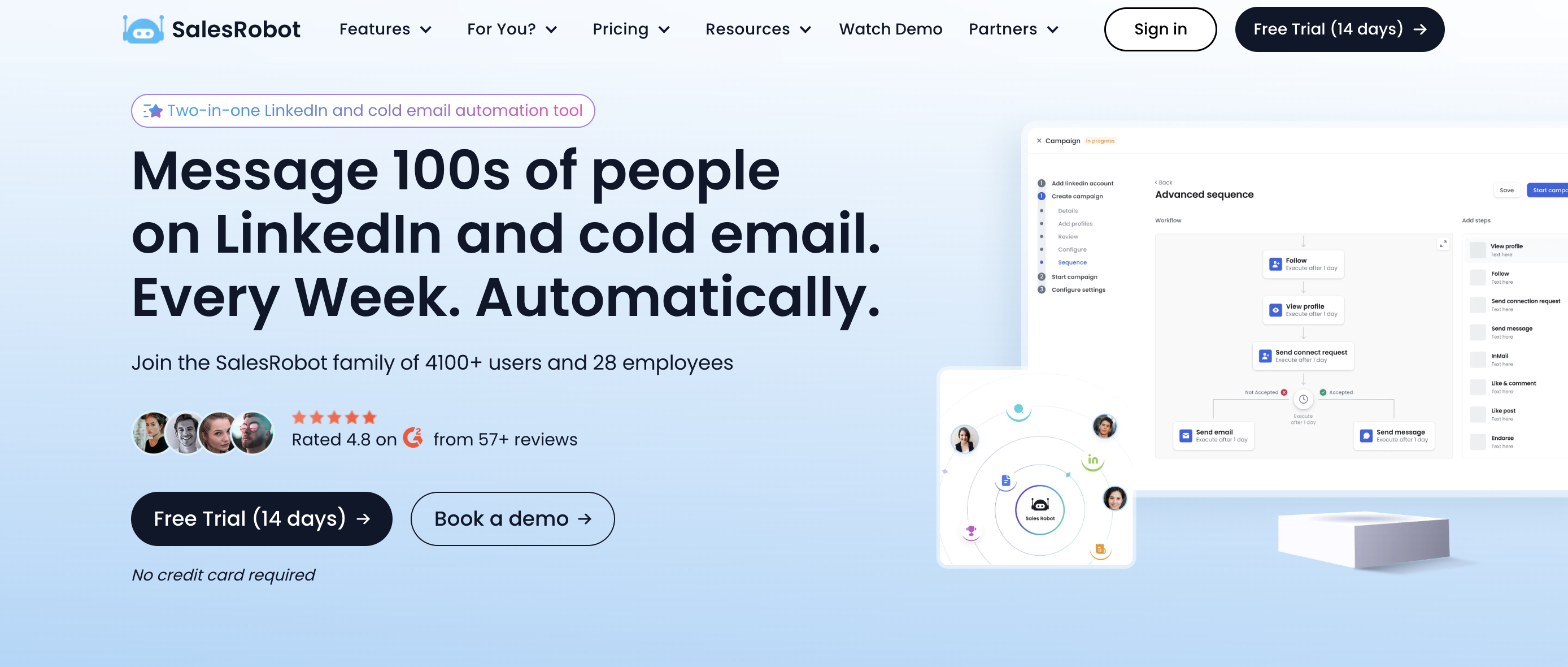
SalesRobot is a practical alternative to Valley when cost per LinkedIn account is the main issue. Its Basic plan starts at $59 per LinkedIn account/month, Advanced is $79 per LinkedIn account/month, and Professional is $99 per LinkedIn account/month. Enterprise is custom for larger B2B sales teams and agencies.
The product is built around LinkedIn campaigns, activity controls, reporting, team management on higher plans, webhooks, Zapier, CSV export, and optional email automation. It also positions an AI Appointment Setter Agent for teams that want help moving LinkedIn conversations toward meetings.
SalesRobot replaces Valley's LinkedIn campaign lane at a lower entry price. It is useful for agencies that need several client accounts, founders who want to start without a $395/month commitment, and outbound teams that want LinkedIn automation with email add-ons.
The comparison with Valley comes down to operating model. Valley is more packaged around AI research, LinkedIn outbound, and a managed meeting outcome. SalesRobot gives more direct control over account-level automation and pricing by LinkedIn account.
Where Valley may still win is buyer-signal packaging. If you want a platform that starts from signal discovery and then recommends outreach, SalesRobot needs another layer to identify who deserves outreach and why.
Choose SalesRobot when LinkedIn automation economics matter, your team can run the campaign logic, and email is an add-on rather than the center of the motion.
Main limitation: SalesRobot does not replace a cross-platform signal-to-action system. It helps execute LinkedIn outreach after you already know who to target.
5. La Growth Machine: best for LinkedIn, email, and X in one sequence#
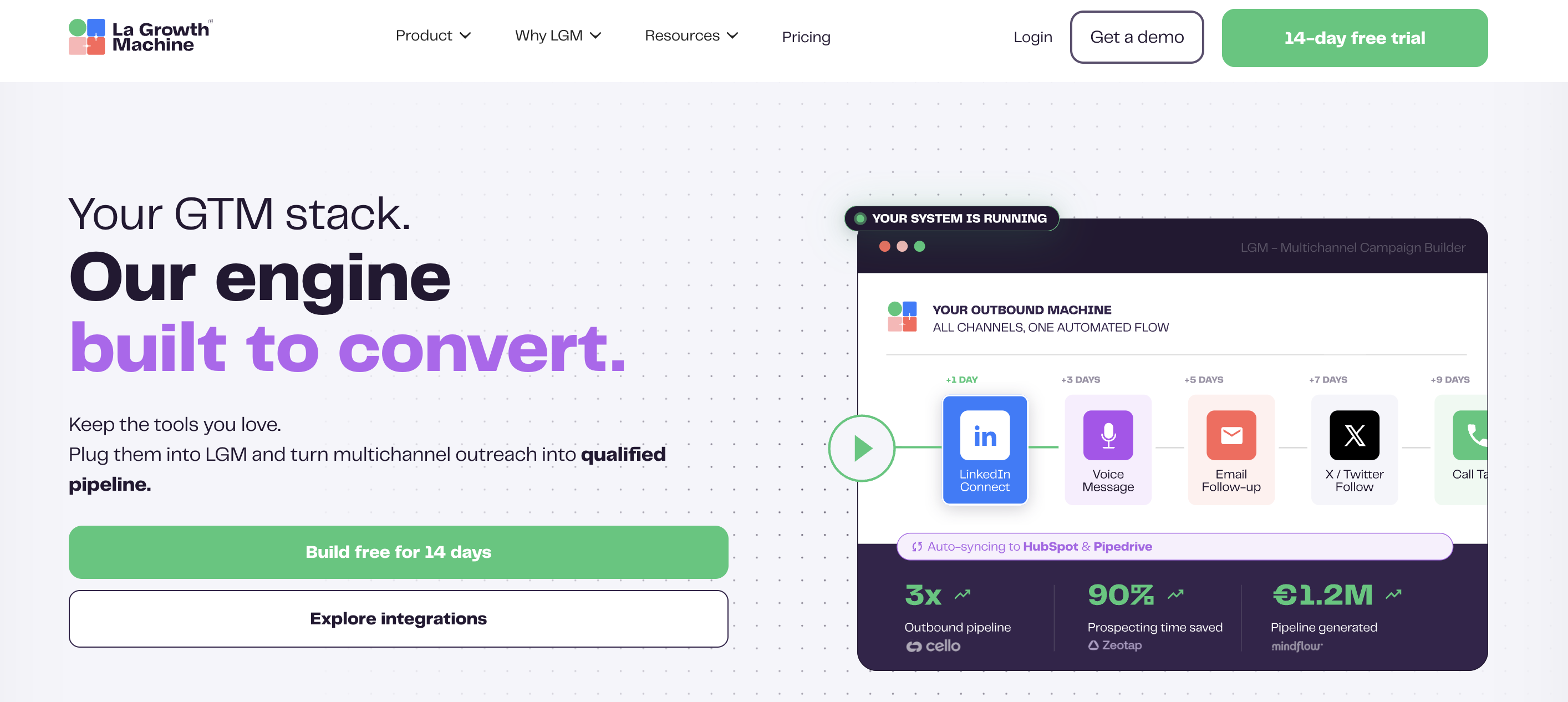
La Growth Machine is a stronger Valley competitor when the core objection is channel mix. Valley is LinkedIn-first. La Growth Machine lets one identity automate across LinkedIn, email, and X, with enrichment credits attached to the workflow.
That identity model matters. One identity is one sender profile across the channels. The current official pricing starts at EUR 50/month per identity on annual billing, and the free trial lasts 14 days. Higher plans add more workflow depth, more channels and features, and advanced CRM or webhook controls.
La Growth Machine replaces Valley's LinkedIn outreach lane and adds email and X follow-up inside the same sequence. It fits teams that want a prospect timeline across channels, not separate LinkedIn and email tools stitched together after the fact.
Where it performs better than Valley is multichannel coordination. A rep can start on LinkedIn, add email after enrichment, and use X where the buyer is active. That is useful when the buying committee does not live on one platform.
Valley is still the cleaner choice when the desired motion is managed LinkedIn outbound with AI research and a meeting guarantee. La Growth Machine asks your team to design sequences, manage identities, and understand enrichment credit use.
Pick La Growth Machine when you still want LinkedIn in the motion, but email and X need to be native parts of the same workflow.
Main limitation: per-identity pricing compounds as the sender count grows. Agencies and SDR teams should model every identity, enrichment pack, and CRM requirement before switching.
Turn Social Buyer Signals Into Pipeline With CommunityTracker
6. Common Room: best for enterprise signal governance#
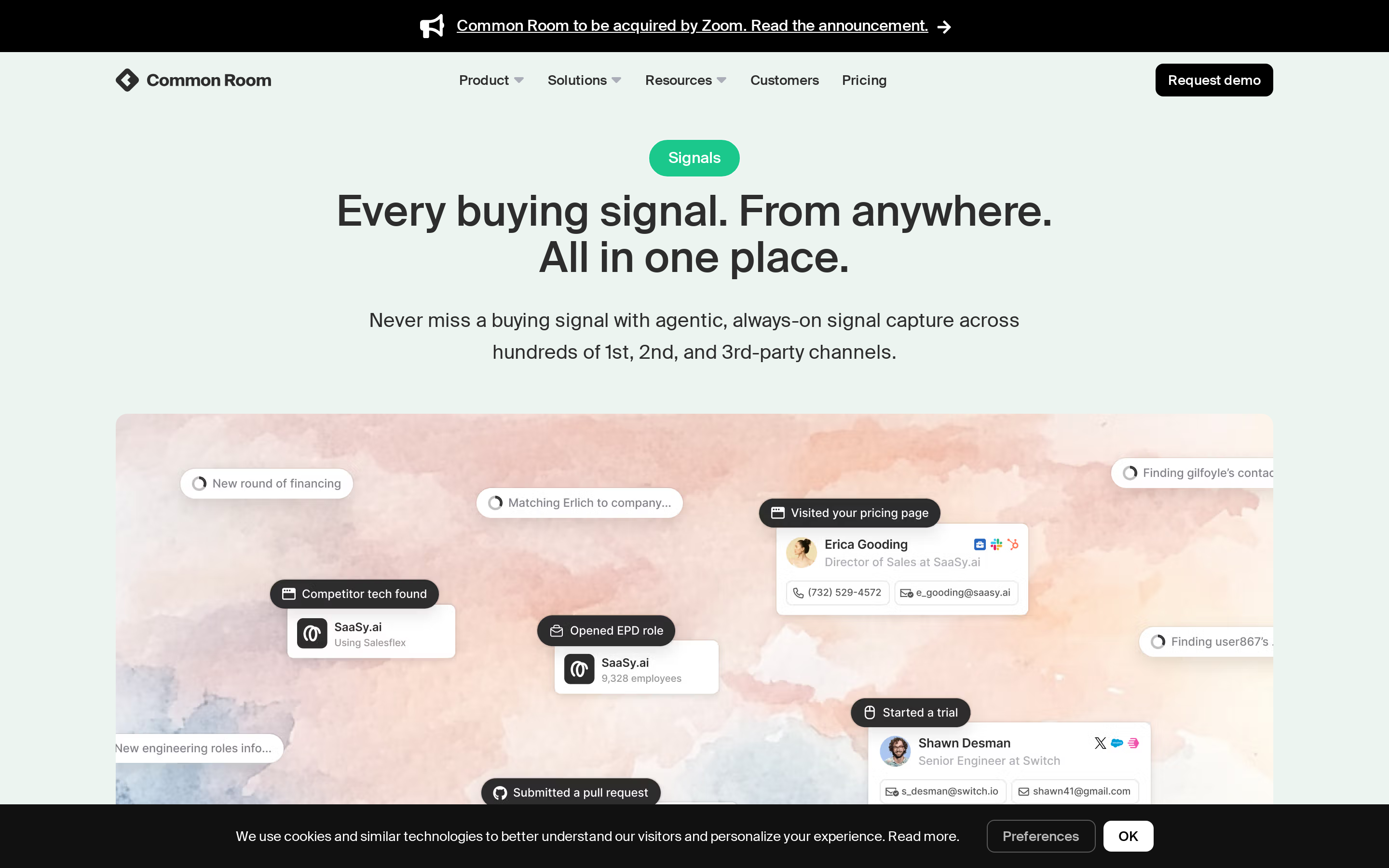
Common Room is not a direct LinkedIn automation replacement. It belongs here because some Valley buyers are really looking for a more governed signal system across community, product, CRM, enrichment, and sales workflows.
Essential is $2,500/month billed annually. It includes 5 seats, up to 100,000 contacts, 5,000 RoomieAI research credits, 2,500 Prospector credits, unlimited alerts, workflows, and segments, select integrations, and shared CSM support. Advanced and Enterprise are custom plans with more seats, credits, integrations, product signal support, and dedicated support.
We have a separate Common Room review for teams comparing enterprise signal governance against leaner buyer-signal workflows.
The advantage over Valley is breadth and governance. Common Room can sit closer to the GTM operating system for teams that need account scoring, Person360-style context, product signals, community engagement, Spark notifications, and CRM controls.
That comes with cost and ownership. A founder looking for a cheaper alternative to Valley will probably reject Common Room quickly. A RevOps team with product-led growth data, multiple GTM motions, and a dedicated operations owner may see the cost differently.
Valley is stronger when the buying question is narrow: can we run LinkedIn warm outbound and book meetings from a clear ICP? Common Room is stronger when the question is broader: how do sales, marketing, customer success, and product signals become a governed account motion?
Choose Common Room when your team has enterprise budget, signal governance requirements, and enough operational ownership to make the system useful.
Main limitation: Common Room is too heavy for teams that only want LinkedIn automation. It can answer more questions than Valley, but that breadth requires budget and process.
7. Clay: best for custom enrichment and GTM engineering#
Clay is an alternative to Valley only if the team wants to build the workflow instead of buying a packaged LinkedIn outbound product. It gives GTM engineers and operators a workspace for enrichment, AI research, signal tracking, email campaign integrations, and custom routing.
The current pricing starts with a Free plan that includes unlimited seats and tables, 100 Data Credits/month, 500 Actions/month, multi-provider waterfalls, Claygent enrichment, and Clay Sequencer for email. Launch starts at $185/month with 2,500 Data Credits and 15,000 Actions/month. Growth starts at $495/month with higher usage and deeper workflow controls. Enterprise is custom.
Clay performs better than Valley when the work requires custom data logic. A GTM engineer can build a workflow that enriches accounts, checks job changes, researches companies, scores rows, writes custom fields, and routes the output to another sender.
Valley is still better when your team does not want to build. Clay gives flexibility, but flexibility creates maintenance work: credit management, workflow QA, data ownership, integrations, and a separate sending layer.
Choose Clay when your team has a GTM engineer or technical operator who wants to own enrichment, scoring, and routing logic.
Main limitation: Clay is not a LinkedIn warm outbound replacement by itself. It prepares and enriches the motion, then another tool usually sends the message or manages the LinkedIn action.
Turn Social Buyer Signals Into Pipeline With CommunityTracker
8. Salesforge: best for email and LinkedIn sending infrastructure#
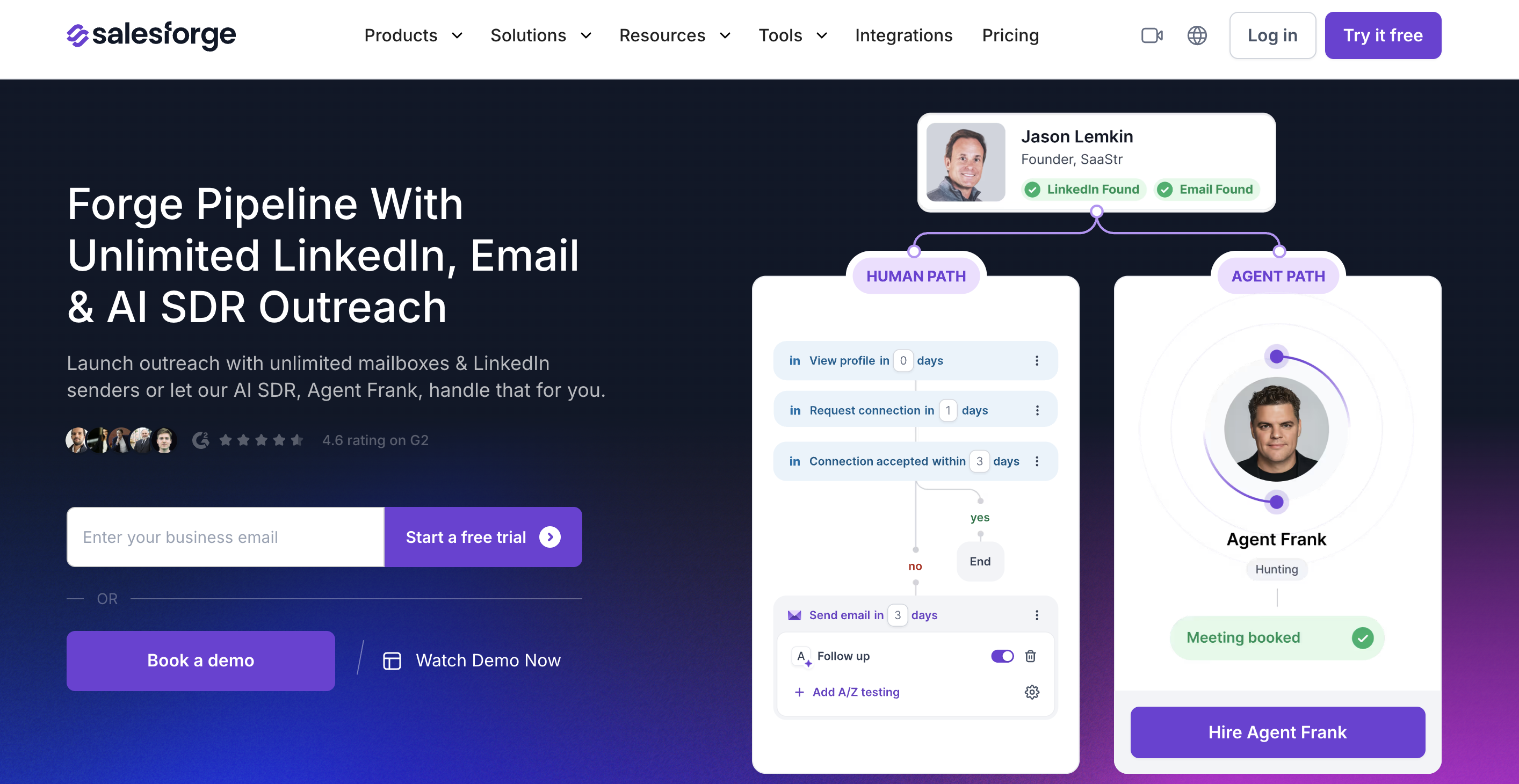
Salesforge is a better alternative when Valley's LinkedIn-first model is too narrow and the real bottleneck is sending. It focuses on email and LinkedIn outbound, mailbox rotation, personalization credits, validation credits, warmup, reply handling, and a unified inbox.
The official pricing page shows Pro at $40/month billed monthly with unlimited email senders and 1 LinkedIn sender. Growth is $80/month billed monthly with unlimited email and LinkedIn senders. A 14-day free trial is available. Do not treat annual-equivalent pricing as the month-to-month price when modeling Salesforge.
Salesforge replaces Valley's execution side, especially when a team wants email plus LinkedIn and does not want per-seat LinkedIn economics to dominate the budget. It also matters when deliverability, mailbox health, validation credits, and sender rotation are operational constraints.
Valley may still be the better fit for a team that wants LinkedIn signal discovery and a guided meeting-focused workflow in one package. Salesforge needs the lead source and intent context from somewhere else.
Choose Salesforge when your team already has a qualified list or signal source and needs to send through email and LinkedIn at controlled volume.
Main limitation: Salesforge is not the place to discover Reddit, GitHub, Product Hunt, or Hacker News buyer conversations. It is the sender layer after the signal is known.
9. lemlist: best for multichannel outbound with lead data attached#
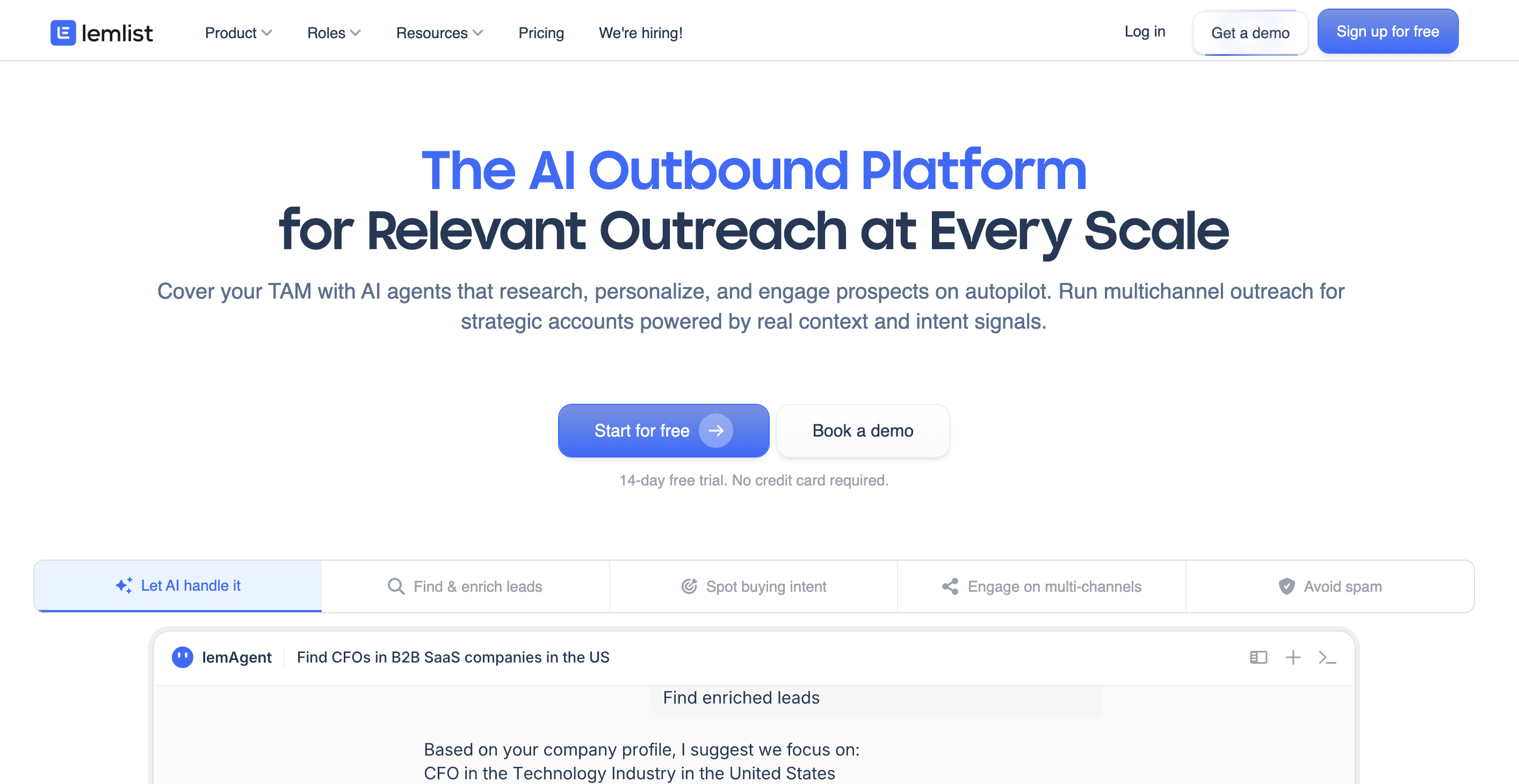
Lemlist is a Valley alternative for teams that want a broader outbound execution workspace. It combines lead database access, account-based prospecting, email finder and verifier, LinkedIn enrichment, campaign management, deliverability tooling, and multichannel outreach.
The Email plan starts at $55/user/month and includes a 14-day free trial. Multichannel starts at $87/user/month on annual billing and includes 5 senders per user, unlimited emails and messages, email and phone number finder, LinkedIn automation, SMS automation, WhatsApp add-on, call dialer, VoIP integrations, and task management. Enterprise is custom for teams with 5+ users and advanced controls.
lemlist replaces Valley when the outbound team cares more about multichannel execution than LinkedIn-only signal automation. A campaign can combine email, LinkedIn, calls, SMS, and WhatsApp follow-up tasks, which helps when buyer response patterns vary by region, seniority, and relationship strength.
The WhatsApp detail needs discipline. Treat WhatsApp as a warm follow-up channel after positive engagement or existing consent, not as a default cold workflow from scraped phone numbers.
Valley is still stronger when LinkedIn is the whole motion, and the team wants a more guided AI SDR-style setup. lemlist gives broader outbound rails, but it does not solve the earlier question of which fresh signal deserves action today.
Choose Lemlist when your team needs a sales engagement platform with multiple outbound channels and lead data inside the same workspace.
Main limitation: lemlist is an execution platform first. It needs a signal source when outreach should start from a fresh community conversation.
Relevant Read: 9 Best Bitscale Alternatives for AI Lead Research and Outreach in 2026
Which Valley alternative should you choose?#
Start with the broken part of the workflow, then choose the tool.
Pick HeyReach, Expandi, or SalesRobot when Valley's price is the problem but LinkedIn remains the primary channel.
Use CommunityTracker when you need to find fresh buyer conversations across social and community platforms before deciding how to reach the person.
Consider La Growth Machine when LinkedIn should sit beside email and X in one sequence.
Move toward Common Room when the team has enterprise budget, product signals, CRM governance requirements, and a dedicated operations owner.
Choose Clay when GTM engineering wants to build custom enrichment, scoring, routing, and outbound prep.
Buy Salesforge when mailbox rotation, deliverability, email volume, and LinkedIn senders are the constraint.
Select lemlist when email, LinkedIn, calls, SMS, WhatsApp follow-up, and lead data need to live in one outbound workspace.
Do not combine three or four tools casually. A stack with CommunityTracker, Clay, Salesforge, and lemlist can work, but it creates integration work, field ownership questions, duplicate contact records, and reporting conflicts. The stack only makes sense when each tool owns a clear job.
Use CommunityTracker for signal-triggered outreach#
Valley deserves credit for making LinkedIn warm outbound easier to package. HeyReach, Expandi, SalesRobot, and La Growth Machine give teams practical LinkedIn alternatives. Common Room, Clay, Salesforge, and lemlist each solve a real adjacent problem.
The part most tools miss is the moment before outreach: finding the buyer signal while it still matters.
CommunityTracker is built for teams that want to find a relevant buyer conversation, keep the source context attached, route the next action, and measure whether that signal becomes pipeline.
Use CommunityTracker when your GTM motion depends on community intelligence and fast action. A lighter LinkedIn automation tool is easier to justify when the only job is sending connection requests and DMs from a known list.
From signal discovery to GTM action means your team starts with the reason for outreach, not the sequence.
Start Monitoring Buyer Signals and Turn Them Into Outreach With CommunityTracker
Frequently asked questions#
What is the best Valley alternative for LinkedIn outreach?#
HeyReach, Expandi, and SalesRobot are the closest direct LinkedIn outreach alternatives. HeyReach fits multi-account sender management, Expandi fits focused LinkedIn automation with a $99/month entry point, and SalesRobot fits lower-cost LinkedIn account pricing with optional email automation.
What is the best Valley alternative for buyer signals outside LinkedIn?#
CommunityTracker is the better fit when buyer intent appears across Reddit, LinkedIn, X, Bluesky, Hacker News, Indie Hackers, Dev.to, Stack Overflow, Product Hunt, GitHub, and Slack. The product keeps the source post attached so your team knows why the person is being contacted.
Our list of B2B buying signals shows the signal types to track before choosing a sender.
Which Valley competitor is best for enrichment?#
Clay is the strongest option when a technical GTM team wants to build enrichment and routing workflows. Common Room is stronger when the team needs enterprise signal governance, CRM context, product signals, and contact-level operations.
What is a cheaper alternative to Valley?#
SalesRobot starts at $59 per LinkedIn account/month, Expandi starts at $99/month, and CommunityTracker Starter is $39/month for teams that need buyer-signal discovery before outreach. The cheaper tool depends on whether you need LinkedIn execution, signal discovery, or enrichment.
Should AI SDR alternatives replace human review?#
No. Supervised outreach is safer and more useful for this workflow. A good AI SDR alternative can draft messages, recommend actions, organize approvals, and route tasks, but a human should still review context when the signal comes from a public post, a competitor complaint, or a technical issue.