A few days back, I was looking at how people actually try to track their competitors.
And one thing became very clear.
Most people are not looking for complex dashboards. They just want a simple way to keep track of competitors without doing everything manually.

But when you actually try to do it, it gets messy.
You end up:
checking websites
scrolling through social media
trying to piece things together
And still, you don’t get a clear picture.
Everything feels scattered, and important updates get missed.
That’s the real problem.
It’s not about lack of data. It’s about not having everything in one place.
This is where having a proper system for competitor monitoring starts to make a difference.
It helps you:
Track competitor activity
See updates in one place
Stay informed without manual effort
In this guide, I’ll walk you through 10 competitor monitoring tools for B2Bs in 2026 that help you do exactly that.
Key Takeaways: 10 Best Competitor Monitoring Tools#
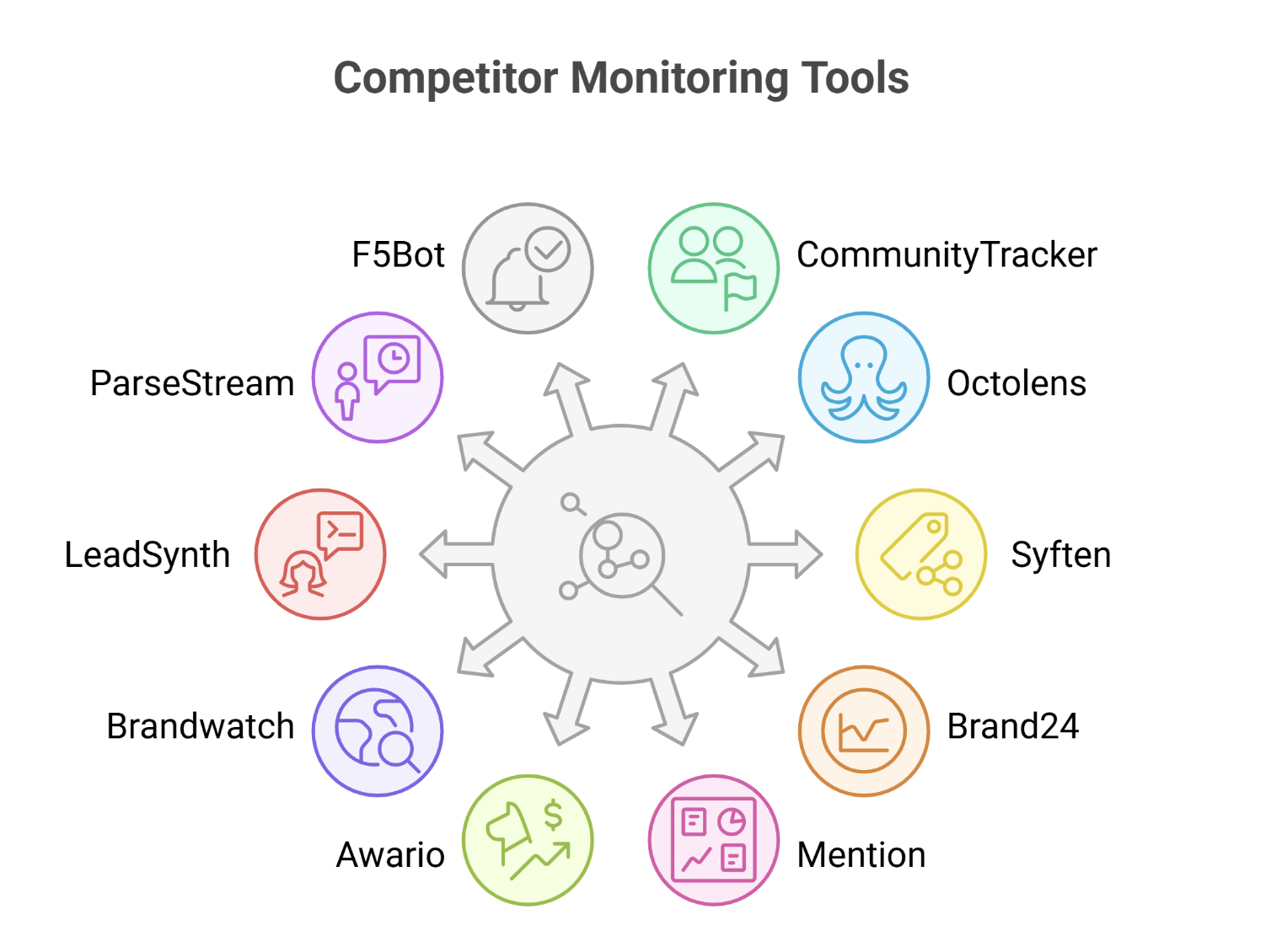
CommunityTracker → High-intent signals + clear next actions
Octolens → Clean, AI-filtered mentions across sources
Syften → Simple keyword-based community tracking
Brand24 → Sentiment, reach, and brand analytics
Mention → Enterprise monitoring with reporting dashboards
Awario → High-volume mention tracking at lower cost
Brandwatch → Deep consumer and market intelligence
LeadSynth → Conversations → leads → automated outreach
ParseStream → Real-time tracking + quick reply suggestions
F5Bot → Basic alerts with minimal setup
Why Competitor Monitoring Matters for B2Bs#
Competitor monitoring means tracking what your competitors are doing and how they are performing in the market, continuously, not occasionally.
In B2B, this has two parts:
Activity: what they launch, post, update, or promote
Response: how buyers react, compare, and talk about them
Most teams only track the first part. But that only shows what competitors are doing, not what’s actually working.
The real value comes when you connect both.
Because that helps you understand:
Which competitor strategies are actually working
Why buyers are choosing them
Where competitors are gaining or losing attention
When you track both activity and response, you can:
Adjust your messaging based on real comparisons
Spot gaps you can use
Make decisions based on what’s actually happening in the market
That’s the point of competitor monitoring, not just tracking competitors, but using those insights to act better and faster.
How We Selected These Tools#
I didn’t just list random tools. Each one was picked based on how it actually works for competitor monitoring in a real B2B setup.
Here’s what I focused on:
Ability to track actual competitor activity (posts, updates, campaigns)
Coverage across platforms where activity and discussions happen
Visibility into real conversations and mentions about competitors
Whether it gives a clear, usable view (not just scattered data)
How useful it is in day-to-day tracking (not just reports)
A clear role in monitoring (not trying to do everything)
This keeps the list focused on tools that are actually useful for tracking competitors.
10 Best Competitor Monitoring Tools: Quick Comparison#
Tool | What It Actually Does | Platforms | Prioritization (Scoring/Filtering) | Output Type | Outreach / Action Layer | Starting Price per month |
CommunityTracker | Finds high-intent competitor conversations + tells what to do next | Reddit, LinkedIn, Slack, X, GitHub, etc. | Intent-based + scoring | Signals with context | ✅ Yes (tasks, workflows, opportunities) | $29 |
Octolens | Tracks mentions across web + filters noise with AI | Social, news, podcasts, newsletters | AI filtering + relevance levels | Filtered mentions | ❌ No | $119 |
Syften | Tracks keyword mentions using filters | Reddit, HN, X, forums, blogs | Basic filtering (no scoring) | Raw mentions | ❌ No | $19.95 |
Brand24 | Tracks + analyzes brand awareness, sentiment, reach | 25M+ sources (social, news, etc.) | AI sentiment + analytics | Reports & metrics | ❌ No | $199 |
Mention | Enterprise monitoring + reporting + collaboration | Social, web, reviews | Boolean + analytics | Dashboards & reports | ❌ No | $599+ |
Awario | Tracks large volumes of mentions with Boolean search | Social + web | Boolean filtering | Raw + semi-filtered mentions | ❌ No | $49 |
Brandwatch | Deep consumer intelligence + market research | Massive global data sources | Advanced AI analysis | Insights & research dashboards | ❌ No | Custom |
LeadSynth | Finds buyers from conversations + sends outreach | Reddit, LinkedIn, X, YouTube | Intent detection + scoring | Qualified leads | ✅ Yes (automated outreach) | $19 |
ParseStream | Tracks keywords + suggests replies in real time | Reddit, Quora, LinkedIn, X, HN | AI filtering + relevance | Filtered mentions + replies | ⚠️ Partial (reply suggestions) | $29 |
F5Bot | Sends alerts when keywords are mentioned | Reddit, HN, Lobsters | Basic filtering | Raw alerts | ❌ No | $14.17 |
1. CommunityTracker #
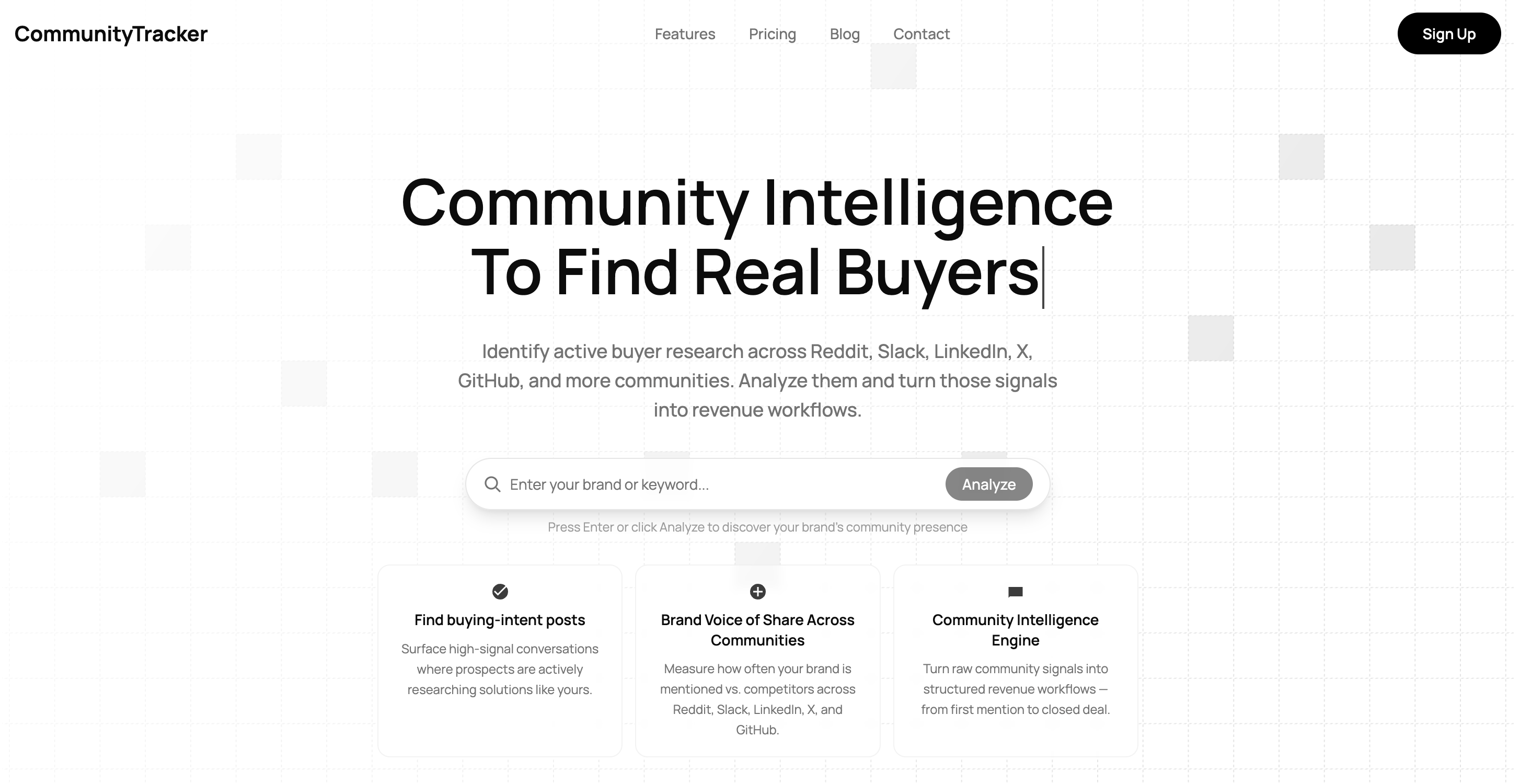
CommunityTracker is a community intelligence platform that helps you track competitor activity, conversations, and share of voice across different communities.
It focuses on high-intent buyer signals, where people are actively comparing tools, asking for recommendations, or discussing problems.
It supports platforms like Reddit, LinkedIn, Slack, X (Twitter), GitHub, Product Hunt, Stack Overflow, Indie Hackers, and more, bringing all these conversations into one place.
It goes beyond basic tracking by filtering conversations based on intent, scoring how relevant they are, and adding clear context to each signal.
It also connects these signals to action by turning them into:
outreach opportunities
tasks and workflows
insights your team can act on
So instead of just monitoring competitors, you can see where they are being discussed, how they are being compared, and what to do next.
Key Features#
Tracks competitor mentions and comparison discussions across multiple communities
Detects high-intent signals like recommendations, pain points, and evaluation threads
Shows competitor share of voice across communities
Uses intent-based filtering to reduce irrelevant conversations
Provides context, priority, and recommended next steps for each signal
Sends real-time alerts via Slack or email
Offers a unified inbox to manage all conversations in one place
Includes AI summaries to quickly understand discussions
Allows team collaboration with workflows and task assignment
Pricing#
CommunityTracker provides three pricing plans, depending on how much you want to track and how deep you want to go.
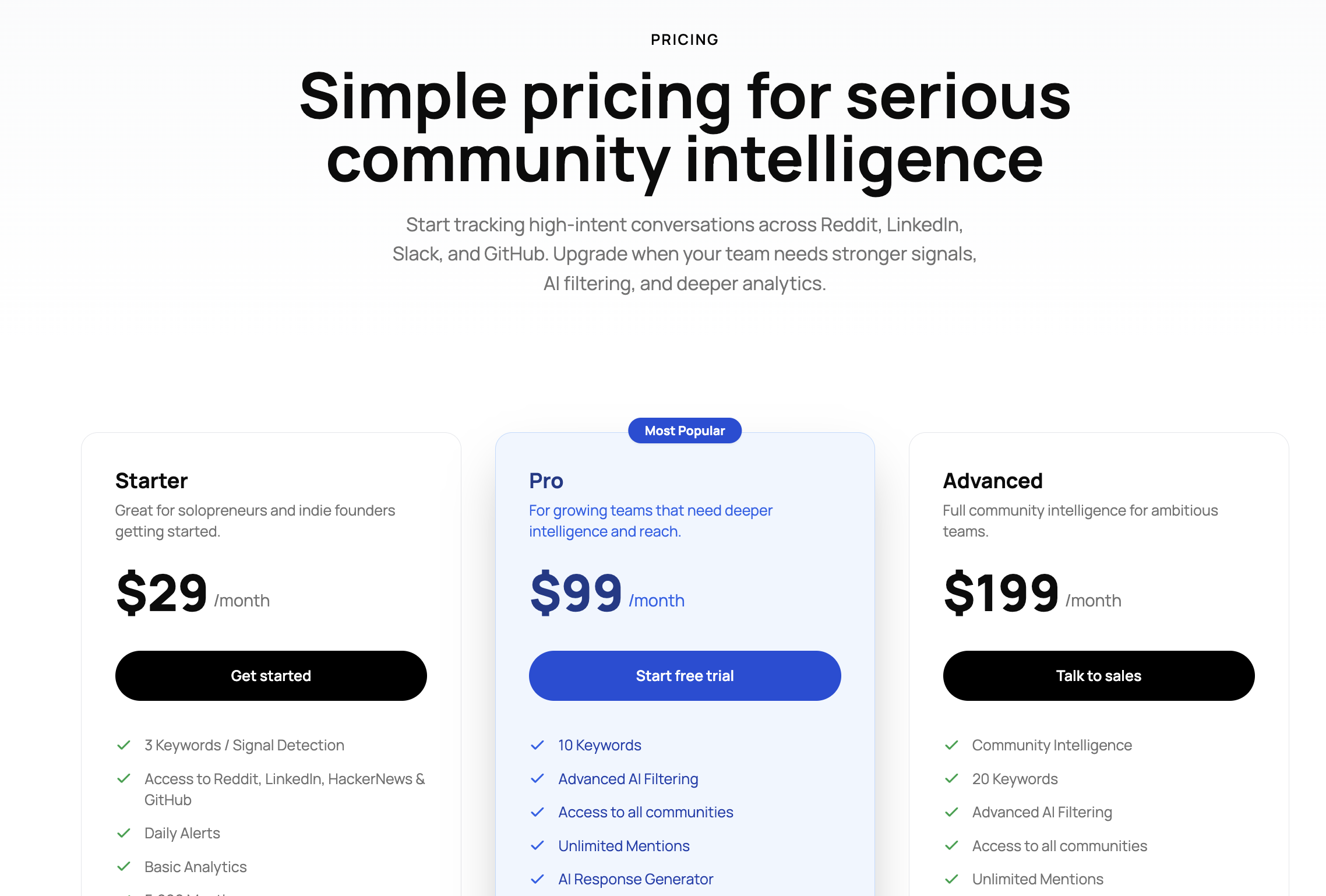
Starter - $29/month
This is for basic tracking. You can monitor up to 3 keywords with limited community access and capped mentions.
Pro - $99/month
This is where you get full coverage. You can track 10 keywords, access all communities, and get features like AI filtering, scoring, Slack alerts, and share of voice.
Advanced - $199/month
This is for deeper tracking. You can track 20 keywords with added features like AI visibility and export options.
You can cancel anytime, and your subscription will simply stop at the end of your current billing period.
Pros#
Captures competitor conversations across communities in one place
Filters and surfaces high-intent discussions first, using scoring so low-value mentions don’t distract you
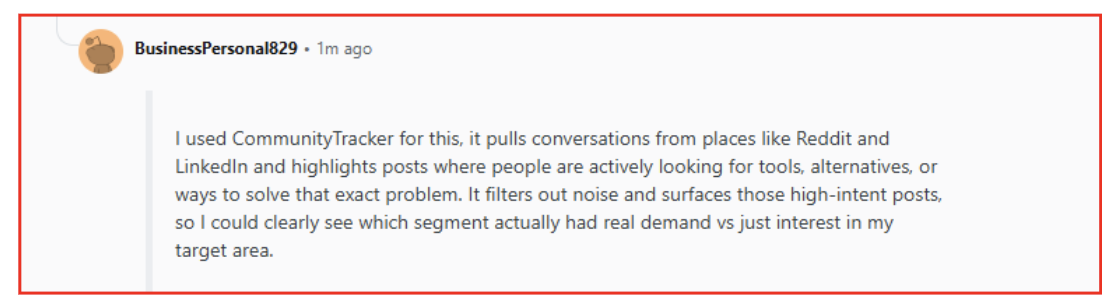
Shows where competitors are actually being compared and evaluated, not just mentioned
Adds clear context, so you understand why each signal matters
Connects signals to next steps, so you can act instead of just track
Cons#
Output depends on how well you define keywords and competitors
Most of the real depth (full coverage + better signals) comes in higher plans
Best For#
Use CommunityTracker if:
You want to track high-intent competitor conversations, not just mentions
You want conversations to be prioritized using scoring, so you focus on what matters first
You want to act on signals, not just monitor them
From what I see, this works best when the goal is to turn competitor insights into actions, not just track activity.
2. Octolens#
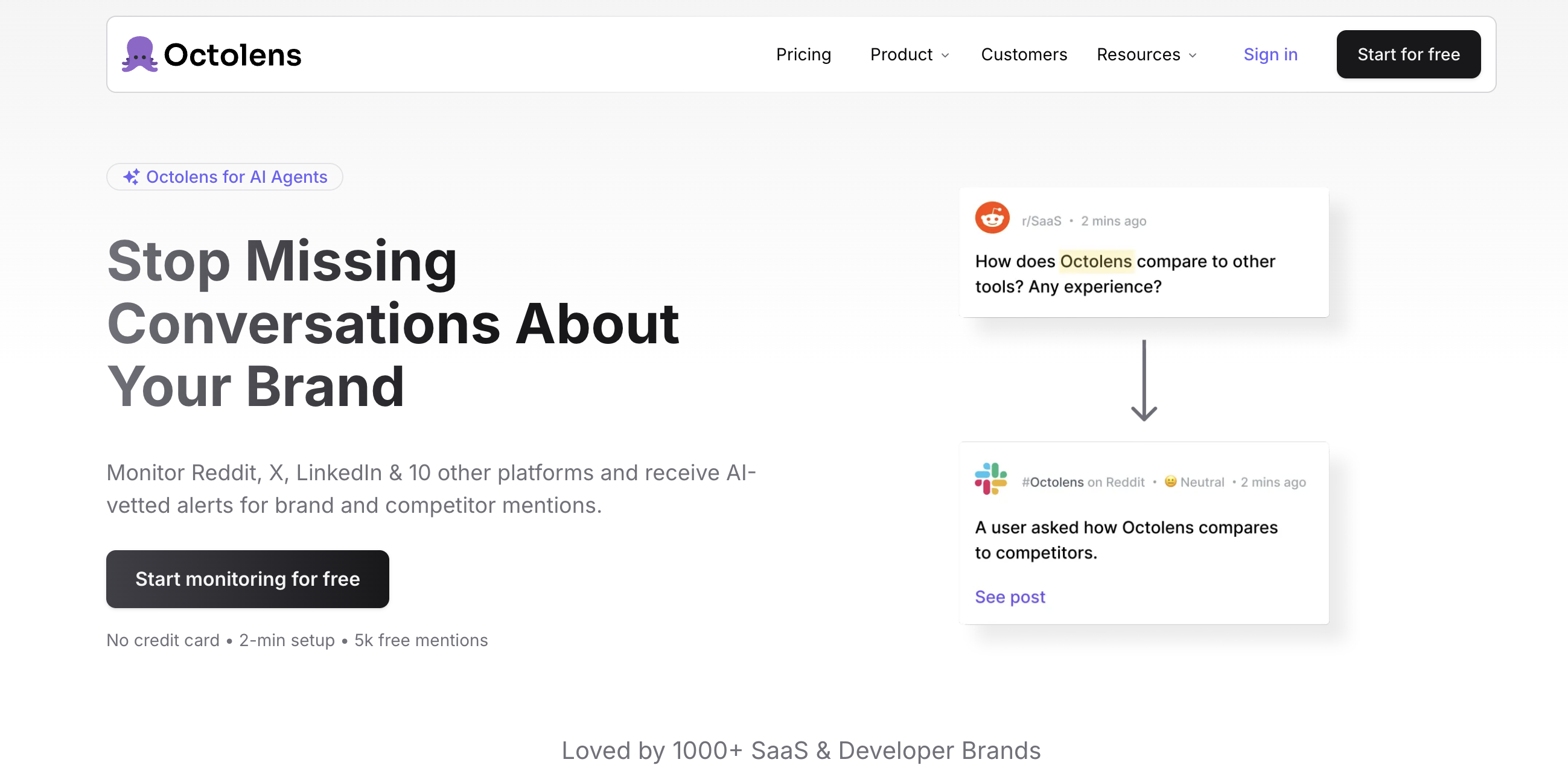
Octolens is an AI social listening tool that helps you track competitor and brand mentions across multiple platforms.
It focuses on capturing mentions from places where people actually talk, like Reddit, X (Twitter), LinkedIn, GitHub, podcasts, newsletters, and more.
Instead of showing everything, it uses AI to filter out irrelevant mentions and highlight the ones that matter.
You define keywords (brand, competitors, or problems), and it scans platforms, filters the noise, and sends relevant mentions to Slack, email, or webhooks.
It also assigns a relevance score (high, medium, low) to each mention, so you can focus only on important conversations.
Compared to CommunityTracker, this feels more like a monitoring tool; you get filtered mentions, but you still have to figure out what to do with them.
Key Features#
Tracks mentions across social platforms, communities, news, podcasts, and newsletters
Uses AI filtering to remove irrelevant mentions
Assigns relevance scores to prioritize important conversations
Sends alerts via Slack, email, or webhooks
Offers API and webhook access for workflows and automation
Provides analytics and reports on mentions
Supports tracking common-word brands using AI filtering
Pricing#
Octolens provides three main plans, based on mentions, keywords, and coverage.
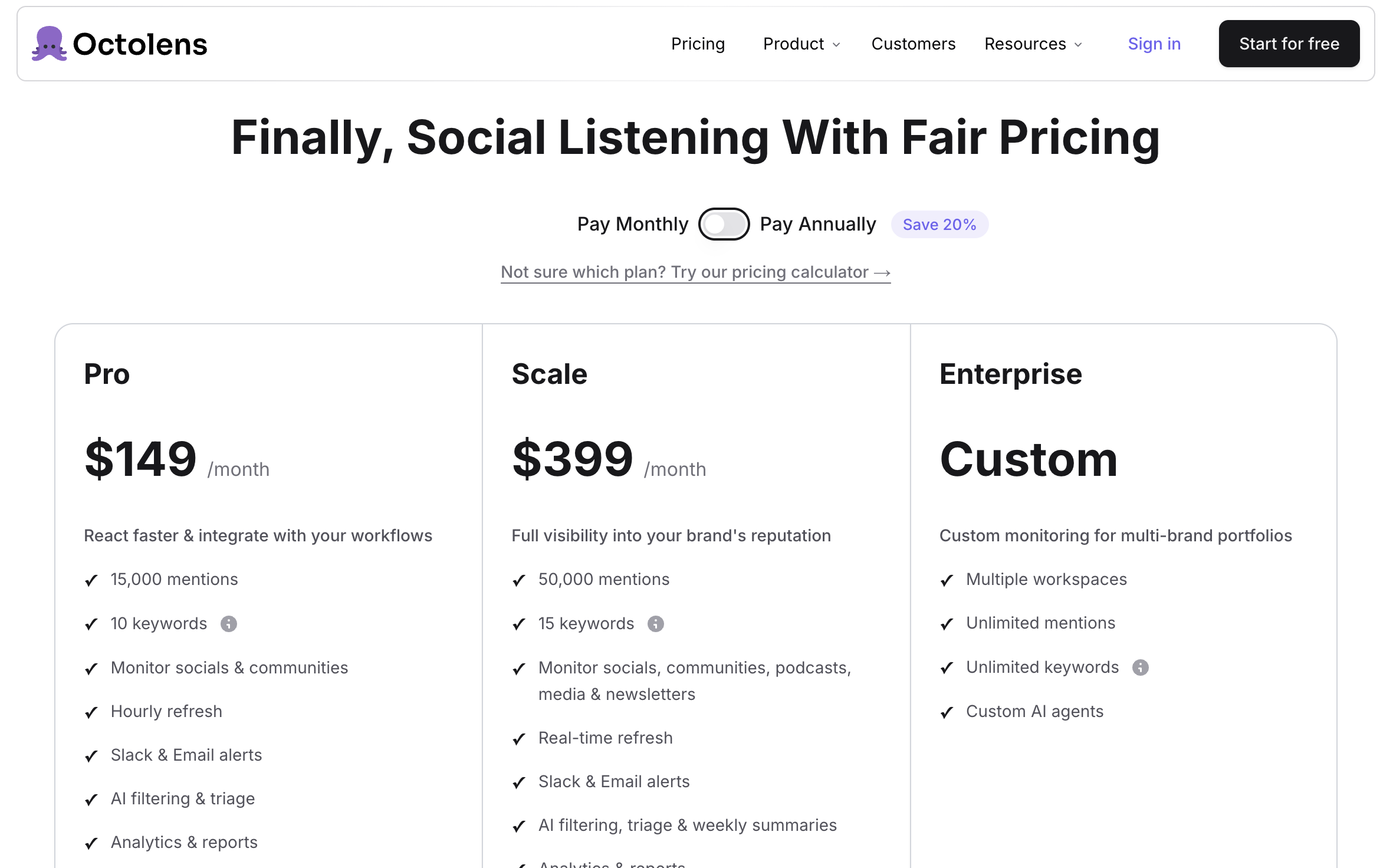
Pro - $119/month
You get 10 keywords, 15,000 mentions, hourly refresh, AI filtering, alerts, analytics, and API access.
Scale - $319/month
You get 15 keywords, 50,000 mentions, real-time refresh, broader coverage (including media, podcasts, newsletters), and weekly summaries.
Enterprise - Custom
Unlimited keywords and mentions with a custom setup for larger teams.
You can also add extra keywords or mentions separately if needed.
And there is a free trial for the pro and scale plans
Compared to CommunityTracker, this feels quite expensive for what you get.
You’re paying more, but you’re mostly getting filtered mentions and insights, not clear actions or next steps.
On top of that, pricing grows with mentions, so the more you track, the more you pay.
Pros#
Captures mentions across many platforms, including communities, news, and podcasts
Filters and surfaces relevant mentions using AI, so you don’t see everything
Assigns relevance scores, helping you focus on important conversations first
Sends mentions directly to Slack, email, or workflows, so you don’t need to check manually
Supports API and automation, making it easy to plug into workflows
Cons#
Focuses on mentions, not deeper context or next-step actions
Output depends on AI filtering accuracy and keyword setup
Pricing scales with mentions and usage volume
Best For#
Use Octolens if:
You want to track competitor mentions across multiple platforms, not just one source
You want mentions to be filtered and prioritized using AI scoring, so you don’t see noise
You want to get alerts quickly and stay updated, instead of checking platforms manually
So, this works best when the goal is to stay updated on mentions quickly, not deeply analyze or act on them.
Also Read: 7 Best Octolens Alternatives & Competitors To Monitor Communities in 2026
3. Syften #
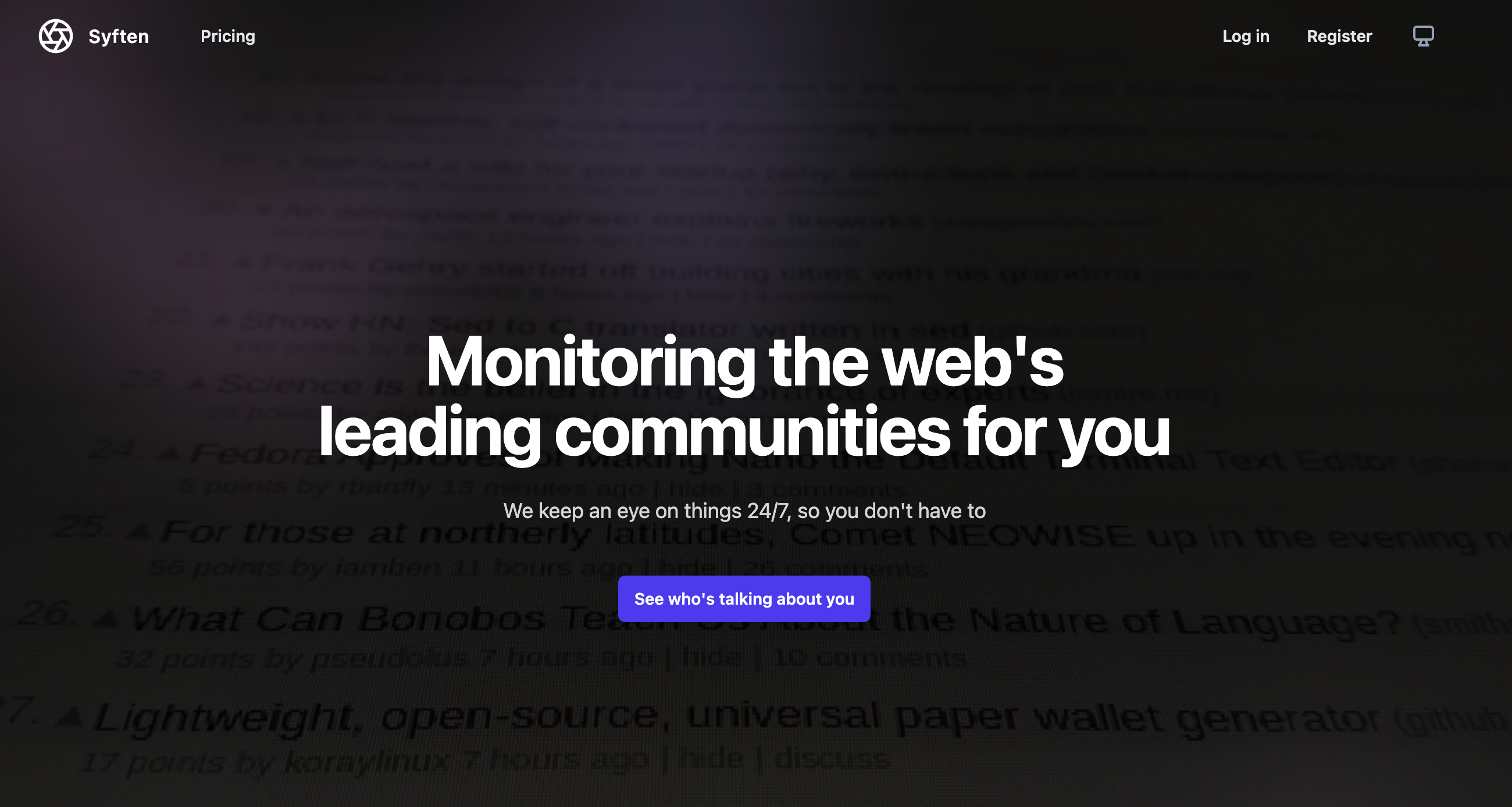
Syften is a community monitoring tool that tracks mentions of your brand, competitors, or keywords across multiple communities.
It monitors platforms like Reddit, X (Twitter), Indie Hackers, Hacker News, GitHub, Stack Overflow, forums, blogs, newsletters, YouTube, and more.
You set up filters (basically search queries), and it continuously scans these platforms to show where your keywords are mentioned.
It focuses on real-time mention tracking, with AI filtering to reduce noise and keep results relevant.
You get alerts via email or Slack, so you don’t have to manually check different platforms.
So instead of searching manually, you get a stream of mentions based on your filters.
It felt like a simple monitoring setup. You get mentions, but you still have to do all the thinking and filtering yourself.
Key Features#
Tracks mentions across communities, forums, and platforms
Uses filters (search queries) to define what you want to track
AI filtering to reduce noise in results
Sends alerts via email and Slack
Supports webhooks for workflows
Provides an archive search for past mentions
Covers multiple niche and developer-focused communities
Pricing#
Syften provides three main plans, based on filters, results, and archive access.
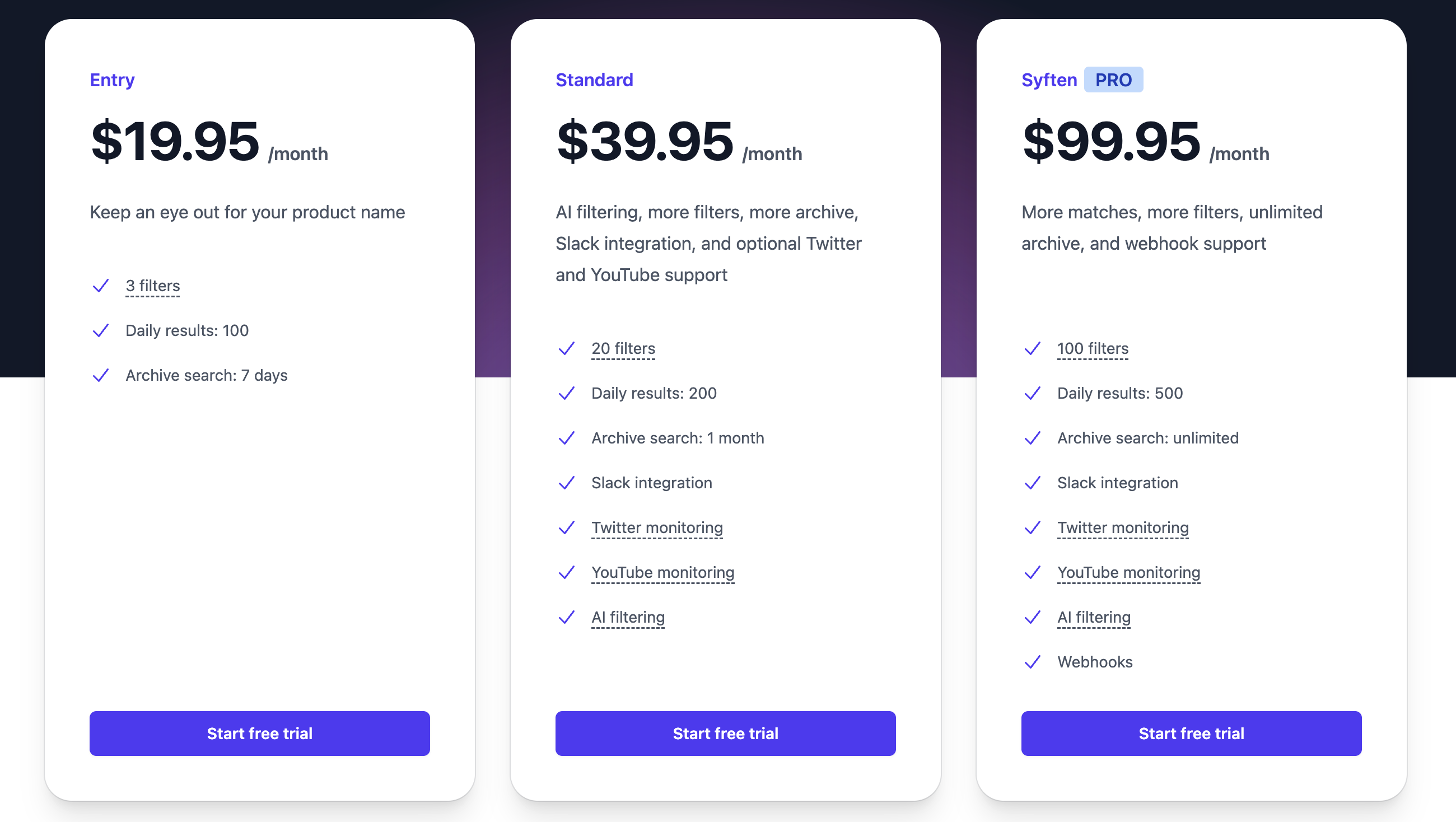
Entry - $19.95/month
This is for basic tracking. You get 3 filters, 100 daily results, and 7-day archive access.
Standard - $39.95/month
This adds 20 filters, 200 daily results, 1-month archive, Slack integration, and AI filtering.
Pro - $99.95/month
This gives 100 filters, 500 daily results, unlimited archive, AI filtering, Slack, and webhooks.
→ Free trial available for this plan (14 days)
No credit card required. You can easily delete your account anytime.
It’s affordable compared to most tools.
You’re mainly paying for more filters and more results, not deeper insights.
So as your tracking grows, you increase filters and volume, but the workflow stays the same.
It's a solid low-cost monitoring tool, but it doesn't help you go beyond tracking.
Pros#
Captures mentions across many communities using simple filters
Let you control what you track with flexible search queries
Uses AI filtering to reduce noise in alerts
Sends mentions directly to email or Slack, so you don’t have to check manually
Covers niche communities that many tools miss
Cons#
No built-in scoring or prioritization of conversations
Doesn’t provide context or next steps, just raw mentions
No LinkedIn monitoring support
Limited daily results on lower plans
Best For#
Use Syften if:
You want a simple, low-cost way to track mentions across communities
You prefer setting your own filters instead of relying fully on AI
You’re okay working with raw mentions instead of prioritized signals
Basically, this works best when the goal is to monitor conversations affordably, not deeply analyze or act on them.
Related Reads: 7 Powerful Syften Alternatives for Reddit and Community Monitoring
4. Brand24 #
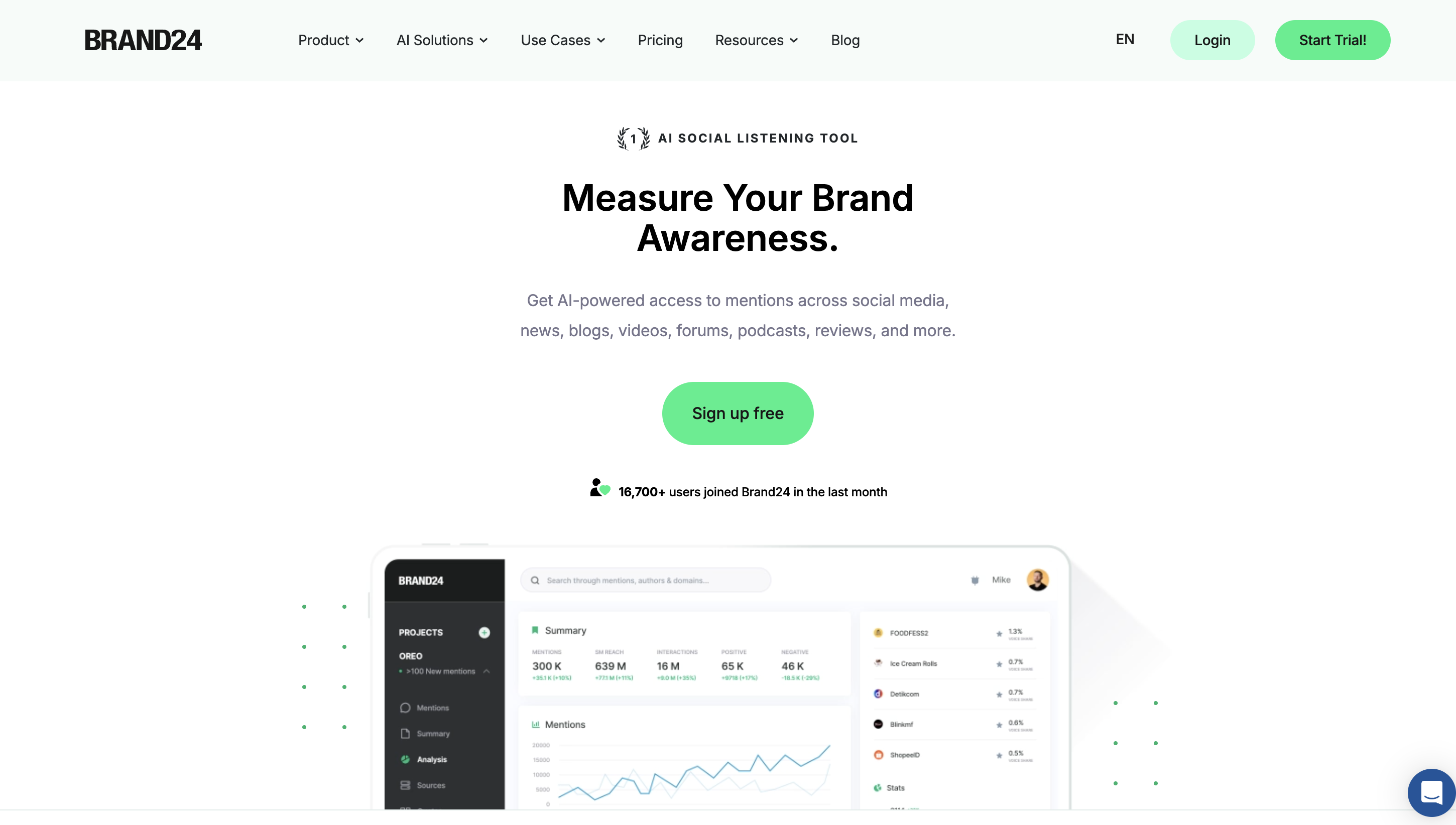
Brand24 is an AI social listening platform that tracks brand and competitor mentions across social media, news, blogs, forums, podcasts, and more.
Instead of just showing mentions, it focuses on analyzing what those mentions mean, like how people feel (sentiment), how far content spreads (reach), and how much engagement it gets.
It brings everything into one dashboard where you can track brand awareness, compare performance, and understand trends over time.
So rather than helping you find specific conversations to act on, it helps you measure and understand overall brand performance.
I like that you can see how your brand and competitors are performing, but you still have to figure out what actions to take based on it.
Key Features#
Tracks mentions across social media, news, blogs, forums, podcasts, and more
AI-based sentiment analysis (positive, negative, neutral)
Tracks reach, engagement, and brand awareness metrics
Provides reports and analytics dashboards
Detects trends and spikes in mentions
Offers influencer and source analysis
Supports alerts and notifications
Covers 25M+ online sources in real time
Pricing#
Brand24 provides multiple pricing plans, mainly based on keywords, mentions, and features.
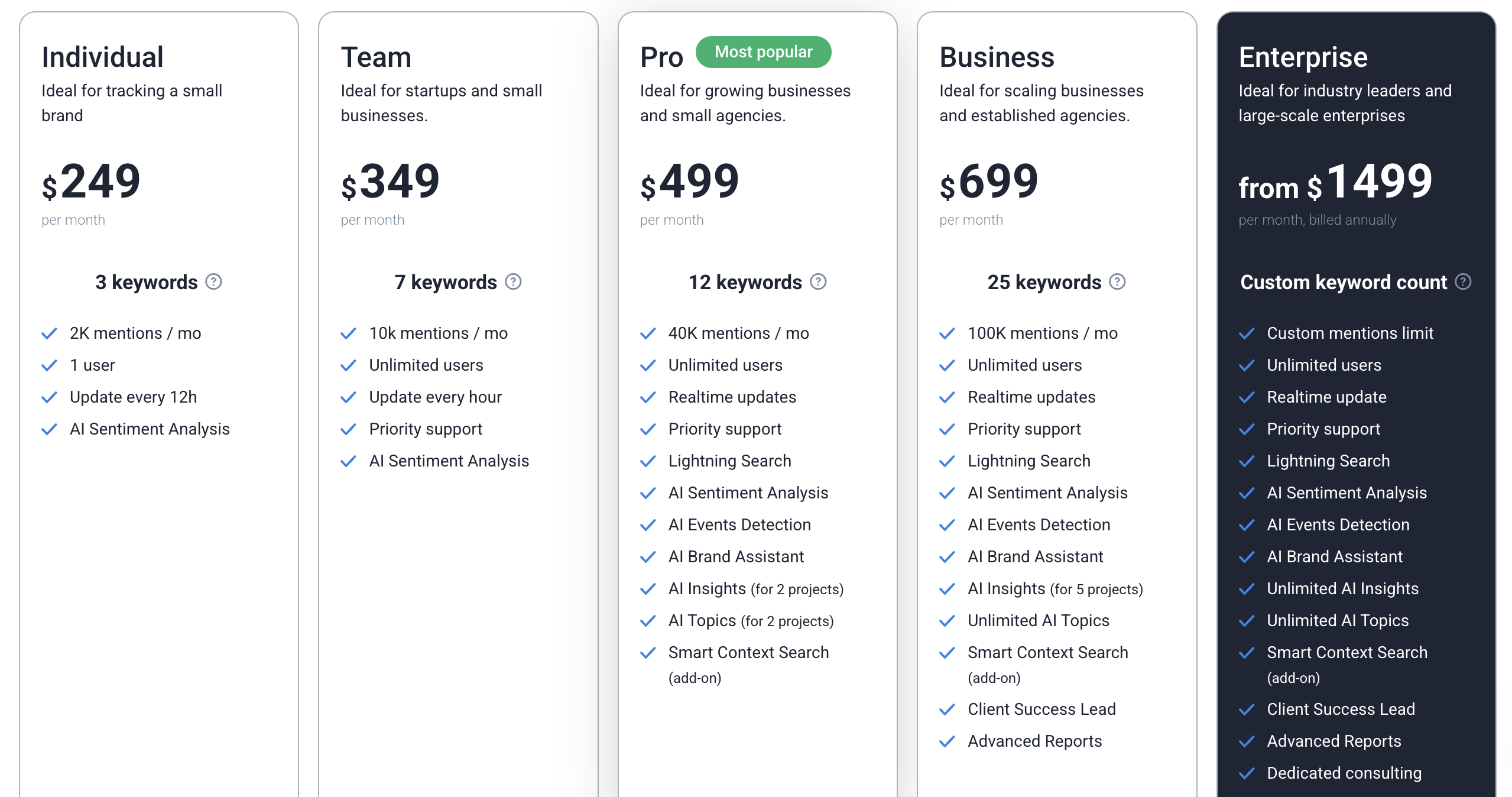
Individual - $199/month
3 keywords, 2,000 mentions/month, updates every 12 hours
Team - $299/month
7 keywords, 10,000 mentions/month, hourly updates
Pro - $399/month
12 keywords, 40,000 mentions/month, real-time updates with advanced AI features
Business - $599/month
25 keywords, 100,000 mentions/month with deeper insights and reporting
Enterprise - from $1499/month
Custom setup with unlimited features and support
→ Free trial available (14 days)
This is also an expensive tool.
You’re paying for analytics, reporting, and sentiment insights, not just tracking.
Compared to CommunityTracker, this feels more like a tool to measure performance, not to act on conversations.
Pros#
Gives a clear picture of brand perception, not just raw mentions
Helps you understand how competitors are performing over time, not just where they are mentioned
Makes it easy to track trends, spikes, and overall awareness
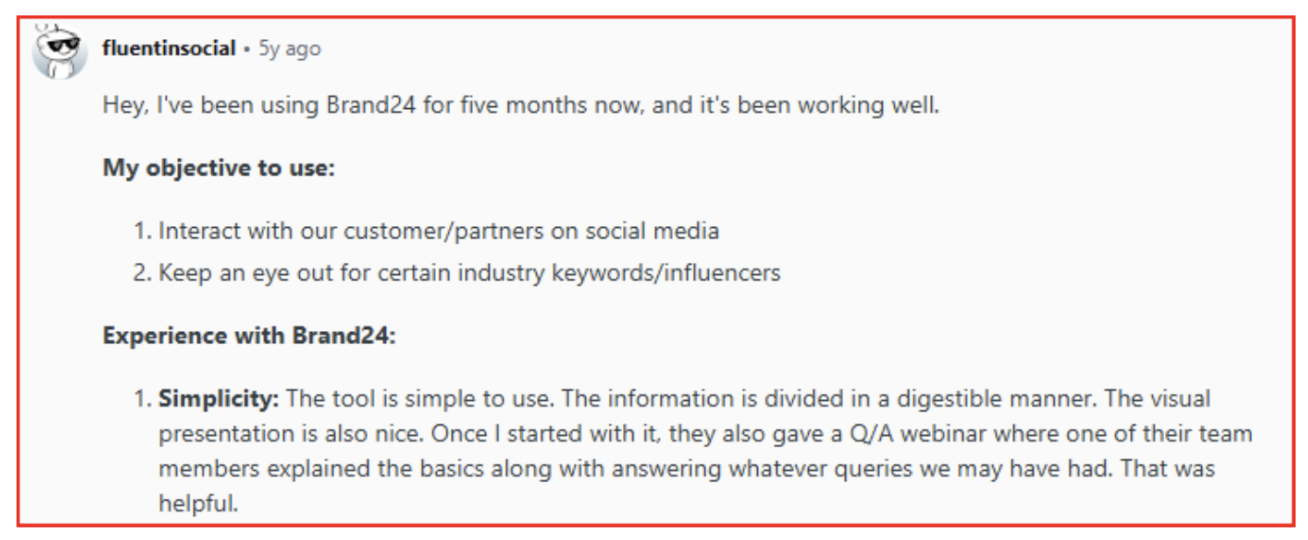
Useful when you need to report or present data, not just monitor
Cons#
Doesn’t help you prioritize or act on specific conversations
Feels more like analysis after the fact, not something you use in real-time decisions
Expensive, especially if you only need competitor monitoring
Can feel heavy if your goal is just to find actionable signals
Best For#
Use Brand24 if:
You want to track brand performance with sentiment and analytics, not just conversations
You need reports and metrics for brand awareness and reach
You care more about understanding trends over time than acting on individual signals
This works best when the goal is to measure brand performance, not to act on conversations.
5. Mention #
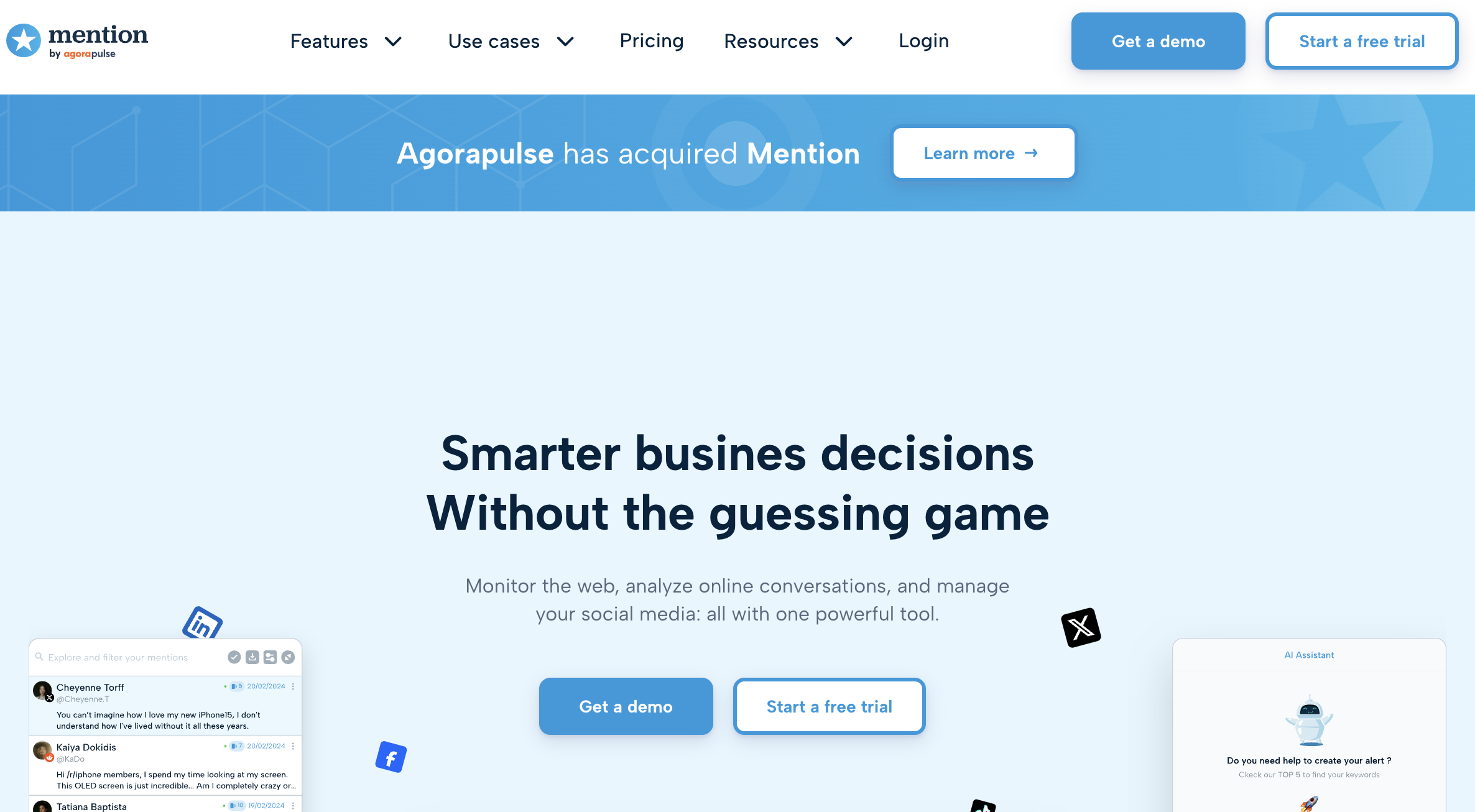
Mention is a social listening and media monitoring platform that helps you track brand and competitor mentions across social media, web, and review platforms.
It covers sources like Facebook, Instagram, X (Twitter), Reddit, TikTok, YouTube, news, blogs, forums, and even review sites, giving you a broad view of online activity.
It focuses on monitoring, analyzing, and managing conversations, with features like sentiment analysis, trend tracking, and competitor benchmarking.
You can set keyword-based alerts, use Boolean search to refine results, and track mentions in real time.
So instead of just tracking conversations, it gives you a full monitoring + analytics setup for your brand and competitors.
For me, it felt like a full monitoring system; you can see everything in one place, but it’s more about tracking and analysis than deciding what to do next.
Key Features#
Tracks mentions across social media, web, forums, and review platforms
Real-time monitoring with alerts and notifications
Advanced Boolean search for precise tracking
Sentiment analysis and trend detection
Competitor benchmarking and share of voice
Custom dashboards and reporting
Team collaboration features and role management
API and integrations (Slack, Zapier, etc.)
Pricing#
Mention offers enterprise-level pricing, focused on full monitoring and analytics.
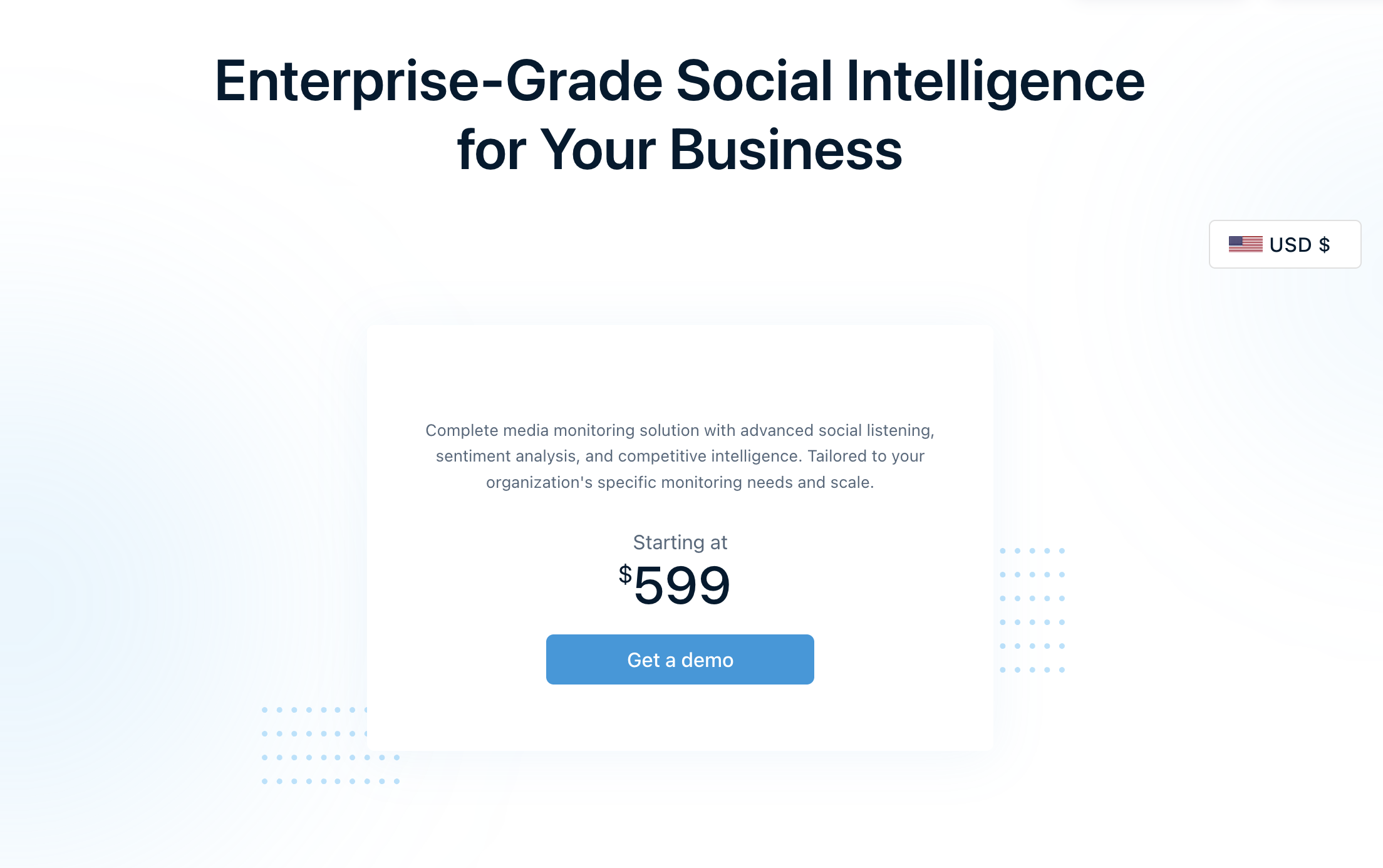
Company - Starting at $599/month
Includes social media monitoring, web and review tracking, sentiment analysis, competitor benchmarking, reporting dashboards, collaboration tools, and API access
→ Free trial available
Compared to other tools, this is much more expensive.
You’re paying for a complete monitoring system, dashboards, reports, and collaboration, not just signals.
So it makes sense if you need full brand monitoring at scale, but not if you’re looking for simple, actionable competitor insights.
Pros#
Captures mentions across a very wide range of platforms, including reviews and media
Let's you refine tracking using Boolean search, so results are more controlled
Provides detailed analytics and reporting, not just raw mentions
Supports team collaboration, making it usable across teams
Works well for large-scale monitoring setups
Cons#
Expensive, especially compared to tools focused on signals
Feels more like a monitoring and reporting system, not action-focused
Can be complex if you only need simple competitor tracking
Fails in finding some alerts if you use it for multiple tracking

Still requires effort to analyze and decide what to do with mentions
Best For#
Use Mention if:
You need full-scale brand and competitor monitoring across many platforms
You want detailed reports, dashboards, and analytics
You’re managing monitoring across teams or large setups
This works best when the goal is to track and report everything at scale, not to act on specific conversations quickly.
Related Reads: 10 Best Mention Alternatives for Social Media Monitoring in 2026
6. Awario #
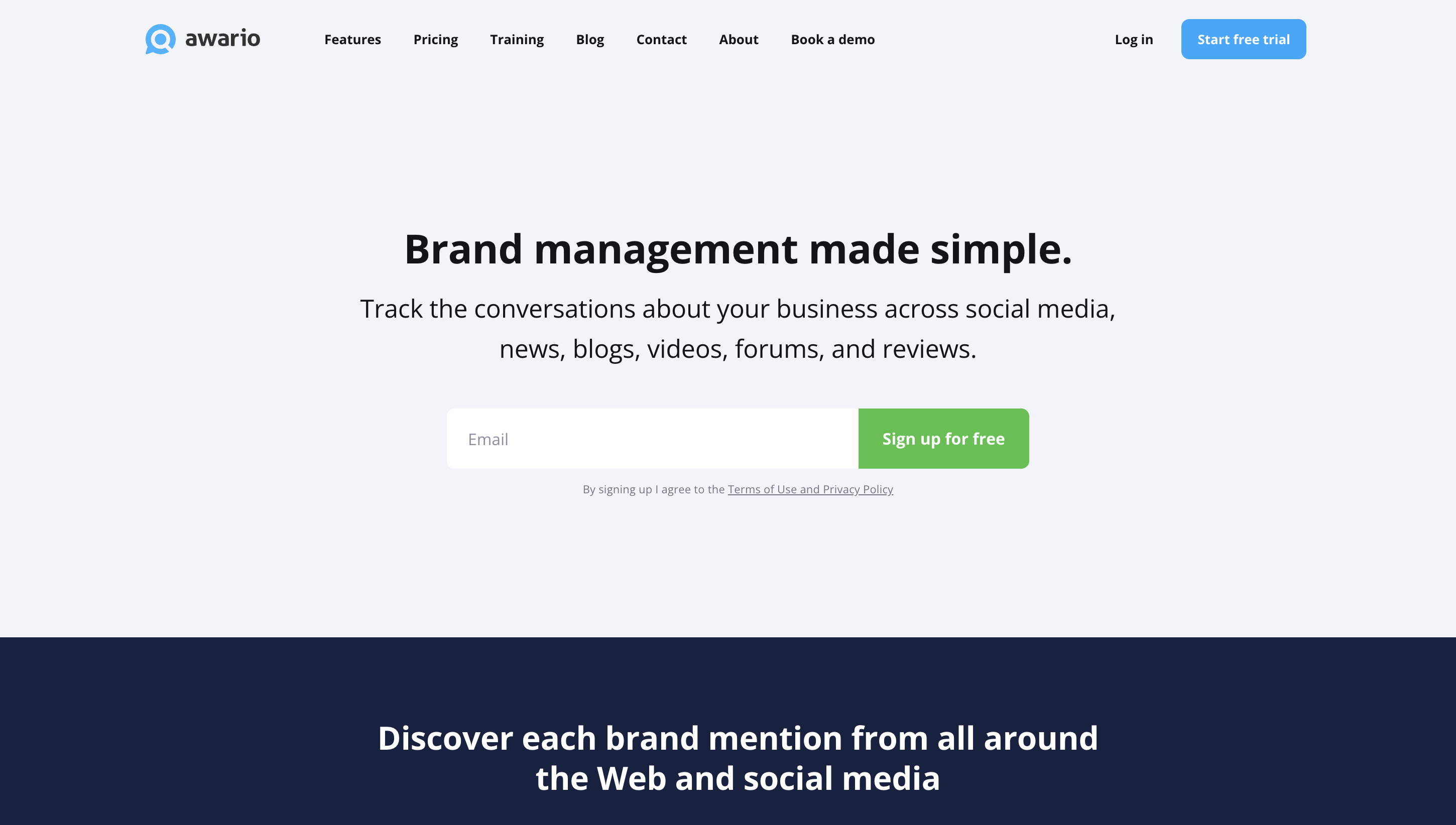
Awario is a social listening tool that tracks brand and competitor mentions across social media, web, blogs, forums, news, and videos.
You set up alerts using keywords, and it continuously scans the web to find mentions in real time.
It focuses on helping you find conversations early, understand sentiment, and monitor competitor activity.
It also allows you to use Boolean search to refine what you track and reduce noise.
So instead of manually searching, you get a steady stream of mentions with some filtering and analysis.
I liked that I can track a lot of mentions at scale without paying too much compared to other tools.
Key Features#
Tracks mentions across social media, web, blogs, forums, and news
Real-time alerts for new mentions
Boolean search to refine tracking
Sentiment analysis for mentions
Supports data export and reports
Covers large-scale mention tracking (up to millions)
Team collaboration and API access
Pricing#
Awario provides three main pricing plans, based on topics and mention volume.
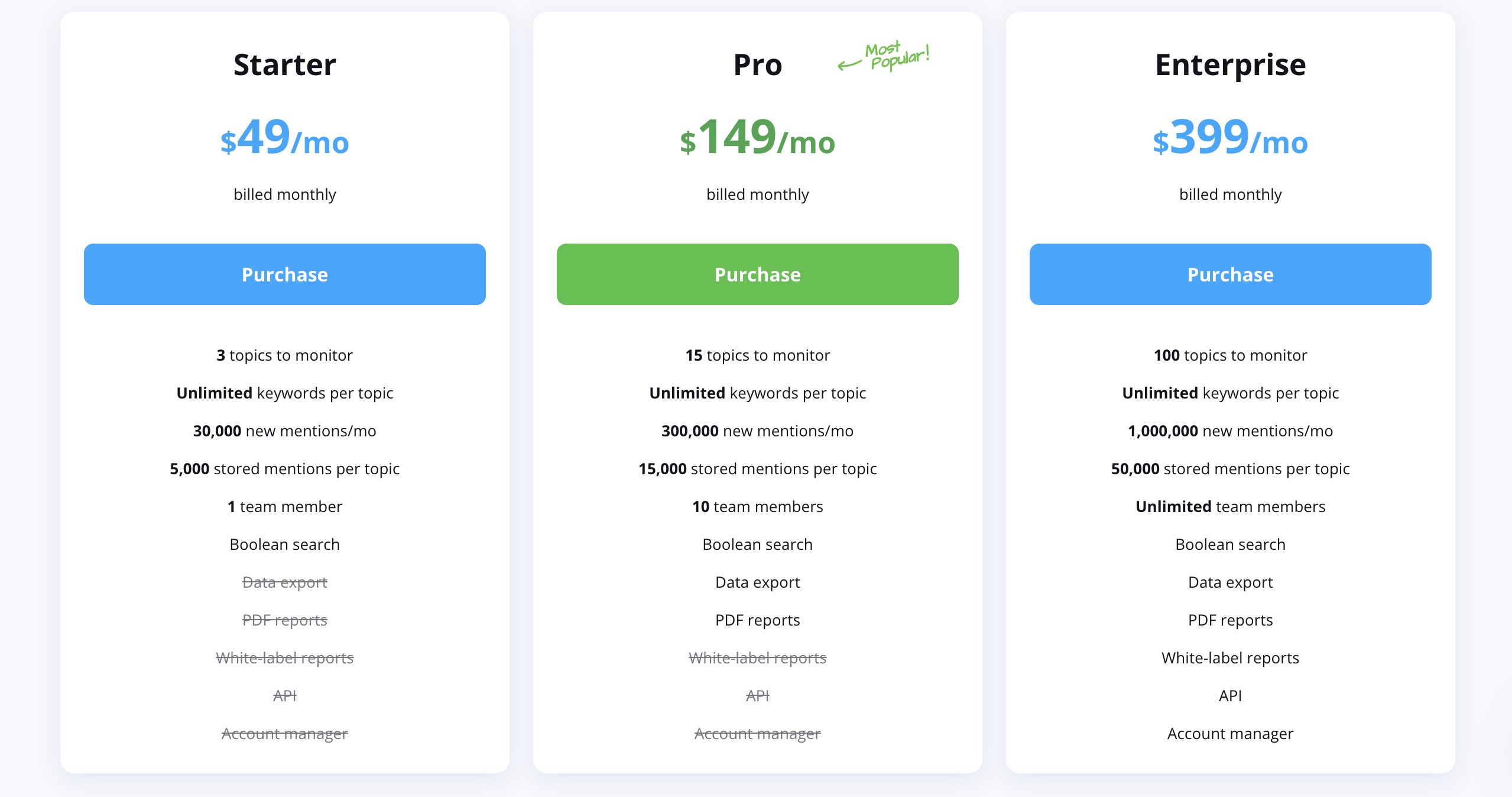
Starter - $49/month ($29/month billed annually)
3 topics, 30,000 new mentions/month, 1 user
Pro - $149/month ($89/month billed annually)
15 topics, 300,000 mentions/month, up to 10 users
Enterprise - $399/month ($249/month billed annually)
100 topics, 1,000,000 mentions/month, unlimited users
→ Free trial available (Starter plan access)
You’re mainly paying for more topics and higher mention limits as you scale.
Compared to tools like Brand24 or Mention, this is more affordable for the volume you get.
You can track a large number of mentions without paying enterprise-level pricing.
But similar to those tools, it’s still focused on tracking and analysis, not helping you act on signals.
Pros#
Captures a large volume of mentions across the web and social platforms
Surfaces mentions in real time, so you don’t miss conversations
Let's you refine results using Boolean search, improving relevance
Makes it easier to spot opportunities early from conversations
Scales well as your tracking needs grow
Cons#
No built-in prioritization or scoring of conversations
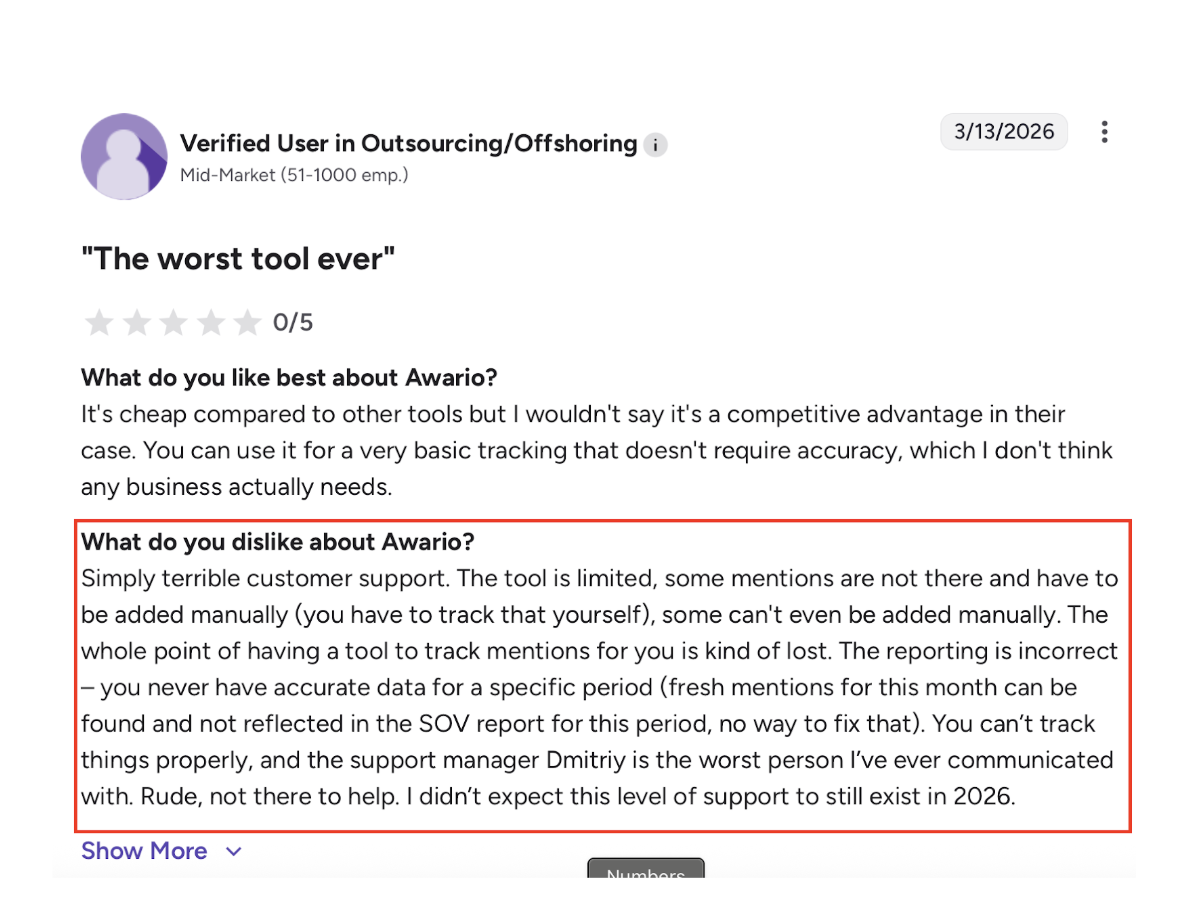
Doesn’t guide you on what to do next with mentions
Still requires manual effort to filter and interpret signals
Can feel like a bulk monitoring tool rather than a decision tool
Best For#
Use Awario if:
You want to track a large number of mentions at a lower cost
You’re okay working with raw or lightly filtered data
You prefer flexible keyword tracking with a Boolean search
This works best when the goal is to monitor conversations at scale affordably, not to prioritize or act on signals.
7. Brandwatch #
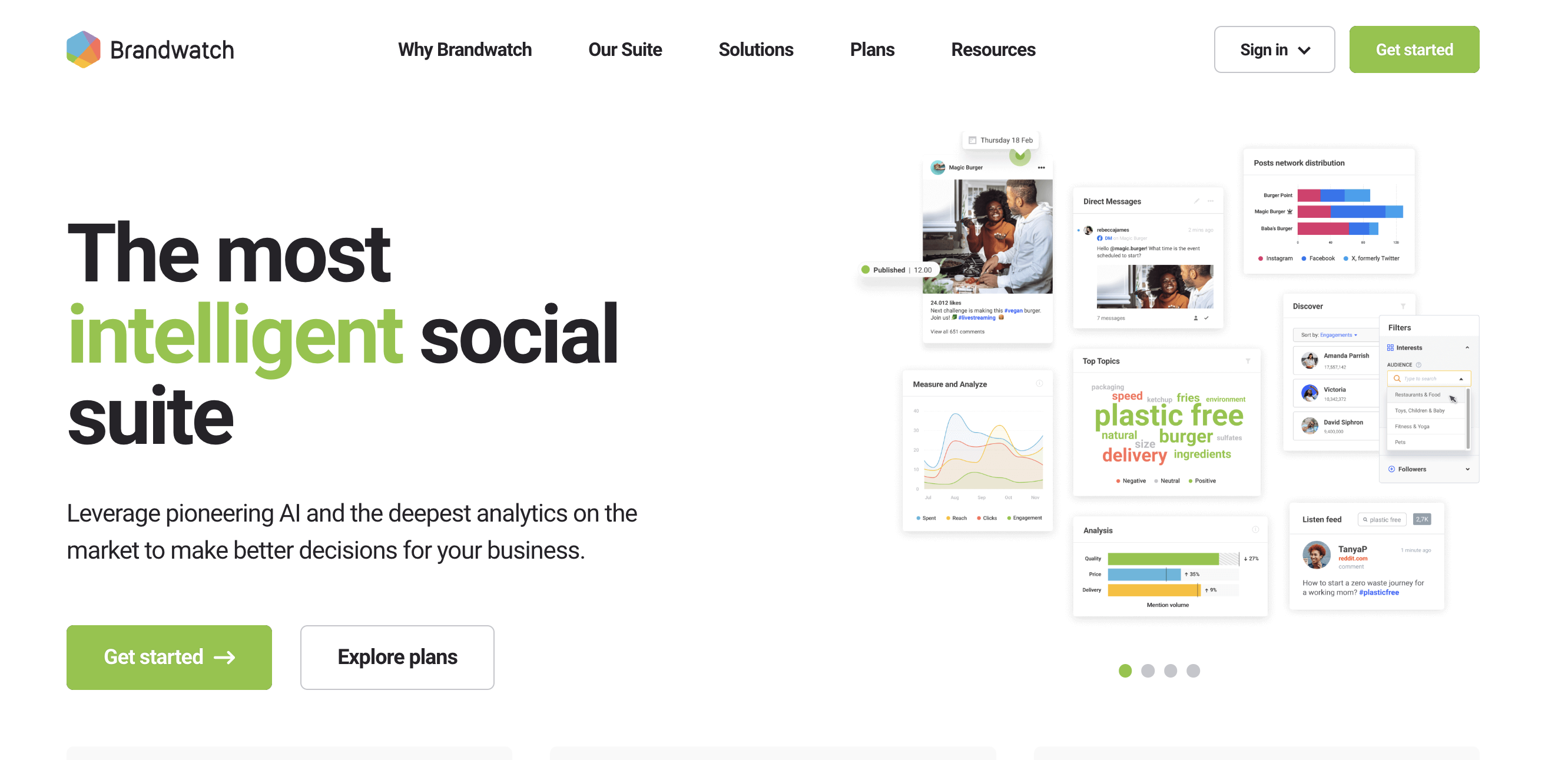
Brandwatch is an enterprise social intelligence platform that helps you analyze consumer conversations, market trends, and brand performance at scale.
It goes beyond simple monitoring and focuses on deep analytics and research, using large datasets and AI to understand what people are saying across millions of sources.
It combines multiple solutions like consumer intelligence, social media management, and influencer tracking, all in one system.
Instead of just tracking mentions, it helps you analyze patterns, segment audiences, and discover trends over time.
Key Features#
Tracks and analyzes conversations across millions of sources
Advanced AI for trend detection and consumer insights
Custom dashboards and audience segmentation
Social media management and engagement tools
Influencer discovery and campaign tracking
Real-time alerts and reporting
Collaboration across teams and workflows
Pricing#
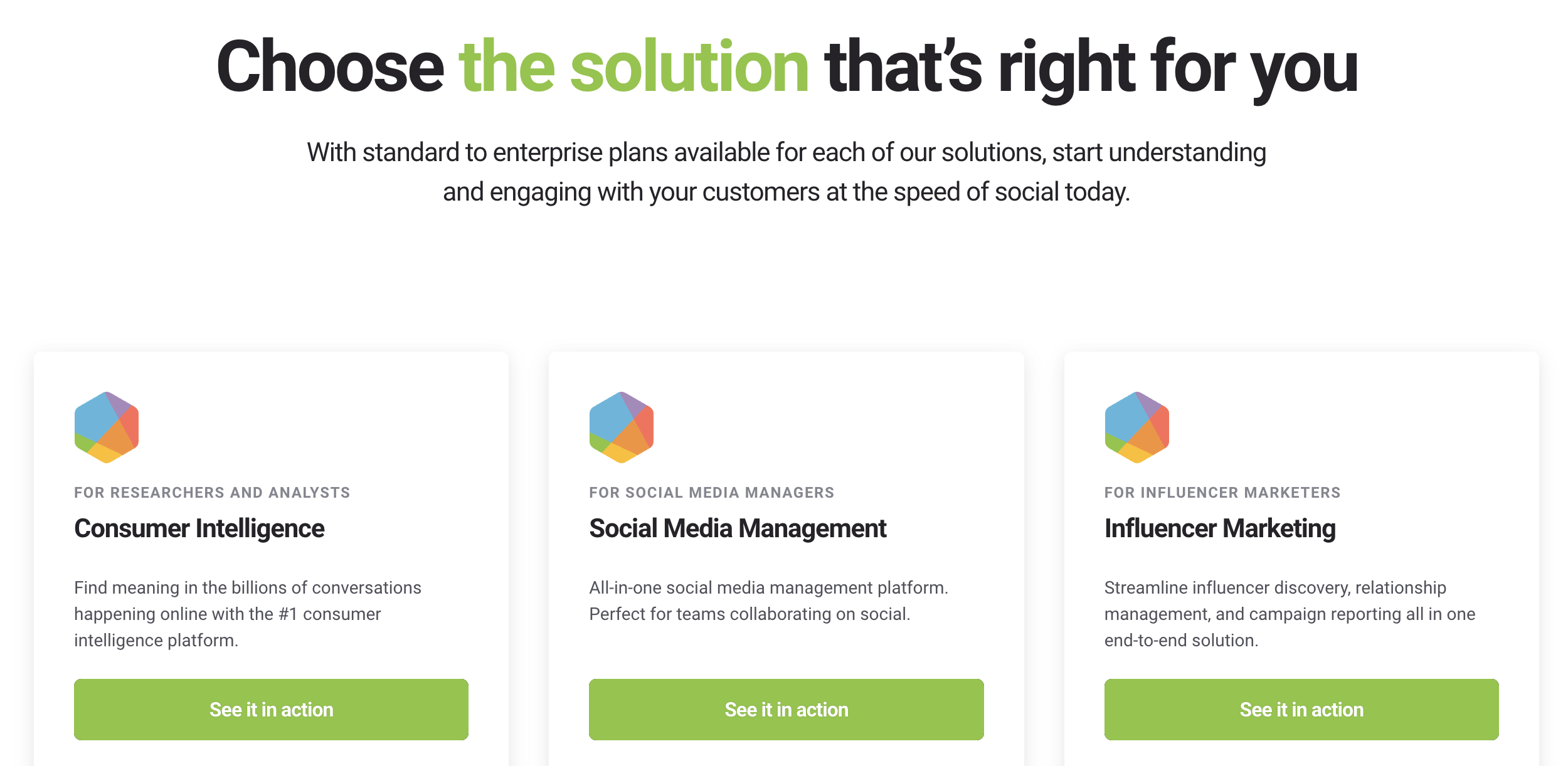
Brandwatch pricing plans vary based on:
solution type (consumer intelligence, social media management, influencer marketing)
scale of data and usage
enterprise requirements
Reportedly a $50,000 average annual contract value from 40 purchases, with observed contracts from $19,542 to $81,200.
Pros#
Gives a deep understanding of market trends and consumer behavior, not just mentions
Let's you analyze data at scale, across a huge number of sources
Helps with long-term strategy and research, not just tracking
Supports team collaboration and large workflows
Combines multiple capabilities (monitoring, analytics, influencer tracking) in one platform
Cons#
Not suited for simple or quick competitor monitoring
Likely very expensive, with no clear pricing upfront
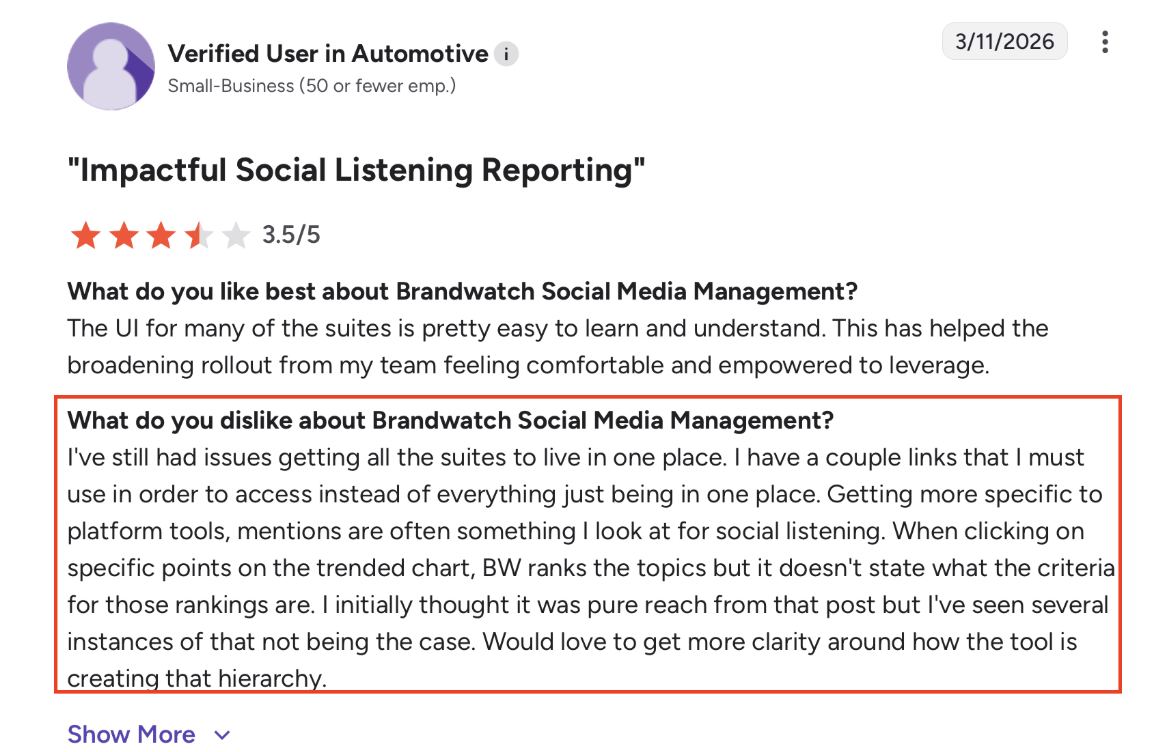
Feels complex if you only need actionable signals
Focuses more on analysis and research, not direct actions
Best For#
Use Brandwatch if:
You need deep consumer and market analysis, not just mentioning tracking
You’re working with large datasets and multiple teams
You want to build a long-term strategy based on insights
This works best when the goal is to understand the market deeply, not to act on individual conversations quickly.
8. LeadSynth #
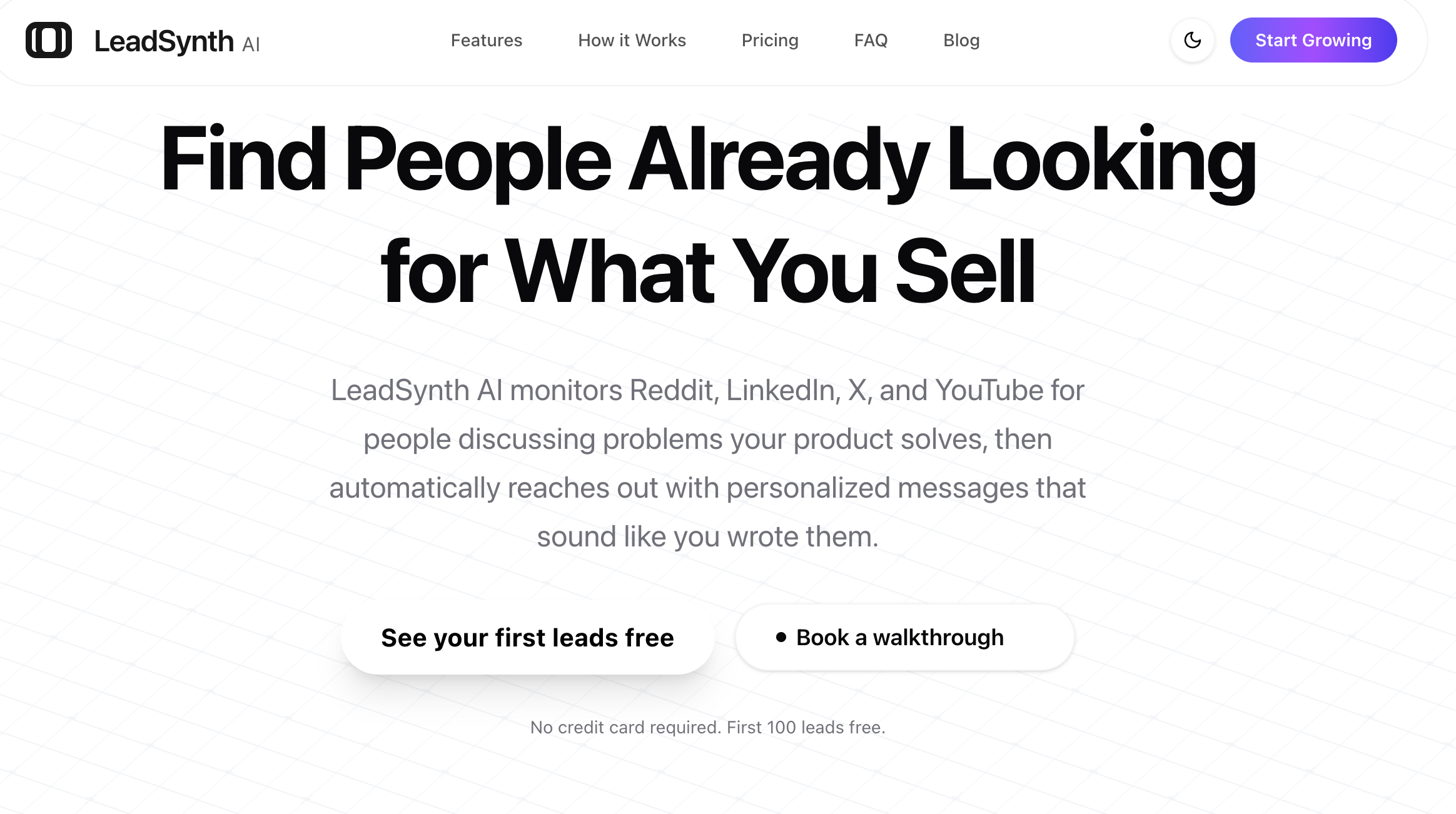
LeadSynth is an AI lead generation tool that monitors platforms like Reddit, LinkedIn, X, and YouTube to find people actively talking about problems your product solves.
Instead of just tracking mentions, it identifies buying intent, matches those conversations to your product, and turns them into qualified leads.
It also scores leads and automatically sends personalized messages, based on the context of each conversation.
So rather than just monitoring competitors or conversations, it helps you find potential customers and reach out to them directly.
Key Features#
Tracks conversations across Reddit, LinkedIn, X, and YouTube
Detects buying intent signals from real discussions
Scores and qualifies leads automatically
Generates personalized outreach messages based on context
Supports automated DMs and comments
Learn your writing style for human-like messaging
Offers lead export and CRM integration
Provides LinkedIn prospecting with email/phone enrichment
Pricing#
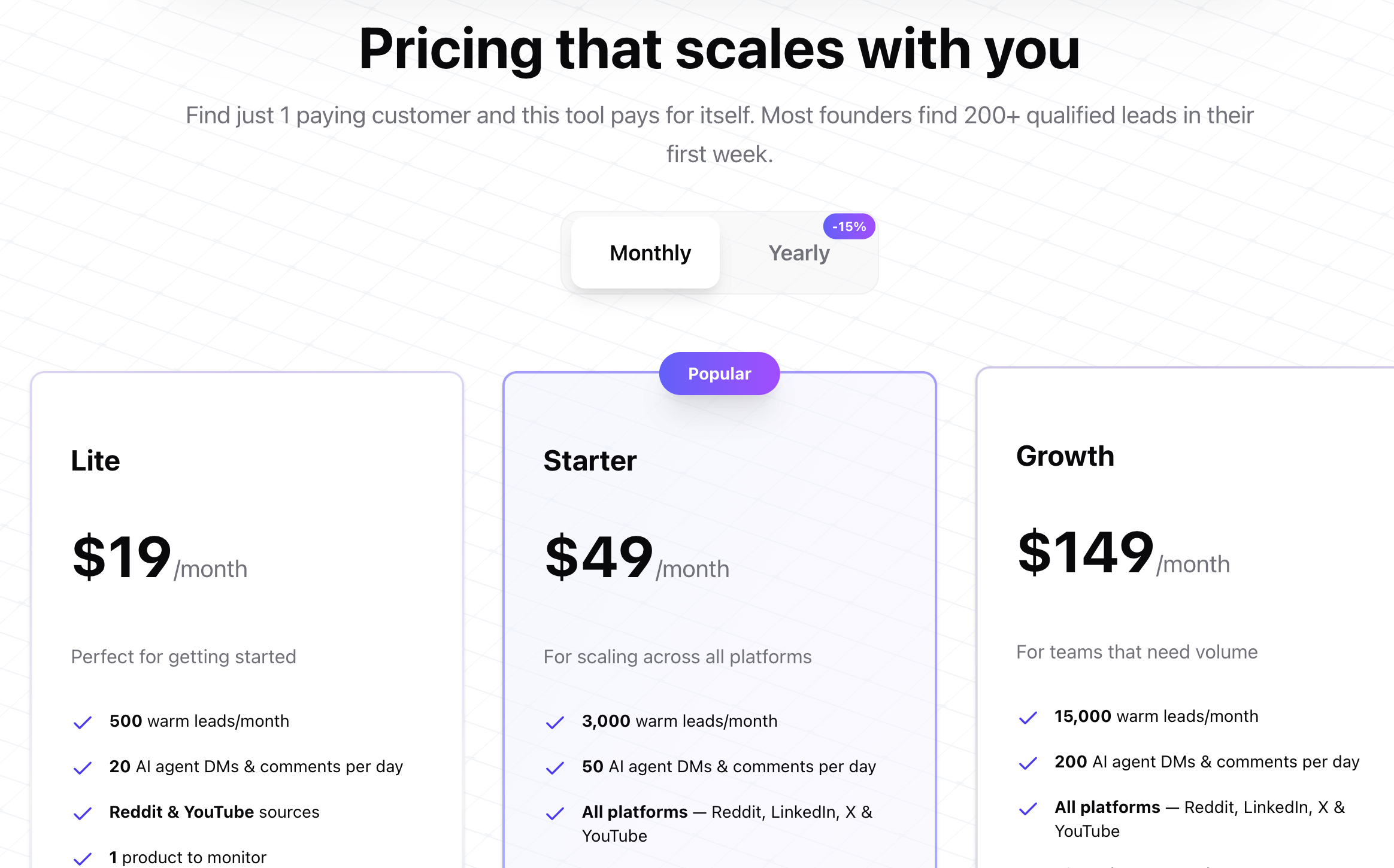
LeadSynth provides three main plans, based on lead volume and automation.
Lite - $19/month
500 leads/month, 20 AI messages per day, Reddit & YouTube sources, 1 product
Starter - $49/month
3,000 leads/month, 50 AI messages per day, all platforms, 2 products, LinkedIn prospecting
Growth - $149/month
15,000 leads/month, 200 AI messages per day, all platforms, 10 products, CRM integration
→ Free trial available (7 days) → First 100 leads are free
Compared to tools like Brand24 or Awario, this feels more outcome-driven, not just tracking or analysis.
Pros#
Finds people already looking for solutions, not just mentions
Prioritizes high-intent conversations automatically, so you don’t search manually
Connects signals directly to outreach and lead generation
Saves time by automating both discovery and messaging
Makes competitor monitoring more revenue-focused, not just tracking
Cons#
Focused only on a few platforms (Reddit, LinkedIn, X, YouTube)
Heavy reliance on automation, may need control for outreach tone
Not designed for broad brand monitoring or analytics
Works best if you clearly define your product and ICP
Best For#
Use LeadSynth if:
You want to find high-intent leads from real conversations, not just track mentions
You want conversations to be automatically qualified and prioritized
You want to turn signals into outreach and leads, not just monitor them
This works best when the goal is to generate leads from conversations, not just track competitors.
9. ParseStream#
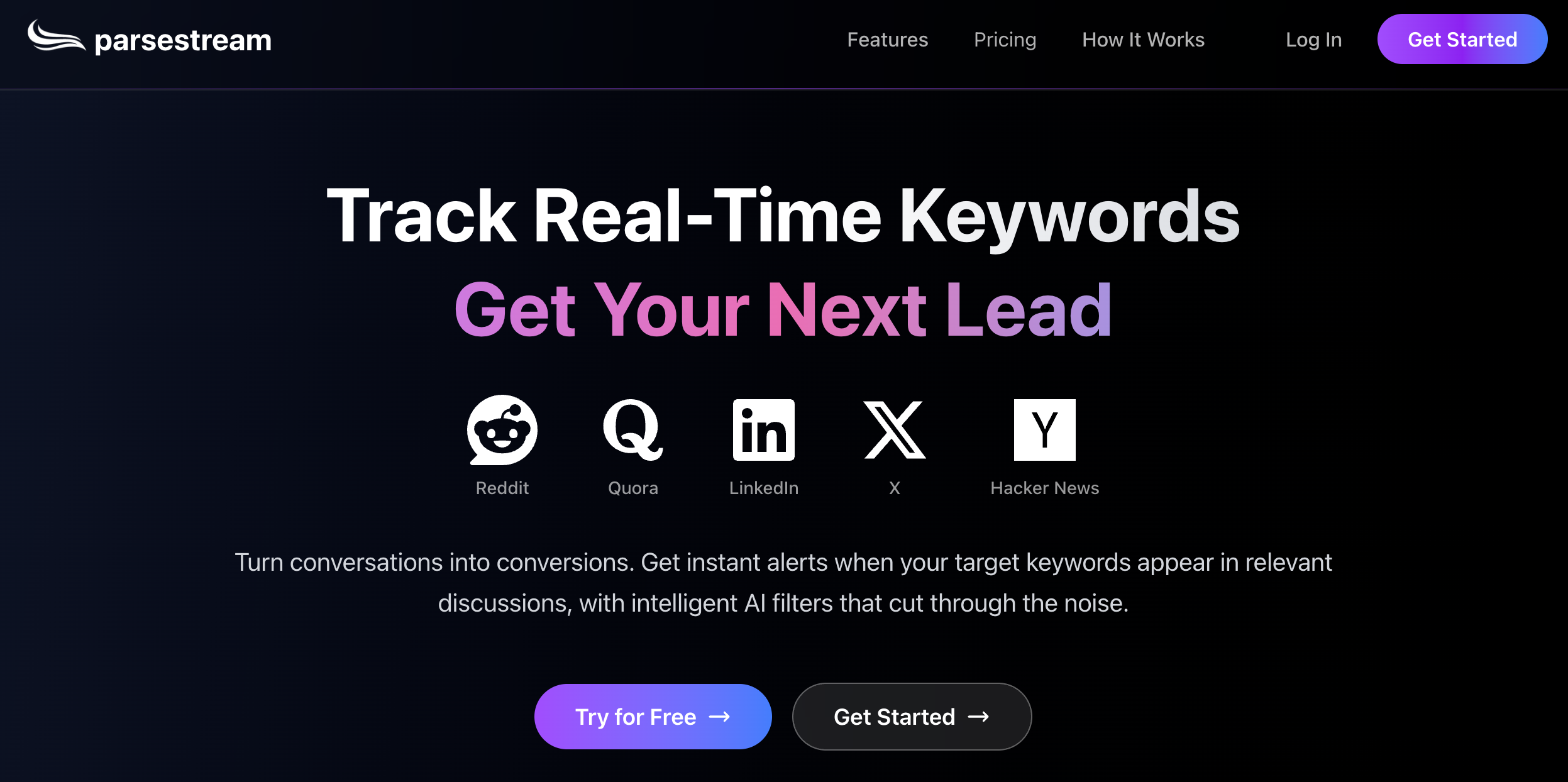
ParseStream is an intent-based monitoring tool that tracks keywords across platforms like Reddit, Quora, LinkedIn, X, and Hacker News in real time.
You add keywords, and it continuously scans conversations to find mentions where people are actively asking for solutions.
It filters these mentions using AI and shows only the relevant ones, along with visibility and relevance signals.
It also suggests replies and lets you respond quickly, helping you engage at the right moment.
So instead of just tracking conversations, it helps you catch opportunities and respond while they’re still active.
Key Features#
Tracks keywords across Reddit, Quora, LinkedIn, X, and Hacker News
Real-time alerts for new mentions
AI filtering to remove irrelevant conversations
Shows visibility and relevance of each mention
Suggests contextual replies for conversations
Supports auto-replies (especially for Reddit)
Multi-platform monitoring in one dashboard
Pricing#
ParseStream provides multiple plans based on credits and keyword tracking.
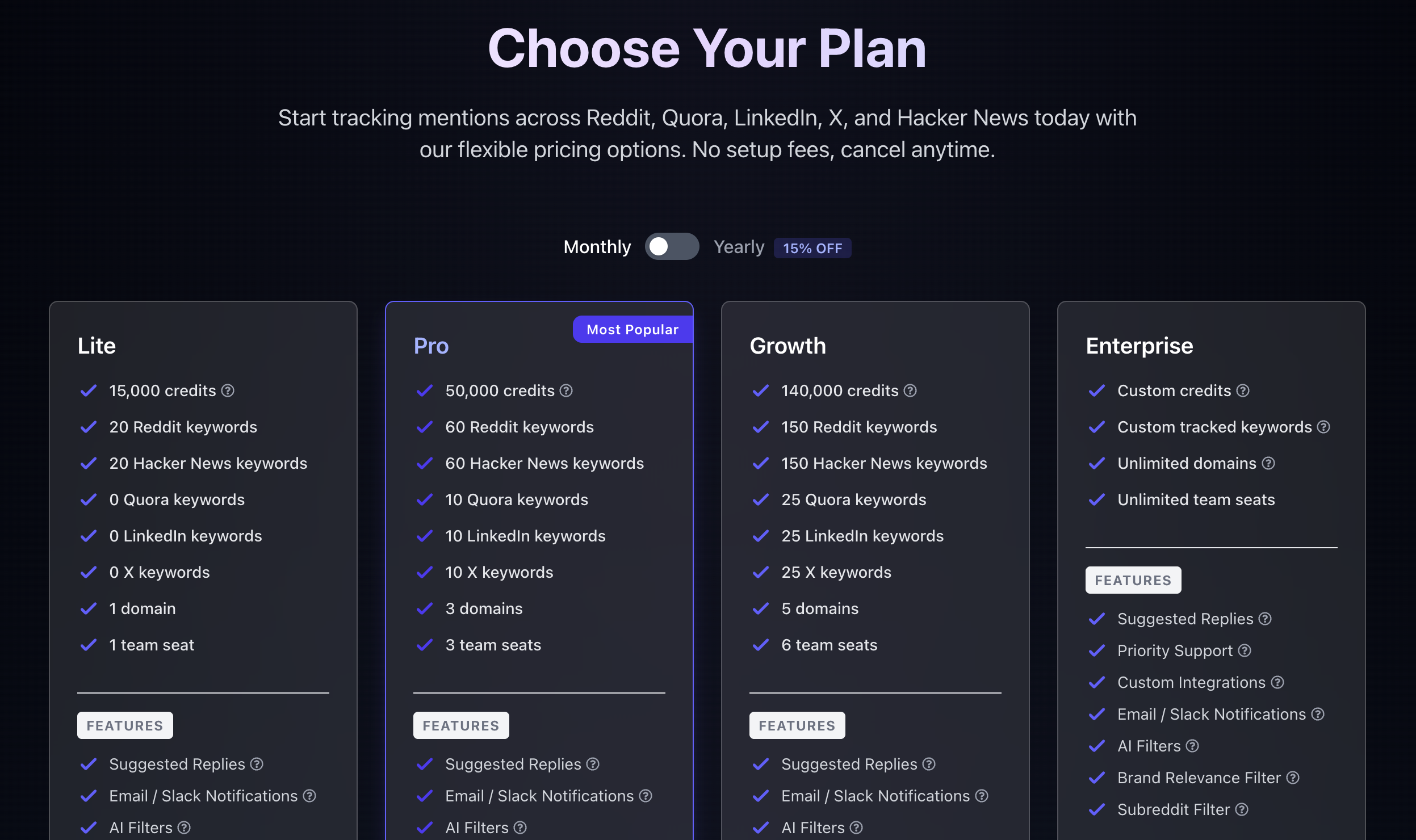
Lite - $29/month
15,000 credits, limited platform coverage, 1 domain, 1 user
Pro - $79/month
50,000 credits, more keywords across platforms, 3 domains, 3 users
Growth - $199/month
140,000 credits, higher keyword limits, more domains and users
Enterprise - Custom
Custom setup with unlimited scaling
→ Free trial available (3 days)
You’re mainly paying for how much tracking and activity (credits + keywords) you want.
So as your usage grows, your cost increases, which feels expected for this type of tool.
Pros#
Captures real-time conversations based on keywords, so you don’t miss active discussions
Filters and surfaces relevant mentions, reducing noise
Shows visibility and relevance, helping you understand importance quickly
Lets you engage directly with suggested replies, not just monitor
Helps you catch conversion-ready moments early
Cons#
Focused mainly on keyword tracking, not deeper analysis
No strong prioritization or scoring beyond basic relevance
Still requires manual judgment on which conversations to act on otherwise leads to ban

Limited to selected platforms compared to broader tools
Best For#
Use ParseStream if:
You want to track real-time keyword-based conversations across platforms
You want to engage quickly using suggested replies
You care about catching opportunities early, not deep analysis
This works best when the goal is to respond to conversations quickly, not deeply analyze or prioritize them.
10. F5Bot#
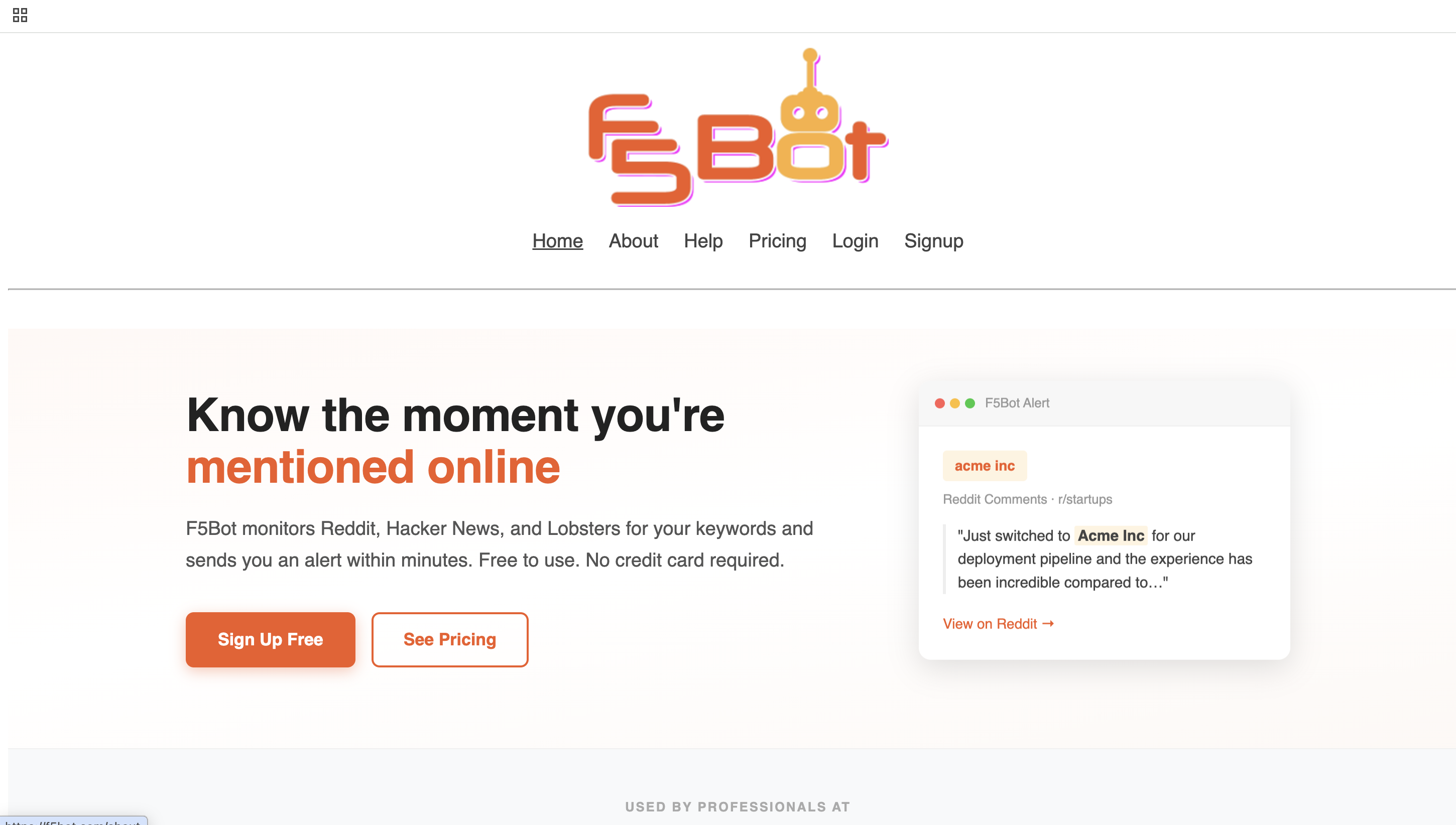
F5Bot is a simple keyword alert tool that tracks mentions across Reddit, Hacker News, and Lobsters.
You add keywords (like your brand or competitors), and it sends you alerts whenever they appear in new posts or comments, usually within minutes.
It focuses on real-time alerts, not dashboards or analytics. You just get notified when something relevant shows up.
It also supports basic filtering and AI-based semantic alerts to improve relevance.
So instead of manually checking communities, you get instant alerts for mentions as they happen.
It felt like a lightweight alert system, I liked how simple it is, set it once and just get alerts.
Key Features#
Tracks mentions across Reddit, Hacker News, and Lobsters
Real-time email alerts for new mentions
AI semantic alerts (beyond exact keywords)
Basic and advanced filtering options
Slack and Discord integrations
API, RSS, and JSON feeds
Flexible alert delivery (instant or digest)
Pricing#
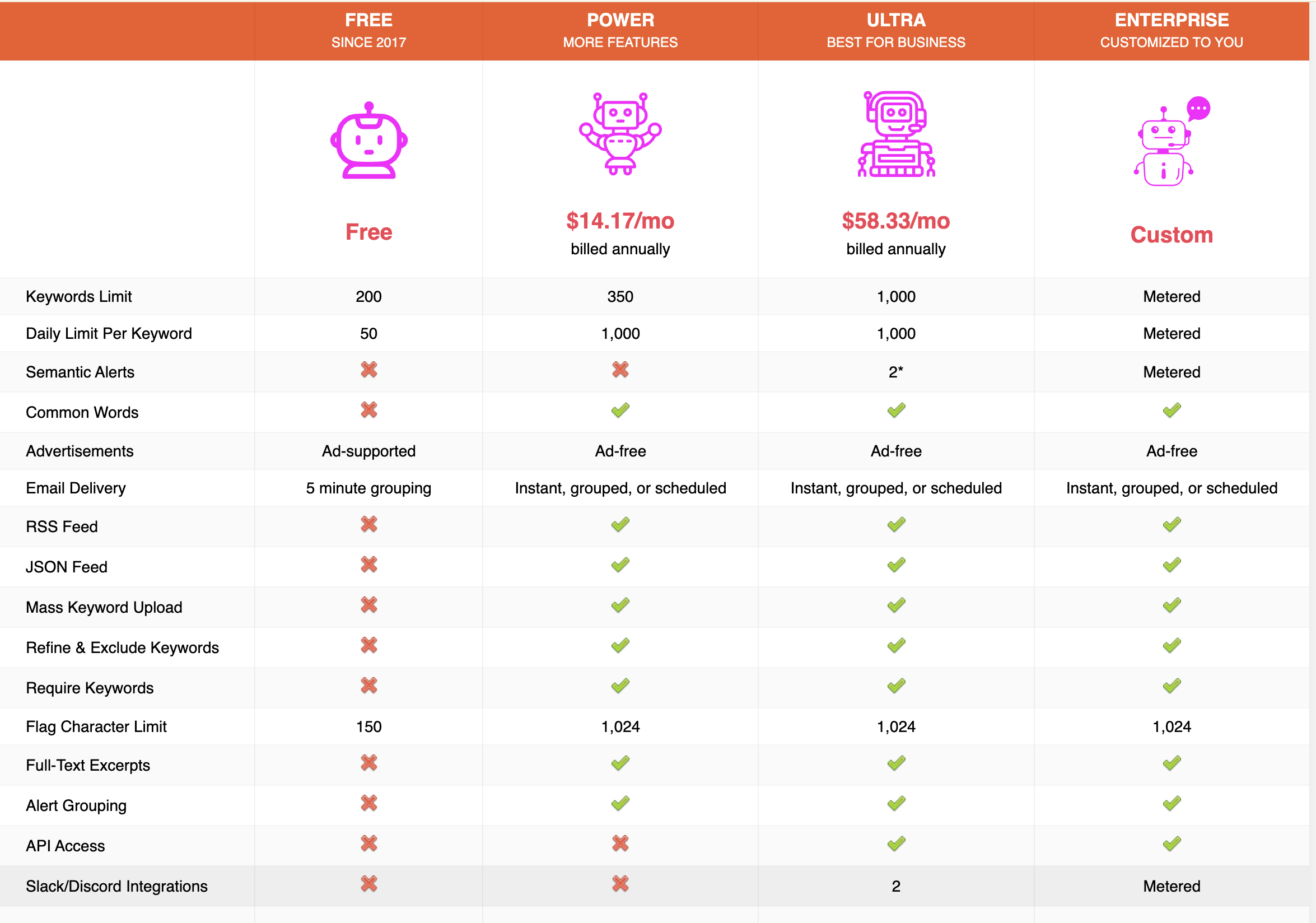
F5Bot offers very simple pricing, including a free plan.
Free - $0/month
Basic keyword alerts across Reddit, Hacker News, and Lobsters
Power - $14.17/month (billed annually)
More keywords, advanced filtering, RSS/JSON feeds, scheduled alerts
Ultra - $58.33/month (billed annually)
Thousands of keywords, AI semantic alerts, API, Slack/Discord integration
Custom enterprise plans are also available.
It’s one of the simplest and cheapest tools here.
You’re mainly paying for more keywords and better alert control, nothing more.
Pros#
Sends real-time alerts quickly, so you don’t miss mentions
Very easy to set up and use
Covers key communities where real conversations happen
Affordable, with a strong free plan
Works well for basic competitor and brand tracking
Cons#
Limited to only 3 platforms
No analytics, scoring, or prioritization
No context or next steps, just raw alerts
Not suitable for deeper monitoring or insights
Best For#
Use F5Bot if:
You want a simple, free way to track mentions on Reddit and similar communities
You just need quick alerts, not analysis or dashboards
You’re okay working with raw mentions without filtering or scoring
This works best when the goal is to stay informed with minimal setup, not to analyze or act deeply on conversations.
Related Read: 6 Best F5Bot Alternatives for Reddit & Community Monitoring in 2026
Conclusion#
Each tool here solves a different part of competitor monitoring, depending on what you actually need.
CommunityTracker turns competitor conversations into clear, high-intent signals with context and next steps
Octolens helps you filter large volumes of mentions into clean, usable insights
Syften gives you simple keyword-based tracking with flexible filters
Brand24 helps you measure brand awareness, sentiment, and overall performance
Mention provides enterprise-level monitoring with reporting and collaboration
Awario is built for tracking a large volume of mentions at a more affordable scale
Brandwatch is designed for deep consumer research and market intelligence
LeadSynth finds high-intent leads and automates outreach directly from conversations
ParseStream helps you catch real-time discussions and respond quickly
F5Bot offers basic alerts with minimal setup for simple tracking
In the end, most tools help you see what’s happening.
But CommunityTracker goes a step further, it shows you what actually matters, why it matters, and what to do next, without making you figure it out yourself.
Start using CommunityTracker to turn competitor conversations into actions.
FAQs#
What is competitor monitoring?#
Competitor monitoring means tracking where your competitors are being discussed, how they’re perceived, and what customers are saying about them across platforms.
Why is competitor monitoring important?#
It helps you understand what customers want, what competitors are doing right or wrong, and where opportunities exist so you can act faster.
Which platforms should I monitor for competitors?#
Focus on Reddit, LinkedIn, X (Twitter), and communities where real discussions happen.
Tools like CommunityTracker, Octolens, Awario, and LeadSynth help you track these platforms in one place.
What is the difference between mentions and signals?#
Mentions = any time your competitor is talked about
Signals = high-intent conversations like comparisons, complaints, or buying questions
Signals are more useful because they show opportunities to act.
Do I need multiple tools for competitor monitoring?#
Not always. Some tools only track mentions, while others help you filter and act on them, so it depends on how deep you want to go.
Which tool is best for actionable insights?#
Tools like CommunityTracker and LeadSynth stand out because they focus on high-intent signals and actions, not just tracking data.
Can competitor monitoring help with lead generation?#
Yes. Many conversations include people actively looking for solutions, which can be turned into leads if you engage at the right time.
How often should I monitor competitors?#
Ideally, continuously. Most tools provide real-time alerts, so you don’t miss important conversations.