7 Origami Alternatives for Teams That Need Better Customer Research
7 Origami alternatives for buyer research, signal tracking, enrichment, and outreach. Find the right fit for your GTM workflow and budget.
Adarsh Kumar
GTM Expert
Founder — CommunityTracker, Miraa.io, and Infraboxes
You are probably looking for an Origami alternative for one of three reasons: the prospect signals are not fresh enough, the workflow feels harder to manage than expected, or the credits become expensive once you increase your research and outreach volume.
My main issue was signal quality. I had a 50% qualification rate, and most of the profiles were assumed to be a right fit for me. But I didn't understand why it matters to me.
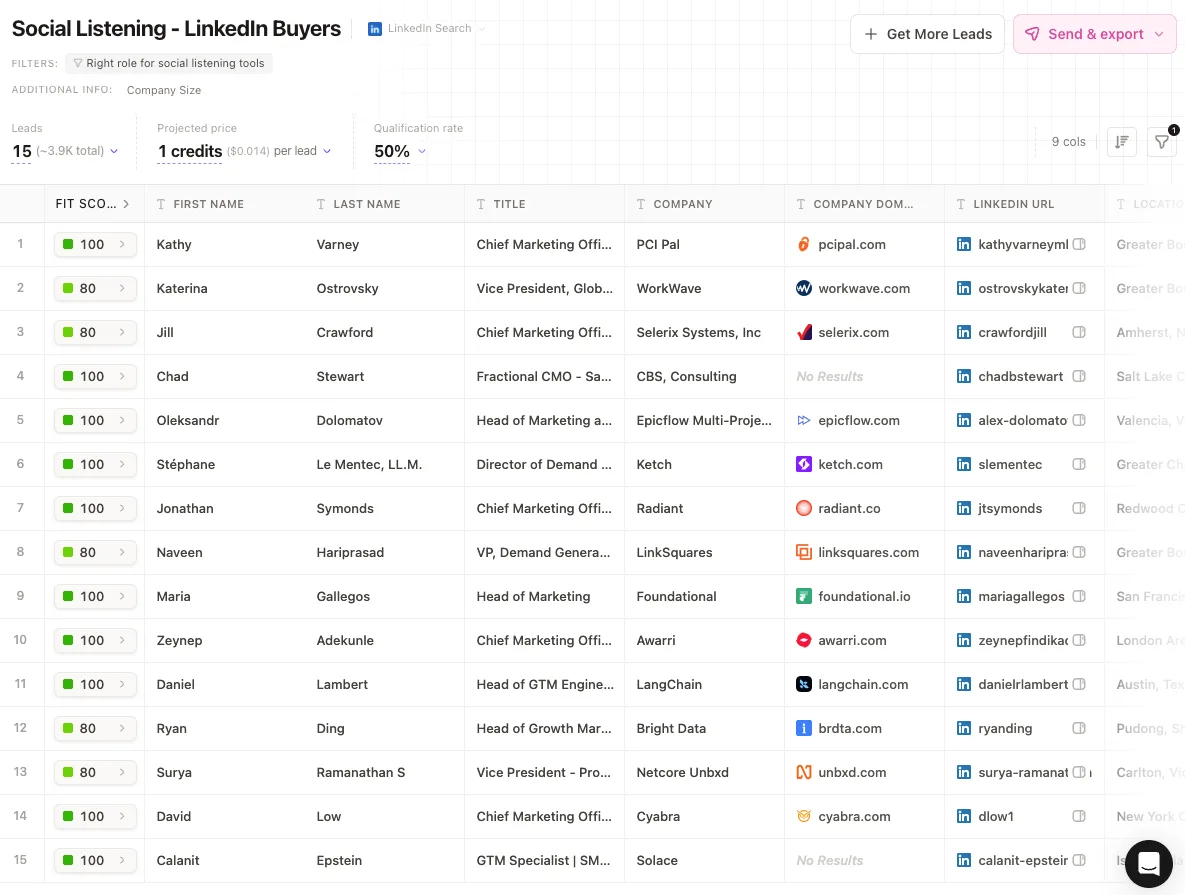
Although, I tested Origami on the free plan, so the experience may be different on a paid account. Still, I often had to check when the post was published, whether the person was still discussing the problem, and whether the signal was strong enough to justify outreach. The workflow also became confusing when moving between research, selected prospects, and email or LinkedIn outreach.
Pricing is another reason you may be comparing options. Origami’s Starter plan costs $29 per month for 2,000 credits, while Pro costs $129 for 9,000 credits. That may work for smaller prospecting runs, but the cost can increase quickly when you research more accounts, enrich contacts, and run outreach regularly.
The best Origami alternative depends on what you want to improve.
CommunityTracker is my first pick when you want to find recent conversations across social media, see exactly what someone posted, get their contact details, and reach out through LinkedIn, email, or phone while the discussion is still active.
Clay is better when you want complete control over prospect research, enrichment, scoring, and data workflows. Apollo is the simpler option when you need a large B2B database with prospecting and outreach in one subscription.
I compared the alternatives based on the freshness of their signals, the quality of the prospect data, the outreach channels they support, pricing, and how much manual work remains between finding a prospect and contacting them.
TL;DR: the best Origami alternatives by use case
CommunityTracker - Best alternative for catching high-intent buyer conversations and do warm email and linkedin outreach.
Clay - Best alternative for RevOps teams building custom enrichment workflows.
Apollo - Best alternative for teams that want a large contact database and outbound execution together.
Common Room - Best alternative for mature signal selling across several internal data sources.
UserGems - Best alternative for tracking job changes and turning former users into pipeline.
Trigify - Best alternative for social signals and automated workflows at a lower entry price.
Rox - Best alternative for account research agents that work across an enterprise revenue stack.
Why teams look beyond Origami
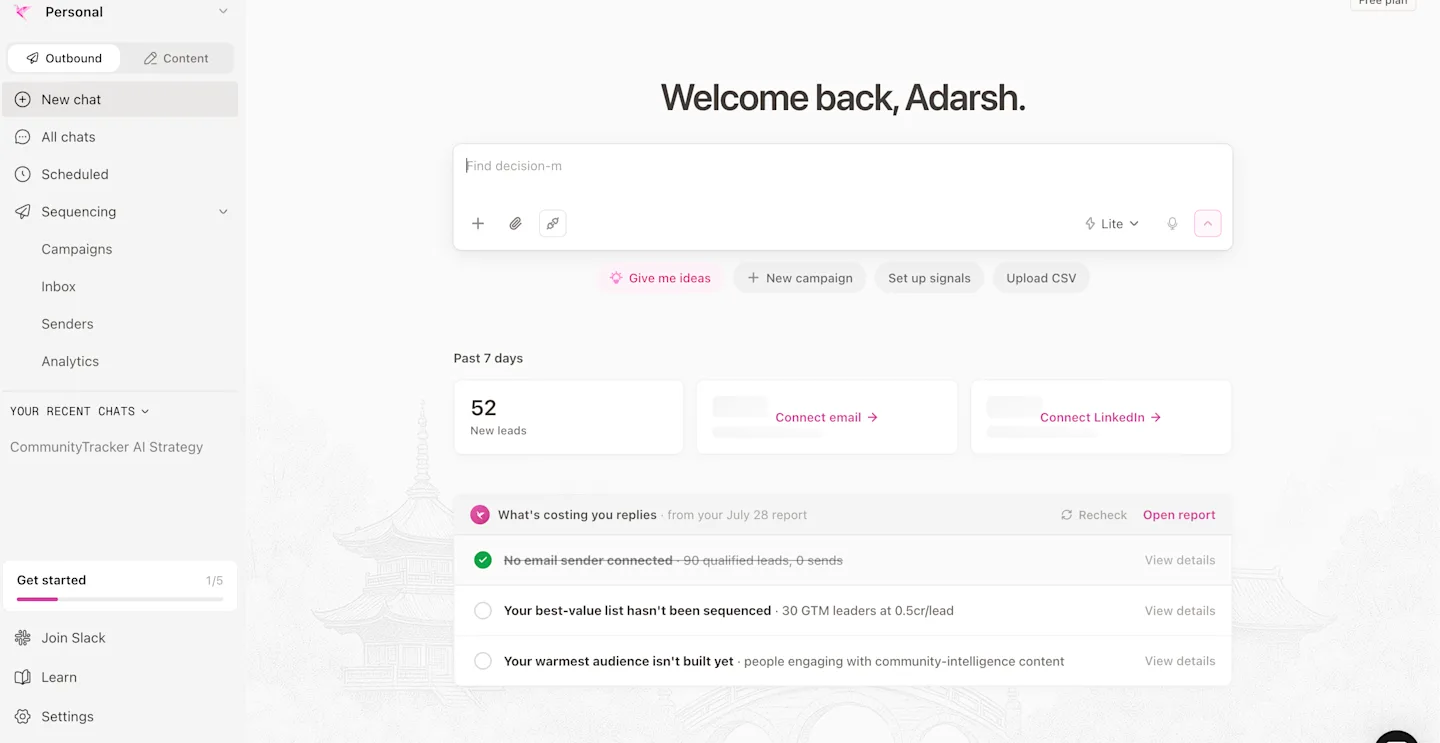
Origami does two things well: its prompt-led interface removes the query-building work, and its live web search can find niche companies that static databases miss when firmographic filters return the same familiar accounts.
Every paid tier also includes unlimited team members and a sequencer, which keeps the first research pass easy to share across a small team.
The tradeoff is control: a chat interface is quick for one request, but RevOps often needs repeatable logic that can be inspected, changed, and measured across every weekly research run. Origami also starts from a description of the customer. It is less convincing when the buying signal appears first in a GitHub issue, or a X post.
Its credit model adds a second decision. Starter costs $29 per month, Pro costs $129, and Scale costs $499. Teams pay credits for new leads, contact data, and enrichments. The free plan gives 1,000 one-time credits and 30 rows, but it does not include CSV export or contact enrichment.
Origami alternatives comparison
Tool | Choose it over Origami when you need | How it finds prospects or signals | How you act on the result | Main trade-off | Starting price |
|---|---|---|---|---|---|
CommunityTracker | Fresher buyer-intent signals from social media | Tracks relevant conversations using keywords, ICP criteria and intent scoring | Provides the post context and contact details, then supports LinkedIn, email and phone outreach | Better for signal-led prospecting than broad web research | $99/month |
Clay | More control over research, enrichment and scoring | Uses tables, enrichment waterfalls, AI agents and custom data sources | Sends data to Clay Sequencer, CRMs, webhooks and external outreach tools | Powerful, but requires more setup and workflow design | $185/month |
Apollo | A larger contact database with prospecting and outreach in one tool | Searches its B2B database using company, contact and intent filters | Supports email sequences, calling, tasks and CRM sync | Strong for database-led outbound, but weaker at finding timely public conversations | From $49/user/month |
Common Room | Person- and account-level signals from multiple internal and external sources | Combines website activity, product usage, social activity, communities and CRM data | Creates segments and workflows that can be passed into CRMs and sales-engagement tools | Better suited to established companies with several connected data sources | Custom pricing |
UserGems | Job changes, past relationships and account signals are central to your outbound strategy | Tracks job changes, account activity and buying-group movements | Prioritises accounts and prepares campaigns, emails and CRM tasks | Narrower signal focus and generally aimed at larger companies | Custom pricing |
Trigify | You want social signals with configurable AI workflows | Uses saved searches and Jarvis agents to identify social activity and relevant contacts | Triggers enrichment, API actions, workflows and engagement steps | Requires more workflow configuration than a ready-to-use prospecting platform | $40/month |
Rox | You need AI agents to research and coordinate actions across enterprise accounts | Combines internal account data with external signals and agent-led research | Agents generate research, recommendations and account-level actions | Built for complex enterprise workflows rather than simple self-serve outbound | Custom pricing |
Not every Origami alternative replaces the same part of the workflow. Some are better at finding current buying signals, some give you more control over enrichment, and others combine a contact database with outreach.
1. CommunityTracker for buyer intent that starts in public conversation
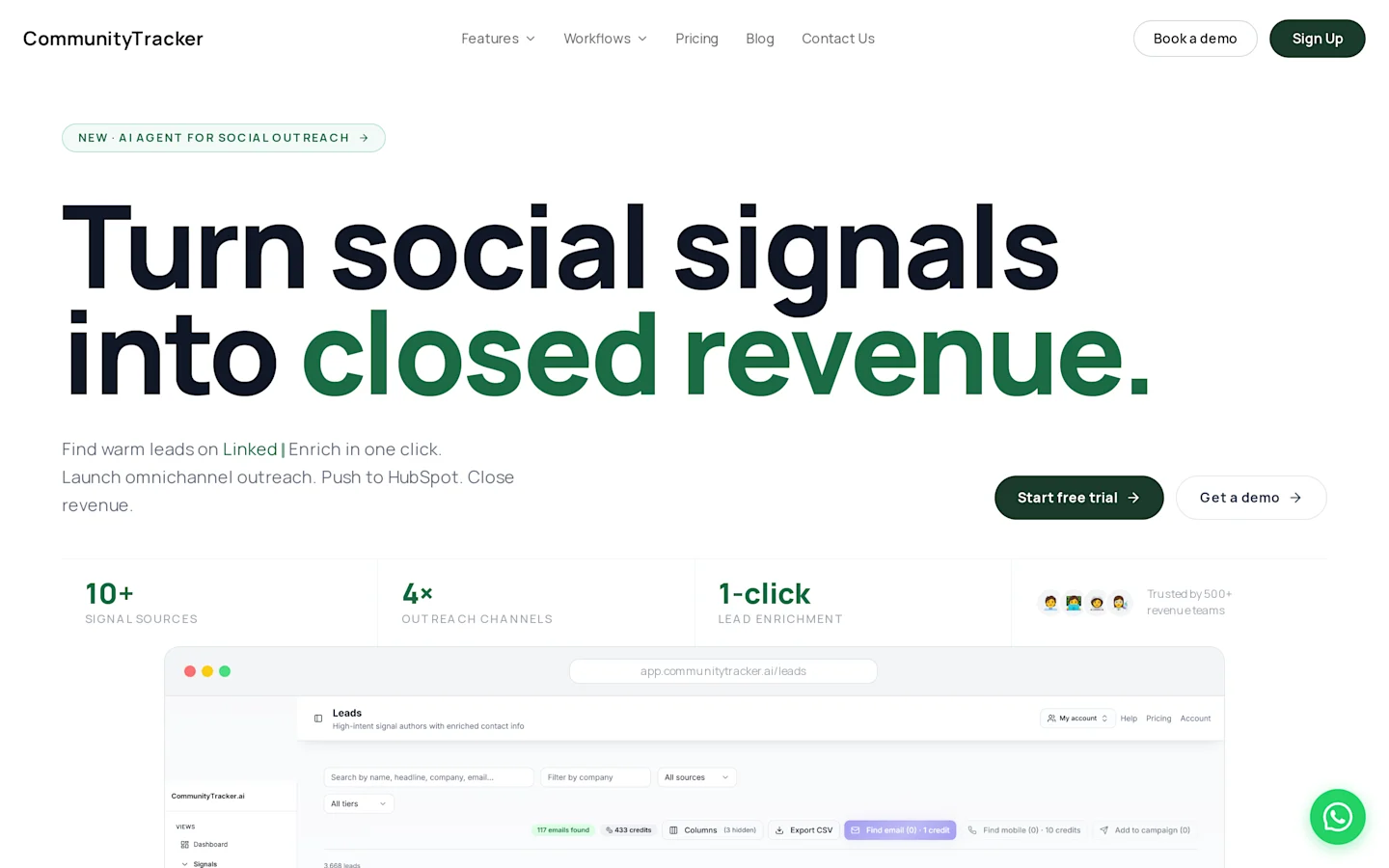
CommunityTracker is a better fit when you want to find people who have already shown intent in a public conversation, rather than building a prospect list from company and contact data alone.
For example, someone asking for software recommendations on LinkedIn has already revealed the problem they are trying to solve. They may also mention the tool they currently use, what is missing, and what kind of alternative they want.
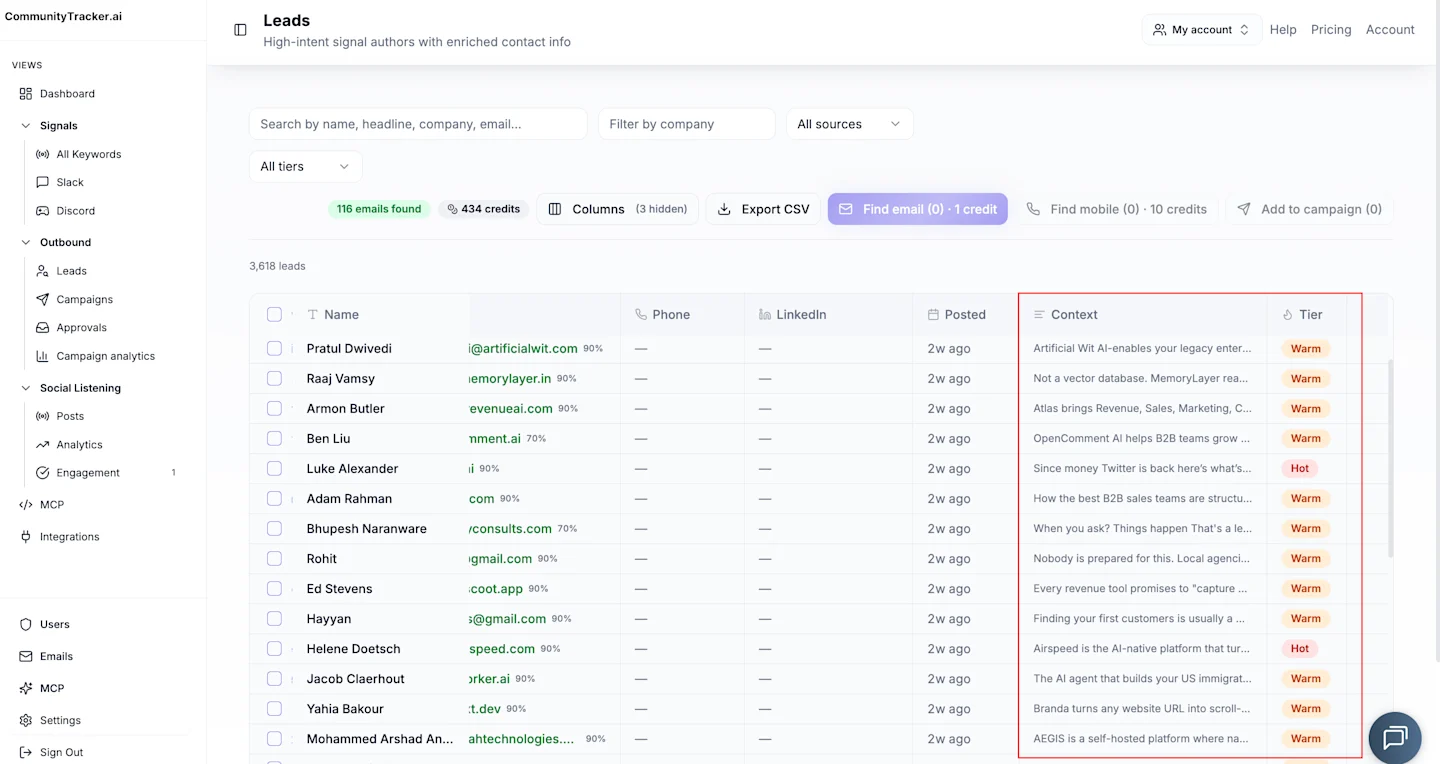
A LinkedIn post about a failed workflow, hiring need, new project, or vendor search often carries more context than a standard ICP match. You are not contacting someone only because their title and company size look relevant. You can see what happened, what they said, and why the conversation may be worth acting on now.
CommunityTracker monitors these signals across 11 sources: LinkedIn, X, Bluesky, Hacker News, Indie Hackers, Dev.to, Stack Overflow, Product Hunt, GitHub, Slack, and other public social platforms.
It then scores the conversation for buying intent, identifies the person behind it, adds available contact details, and lets you reach out through LinkedIn, email, or phone using the original post as context.
Compared with Origami, CommunityTracker is less focused on broad web research and more focused on finding current public conversations that can lead directly to outreach.
Features
Social buying-signal tracking: Monitors LinkedIn and other public platforms for people discussing problems, alternatives, competitors, and active buying needs.
AI intent scoring: Filters out irrelevant keyword matches anprioritizeses conversations that are more likely to turn into an opportunity.
Contact enrichment with context: Finds available email, LinkedIn, and phone details while keeping the original post attached to the lead.
Multichannel outreach: Lets you contact the person through LinkedIn, email, or phone using the conversation as context.
Share of Voice: Tracks how often your brand and competitors appear in category-level conversations.
Related Read: The list of B2B buying signals that predict revenue is a useful companion if your team needs to define its scoring rules before adding another tool.
Pricing
CommunityTracker starts at $39 per month. The $199 plan is the best fit for most users, with all 11 platforms, AI intent scoring, unlimited mentions, and warm email outreach.
CommunityTracker vs Origami
Origami is the better option when you already know the type of buyer you want and need an AI agent to research companies, find contacts, and add them to email or LinkedIn outreach.
CommunityTracker works differently. It looks for people who reveal intent through public conversations before they appear on a prospect list.
That could be someone asking for a software recommendation on LinkedIn, complaining about a competitor, announcing a new project, or describing a problem your product solves. CommunityTracker captures the post, scores the intent, identifies the person, and gives you a way to respond while the conversation is still relevant.
In simple terms, Origami starts with the buyer profile. CommunityTracker starts with the buying signal.
Pros
Finds problem, competitor, recommendation, and vendor-search signals while the conversation is active.
Keeps the original post attached to the contact, so outreach does not rely on generic personalisation.
Supports the next action through a contextual reply, warm email, LinkedIn outreach, phone outreach, or Slack handoff.
Covers 11 social and technical platforms rather than relying on a single source.
Adds intent scoring so you do not have to review every keyword mention manually.
Cons
It is not designed for social media publishing, content calendars, or post scheduling.
The free plan only monitors Reddit and refreshes once per day.
The Starter plan covers four platforms, so you need Pro for monitoring across all 11 sources.
It is less useful when your outbound strategy depends mainly on static company and contact databases.
When to choose CommunityTracker
Choose CommunityTracker when your best prospects tend to reveal a need through public conversations and the timing of your response matters.
It is a strong fit when you want to:
Find people actively discussing a problem your product solves.
See the exact post that triggered the lead.
Contact the person through LinkedIn, email, or phone.
Route high-intent signals to the right person through Slack.
Track how often your brand and competitors appear in relevant conversations.
A database-led tool such as Apollo will make more sense when you only need large account and contact lists. Clay is a better option when your priority is building complex enrichment workflows across multiple data providers.
Who should not choose CommunityTracker?
CommunityTracker may be unnecessary if you only monitor one or two narrow communities and can manage the volume through saved searches or basic alerts.
It is also not the best fit for a data operations workflow that needs to combine dozens of enrichment providers, build custom waterfalls, and control every transformation step. Clay is better suited to that use case.
2. Clay for programmable enrichment and research
Clay turns prospect research into a table-based system where each row can carry its own enrichment logic, cost rules, and downstream action.
You can combine more than 150 data providers and run waterfalls, then use Claygent for web research before sending the enriched record into a sequencer or CRM. It offers more control than Origami, but someone has to design and maintain that control.
Features
Multi-provider waterfalls improve the chance of finding contact data.
Claygent generates custom research fields from web sources.
Job-change, hiring, and web-intent signals can trigger work.
HTTP APIs and webhooks connect external data and actions.
Audiences combine CRM records, signals, and enrichment.
Also Read: Our guide to competitor monitoring tools for B2B teams explains where monitoring inputs fit before enrichment begins.
Pricing
The Free plan includes 100 monthly data credits, 500 actions, unlimited seats, and tables capped at 200 rows, so it works as a product tour instead of a production workspace.
Launch starts at $185 per month with 2,500 data credits and 15,000 actions. Growth starts at $495 and adds CRM sync, web intent, webhooks, and priority support. Enterprise gates bulk enrichment, SSO, RBAC, and dedicated support behind custom pricing. Both paid self-serve plans include a 14-day trial.
Clay vs Origami
Clay gives RevOps a visible system of tables, providers, formulas, and triggers that an operator can inspect when a record looks wrong or a credit bill rises. Origami is faster when the user wants to ask one question and receive a list. Clay is the wiser purchase once the research logic must run every week and sync with the CRM.
Pros
Offers deep control over data sources and enrichment order.
Supports custom fields that standard databases do not carry.
Connects research to many downstream tools.
Cons
Credit and action usage requires active cost management.
Complex tables need an owner who understands data operations.
Key CRM and web-intent features sit on the $495 Growth tier.
Decision
Clay fits a GTM engineering motion where one operator owns enrichment logic, watches credit consumption, and can repair a workflow when a provider changes its output.
It is excessive for a founder who only needs a few researched accounts each week, because the flexibility creates maintenance work alongside the research itself.
3. Apollo for database-led prospecting and outreach
Apollo combines a searchable B2B database with contact enrichment and intent filters, then carries the selected contacts into email sequences or calling workflows without another subscription.
Its research begins with database filters, so it will miss some niche or conversation-led opportunities that Origami and CommunityTracker can surface.
Features
Search filters narrow companies and contacts by firmographic criteria.
Buying-intent topics add account-level timing signals.
AI research supports account and contact preparation.
Email sequences and dialers keep execution in the same workspace.
HubSpot and Salesforce integrations support RevOps handoff.
Also Read: Our Reddit lead generation tools comparison shows why a database and a conversation signal answer different questions.
Pricing
Free costs $0 and includes 900 credits per year, two sequences, and basic filters. Basic costs $49 per user each month on annual billing and includes 30,000 yearly credits.
Professional costs $79 with workflows, AI research, and a US dialer. Organization costs $119 per user with a three-user minimum and gates SSO, advanced security, and an international dialer. Apollo also offers a 14-day trial.
Apollo vs Origami
Apollo is easier to justify when one subscription must cover list building and outbound, because the contact record can move into a sequence without another enrichment or routing layer.
Origami reaches beyond a static database and handles unusual buyer descriptions better. The choice turns on whether breadth of execution or flexibility of discovery is the bottleneck.
Pros
Consolidates contact data and engagement for smaller teams.
Gives users a real free tier before procurement.
Keeps sequences close to the prospect record.
Cons
Per-seat pricing rises with the size of the sales team.
Database filters favor known categories and titles.
Credits still constrain exports and contact data.
Decision
Apollo is sensible for database-led outbound when a small team wants contacts, sequences, and calling under one contract, with fewer integrations to maintain between research and execution. Skip it when the best prospects reveal themselves through community behavior before they fit a clean filter or appear in the database.
4. Common Room for a mature signal-based selling program
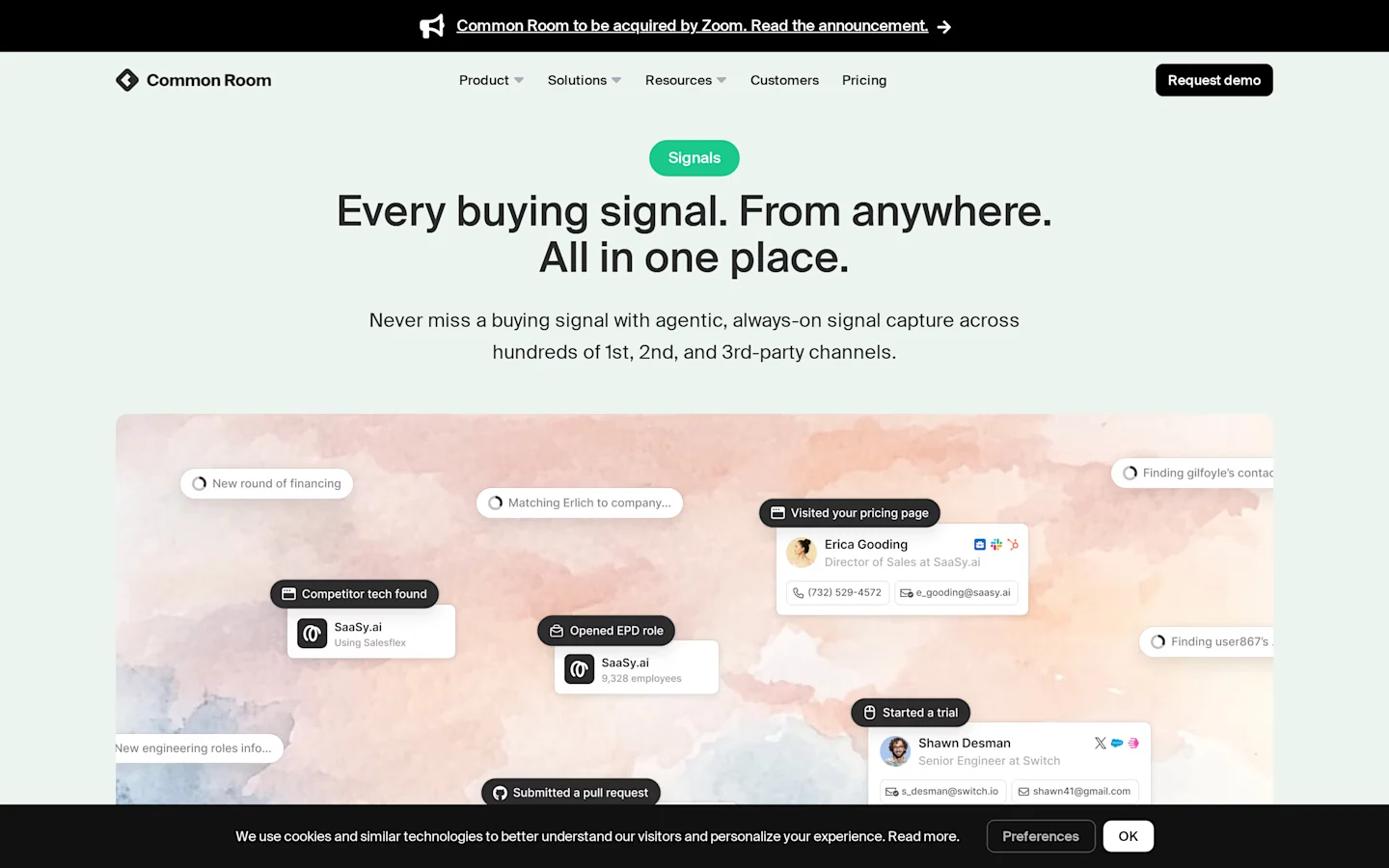
Common Room brings product usage, website activity, and CRM records into one account view. Community engagement and job changes add timing. Its strength is coordination: a sales team can score accounts and research contacts, then generate messages and launch workflows without treating every signal as a separate project.
Features
Person360 joins identity and activity around a contact.
Account and contact scoring prioritizes the buying committee.
RoomieAI researches accounts and drafts messages.
Spark notifications deliver signal briefs.
CRM, sales engagement, Slack, and MCP connections carry the context forward.
Pricing
Essential costs $2,500 per month when billed annually, which turns the first buying decision into a $30,000 commitment before add-ons or implementation work. It includes five seats and 100,000 contacts.
Buyers also get 5,000 RoomieAI research credits plus 2,500 Prospector credits. There is no published free plan or trial. Advanced and Enterprise use custom pricing. Enterprise gates product-signal integration and recurring exports, while raising access to thirty seats with dedicated support.
How it compares with Origami
The higher price reflects an organizational data problem. Origami is a focused prospecting product that a smaller team can adopt without an implementation program. The enterprise option earns its price only when several signal sources and sales workflows need shared governance.
Pros
Unifies many first-party and third-party signals.
Gives revenue teams person-level and account-level views.
Supports governed workflows across a larger sales organization.
Cons
The $30,000 annual entry cost excludes many startups.
Some product-signal and export capabilities require add-ons or Enterprise.
Implementation value depends on clean source data.
Decision
This option is for a signal program with a named owner, several internal inputs, and enough pipeline to justify a $30,000 annual starting point before the team adds implementation work. Origami remains easier for focused list building, especially when the buyer does not need shared governance across product data and revenue workflows.
Related Read: 9 Best Common Room Alternatives To Find Actual Buyers in 2026
5. UserGems for job-change and relationship signals
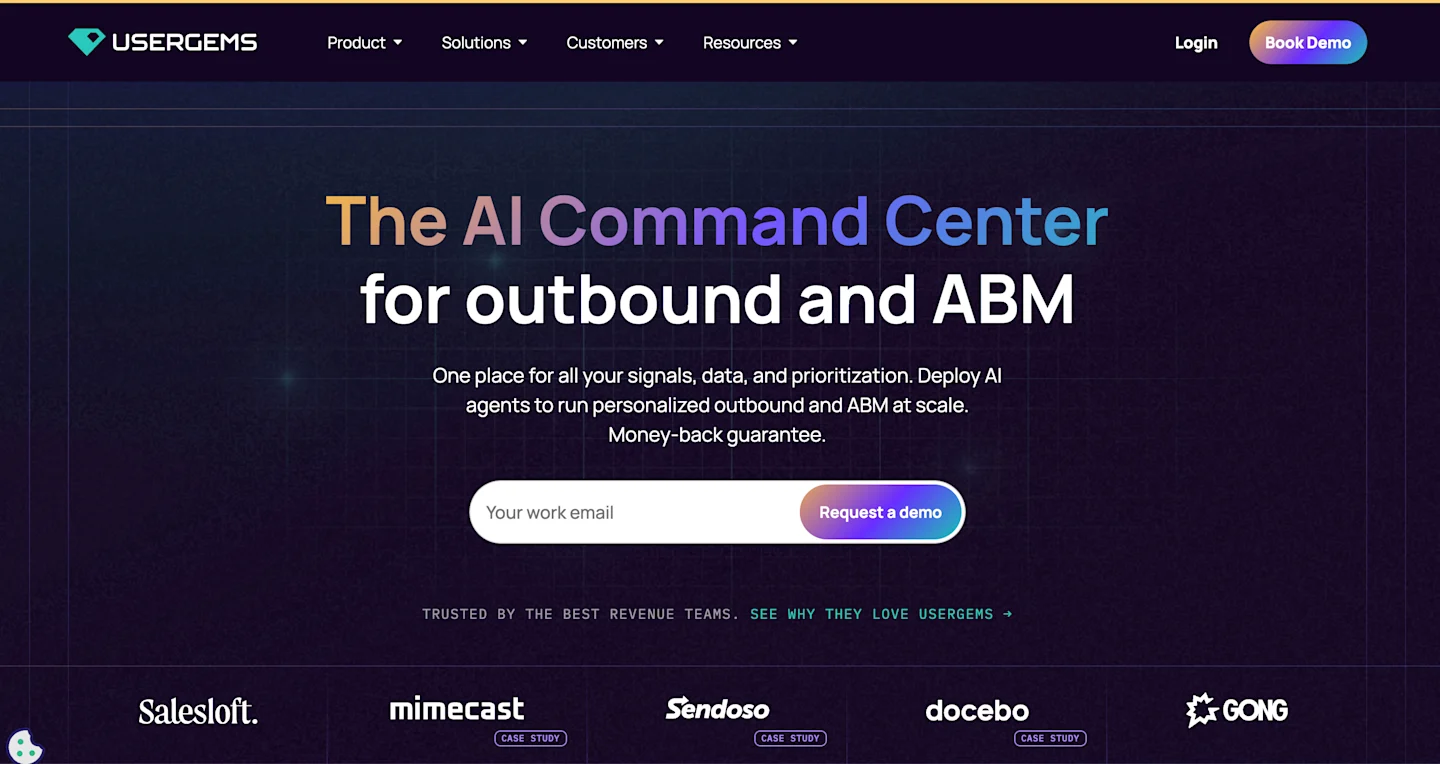
UserGems watches job changes, scores the affected account and contact, and launches a campaign when a former user or champion moves to a company your team wants to reach. That is a narrower research thesis than Origami's open-ended prompt, but the timing signal is strong because your team already has relationship context.
Features
Job-change tracking identifies former users at new accounts.
Account and lead scoring ranks each signal.
Automated campaigns route timely outreach.
Contact and company enrichment fills missing data.
CRM and sales engagement integrations preserve ownership.
Pricing
Core costs $2,750 per month, or $33,000 per year, for up to three admins, twenty end users, and 30,000 tokens. Advanced costs $5,750 per month.
Elite costs $10,000 and gates contact-level intent, custom research, and advanced legal or security review. UserGems publishes no free plan or trial. Implementation adds $3,000 to $10,000.
UserGems vs Origami
UserGems wins when your CRM already contains users, champions, and closed opportunities worth watching, because those historical relationships give each job-change alert a reason for immediate outreach. Origami covers a wider prospect universe and is much cheaper. It lacks the same relationship-led trigger.
Pros
Starts outreach from a clear relationship event.
Automates the route from job change to campaign.
Makes prior product familiarity usable by sales.
Cons
Entry cost plus implementation demands a high-value motion.
Results depend on useful historical CRM relationships.
Its core signal covers a narrower market than open-web research.
Decision
UserGems makes sense when champion movement already creates pipeline, prior relationships survive inside the CRM, and the average contract value can repay a five-figure platform cost.
A young company without a customer base should spend elsewhere, because it has too little relationship history for the core trigger to produce enough qualified opportunities.
6. Trigify for social-signal automation
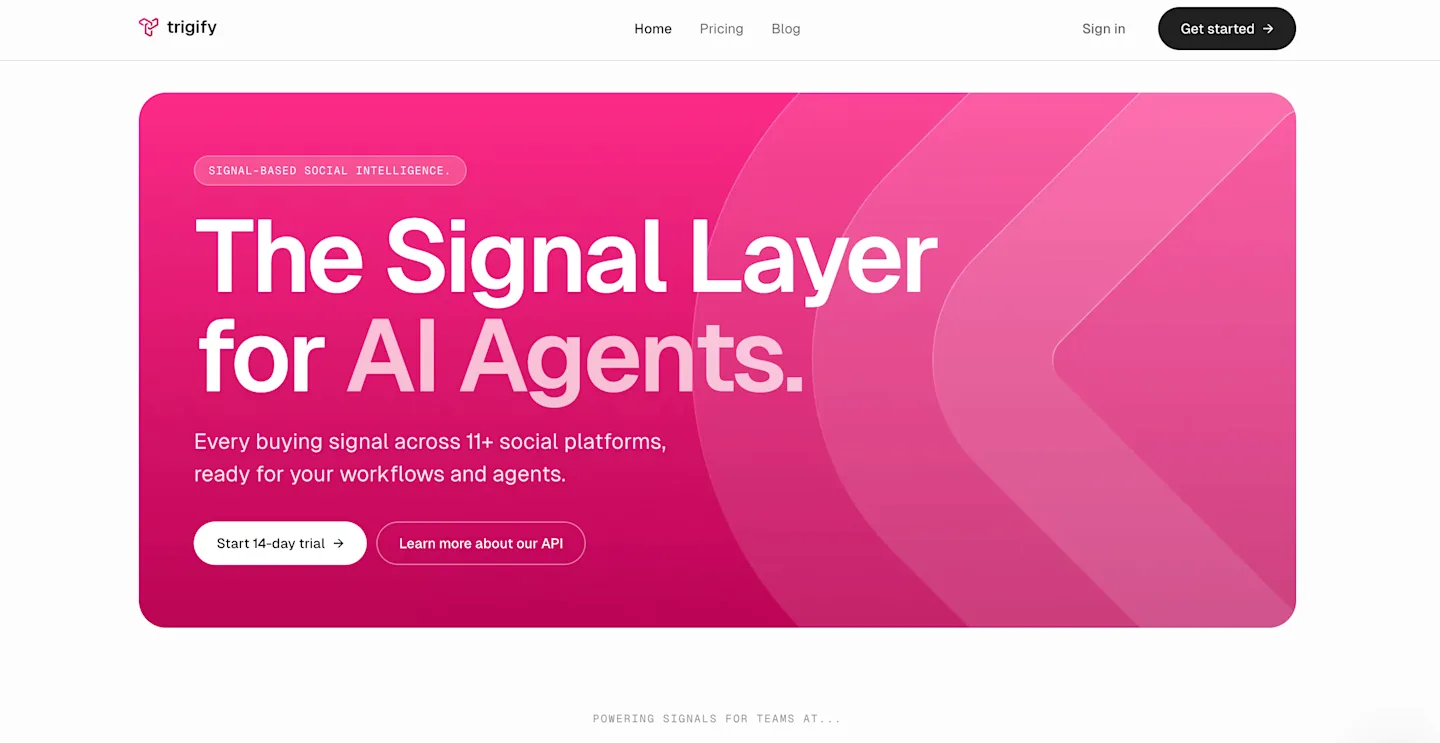
Trigify monitors social profiles and saved searches, then runs workflows that enrich the person and launch an engagement step when the event matches your rules.
It is closer to CommunityTracker's signal-first model than Clay or Apollo, though its channel mix and scoring approach differ enough that you need to compare where your buyers actually speak.
Features
Saved listening searches detect relevant social activity.
Social Signals watches named profiles for events.
Workflows connect detection, enrichment, and action.
Jarvis agents build and execute research tasks.
API and bring-your-own-key support open the system to custom automation.
Pricing
Starter costs $40 per month for 4,000 credits, twenty-five searches, and one workspace. Max costs $199 for 40,000 credits, unlimited searches, and three workspaces.
Enterprise gates SSO, RBAC, and custom limits. Trigify offers a 14-day free trial and no permanent free plan. Overage costs $0.012 per credit.
Trigify vs Origami
Trigify fits teams that want a standing feed of social activity. Origami is better at ad hoc web research across a described customer profile. Trigify asks you to define searches and workflows up front.
Pros
Low entry price for a repeatable signal workflow.
Clear overage pricing helps RevOps model usage.
API access supports custom routing.
Cons
Credits cover signals, enrichments, engagement, and agent runs.
Starter limits social-signal profiles and history.
Teams must tune searches to control noise.
Decision
Trigify suits operators who want to automate around named social events. CommunityTracker is the better pick when community context and intent scoring drive the motion.
7. Rox for enterprise account research agents
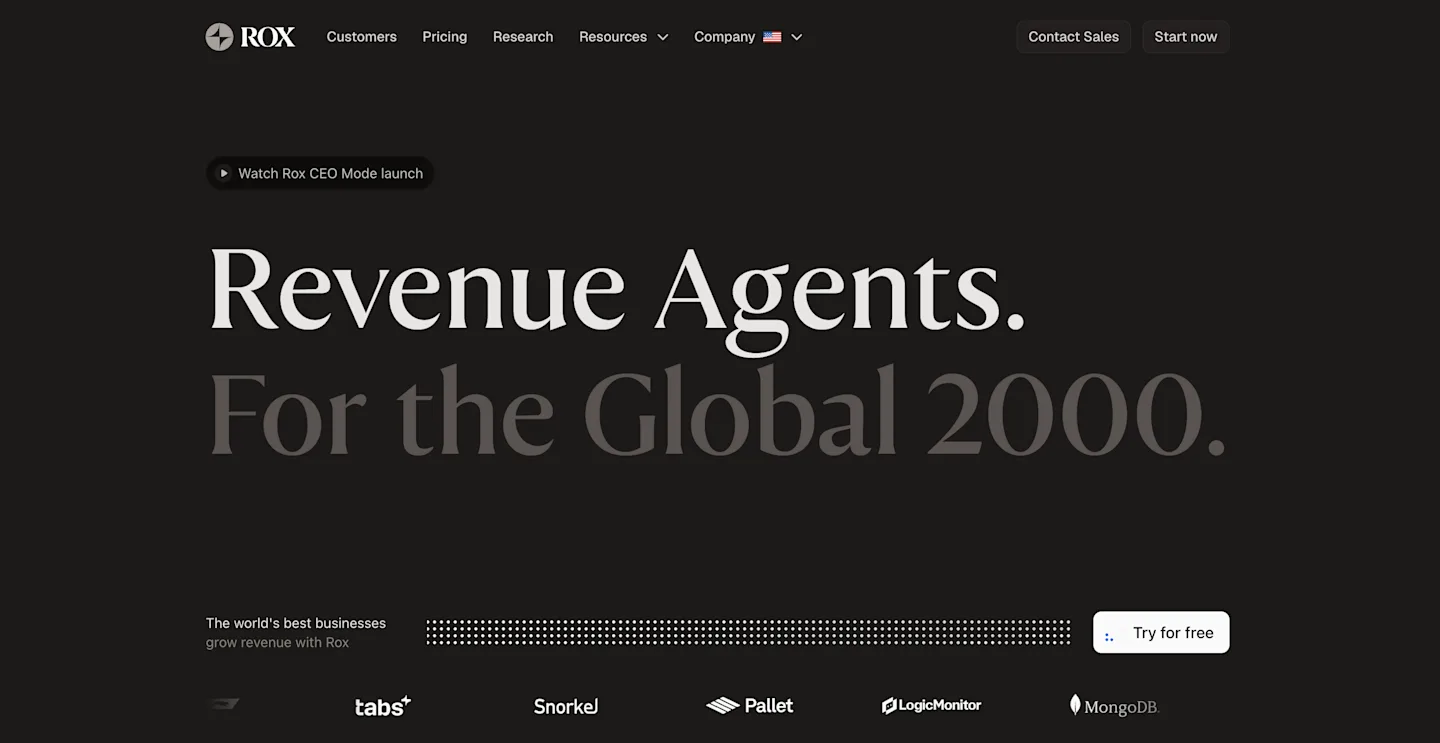
Rox uses agents to research accounts and discover contacts, then prepares meeting context or monitors customer changes after the first research pass is complete.
It fits enterprise account teams that need research to stay current inside their existing systems, where one stale briefing can waste an executive meeting. Origami feels lighter because it begins with a prompt and a table.
Features
Account agents monitor and research named companies.
Contact discovery enriches the buying committee.
Meeting briefs prepare reps with current context.
Agent Actions measure completed research and monitoring work.
Enterprise deployments connect to existing revenue systems.
Pricing
Starter is free and includes 2,000 Agent Actions, giving one rep enough capacity to learn which research jobs consume the allowance before procurement gets involved.
Core starts at $50 per month with 5,000 actions. Enterprise uses custom pricing and gates enterprise-scale deployment. There is no separate free trial published because the free plan provides product access. Unused actions do not roll over.
Rox vs Origami
Rox is the stronger fit for persistent research around strategic accounts, particularly when several reps need current context on the same buying committee before calls and meetings.
Origami works better for self-serve list generation and niche prospect discovery. Rox also requires the buyer to understand action consumption before forecasting cost.
Pros
Keeps account research active after the first list is built.
Free access lets one rep test the agent model.
Connects research to meeting preparation.
Cons
Unused actions expire each billing cycle.
Enterprise scope requires a sales process.
It is less suited to open-community demand discovery.
Decision
Rox is worth testing when account executives lose time rebuilding context before every meeting, several people touch the same strategic account, and stale research creates visible risk in executive conversations.
It is not the first tool I would buy for high-volume list generation, where Origami or Apollo offers a more direct path.
Which Origami alternative should your team choose?
Start with CommunityTracker when the best evidence is a buyer discussing a problem or competitor in social media.
Put Clay behind the motion when RevOps needs to own enrichment logic across providers.
Consolidate on Apollo when a small team needs contacts and outbound execution in one bill.
Fund Common Room when product, web, CRM, and community activity must become one governed signal layer.
Use UserGems when champion and user job changes already create qualified opportunities.
Test Trigify when social events need lightweight automation and a $40 entry point.
Deploy Rox when enterprise reps need persistent research around named accounts.
One buying rule matters more than the feature count: decide whether your missing input is a list, a signal, or an action, then trace one real opportunity through the proposed system before comparing polished feature pages.
Origami is good at producing a list from a natural-language description. The alternatives above earn their place by solving a different constraint.
Use CommunityTracker to turn buyer research into the next move
Origami deserves credit for making open-web prospecting easier. Clay offers deeper workflow control, Apollo covers more of a small sales stack, and the enterprise signal option coordinates data across teams.
They do not begin where CommunityTracker begins: with a person expressing a problem in Reddit, LinkedIn, X, Bluesky, Hacker News, Indie Hackers, Dev.to, Stack Overflow, Product Hunt, GitHub, or Slack.
That is how you move from signal discovery to GTM action.
CommunityTracker fits when your team needs to catch a high-intent signal, understand why it matters, and act while the conversation is still live, with the original post preserved for context and a clear owner receiving the alert before the team loses the chance to join naturally; that workflow matters most when demand appears outside the CRM and cannot wait for the next scheduled account-research cycle.
If you only need a static prospect list, Origami or Apollo will be easier to justify. Start by tracking one competitor name or pain phrase, then measure how many signals lead to a useful reply, warm email, or booked conversation.