Finding email is rarely the hard part anymore. The bigger challenge is deciding which contacts are worth reaching out to, enriching a full LinkedIn or Sales Navigator list without sacrificing accuracy, and getting verified data into a sequence before the buying window closes.
The 15 LinkedIn email finder tools below each solve a different part of that workflow. Wiza is my pick for Sales Navigator exports, Hunter is best for name-and-company lookup, and Apollo combines database search with outreach. The right choice depends on whether you start with a live buying signal, a finished profile list, or just a person’s name and company.
TL;DR: all 15 LinkedIn email finder tools#
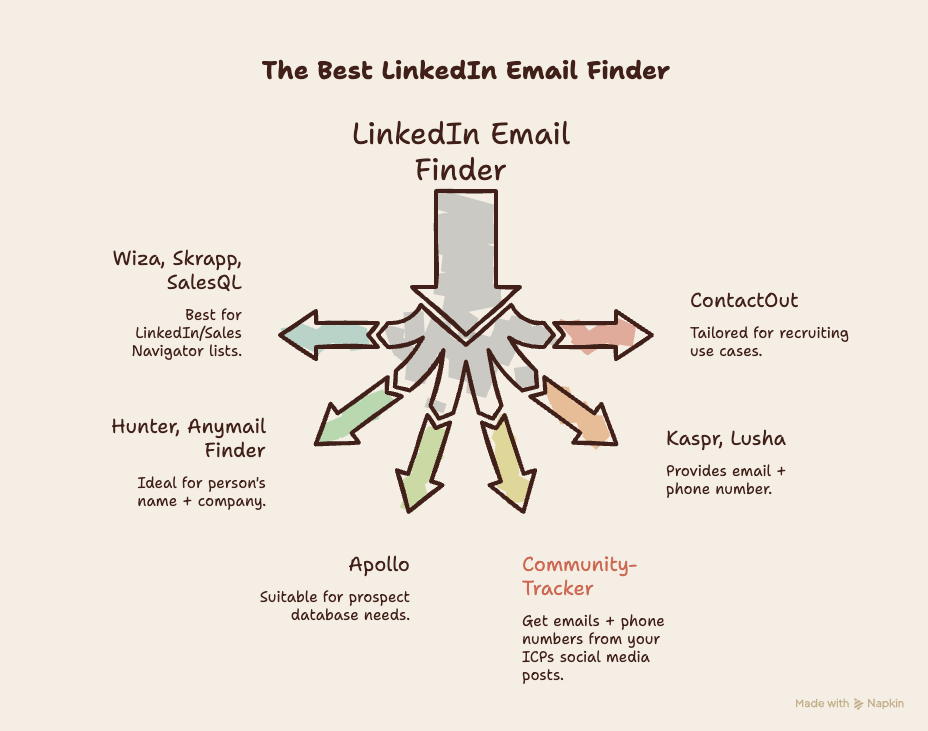
CommunityTracker: Best for finding LinkedIn emails from ICPs showing buying intent.
Wiza: Best for verified LinkedIn and Sales Navigator exports.
Hunter: Best free email finder for name-and-company lookup plus verification.
Apollo: Best for a contact database, enrichment, and sequences in one account.
Skrapp: Best free LinkedIn email finder extension for small batches.
Snov.io: Best for combining email lookup with lightweight campaigns.
Prospeo: Best for testing email and mobile enrichment with 100 free credits.
GetProspect: Best for turning LinkedIn searches into manageable contact lists.
SalesQL: Best for low-cost LinkedIn and Sales Navigator extraction.
Kaspr: Best when direct dials matter alongside work emails.
ContactOut: Best for recruiting searches and personal contact routes.
Lusha: Best for quick email and phone reveals across LinkedIn and company sites.
SignalHire: Best for finding contact details across LinkedIn and other professional profiles.
RocketReach: Best for broader person and company research beyond LinkedIn.
Anymail Finder: Best when you only want to pay for verified emails.
What is a LinkedIn email finder?#
A LinkedIn email finder helps you uncover a person’s professional email from a LinkedIn profile, profile URL, search page, or an associated name and company. Some tools also verify whether the inbox is live and able to receive mail. Others go further, offering bulk lookups from Sales Navigator, CSV enrichment, phone data, CRM exports, or outreach sequences.
There are two common ways people use these tools:
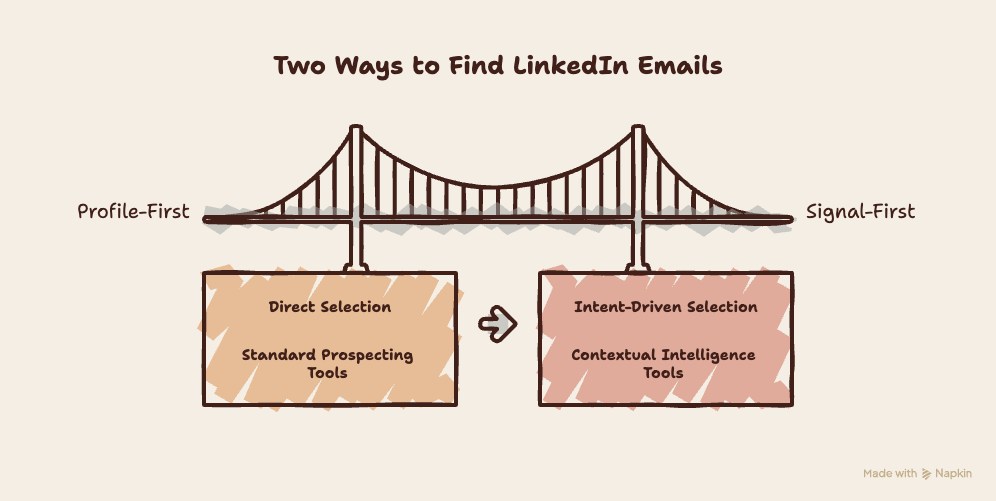
Profile-first: You start with a LinkedIn profile or list, then reveal and verify the contact details. Wiza, Skrapp, SalesQL, and Kaspr all work this way.
Signal-first: CommunityTracker looks for an ICP showing intent on LinkedIn, enriches the contact, saves the post, and lets you follow up through email and LinkedIn sequences.
Even then, no tool guarantees a reply. Accuracy, verification, relevance, timing, and thoughtful outreach still decide whether a contact turns into a conversation.
How I evaluated LinkedIn email finder tools#
This is a source-backed comparison, not a claim of hands-on testing. I judged each tool by the information a buyer needs before putting real LinkedIn contacts through it.
Email accuracy and verification: Does the product verify results, show confidence, or avoid charging for failed lookups?
LinkedIn workflow: Is there a Chrome extension, Sales Navigator support, bulk extraction, or LinkedIn URL lookup?
Free allowance and pricing: What can you test for free, what consumes a credit, and where does the paid plan begin?
Enrichment depth: Can it add phone, company, role, and CRM fields without turning one lookup into several manual steps?
Outreach handoff: Can verified contacts move into a CRM or sequence with the context needed to send a relevant message?
LinkedIn email finder tools comparison#
Tool | Best use case | Free allowance | Extension / Sales Nav | Verification | Pricing starts at |
CommunityTracker | Social media signals into warm outreach | Free: 1 Reddit keyword | LinkedIn discovery; no extension | Contact enrichment | $39/month |
Wiza | Bulk LinkedIn exports | 20 emails + 5 phones | Yes / Yes | Live | $83/month annual |
Hunter | Name + company lookup | 50 credits/month | Yes / No native export | Built in | $34/month annual |
Apollo | Database + sequences | 50 email credits/month | Yes / Yes | Built in | About $49/month |
Snov.io | Finder + campaigns | 50 credits/month | Yes / Yes | Built in | About $39/month |
Skrapp | Small LinkedIn batches | 50 credits/month | Yes / Yes | Built in | $39/month |
Prospeo | Email and mobile enrichment | 100 credits/month | Yes / LinkedIn lookup | Verified emails | $49/month |
GetProspect | LinkedIn lists | 50 emails/month | Yes / Yes | Built in | $49/month |
SalesQL | Low-cost extraction | 50 credits/month | Yes / Yes | Verified emails | $39/month |
Kaspr | Email + direct dial | 15 B2B emails/month | Yes / Paid support | Contact reveal | EUR59/month |
ContactOut | Recruiting lookup | 5 emails/day | Yes / Profile lookup | Contact reveal | $49/month |
Lusha | Email + phone data | Monthly free credits | Yes / Profile lookup | Contact reveal | About $29/month |
SignalHire | Cross-network lookup | 5, or 10 with extension | Yes / Profile lookup | Contact reveal | $69/month |
RocketReach | Person + company research | Limited free lookups | Yes / Profile lookup | Contact reveal | About $39/month |
Anymail Finder | Pay for verified email | 100-credit trial | LinkedIn URL / No | Live | $29/month |
Pricing changes, particularly usage-based credits and annual discounts. Check the number of usable verified emails you receive, not the largest credit figure on the page.
1. CommunityTracker: Best for signal-led LinkedIn email finding from posts#
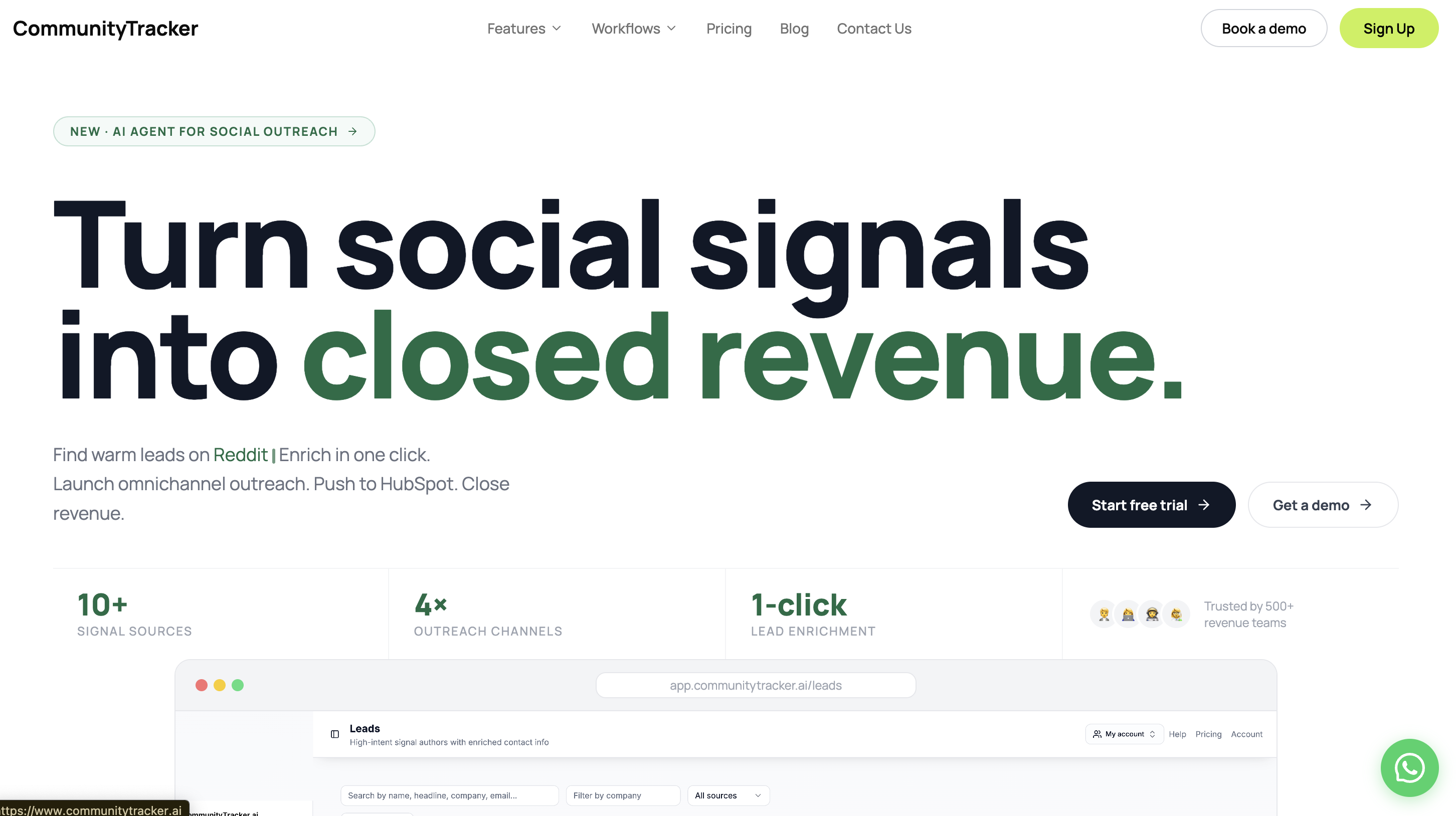
CommunityTracker finds LinkedIn users from your ICP who are actively discussing a problem, mentioning a competitor, asking for recommendations, or showing buying intent. Once it finds a relevant LinkedIn post, it enriches the person's contact information, including work email where available. The post and its context stay attached to the prospect.
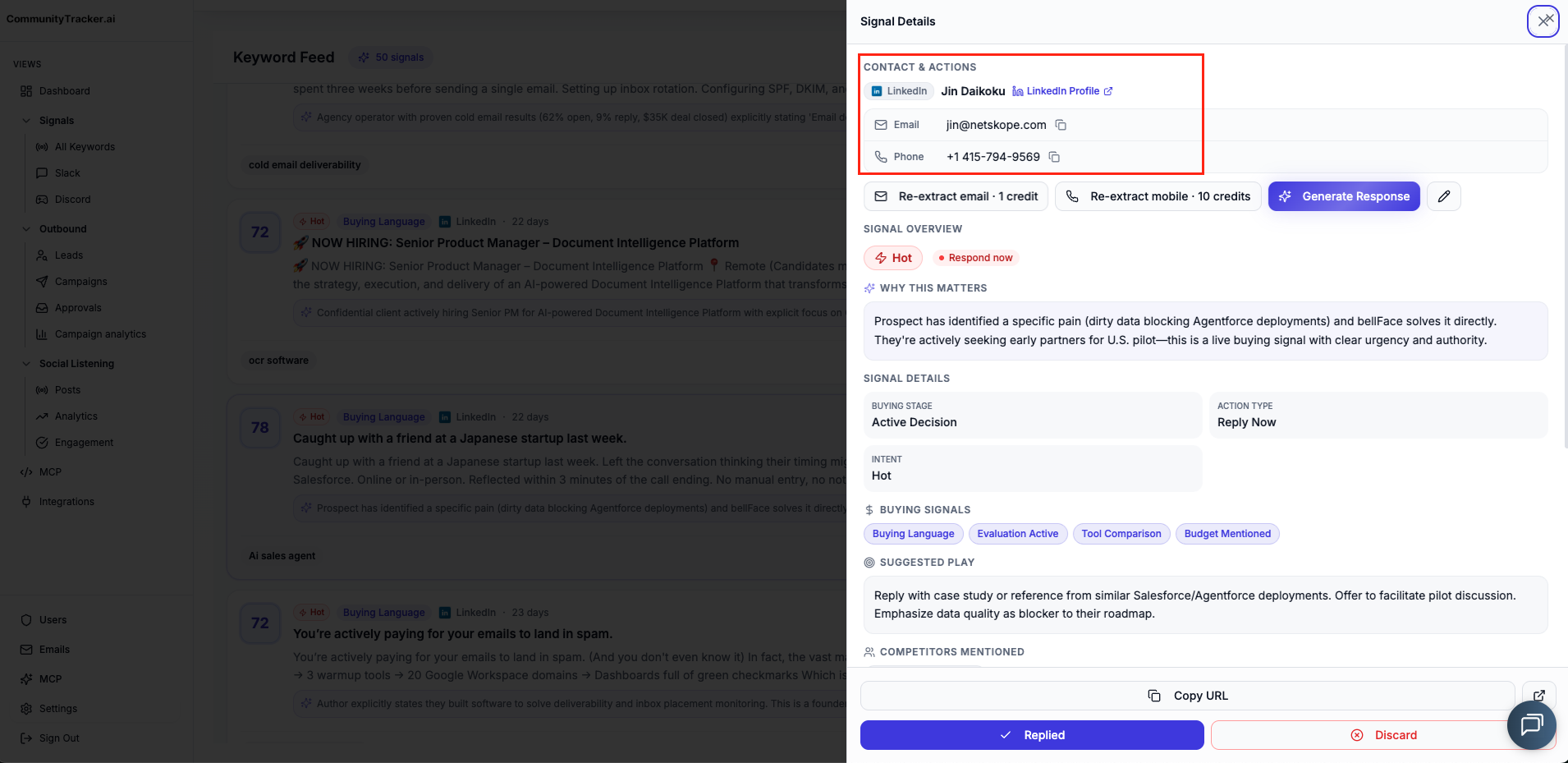
That order matters. A traditional finder asks you to supply the profile first. CommunityTracker helps decide who deserves outreach now, then gives you a route to contact them.
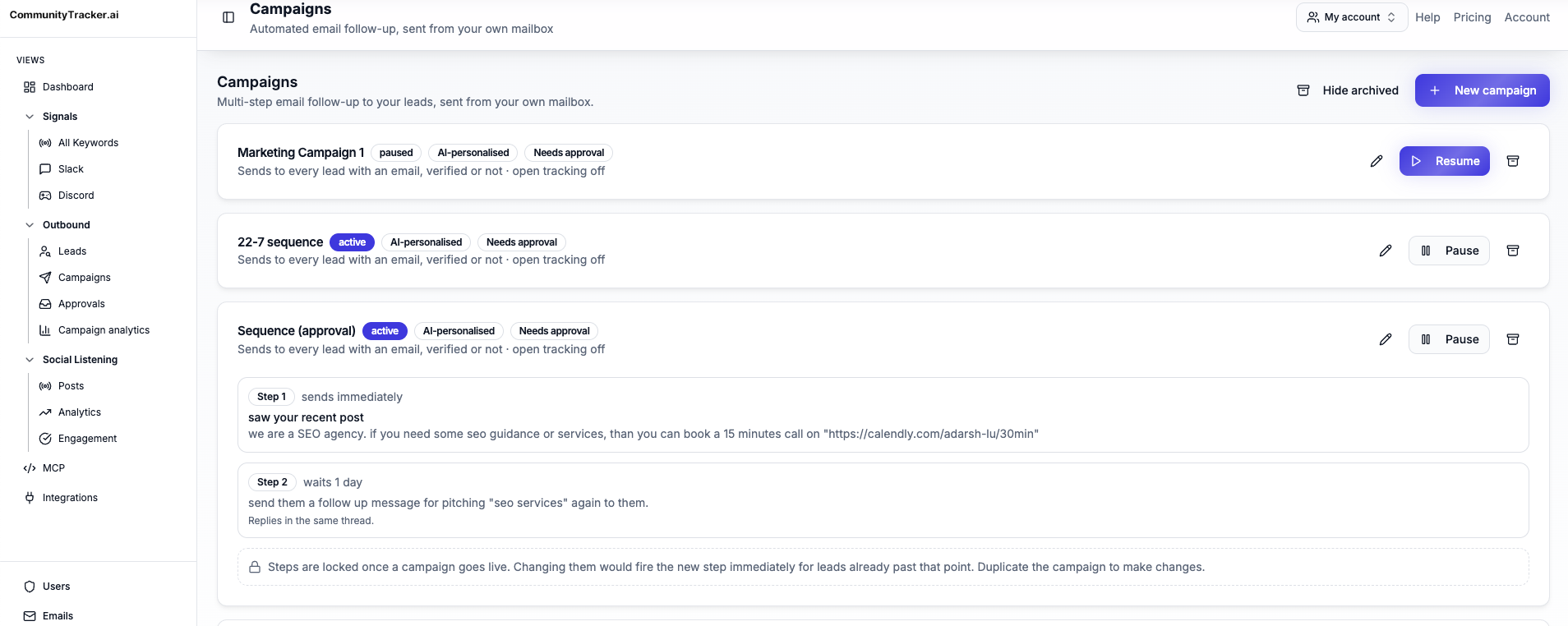
You can add warm prospects to email and LinkedIn sequences, send the message with the current signal in view, and qualify the response without rebuilding the context in another tool.
Key features:#
LinkedIn ICP and keyword monitoring for current posts and discussions
Intent scoring that separates buying signals from generic mentions
Contact enrichment, including LinkedIn-associated work emails where available
Email and LinkedIn sequences for warm prospects
Response generation and Slack alerts on eligible plans
Coverage across Reddit, LinkedIn, X, Bluesky, Hacker News, Indie Hackers, Dev.to, Stack Overflow, Product Hunt, GitHub, and Slack
Pricing: #
Free costs $0 and monitors one Reddit keyword. The starter plan is $39 per month for four keywords, 5,000 mentions, and up to 100 warm emails.
Pro costs $99 for 10 keywords, all 11 platforms, unlimited mentions, unlimited warm emails, AI scoring, and Slack alerts. Advanced costs $199 for 20 keywords and adds Share-of-Voice Exporter plus AI visibility. Annual billing is by contact.
Pros:#
Finds people already discussing a relevant problem, competitor, or purchase before it enriches their contact details.
Keeps the LinkedIn post beside the enriched contact.
Moves warm prospects into email and LinkedIn sequences.
Filters for intent before spending time on lookup and outreach.
Cons:#
LinkedIn signal outreach starts on a paid plan.
It does not offer a one-click extension for a list you have already selected.
It is not a publishing or scheduling suite.
2. Wiza: Best LinkedIn email finder extension for Sales Navigator exports#
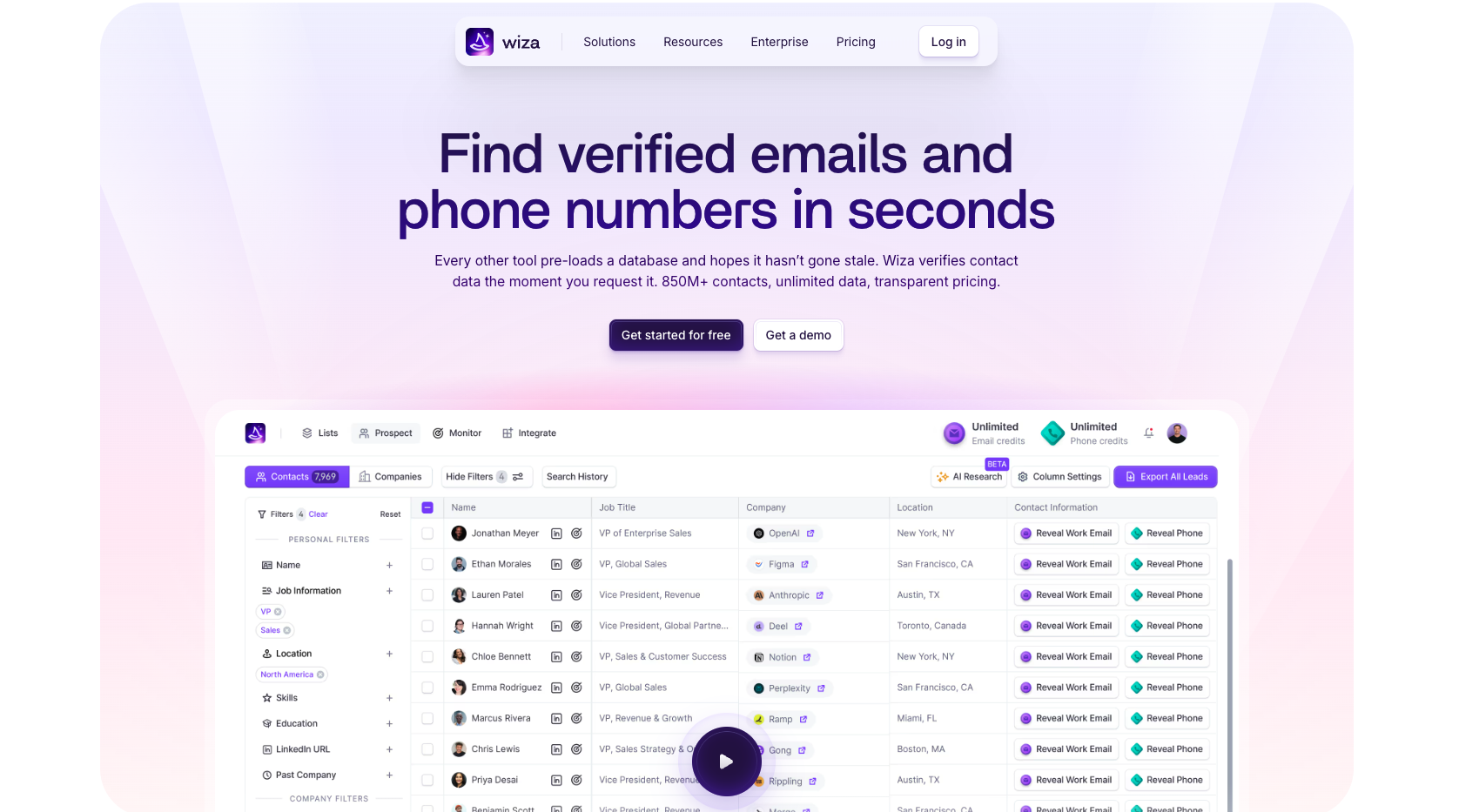
Wiza stays inside the LinkedIn research flow. Its Chrome extension reveals work emails and direct dials on individual profiles, while bulk export handles LinkedIn searches and Sales Navigator lists. Live verification reduces the risk of exporting a database record tied to an old job.
Key features:#
Profile reveal, bulk search export, live email verification, phone data, CRM sync, and higher-tier research tools.
Pricing: #
Free includes 20 emails and five phones. Email costs $83 per user per month on a $990 annual commitment, with unlimited email reveals and 2,500 monthly exports. Email + Phone costs $166 per user per month on the annual billing plan. Higher-volume requirements move to custom plans.
Pros:#
Reveals and exports without leaving LinkedIn.
Supports Sales Navigator list workflows.
Verifies email during lookup.
Cons:#
Unlimited plans require an annual commitment.
You still need to decide which profiles belong on the list.
3. Hunter: Best free email finder for name-and-company searches#
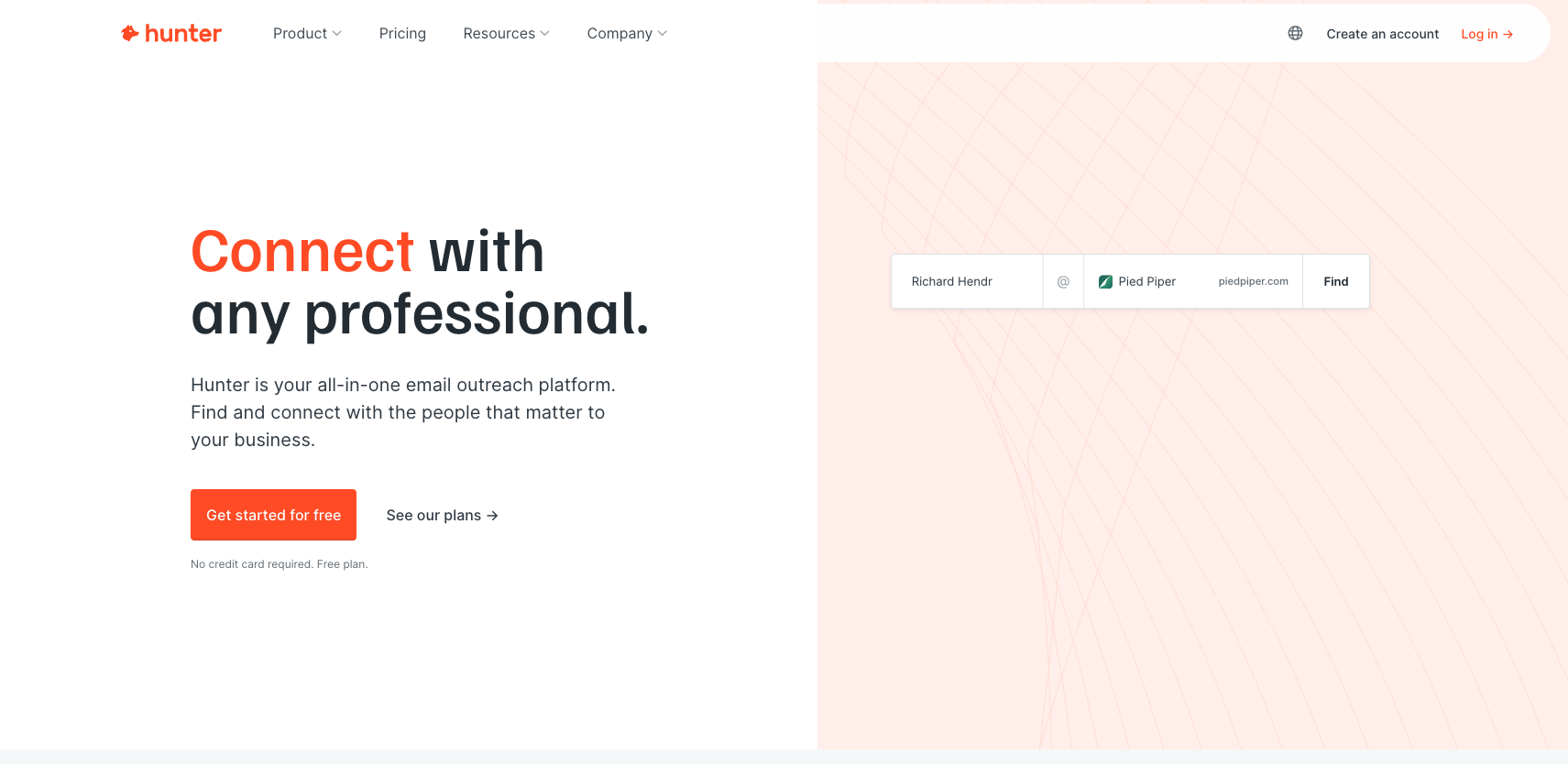
Hunter suits a known person and company. Enter a name and domain to find the likely work email, or search a company domain for public addresses. Its verifier and confidence data make it useful when list hygiene matters more than LinkedIn-native bulk extraction.
Key features: #
Email Finder, Domain Search, verifier, bulk jobs, API, Google Sheets add-on, and basic sequences.
Pricing: #
Free includes 50 credits a month and one connected mailbox. Starter costs $34 per month on annual billing and gives you 24,000 credits a year plus three mailboxes. Growth is $104, and Scale is $209 on annual billing. Enterprise adds custom credits and support. Since Free renews monthly, you don’t need a separate trial.
Pros:#
Failed finder searches do not consume a credit.
Verification sits beside lookup.
One subscription can include unlimited users.
Cons:#
The extension is stronger on company sites than on LinkedIn list exports.
Finding and verifying the same contact can consume separate credits.
You may find it relevant: 8 Best Gojiberry Alternatives for Buyer Intent and Outreach in 2026
4. Apollo: Best all-in-one database and sequence platform#
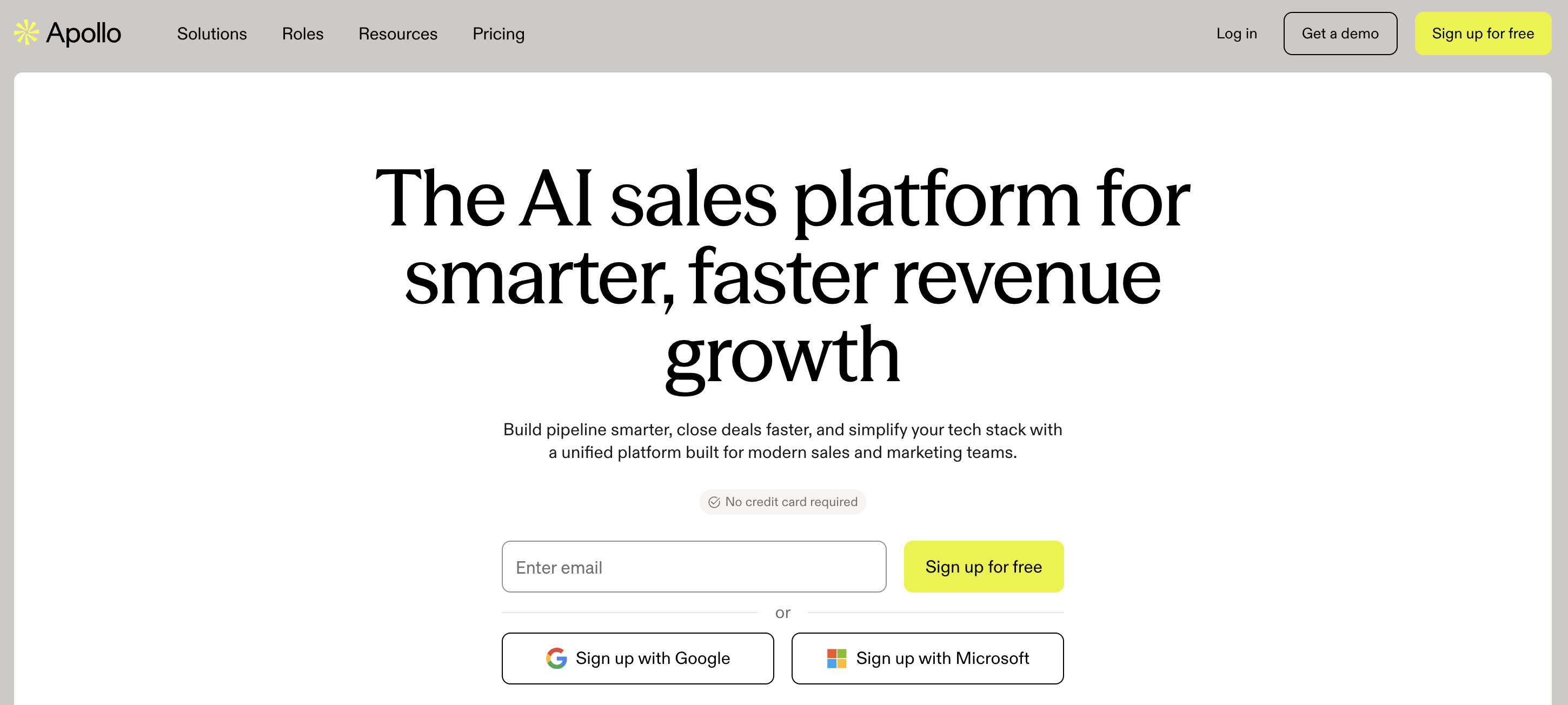
Apollo combines a large B2B database with search filters, a Chrome extension, enrichment, CRM sync, and outbound sequences. It fits someone who needs to build the list and run outreach from the same account.
Key features: #
Database search, work email and phone reveals, LinkedIn extension, CSV enrichment, sequences, and Salesforce or HubSpot integrations.
Pricing: #
The Free plan includes 50 email credits each month, along with extension access and basic filters. There’s also a 14-day trial for paid plans with 100 credits. The Basic plan starts at about $49 per user per month. Professional and Organization plans add more credits, automation, API access, and admin controls.
Pros:#
It covers everything from database search to sending sequences.
You can use it across LinkedIn, Gmail, CRM pages, and company websites.
The filters also make it easier to narrow a broad market down to a practical list.
Cons:#
Setup takes a bit longer than with a tool built for just one job.
Finding someone in a database doesn’t always mean they’re ready for outreach right now.
5. Snov.io: Best for email finding plus campaigns on a modest budget#
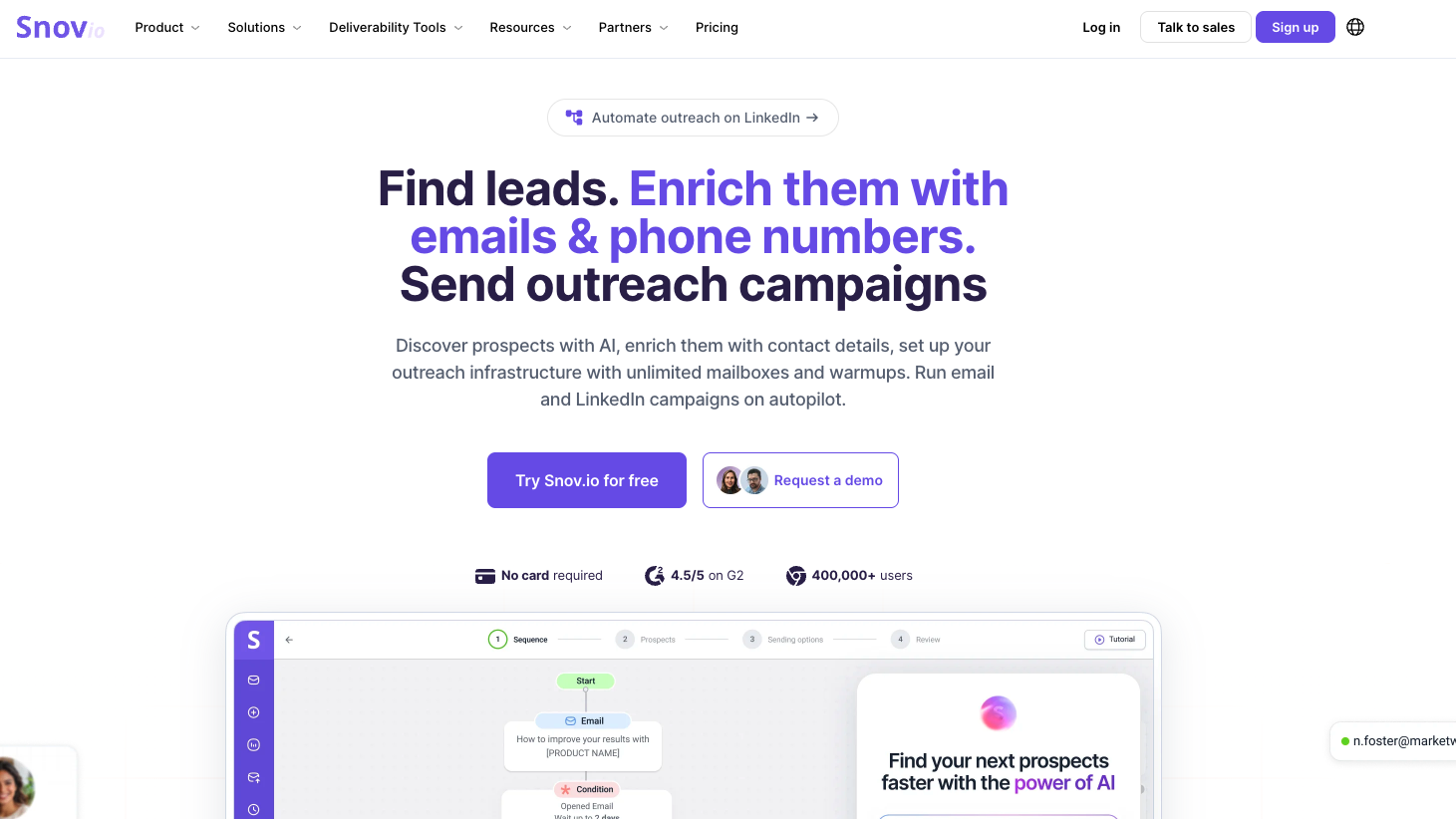
Snov.io places LinkedIn collection, email search, verification, warm-up, campaigns, and a lightweight CRM in one account. It works for an email-first outbound motion that does not need Apollo's database depth.
Key features: #
LinkedIn extension, email finder, verifier, bulk lookup, drip campaigns, warm-up, CRM, API, and webhooks.
Pricing: #
The renewable Free plan includes 50 credits, 100 recipients, and one warm-up slot every 30 days. Starter begins around $39 per month. LinkedIn Automation has a seven-day trial and then costs $69 per slot each month. Pro and Custom Ultra increase finder, recipient, and integration limits.
Pros:#
Free credits renew each month.
Finder and verifier connect directly to campaigns.
Paid credits roll over with an active subscription.
Cons:#
Free excludes exports and bulk search.
LinkedIn Automation charges separately per slot.
Multiple limits make unit cost harder to forecast.
6. Skrapp: Best free LinkedIn email finder extension for small batches#
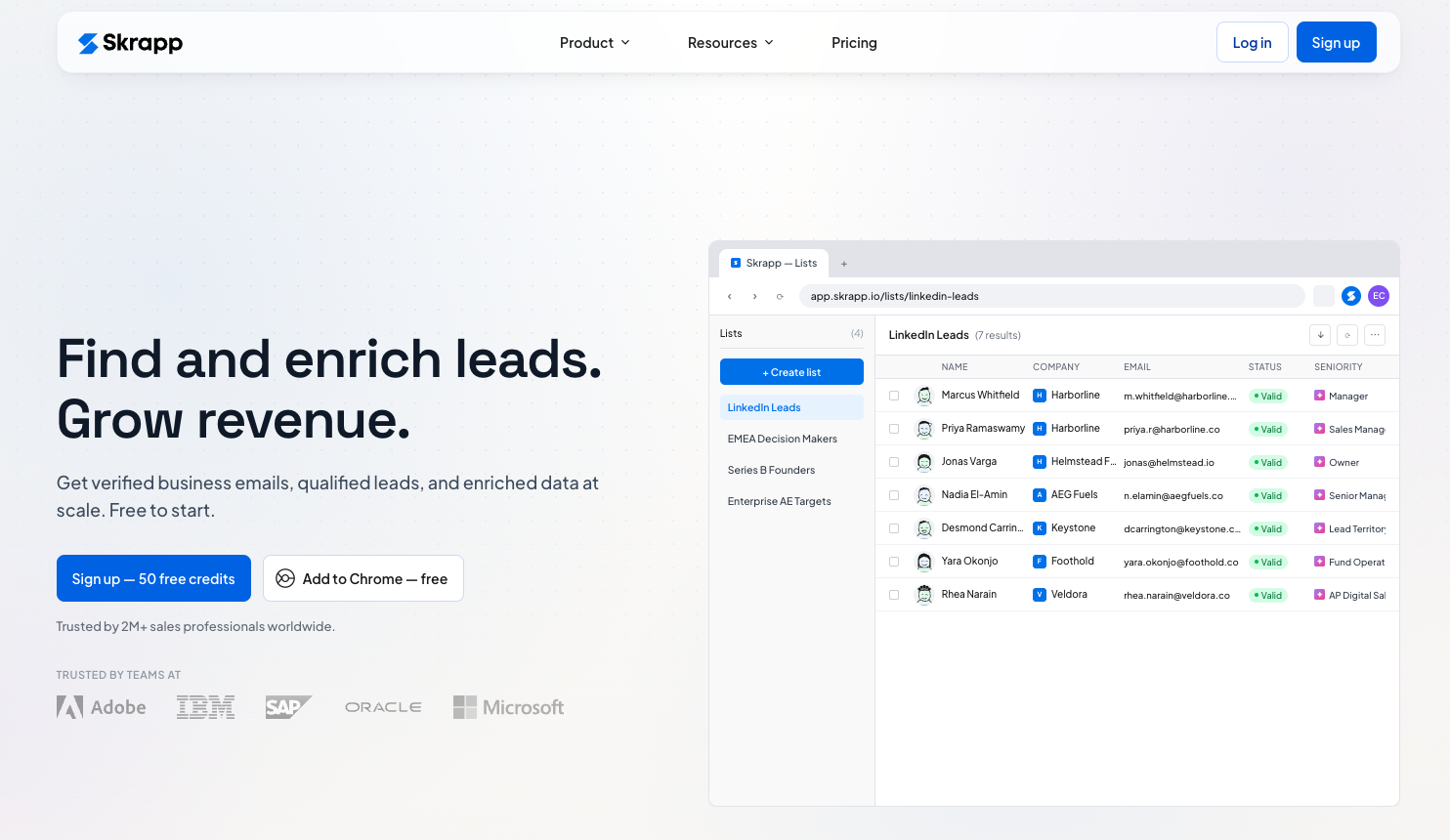
Skrapp covers individual profiles, LinkedIn search, Sales Navigator, Recruiter, company sites, and uploaded email verification. It does not charge a credit for invalid or unknown finder results, which protects a small allowance.
Key features: #
Chrome extension, Sales Navigator support, Recruiter support, verifier, multi-page enrichment, exports, and CRM sync.
Pricing: #
Free gives one user 50 credits. Professional costs $39 monthly, or $29 with annual billing, for 2,000 credits across two users. Enterprise starts at $349 monthly, or $262 annually, for 50,000 credits across 15 users. Free serves as the continuing trial.
Pros:#
Invalid and unknown results do not burn credits.
Free supports several LinkedIn products.
Paid credits roll over.
Cons:#
Phone lookup is not the main workflow.
Multi-page enrichment requires a paid plan.
Fifty free credits only cover a narrow test.
7. Prospeo: Best for verified email and mobile enrichment#
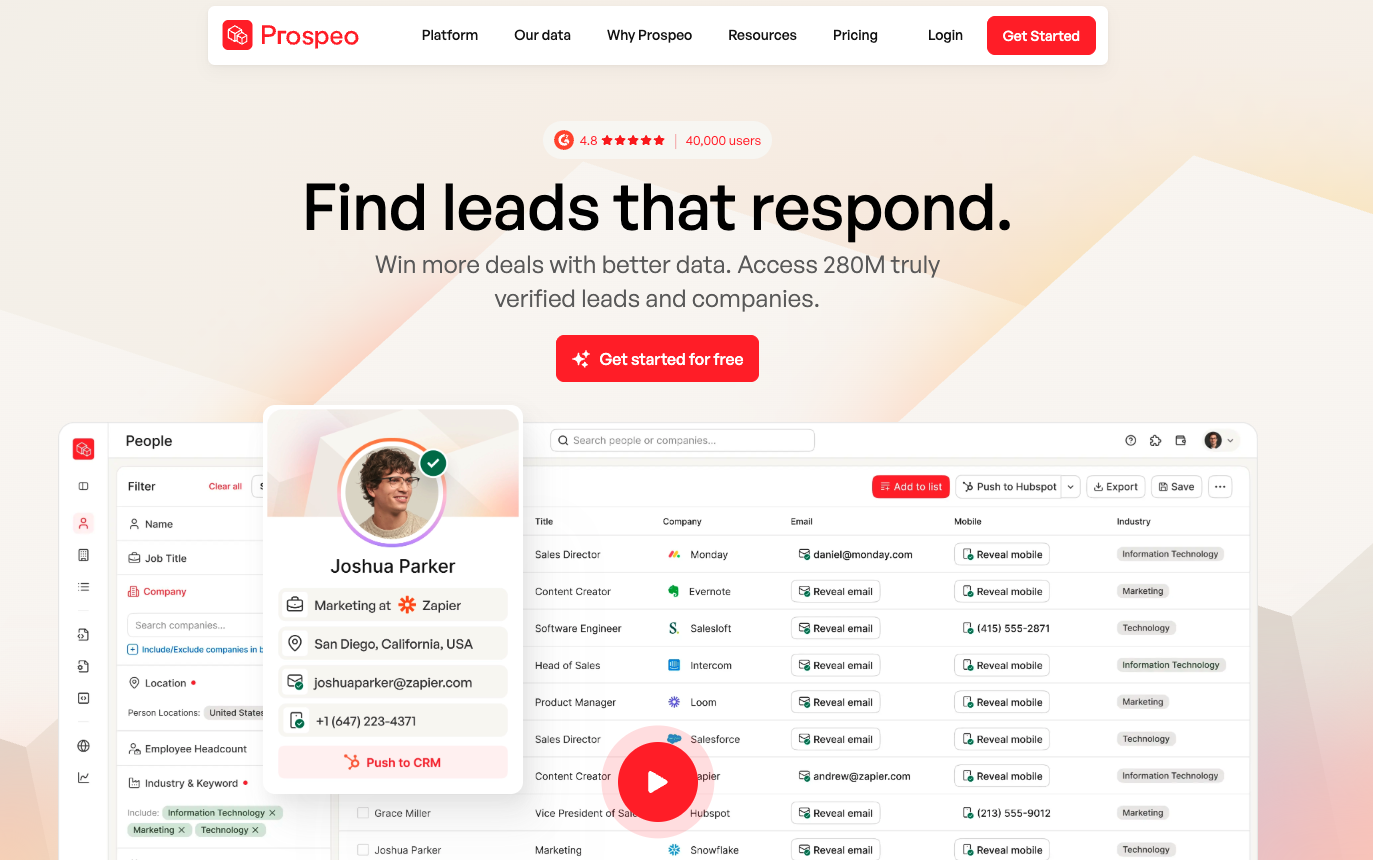
Prospeo combines work email lookup, mobile reveal, a B2B database, a browser extension, and CSV enrichment. There is no built-in sequence sender, so it fits a stack that already has outreach covered.
Key features: #
Verified emails, extension lookup, mobile data, database filters, CSV enrichment, API, and higher-tier intent topics.
Pricing: #
The Free plan includes 100 monthly credits, a 25-row selection cap, and limited API access. Starter costs $49 per user per month and includes 2,000 credits plus CSV enrichment. Growth and Pro offer more credits, integrations, filters, and higher API limits. The Free plan renews every month.
Pros:#
The free allowance supports a meaningful accuracy sample.
Email and mobile lookup share one interface.
CSV and API options fit modular stacks.
Cons:#
Sending requires another product.
Advanced filters remain paid.
8. GetProspect: Best for LinkedIn extraction with a simple contact workspace#
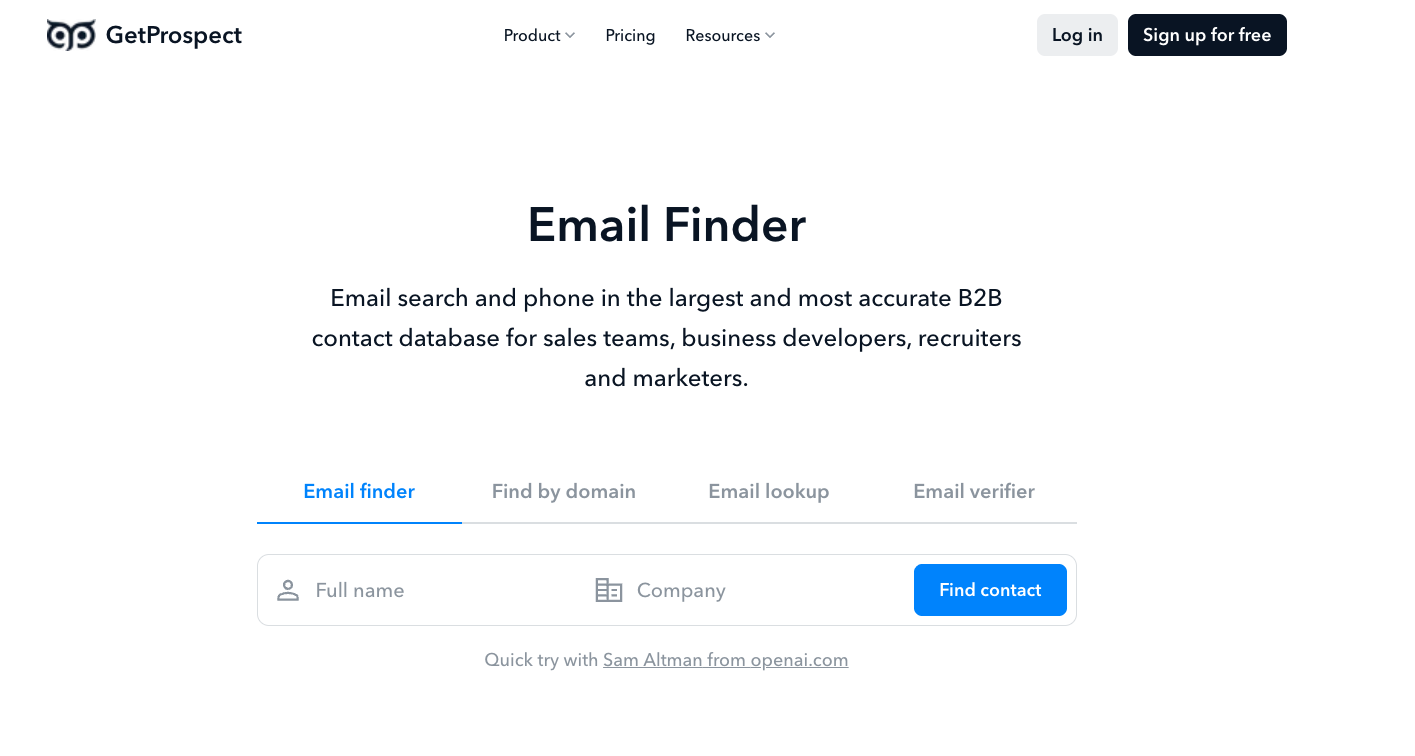
GetProspect pulls profiles and work emails from LinkedIn, then stores the records in a lightweight workspace. Lists, notes, and custom fields reduce spreadsheet cleanup without introducing a full CRM.
Key features: #
Chrome extension, standard LinkedIn and Sales Navigator support, verification, data enrichment, lists, notes, integrations, and exports.
Pricing: #
Free includes 50 valid emails and 100 verifications each month. Starter costs $49 monthly for 1,000 valid emails. Growth costs $99 for 5,000. Higher plans increase email, verification, export, and workspace capacity. Free replaces a separate trial.
Pros:#
Works with a standard LinkedIn account.
The workspace keeps small lists organized.
Free verification allowance exceeds the finder allowance.
Cons:#
Free exports remain limited.
The workspace will not replace a mature CRM.
9. SalesQL: Best low-cost tool for frequent LinkedIn extraction#
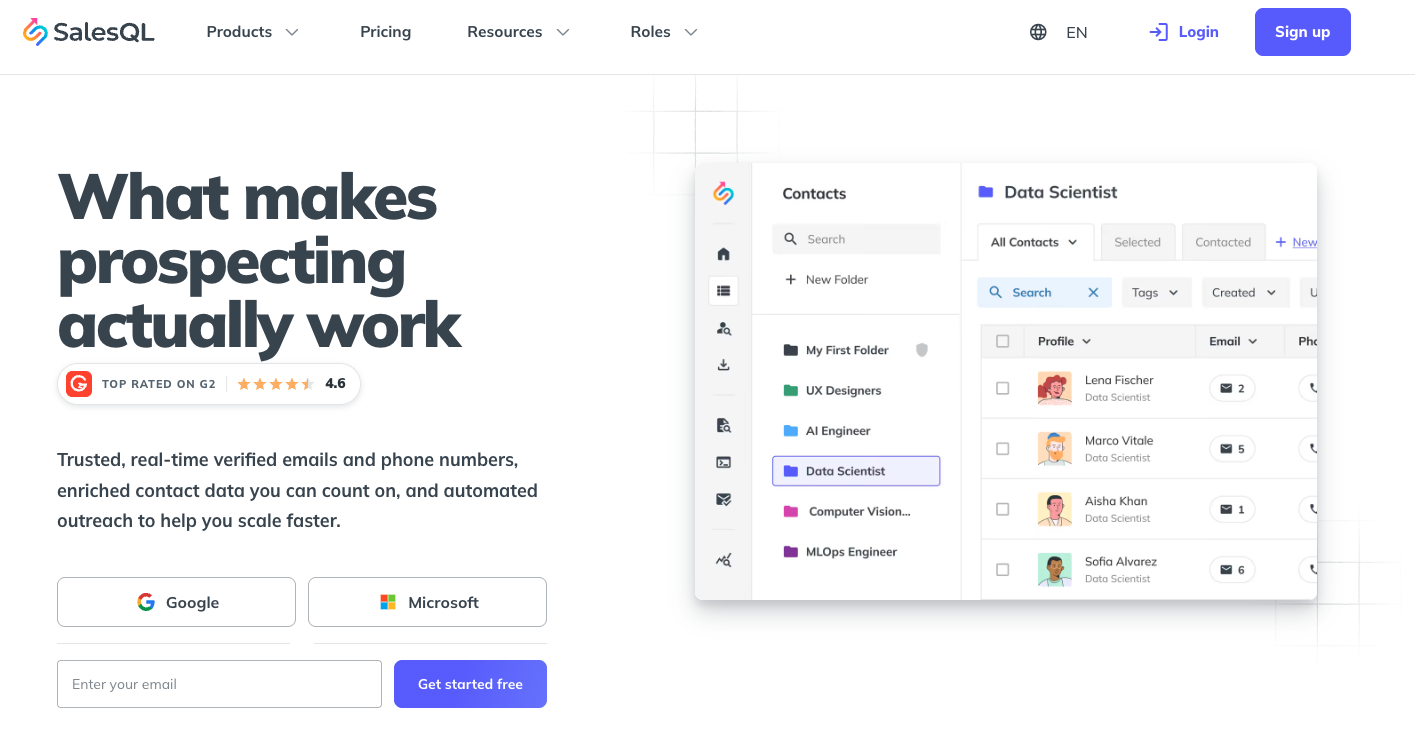
SalesQL extracts contact details from first-degree through third-degree profiles and supports LinkedIn search, Sales Navigator, and Recruiter. More than 40 stored fields give you room to filter before export.
Key features: #
Work and personal email types, verified addresses, bulk extraction, phone data, CRM integrations, exports, API, and CSV enrichment.
Pricing: #
Free gives you 50 data credits and 100 verifier credits each month. Basic is $39 a month and includes 2,000 credits, phone data, integrations, and unlimited exports. Professional costs $79 for 5,000 credits across three seats, while Organization costs $119 for 12,000 credits across 15 seats. Free works as the ongoing test plan.
Pros:#
Basic gives you 2,000 credits at an affordable price.
Support for Sales Navigator and Recruiter makes the workflow more flexible.
The Organization plan also includes 15 seats.
Cons:#
Free excludes phones and integrations.
API starts at Professional.
Extraction still depends on a list you select.
10. Kaspr: Best when direct dials matter besides LinkedIn emails#
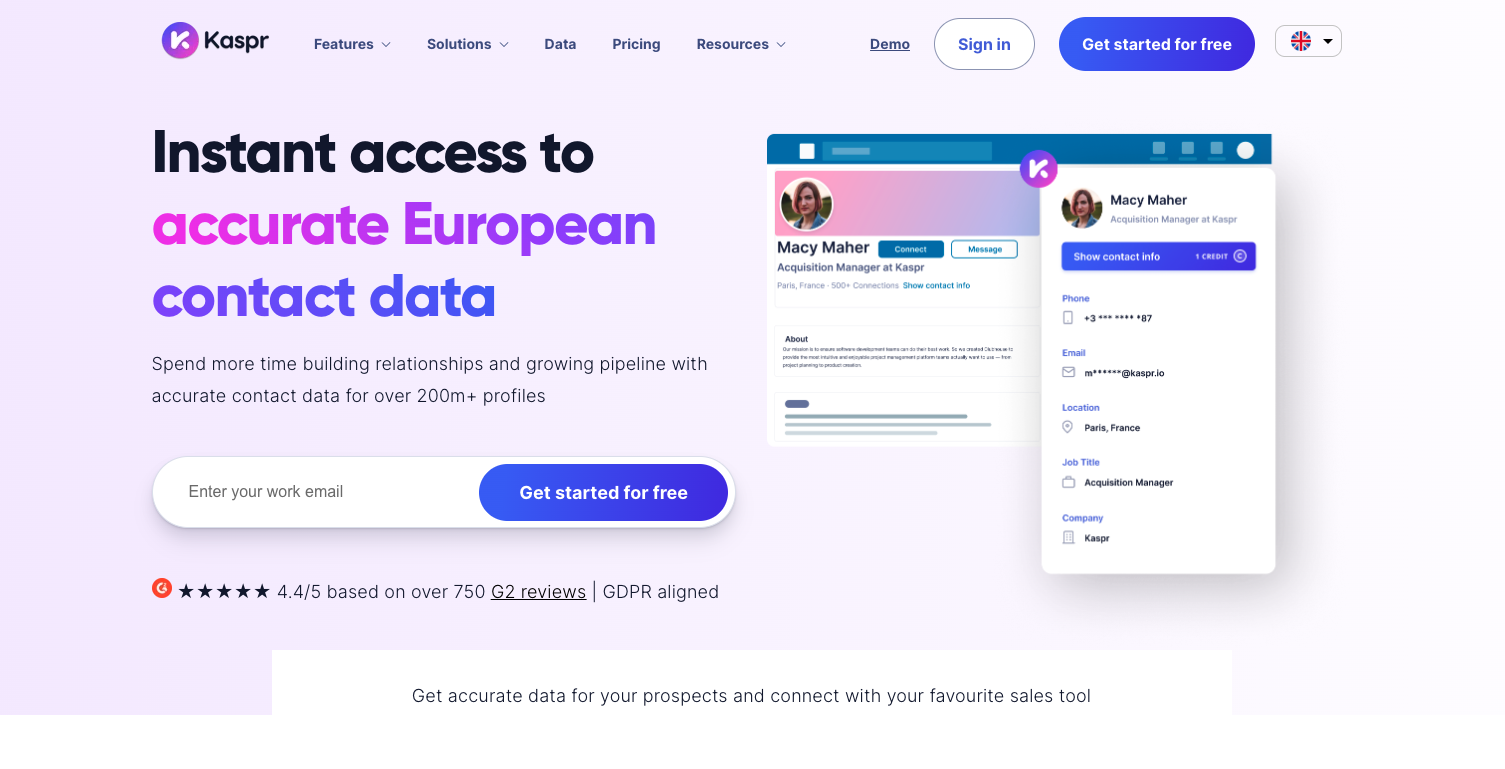
Kaspr reveals B2B emails, direct emails, and phone numbers from LinkedIn. It can save contacts to lists, export to a CRM, enrich LinkedIn URLs, and run LinkedIn cadences.
Key features: #
Chrome extension, email and phone reveals, list management, CRM export, LinkedIn URL enrichment, cadences, and higher-tier API controls.
Pricing: #
Free provides 15 B2B email credits, five phone credits, five direct-email credits, and 10 exports monthly. Starter costs EUR 59 per license for unlimited B2B emails, 100 phone credits, and 1,000 exports. Business costs EUR 99 with 200 phone and direct-email credits plus 2,500 exports. Enterprise offers larger allowances and support.
Pros:#
Email and phone numbers appear on the LinkedIn page.
Free exports for each major contact type.
CRM exports reduce manual entry.
Cons:#
Your LinkedIn account needs at least 20 connections.
Sales Navigator support begins on Starter.
Free export limits are tight.
11. ContactOut: Best for recruiting-led LinkedIn email lookup#
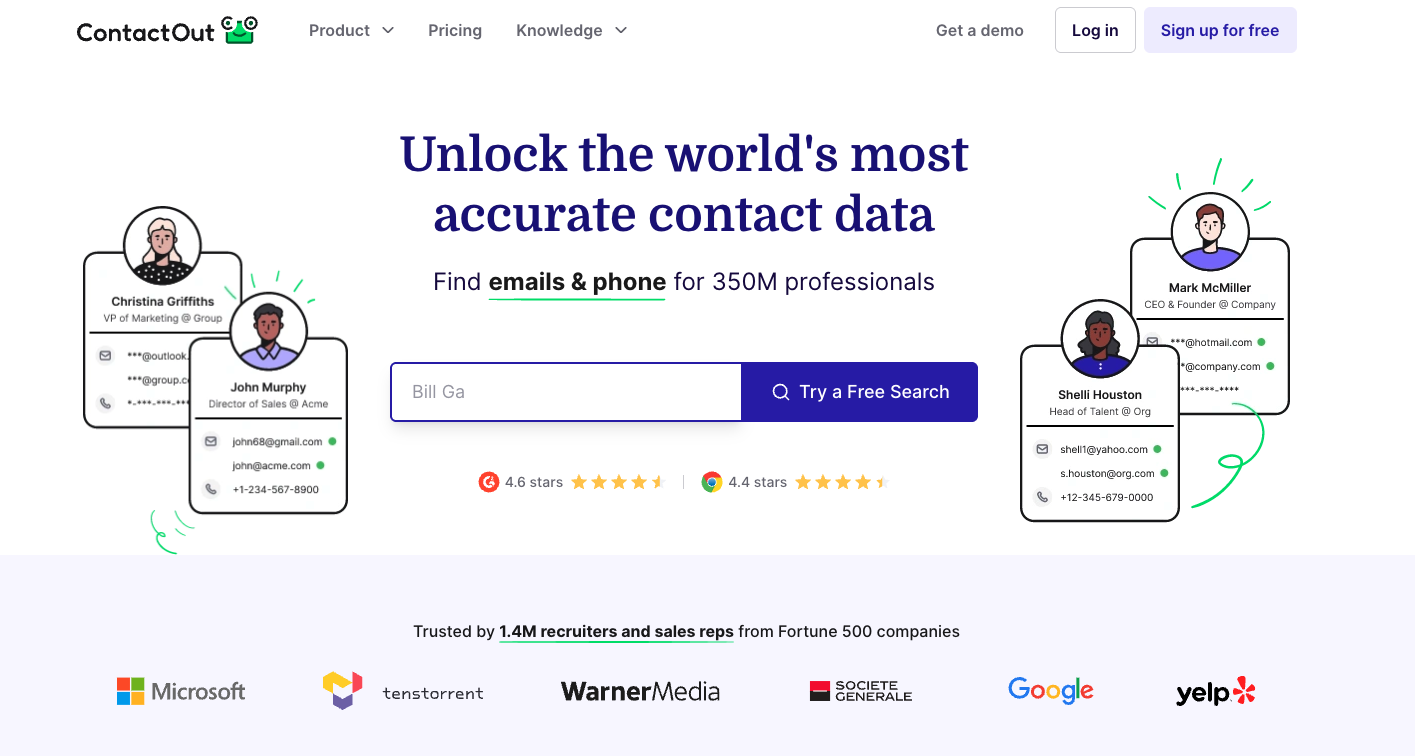
ContactOut focuses on recruiting and sourcing. It returns work emails, personal addresses, and phone numbers through an extension and Search Portal, then supports enrichment and simple campaigns.
Key features: #
Professional and personal emails, phones, profile extension, Search Portal, exports, enrichment, campaigns, ATS or CRM integrations, and API packages.
Pricing: #
Free provides five emails, five phones, and five exports each day, plus a premium-feature trial. Email costs $49 monthly for unlimited reveals and 300 exports. Email + Phone costs $99 with unlimited phones and 600 exports. Team and API packages use custom pricing.
Pros:#
The daily free credits are handy for occasional lookups.
Access to personal emails can be useful for recruiting.
The Search Portal lets you search without clicking through profiles one by one.
Cons:#
Team pricing is only available by quote.
Export limits still apply, even on unlimited reveal plans.
If you only need a work email, the recruiting features may be more than you need.
12. Lusha: Best when phone data matters as much as email#
Lusha combines a B2B database with a browser extension, contact reveals, list building, enrichment, and higher-tier automation. Its shared credits support both email and phone work.
Key features: #
LinkedIn contact reveal, email and direct dial data, database search, enrichment, CRM integrations, API, and team controls.
Pricing: #
Free costs $0 and gives you monthly credits without needing a card. Starter and Pro increase the shared credit allowance. Premium adds automation and integrations, while Scale adds enterprise administration and negotiated pricing.
Self-serve pricing varies by package, with entry pricing reported at around $29 per user per month. Free also acts as the ongoing trial.
Pros:#
Email and phone details are part of the same reveal workflow.
Shared credits can be used across different data tasks.
Paid credits can roll over within plan limits.
Cons:#
The pricing structure makes unit-price comparisons harder.
Free usage is better for sampling than for production
13. SignalHire: Best for contact lookup across LinkedIn and GitHub#
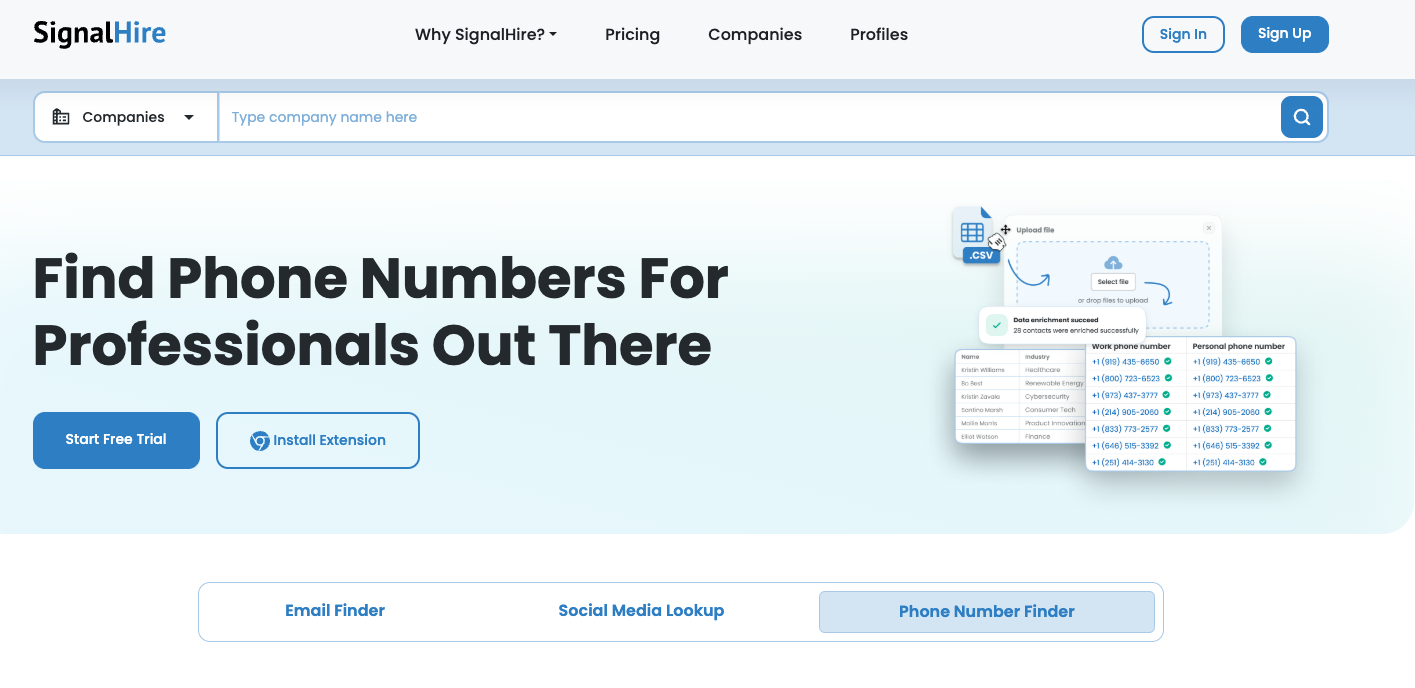
SignalHire follows prospect research across LinkedIn, GitHub, X, Facebook, and Meetup. It returns emails, phones, and public profile links, then supports CSV enrichment and integrations.
Key features: #
Multi-site browser extension, people and company search, email and phone lookup, CSV enrichment, exports, ATS or CRM connections, and API access.
Pricing: #
Free starts with five credits, or 10 monthly credits after extension installation. Email costs $69 monthly for 1,000 credits. Phones cost $69 for 435. Email + Phone is $139 monthly for 900 combined credits. The highest annual package raises capacity without per-user fees. Free is the trial route.
Pros:#
Research can continue from LinkedIn to GitHub.
Paid plans do not add seat fees.
Failed lookup does not consume a contact credit.
Cons:#
Separate email and phone packages split the budget.
Cross-network lookup does not qualify buying intent.
14. RocketReach: Best for broad person and company research#
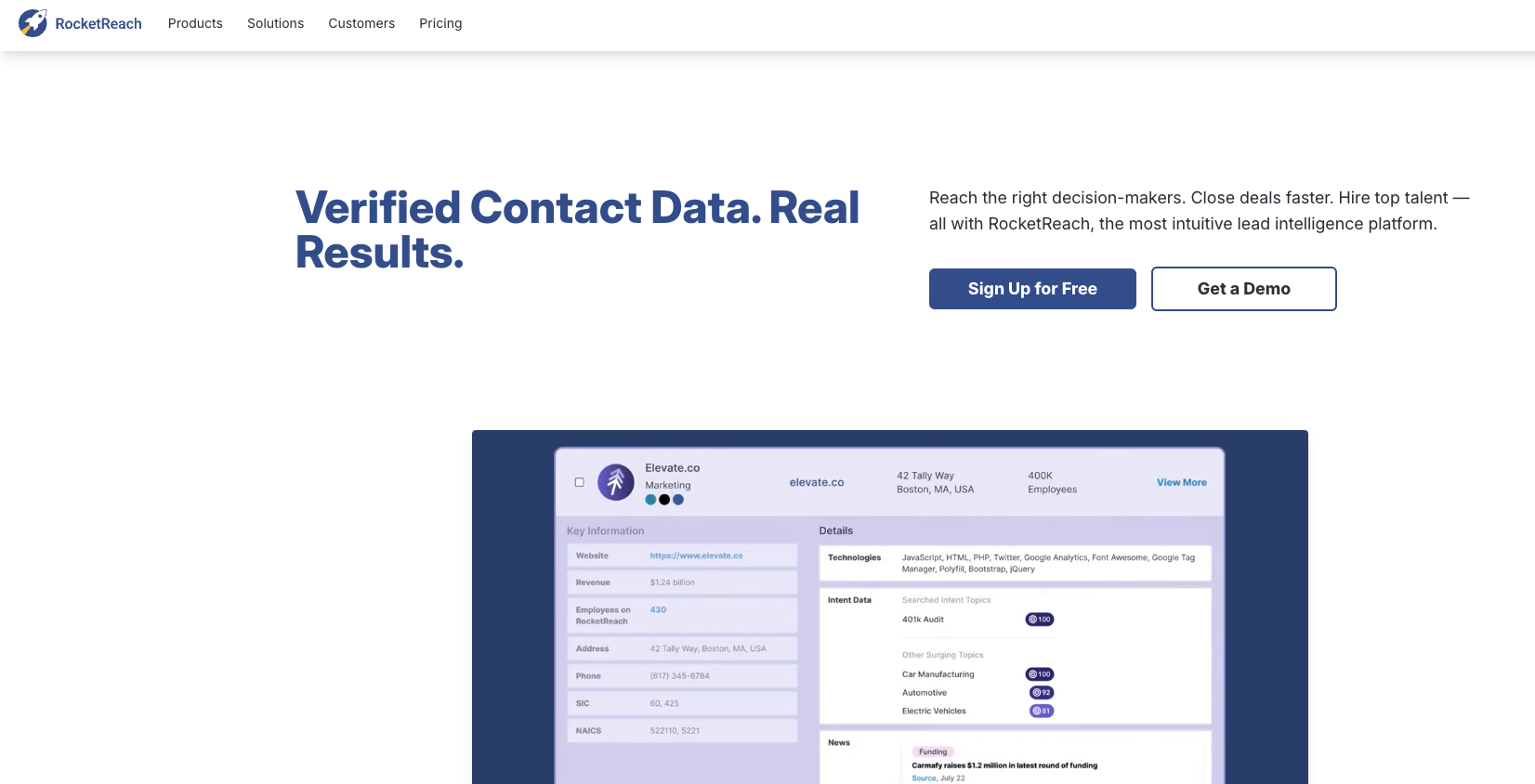
RocketReach searches people and companies by role, employer, location, and career history. Its extension supports profile research, while bulk lookup, CRM integrations, and API packages handle larger lists.
Key features: #
Person and company search, work emails, direct dials, browser lookup, bulk enrichment, exports, CRM connections, and API access.
Pricing: #
Free provides limited lookups and access to extensions. Individual subscriptions are available monthly and annually. Prices vary by contact-data package, with entry access reported near $39 per month. Team, API, and high-volume packages raise lookup allowances. Free is the ongoing trial route.
Pros:#
You can search broadly without needing a profile URL.
Company and career details make it easier to tell apart people with common names.
Email and phone options support mixed outreach.
Cons:#
The package options make it harder to see the cost per contact.
Free lookups aren’t enough for a weekly list.
API usage gets expensive quickly.
15. Anymail Finder: Best for pay-for-verified email lookup#
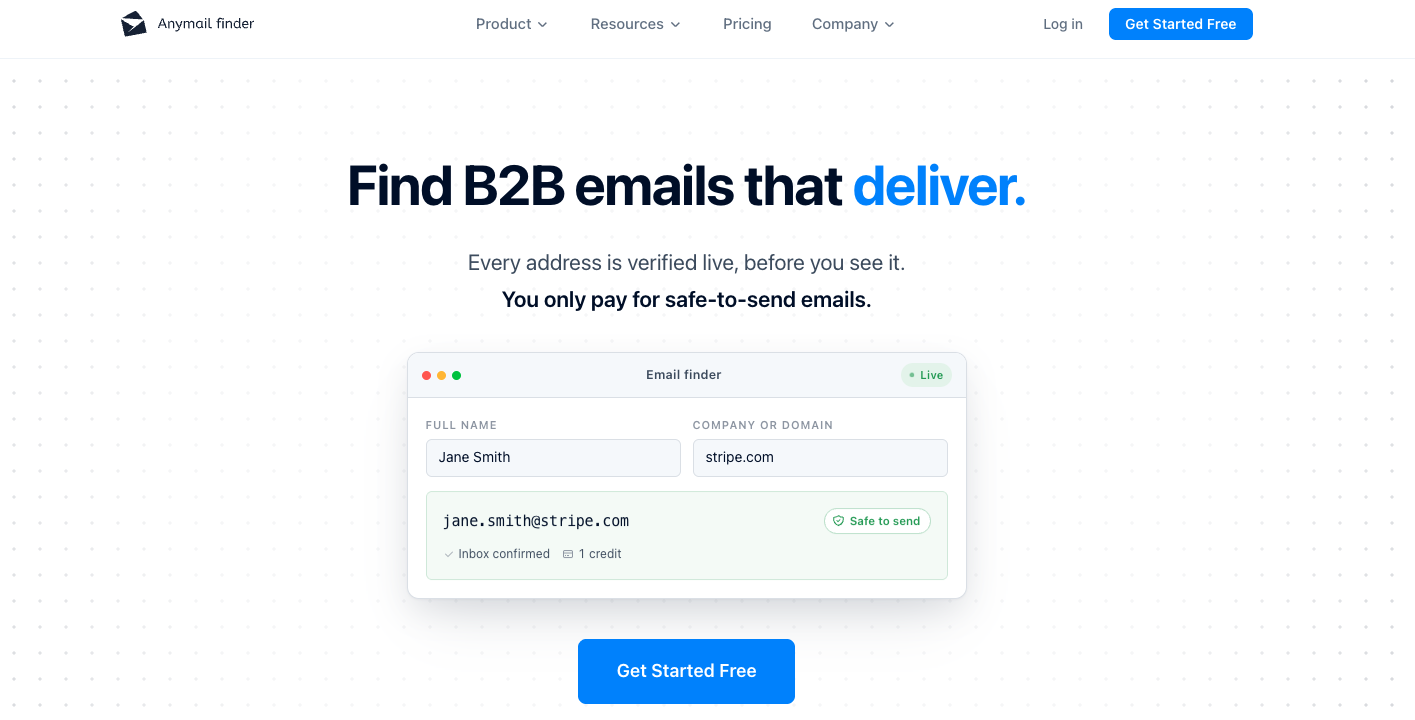
Anymail Finder accepts a person's name and company, a domain, or a LinkedIn URL. It verifies the candidate address against the mail server and charges only when the result passes its check.
Key features: #
Name-and-company lookup, LinkedIn URL input, live verification, CSV and Excel processing, API, webhooks, and credit refunds for verified results that bounce.
Pricing: #
The 14-day trial includes 100 verified credits and requires a card, with no automatic charge at the end. Plans start at $29 monthly for 400 credits and reach $199 for 10,000. Enterprise covers larger volumes. Paid credits roll over while the subscription remains active.
Pros:#
Failed searches are free.
Billing follows verified output.
API lookups use the same verification rule.
Cons:#
The trial requires a payment card.
There is no native in-page LinkedIn overlay.
Outreach sequences require another product.
Best free LinkedIn email finder tools#
Free allowances are most useful for testing accuracy on contacts you already know. Build a control list of 20 to 25 people with current roles and valid work emails. Compare found addresses, verified results, wrong-company matches, catch-all results, and misses.
Skrapp: 50 monthly credits, with LinkedIn and Sales Navigator support. Best first test for a free LinkedIn email finder extension.
SalesQL: 50 data credits plus 100 verifier credits each month. Useful when you want detailed LinkedIn profile extraction.
Hunter: 50 monthly credits. Best when you have a name and company rather than a Sales Navigator list.
Prospeo: 100 monthly credits. A larger free sample for verified email and mobile enrichment.
GetProspect: 50 valid emails plus 100 verifications monthly. Good for small lists that need a basic workspace.
Wiza: 20 emails and five phones. A compact test of live LinkedIn export and verification.
CommunityTracker's Free plan monitors one Reddit keyword, so it is not the free choice for LinkedIn signal discovery. LinkedIn coverage starts at $39 per month on Starter. You can try with a 3-Day free trial.
Pick a LinkedIn email finder by workflow#
The right tool depends on what you have before the lookup begins.
Existing LinkedIn or Sales Navigator list: Use Wiza for live export and verification. Skrapp or SalesQL costs less for smaller volumes.
Name plus company: Start with Hunter. Anymail Finder fits verified-only billing and LinkedIn URL lookup.
Large database plus sequences: Apollo covers contact search, enrichment, CRM sync, and outreach. Snov.io offers a leaner email-first setup.
ICPs actively posting or showing intent on LinkedIn: CommunityTracker finds the person from the signal, enriches available contact data, preserves the post, and lets you build warm email and LinkedIn sequences.
Recruiting and personal contact routes: ContactOut deserves the shortlist.
Email plus direct dial: Compare Kaspr and Lusha by the credits your actual contact mix consumes.
Count the usable verified emails and divide the subscription price by that number. A plan with 2,000 credits can cost more per usable contact than a smaller plan that charges only for verified results.
Use CommunityTracker to find the signal and start a warm sequence#
Wiza works best when you already have a Sales Navigator list. Hunter is great for careful name-and-company lookups, while Apollo connects a database to sequences. Each of these tools solves a clear contact-data problem.
CommunityTracker is useful earlier in the buying journey. It finds emails while people are still discussing a problem, a competitor, or a purchase. It then enriches the contact, keeps the original post in view, and helps you reach warm prospects through email and LinkedIn sequences.