12 HeyReach Alternatives I Considered for Effective LinkedIn Outreach
12 HeyReach alternatives for LinkedIn outreach, buyer-signal discovery, multichannel sequences, lead data, and campaign control.
Adarsh Kumar
GTM Expert
Founder — CommunityTracker, Miraa.io, and Infraboxes
HeyReach is strong at what it was built for: running LinkedIn campaigns across multiple sender accounts and managing replies from one inbox.
But that does not make it the right choice for every outbound setup.
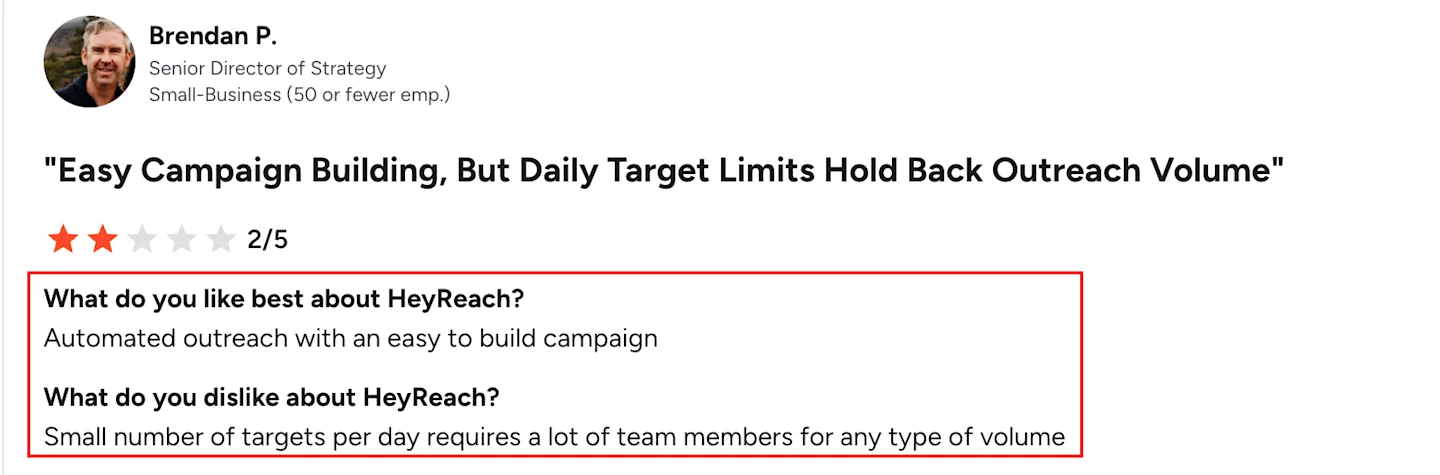
You may be looking for a HeyReach alternative because you need a more affordable plan, better campaign reliability, email and calling alongside LinkedIn, or a way to find prospects who are already showing buying intent. LinkedIn’s daily activity limits can also make adding more senders necessary when you want to increase volume.
The alternatives in this guide solve different parts of that problem. CommunityTracker is my first pick for finding people actively discussing a relevant need before outreach begins. Expandi is the closest option for controlled LinkedIn automation. La Growth Machine is better when LinkedIn, email, and calls need to work within the same campaign.
TL;DR
CommunityTracker: It finds people already discussing a relevant need, keeps the original post as context, and lets you continue through LinkedIn or email.
Salesforge: I would choose Salesforge when LinkedIn and email need to work together, especially across multiple sender accounts. Its Growth plan includes unlimited LinkedIn senders, although outreach actions still consume credits.
Expandi: It helps you run cloud-based LinkedIn campaigns with detailed controls and account safeguards.
Dripify: I found Dripify easier to understand than most LinkedIn automation tools. It works well for straightforward sequences, but the email side feels secondary.
Waalaxy: Waalaxy makes sense when you want a simpler, lower-cost setup. Its limits are easier to understand, though advanced campaigns can feel restrictive.
lemlist: I would choose lemlist when email remains the main channel and LinkedIn supports the sequence. Its personalisation and email workflow are stronger than its LinkedIn automation.
La Growth Machine: LGM works better when you want LinkedIn, email, and calls to react to prospect behaviour. It offers more flexibility, but setting up detailed paths takes longer.
Linked Helper: Linked Helper gives you a lot for the price, especially if you do not mind running a desktop application. The interface and setup feel less polished than cloud-based tools.
Salesflow: Salesflow is more useful when several people manage multiple LinkedIn accounts. Its central controls matter more for teams than for a solo user.
Meet Alfred: Meet Alfred stands out when you want to build campaigns around LinkedIn groups, events, post engagement, and profile activity. I would not choose it only for basic connection sequences.
Apollo: Apollo makes more sense when prospect data and email outreach matter more than advanced LinkedIn automation. The database is the main reason to choose it.
Reply.io: Reply.io works well for email-led outreach that also includes calls, tasks, and LinkedIn steps. I would choose it for broader outbound rather than LinkedIn-first campaigns.
PhantomBuster: PhantomBuster gives you more freedom to extract data and assemble custom automations. That flexibility comes with more setup and maintenance than a dedicated outreach platform.
HeyReach: I would stay with HeyReach when multi-sender LinkedIn outreach is the main priority. Its account rotation, shared inbox, and agency workspace remain difficult to replace with one tool.
Why people look beyond HeyReach
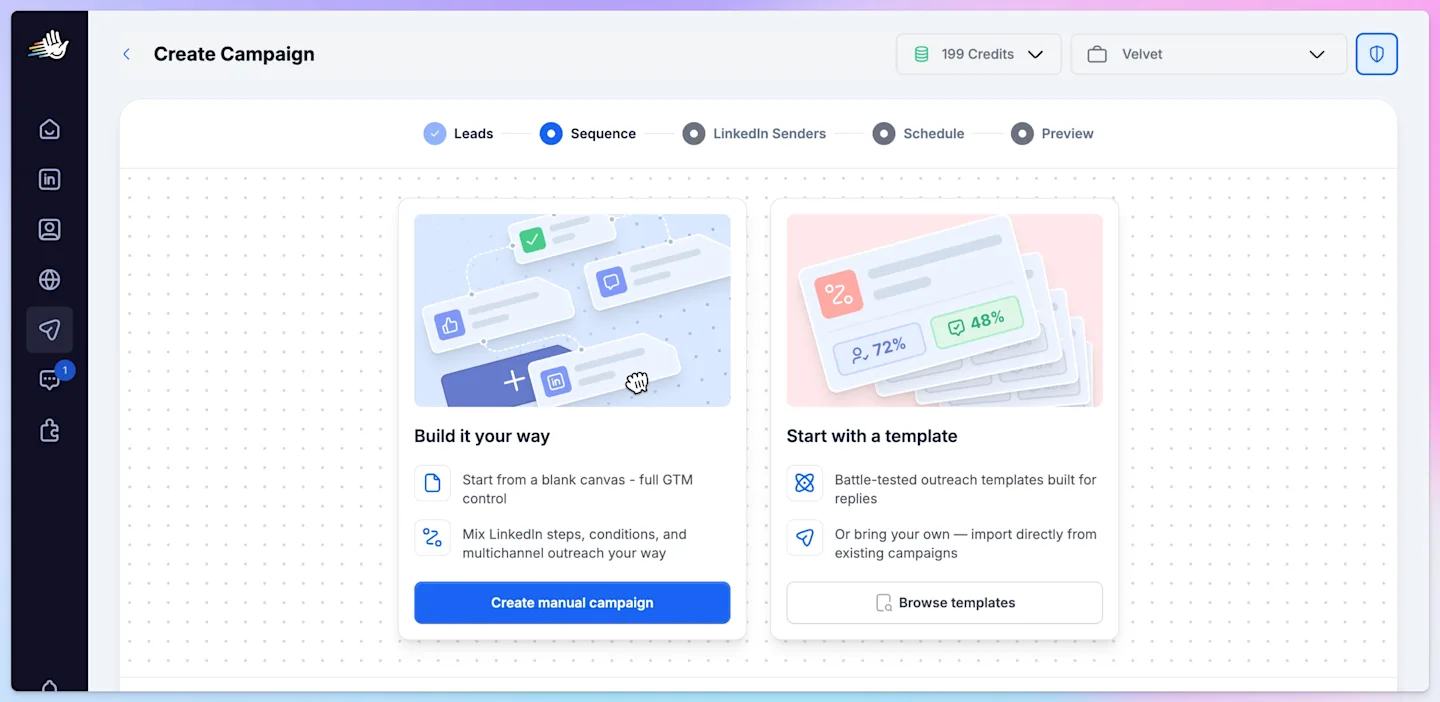
HeyReach makes the most sense when you need to run LinkedIn outreach across several sender accounts.
The $79 monthly plan includes unlimited campaigns, a unified inbox, multichannel steps, and 100 enrichment credits for each sender. Agencies can also add pooled senders, separate client workspaces, and white-label access.
That setup works well when LinkedIn volume and account management are the priorities. It becomes harder to justify when your problem sits outside the sequence itself.
You may need to find people who are already discussing the problem you solve, build and enrich a prospect list before outreach begins, or coordinate LinkedIn, email, and calls within one campaign. A solo user may also prefer a lower-cost plan without paying for features designed around agency operations.
Some teams need even more flexibility. They want to extract engagement data, apply their own qualification rules, and route each lead into a custom workflow rather than sending every contact through the same sequence.
This is the main difference between HeyReach and several alternatives in this guide.
HeyReach starts with a prospect list and helps you contact it at scale. Buyer-signal tools such as CommunityTracker start with a current conversation, identify the person behind it, and give you the context needed to reach out through LinkedIn or email.
That changes both who enters the campaign and what you can say when you contact them.
How I evaluated these HeyReach alternatives
I compared each tool based on how well it supports the full outreach process, not just LinkedIn automation.
I reviewed product features, pricing, campaign structure, integrations, and the amount of manual work required before and after a sequence starts. I did not run live campaigns in every tool, so the recommendations focus on product fit rather than personal performance claims.
Prospect timing: Does the tool help you find people with a current need, or does it only work with an existing list?
Campaign control: Can you personalise steps, pause campaigns, add conditions, and stop outreach after a reply?
Channel coverage: Can LinkedIn, email, and calls work together within the same campaign?
Contact data and CRM sync: Can you enrich contacts and keep campaign activity connected to your CRM?
Practical pricing: What does the first useful plan include, and which limits require an upgrade?
HeyReach alternatives comparison
Tool | Choose it over HeyReach when you need | LinkedIn outreach | Email and other channels | Pricing | Main limitation |
|---|---|---|---|---|---|
CommunityTracker | A way to find people showing buying intent before adding them to outreach | Finds relevant LinkedIn conversations and supports contextual LinkedIn outreach | Email and phone outreach, contact enrichment, meeting links, and lead qualification | Starts at $39/month | Not designed for rotating large numbers of LinkedIn sender accounts |
Salesforge | LinkedIn + email outreach across multiple accounts without per-sender subscription fees | Conditional sequences, connection requests, messages, InMails, unlimited senders on Growth | Cold email, AI personalization, mailbox warm-up, unified inbox | Starts at $48/month, or $40/month billed annually | Credit-based LinkedIn actions; no built-in cross-platform buyer-signal discovery |
Expandi | A close HeyReach replacement with detailed campaign controls | Advanced cloud-based sequences, conditions, smart limits, and account safeguards | LinkedIn remains the main channel | $99/account/month | Costs rise as you add LinkedIn accounts |
Dripify | A simpler interface for running standard LinkedIn campaigns | Connection requests, messages, follow-ups, conditions, and inbox management | Basic email steps | Starts at $59/user/month, or $39 annually | The entry plan allows one active campaign and lower daily limits |
Waalaxy | Lower-cost LinkedIn automation for a solo user or small team | Ready-made sequences, connection requests, messages, and follow-ups | Email outreach on higher plans | Starts at €19/user/month | Invitation allowances depend on the plan |
lemlist | Email should lead the campaign while LinkedIn supports it | LinkedIn visits, connection requests, and messages inside multichannel sequences | Email, calling tasks, SMS, and WhatsApp | Multichannel plans start around $109/user/month | Credits and enrichment usage can increase the total cost |
La Growth Machine | You want LinkedIn, email, and calls to follow conditional paths | LinkedIn actions sit inside visual, behaviour-based sequences | Email, calls, voice messages, and X | Starts at €60 per identity/month | Pricing increases with each sending identity |
Linked Helper | You want detailed LinkedIn automation at a lower price | Extensive LinkedIn actions, campaign conditions, CRM, and data export | Email finding, webhooks, and external integrations | Standard monthly licence starts at $15 | Runs as a local desktop application rather than a fully managed cloud platform |
Salesflow | You manage several LinkedIn accounts and need team controls | Central campaign management, inboxes, templates, and account-level reporting | Email and multichannel sequences | Starts at $99/seat/month; volume plans reduce the seat price | The lower per-seat rates require larger teams |
Meet Alfred | You build campaigns from LinkedIn groups, events, posts, and engagement | Automates profile visits, connections, messages, groups, events, and post interactions | Email and X outreach | Published pricing varies by plan and billing term | Advanced sourcing and team features may require a higher plan |
Apollo | You need contact data and email sequencing more than LinkedIn automation | Supports LinkedIn tasks rather than full native LinkedIn campaign automation | B2B database, email sequences, dialer, enrichment, and CRM sync | Starts at $49/user/month with annual billing | It does not replace HeyReach for multi-sender LinkedIn automation |
Reply.io | You want email-led campaigns with optional LinkedIn and calling steps | Adds LinkedIn actions through its multichannel setup | Email, calls, SMS, WhatsApp, tasks, and data | Pricing depends on the selected outreach package | LinkedIn capabilities and pricing require close plan comparison |
PhantomBuster | You want to extract LinkedIn data and build your own prospecting workflows | Automates searches, profile extraction, engagement data, and selected LinkedIn actions | Connects with email tools, CRMs, APIs, and more than 15 data sources | Paid plans start at $69/month | Execution hours and automation-slot limits require monitoring |
1. CommunityTracker: Best for outreach triggered by buyer intent
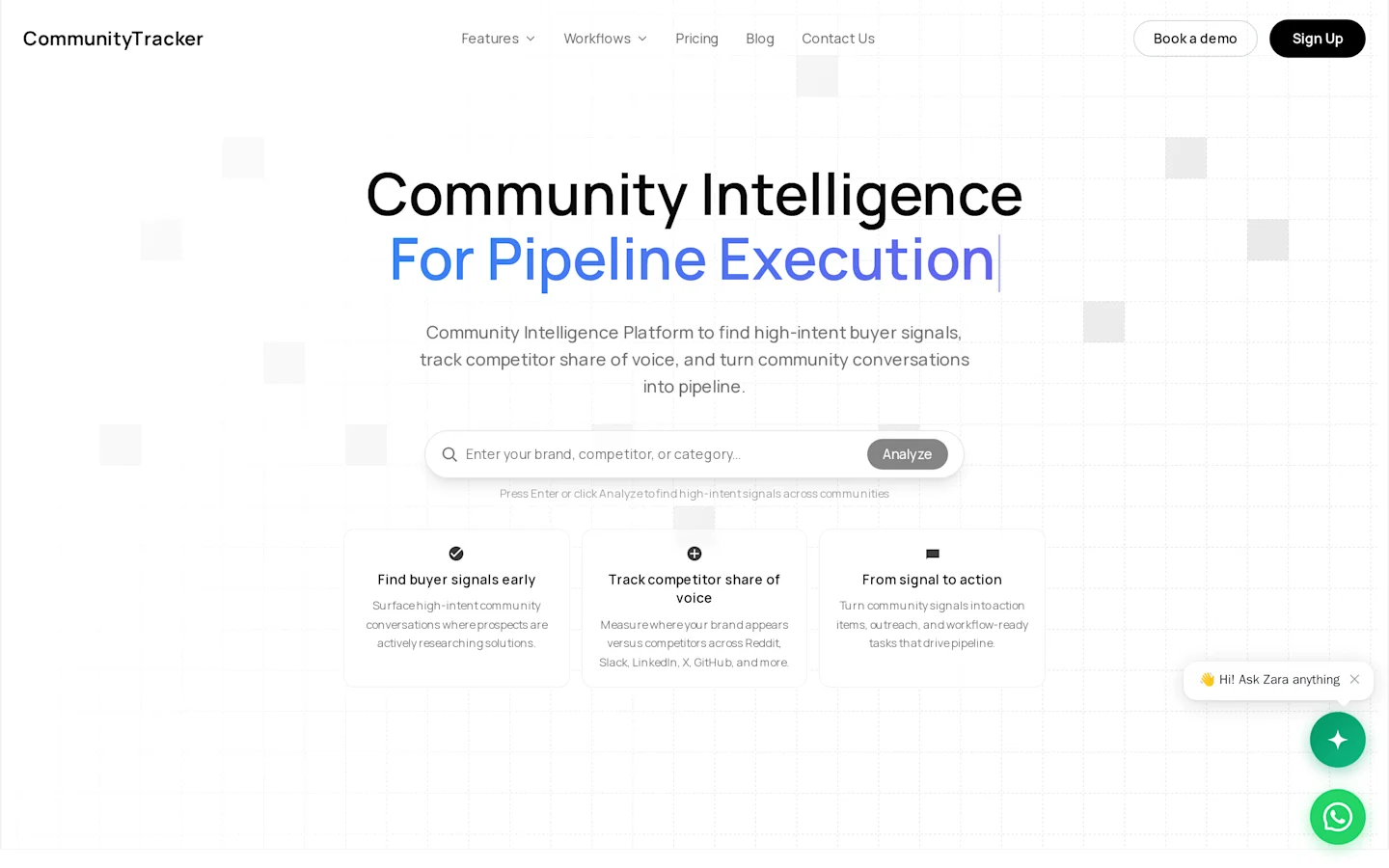
CommunityTracker makes more sense when you do not want to start with a static prospect list.
It monitors LinkedIn, Reddit, X, Bluesky, Hacker News, Indie Hackers, Dev.to, Stack Overflow, Product Hunt, GitHub, and Slack for conversations that match your keywords, ICP, competitors, and buying triggers. It then scores those mentions, adds the surrounding context, and helps you decide which ones deserve outreach.
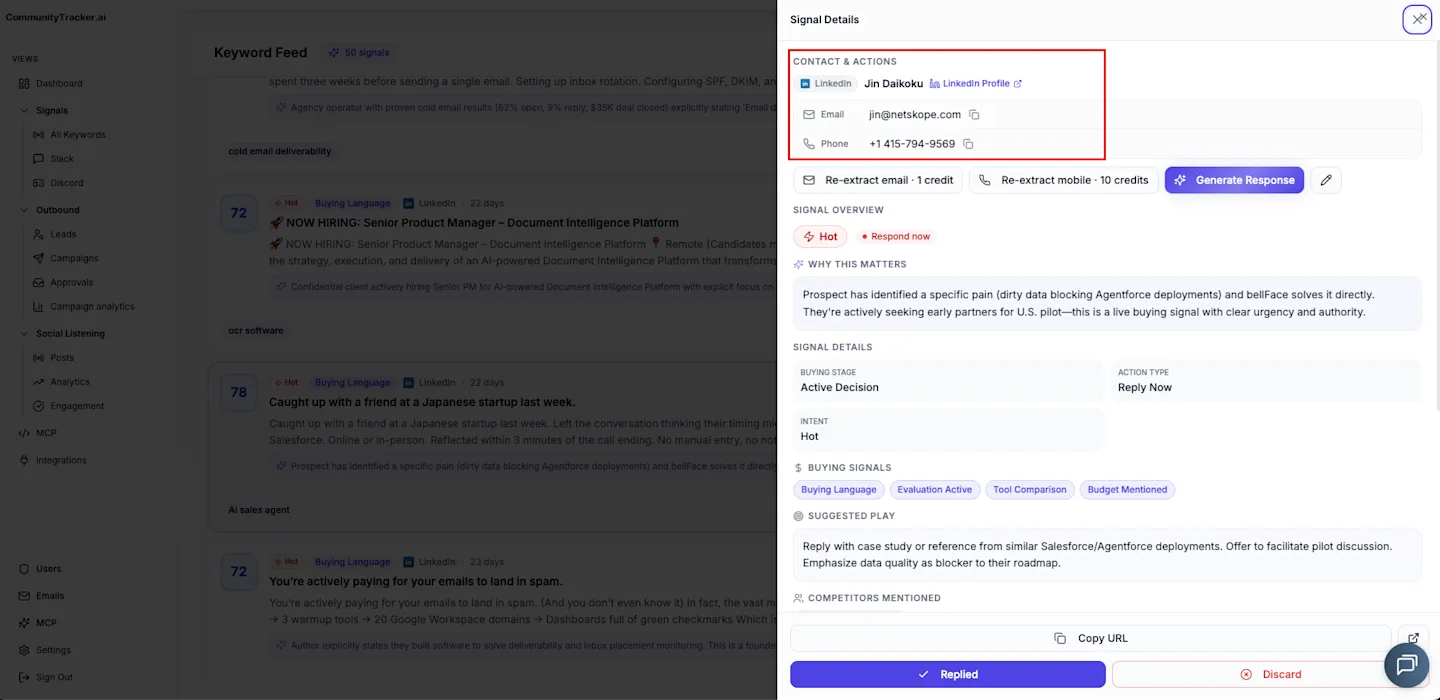
For example, someone asking for an alternative on LinkedIn has already revealed the problem, the product they may replace, and the reason they are looking elsewhere. CommunityTracker can identify that signal, find available contact details, draft a relevant response, and move the lead into LinkedIn or email outreach.
That is the main difference from HeyReach.
HeyReach works best when you already have a qualified list and want to scale LinkedIn campaigns across one or more sender accounts. CommunityTracker helps create that list from people who are already discussing a need.
The original post stays attached to the lead, so the first message can refer to a real complaint, recommendation request, pricing concern, or competitor mention. You do not have to force personalisation from a job title or company description.
CommunityTracker also separates strong buying signals from general mentions. A direct replacement request can move to Slack for immediate follow-up, while a low-intent discussion stays in the dashboard for later review.
Key capabilities
Tracks buyer, competitor, and problem signals across 11 platforms.
Scores mentions based on buying intent and ICP relevance.
Finds available LinkedIn, email, phone, company, and role details.
Drafts contextual responses using the original conversation.
Supports LinkedIn and warm email outreach from the signal.
Sends Slack alerts for leads that require quick follow-up.
Pricing
CommunityTracker starts at $39 per month. The $99 Pro plan includes ten keywords, all 11 platforms, unlimited mentions, AI intent scoring, unlimited warm emails, and Share of Voice. A limited free plan is also available for testing one keyword.
Pros
Starts outreach from an expressed need instead of a broad prospect list.
Keeps the original conversation attached to each lead.
Connects discovery, contact enrichment, scoring, and outreach.
Supports both LinkedIn and email follow-up.
Cons
It does not publish or schedule LinkedIn content.
The Starter plan only covers four platforms.
HeyReach offers stronger sender rotation and multi-account campaign controls.
Who should choose CommunityTracker?
Choose CommunityTracker when finding the right prospect at the right time matters more than increasing LinkedIn sending volume.
Expandi is a better fit when you already have qualified LinkedIn lists and need deeper sequence control. Apollo makes more sense when you mainly need a large contact database and email outreach.
Related Read: Our guide to competitor monitoring tools explains how signal capture differs from broad mention collection.
2. Salesforge: Best for scaling LinkedIn and cold email outreach
Salesforge is a HeyReach alternative for teams that want to run LinkedIn and cold email campaigns together without paying separately for every LinkedIn sender.
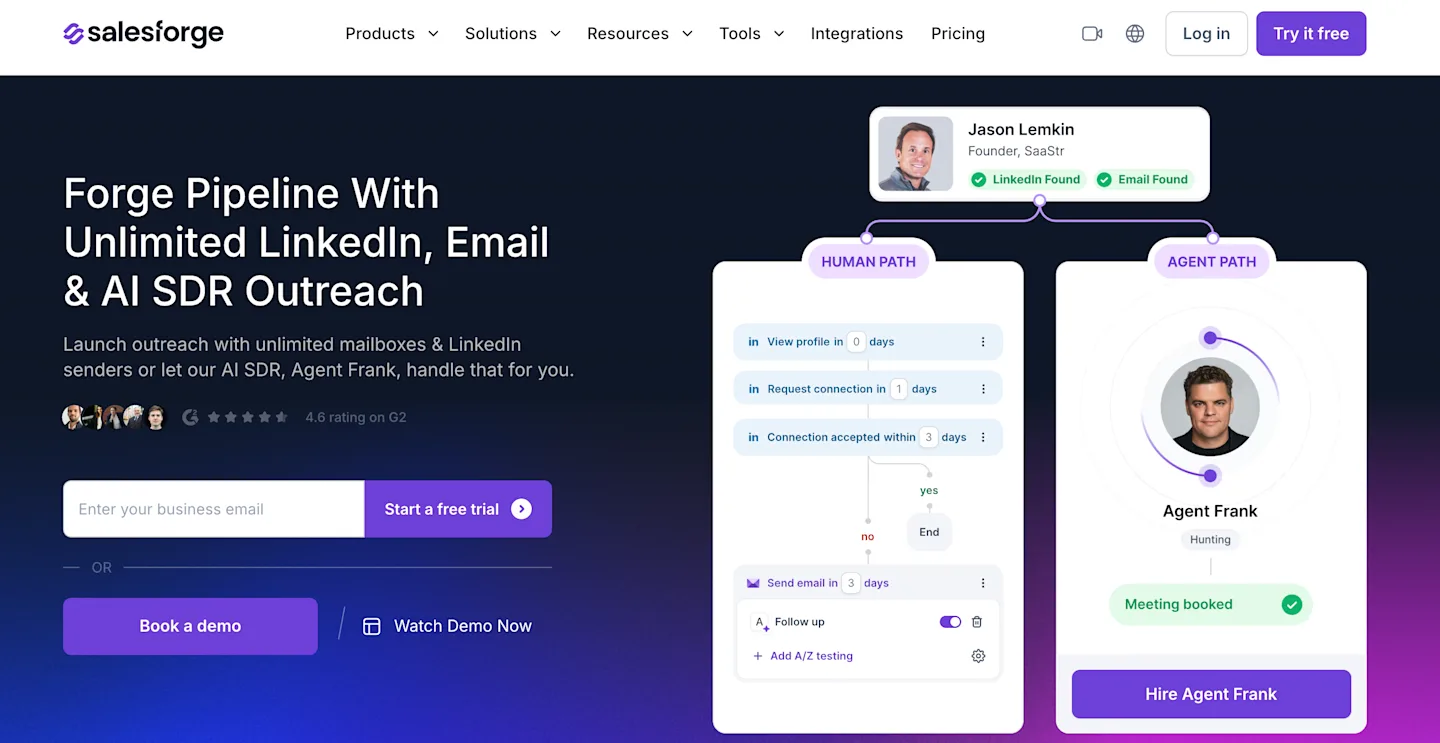
Unlike HeyReach, which focuses primarily on LinkedIn outreach, Salesforge lets you combine connection requests, LinkedIn messages, InMails, and cold emails within the same sequence. You can also create conditional paths based on prospect activity, so a campaign can move between email and LinkedIn without requiring separate workflows.
What makes Salesforge particularly interesting is its pricing structure. The Growth plan supports unlimited LinkedIn senders, email accounts, and users under one subscription. This becomes relevant for agencies and outbound teams managing multiple sending accounts.
The email side is another reason to consider it. Salesforge includes mailbox rotation, email validation, AI personalisation, and unlimited mailbox warm-up through Warmforge. Replies from LinkedIn and email can be managed through its Primebox inbox.
However, Salesforge is primarily an outreach execution platform. It doesn't independently identify prospects discussing relevant problems across social platforms. You'll still need a prospect list, Leadsforge, or a buyer-signal platform such as CommunityTracker to find people worth contacting.
Capabilities:
Native LinkedIn and email outreach within conditional sequences.
Unlimited LinkedIn senders on Growth, plus unlimited connected email accounts.
LinkedIn connection requests, messages, InMails, profile visits, and engagement actions.
AI email personalisation, email validation, mailbox rotation, and warm-up.
Unified inbox for managing LinkedIn and email replies.
HubSpot, Pipedrive, API, webhooks, and integrations with the wider Forge Stack.
Pricing:
Salesforge Pro starts at $48/month ($40/month billed annually), including one LinkedIn sender, unlimited email accounts, 1,000 active contacts, and 5,000 emails per month.
Growth costs $96/month ($80/month billed annually) and includes unlimited LinkedIn senders, 10,000 active contacts, 50,000 emails per month, and 1,000 monthly social action credits.
A 14-day free trial is available.
Pros:
Unlimited LinkedIn senders on Growth without separate per-account subscription fees.
Combines LinkedIn and cold email in one campaign.
Built-in email warm-up, validation, and mailbox rotation.
Conditional sequences can react to prospect behaviour.
Works with the wider Forge Stack for lead sourcing and email infrastructure.
Cons:
Doesn't independently discover live buying signals across social communities.
LinkedIn actions are credit-based, even with unlimited connected senders.
Lead sourcing through Leadsforge and dedicated email infrastructure may add separate costs.
Doesn't provide native calling, SMS, or WhatsApp sequences.
Choose Salesforge when you already have a qualified prospect list and want to run LinkedIn and email outreach across multiple accounts. HeyReach remains a more focused choice for LinkedIn-first campaigns, while CommunityTracker is better suited to finding prospects who are showing buying intent before outreach begins.
3. Expandi: Best for precise LinkedIn campaign control
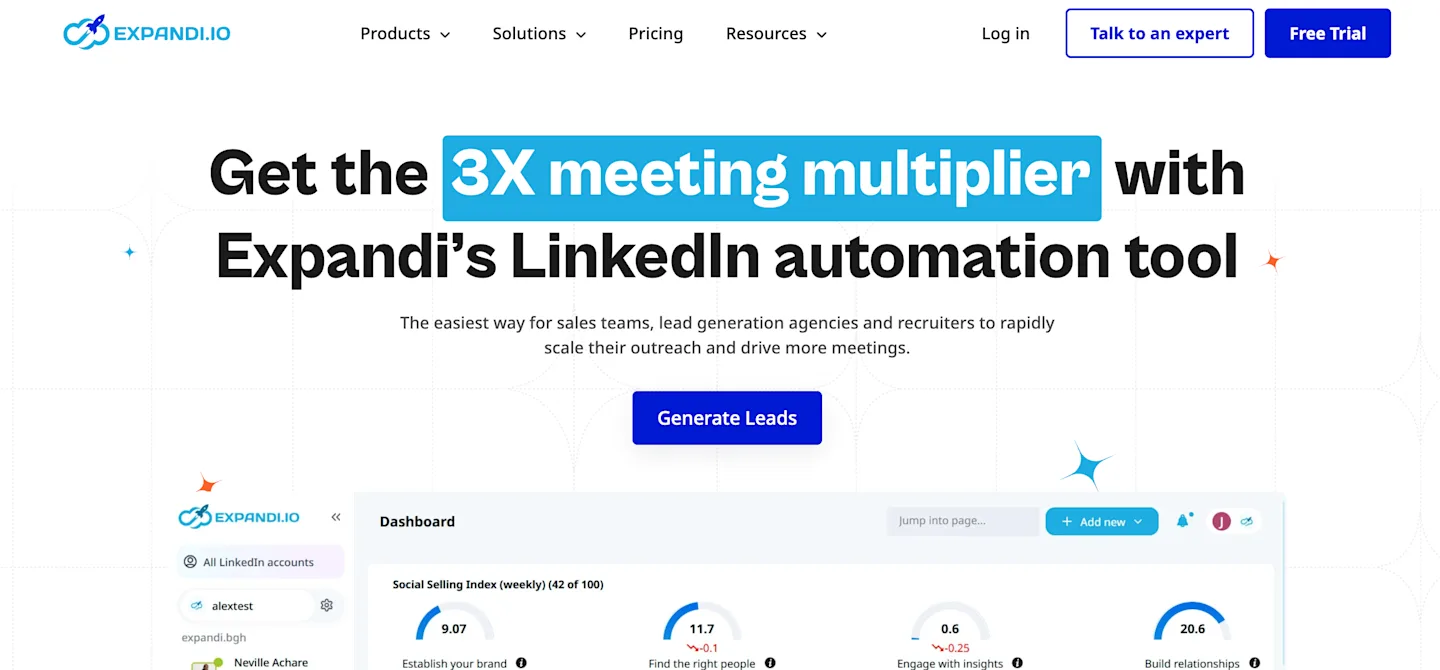
Expandi is one of the closest HeyReach alternatives for users who still want a LinkedIn-first platform but prefer a simpler one-account setup.
It runs campaigns in the cloud, assigns a country-based IP address, and lets you control daily limits for connection requests, messages, profile visits, and InMails. You can also create different paths for connected and unconnected prospects instead of sending every lead through the same sequence.
That level of control is the main reason to choose Expandi. You can slow activity, adjust limits, separate new connections from follow-ups, and keep campaigns running without leaving your computer switched on.
The trade-off is prospect sourcing. Expandi automates the list you give it, but it does not tell you which prospects are actively discussing a problem or showing a current buying signal. You still need Sales Navigator, a CSV list, or another prospecting source before the campaign starts.
Key capabilities
Cloud-based LinkedIn automation with a dedicated country-based IP.
Adjustable limits for connections, messages, profile visits, and InMails.
Conditional sequences based on connection status and prospect behaviour.
Profile warm-up and gradual activity controls.
Webhooks and integrations for CRM and workflow routing.
Pricing
Expandi costs $99 per LinkedIn account each month. It does not offer a permanent free plan, but the seven-day trial includes access to its main Business features.
Pros
Gives you detailed control over LinkedIn activity.
Runs campaigns in the cloud without a local application.
Supports more campaign conditions than simpler LinkedIn tools.
Keeps pricing straightforward for one account.
Cons
Every additional LinkedIn account adds another $99.
You must bring your own prospect list.
Email plays a smaller role than it does in full multichannel platforms.
Choose Expandi when you already know whom to contact and want tighter control over how LinkedIn outreach runs. CommunityTracker fits earlier in the process when finding people with a current need matters more than managing the sequence.
4. Dripify: Best for launching LinkedIn campaigns quickly
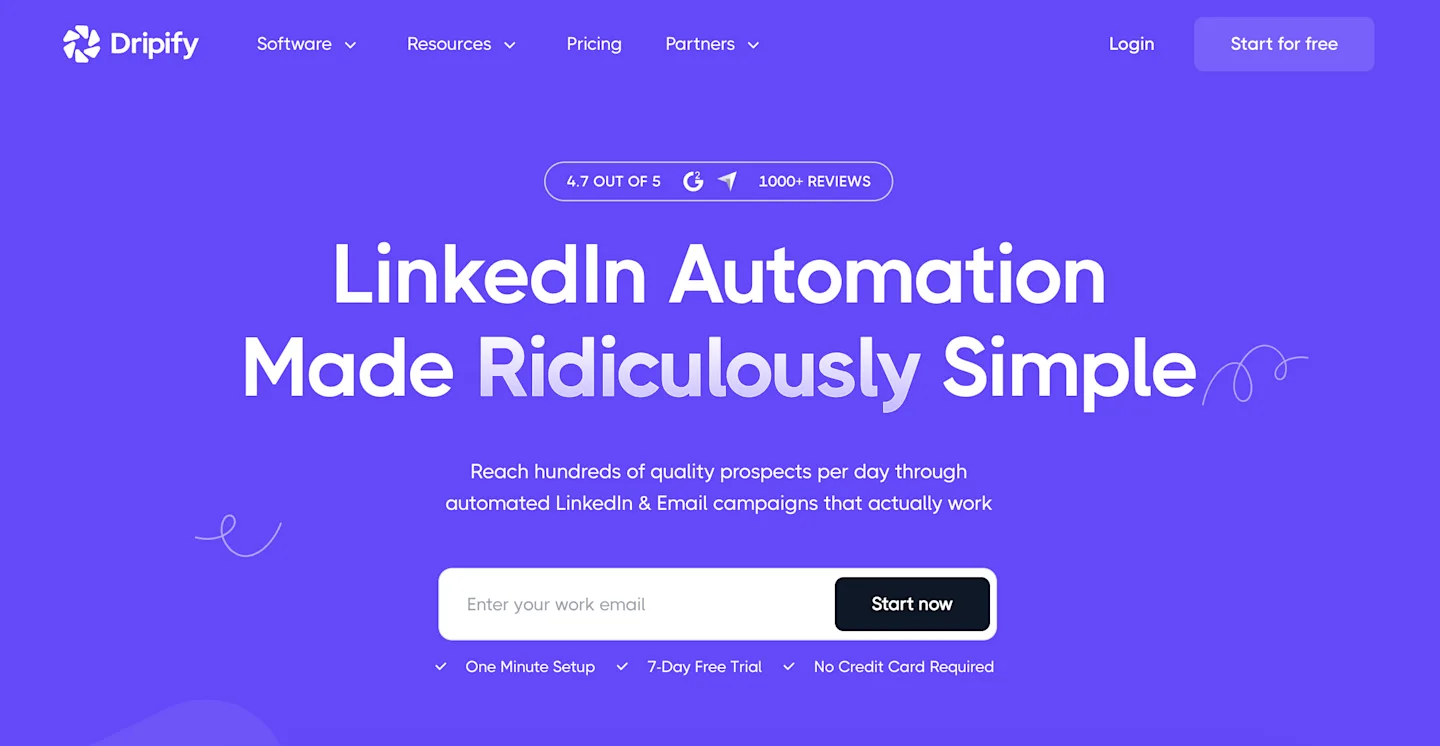
Dripify suits users who want to set up a LinkedIn campaign without spending much time learning the platform.
You can import prospects, arrange connection requests and follow-ups, add email steps, and review campaign performance from the same interface. The builder is easier to follow than many automation tools, which makes Dripify practical for a solo user or a small sales team.
The Basic plan works mainly as a trial setup because it allows only one active campaign. That becomes limiting as soon as you want to test a second audience, run another offer, or keep a separate re-engagement campaign active. Pro is the more practical plan for regular use.
Dripify still starts with an imported list or LinkedIn search. It improves campaign execution, but it does not help you identify prospects who have recently shown buying intent.
Key capabilities
LinkedIn and email steps inside one sequence.
Personalisation using more than 15 variables.
Central inbox on Pro and Advanced plans.
CSV export, webhooks, Zapier, and CRM connections.
Campaign, team, and account-level reporting.
Pricing
Basic costs $59 per user monthly, or $39 with annual billing, and allows one active campaign. Pro costs $79 monthly and removes the campaign limit. Advanced costs $99 and adds team management features. A seven-day trial is available without a card.
Pros
Makes campaign setup easy to understand.
Keeps sequences, replies, and reporting in one place.
Supports basic email follow-ups alongside LinkedIn.
Works well for a first LinkedIn automation setup.
Cons
The Basic plan becomes restrictive quickly.
Prospect discovery depends on imported lists or LinkedIn searches.
Per-user pricing adds up when several accounts need automation.
Choose Dripify when you want to launch standard LinkedIn sequences quickly. Choose HeyReach when sender rotation and multi-account management matter more.
5. Waalaxy: Best for lower-cost LinkedIn and email outreach
Waalaxy offers a more affordable entry point than HeyReach and clearly states how many LinkedIn invitations each plan includes.
The Pro plan supports up to 300 invitations per month. Advanced raises the limit to 800 and adds API and automation integrations. Business keeps the 800-invitation allowance and adds cold email, email-finder credits, and multichannel campaigns.
This structure works well when you know your monthly outreach volume. The invitation limits make it easier to plan campaigns and measure whether a narrow audience converts before increasing activity.
The Business plan creates the most meaningful alternative to HeyReach. You can follow a missed LinkedIn connection with email, find missing contact details, and manage both channels from the same campaign.
Waalaxy does not solve prospect timing, though. It helps you contact a selected audience, but it does not tell you whether those people have recently discussed a need, competitor, or switching trigger.
Key capabilities
Ready-made LinkedIn sequences and automated follow-ups.
LinkedIn CRM and campaign management.
API, Make, Zapier, and n8n access on Advanced.
LinkedIn and cold email campaigns on Business.
Included email-finder credits on the Business plan.
Pricing
Pro costs €19 per user monthly and includes 300 invitations. Advanced costs €49 and includes 800 invitations. Business costs €69 and adds email campaigns plus 500 email-finder credits. All plans include a 14-day free trial.
Pros
Costs less than most HeyReach alternatives.
Makes invitation limits easy to understand.
Adds email outreach on the Business plan.
Works well for one LinkedIn account with predictable volume.
Cons
The Pro invitation allowance may be too low for regular outreach.
API access requires the Advanced plan.
It does not identify active buying signals.
Advanced branching remains limited compared with specialist multichannel tools.
Choose Waalaxy when you want straightforward LinkedIn outreach at a lower price. HeyReach remains better for agencies or teams managing pooled senders and multiple client workspaces.
6. lemlist: Best when email matters as much as LinkedIn
lemlist covers more of the outbound process than HeyReach.
Its multichannel plan combines email, LinkedIn steps, call tasks, data enrichment, lead data, and reply management in one workspace. That makes it useful when LinkedIn supports the campaign but does not act as the only channel.
For example, you can enrich a contact with a missing email address, send a connection request, follow up by email, and add a call task without moving the lead between separate tools. The contact history stays connected, so one channel can stop when the prospect replies through another.
The main issue is cost visibility. The subscription includes credits, but enrichment, calling, AI research, and other actions can consume those credits at different rates. A campaign may therefore cost more than the published seat price once volume increases.
lemlist also requires more setup than HeyReach. You need to configure sending accounts, enrichment, sequence logic, and channel rules before campaigns run smoothly.
Key capabilities
Email, LinkedIn, and calling steps within one campaign.
Lead database and waterfall contact enrichment.
Shared multichannel inbox and inbox rotation.
AI-assisted research and message personalisation.
Calling, SMS, and WhatsApp options on supported plans.
Pricing
Multichannel Expert costs $109 per user monthly and includes 400 credits and 400 calling minutes. The 14-day trial includes 200 one-time credits. Email-only plans start at $69 per month. Enterprise pricing is custom and requires at least five seats.
Pros
Combines contact data, enrichment, email, LinkedIn, and calls.
Keeps replies and campaign activity connected to one lead.
Includes deliverability controls for email campaigns.
Can replace several separate outbound tools.
Cons
Credit usage can raise the monthly cost.
Setup takes longer than with a LinkedIn-only platform.
Smaller teams may pay for channels they do not use.
It does not provide the same multi-sender LinkedIn rotation as HeyReach.
Choose lemlist when email drives most of your outreach and LinkedIn supports it. Choose HeyReach when LinkedIn sender rotation remains the main requirement.
Also Read: CommunityTracker review of Common Room shows a different way to think about signals before a sequence begins.
7. LGM: Best for visual multichannel sequences
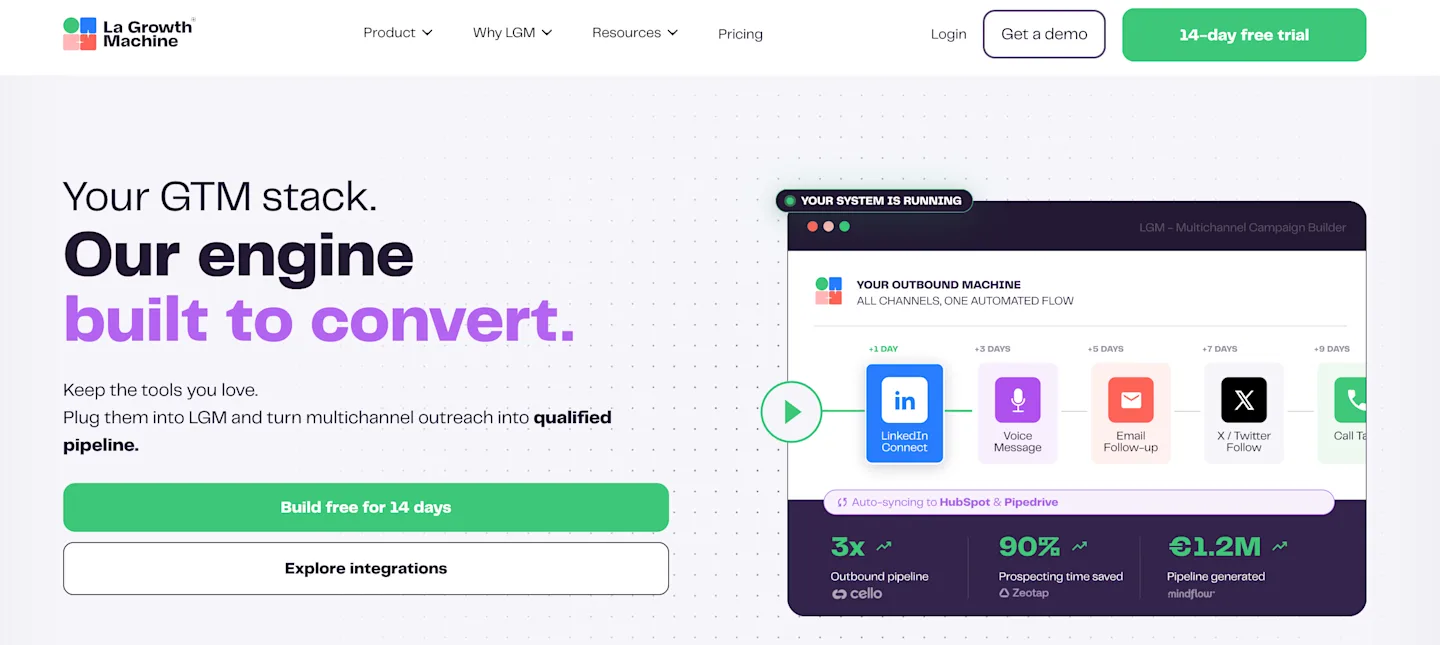
LGM gives you a visual way to coordinate LinkedIn actions with email and calls. The Pro plan adds social warming and a unified inbox. Rotating senders protect the email side, while A/B tests and engagement imports give you more control over who advances through each branch.
It is a good fit when sequence logic matters. Billing follows each active identity, so the monthly total rises with every LinkedIn profile that launches campaigns.
The visual builder earns its cost when one branch follows an accepted request, another sends email after a delay, and a third creates a call task, because the operator can see the contact's path without reconstructing it from several disconnected activity logs.
Identity billing changes the economics at scale, since each active profile carries a license, each license can connect several sending inboxes on higher plans, and the total therefore depends on both the people launching campaigns and the email volume behind them.
Capabilities:
LinkedIn and email on Basic, with calls added on Pro.
Waterfall email enrichment across several providers.
Social warming through profile visits, follows, and post likes.
Unified inbox plus rotating sending inboxes.
HubSpot and Pipedrive synchronization on Ultimate.
Pricing:
Basic costs €60 per identity each month and includes 250 enriched leads. A 14-day free trial requires no card. Pro costs €120 and adds calls, 400 enriched leads, and up to five sending inboxes. Ultimate costs €120 with 1,000 enriched leads and CRM workflow controls, while custom plans start at €150 with a six-month commitment.
Pros:
The sequence builder supports richer channel coordination.
Social warming gives a contact context before a direct ask.
Enrichment and campaign execution live together.
Cons:
Every sending identity carries its own fee.
Native CRM depth sits on the upper tier.
A simple LinkedIn sequence does not need this much machinery.
LGM beats HeyReach when calls and rotating email inboxes belong in the same path. HeyReach remains cleaner for managing a large pool of LinkedIn senders.
Also Read: How to Track Mentions on Twitter (X) in 2026: The Complete Playbooks
8. Linked Helper: Best for low-cost desktop automation
Linked Helper runs as a desktop application and uses fixed-term licences rather than automatic subscription renewal. It supports detailed LinkedIn actions, campaign chains, contact management, and data export at a much lower entry price than most cloud-based tools.
That pricing works well for a solo user or a fixed campaign with one person managing the LinkedIn account, device, and settings.
The main limitation is the local setup. The computer needs to remain available for campaigns to run, and the interface requires more manual configuration than simpler cloud tools. Shared access also becomes harder when several people need to review activity or manage the same campaign.
Choose Linked Helper when low cost and detailed LinkedIn control matter more than cloud access, team visibility, and multi-device convenience.
Capabilities:
Campaign chains with conditions and delays.
LinkedIn profile collection and contact management.
Message sequences plus invitation workflows.
CSV export and external CRM connections.
Manual license renewal with no automatic billing.
Pricing:
Standard costs $15 for one month, with lower monthly equivalents on longer licenses. Pro starts at $45 for one month and adds broader campaign actions and integrations. A 14-day free trial is available for one LinkedIn account; there is no permanent free plan.
Pros:
Entry pricing is among the lowest in this list.
Local operation gives direct control over account activity.
The license model suits short projects.
Cons:
Campaigns depend on the desktop environment.
Setup has more moving parts than a cloud service.
Multi-account management is less natural than HeyReach.
Linked Helper makes sense for one experienced operator who values cost and control. It is a poor match for an agency that needs shared cloud workspaces.
9. Salesflow: Best for larger LinkedIn seat counts
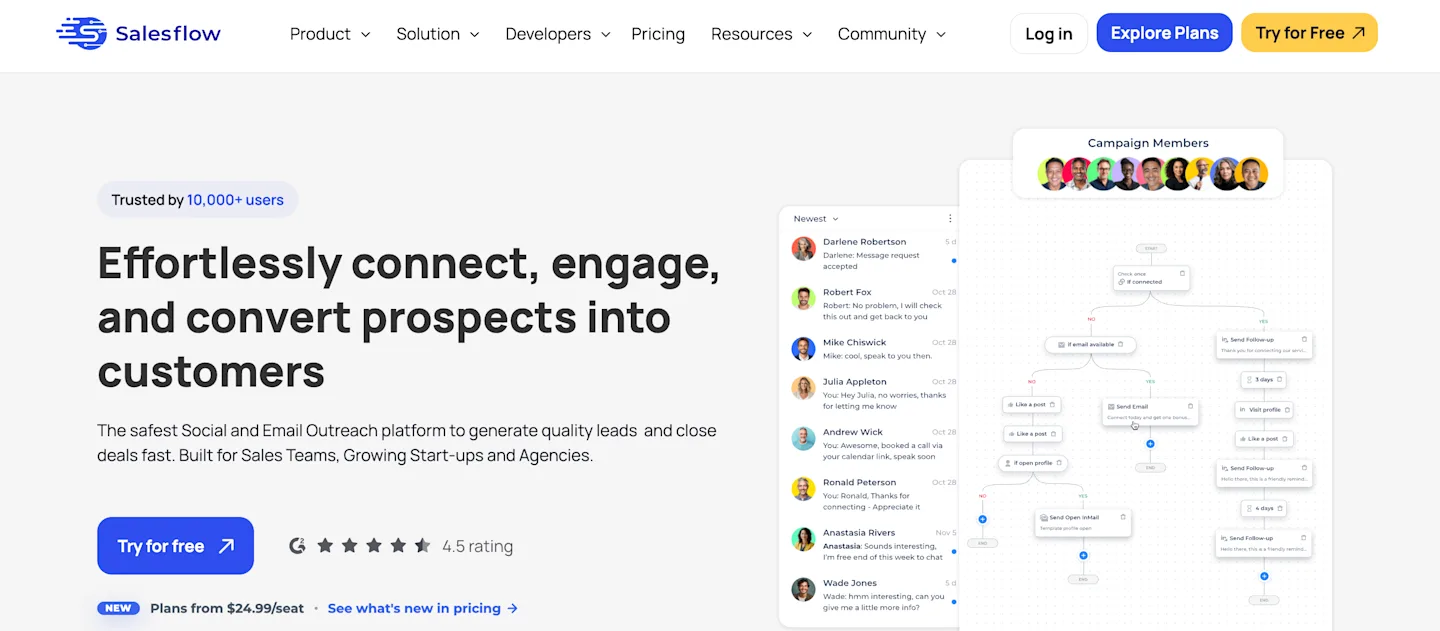
Salesflow combines LinkedIn and email outreach with a unified inbox, campaign analytics, and native integrations with HubSpot and Sales Navigator.
Its main advantage over HeyReach appears at higher seat counts. One seat costs $99 per month, but the published rate falls to $39.95 per seat at 20 seats.
That makes Salesflow more relevant for teams managing many LinkedIn accounts from one place. The lower price only makes sense, though, when those seats stay active and the team uses shared reporting, campaign controls, and duplicate-contact checks properly.
Choose Salesflow when you need team-wide oversight across several LinkedIn accounts. For one or two senders, the pricing advantage is much less compelling.
Capabilities:
Adaptive LinkedIn and email campaign workflows.
Unified LinkedIn and Sales Navigator inbox.
Campaign reporting across both channels.
HubSpot and Zapier connections.
Seat discounts for larger deployments.
Pricing:
Basic starts at $99 per seat monthly for one or more users. A free trial requires no card, with no public usage cap. Starter begins at $70 per seat with five seats. Pro costs $39.95 per seat with 20 seats, while Enterprise reaches $24.99 per seat with 100 seats and an annual commitment.
Pros:
Unit cost improves at meaningful seat volumes.
Reporting connects LinkedIn and email activity.
The inbox helps manage replies from one place.
Cons:
A single user pays the highest rate.
The lowest unit prices require large commitments.
It still begins from an imported or searched prospect list.
Salesflow is worth modeling at 20 seats or more. Below that point, Waalaxy or Dripify may be easier to justify.
10. Meet Alfred: Best for LinkedIn event and group campaigns
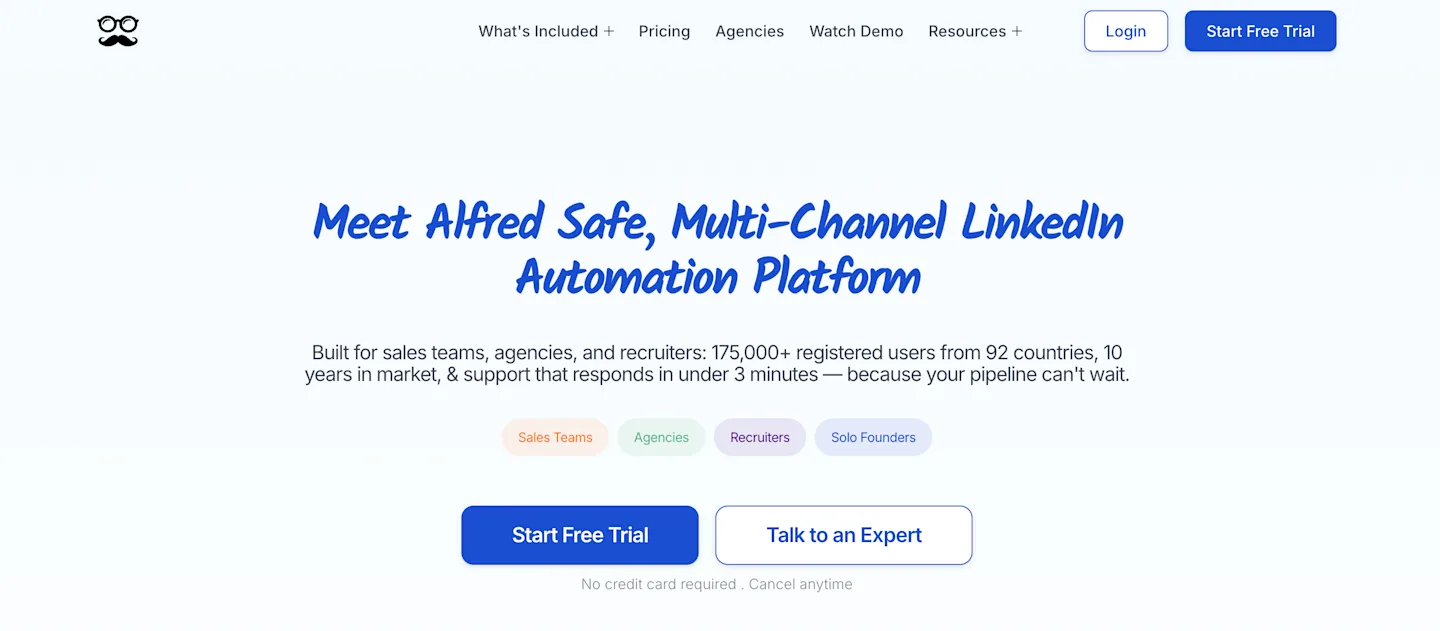
Meet Alfred is most useful when you want to build LinkedIn campaigns from existing engagement rather than rely only on cold prospect lists.
You can source prospects from LinkedIn groups, events, post interactions, newsletters, company pages, and profile searches. The Pro plan also supports Sales Navigator, which makes it easier to combine filtered prospecting with engagement-based audiences.
Its event and post-engagement campaigns are the main reason to choose it over HeyReach. A message sent after someone attends an event or interacts with a relevant post already has a clear opening, so the outreach can refer to a shared topic instead of forcing personalisation from a job title.
The Basic plan limits you to three active campaigns and excludes Sales Navigator. Pro is the more practical option when you want to run several campaigns or build audiences from advanced LinkedIn searches.
Choose Meet Alfred when groups, events, and content engagement play a central role in how you find prospects. HeyReach remains stronger when you need to rotate multiple sender accounts and manage outreach volume across a team.
Capabilities:
Campaigns can begin from events, groups, or posts.
LinkedIn, email, and X steps on Pro.
Inbox and CRM records include tags plus notes.
Zapier and webhook connections.
Post scheduling alongside outreach.
Pricing:
Basic costs $59 per user each month and allows three active campaigns, with annual billing reducing it to $29. Pro costs $99 monthly and adds unlimited campaigns plus Sales Navigator support. No free plan is published, and no trial is listed. Team costs $79 per user monthly and adds shared controls.
Pros:
Engagement sources create better audience context.
Pro covers several outbound channels.
Built-in CRM features suit a compact setup.
Cons:
Basic excludes Sales Navigator.
The pricing page presents overlapping billing figures that need careful selection.
Content scheduling adds breadth without improving prospect qualification.
Meet Alfred wins when LinkedIn event or post engagement supplies the audience. CommunityTracker goes wider by finding signals across all 11 named platforms.
11. Apollo: Best for contact data plus email sequencing
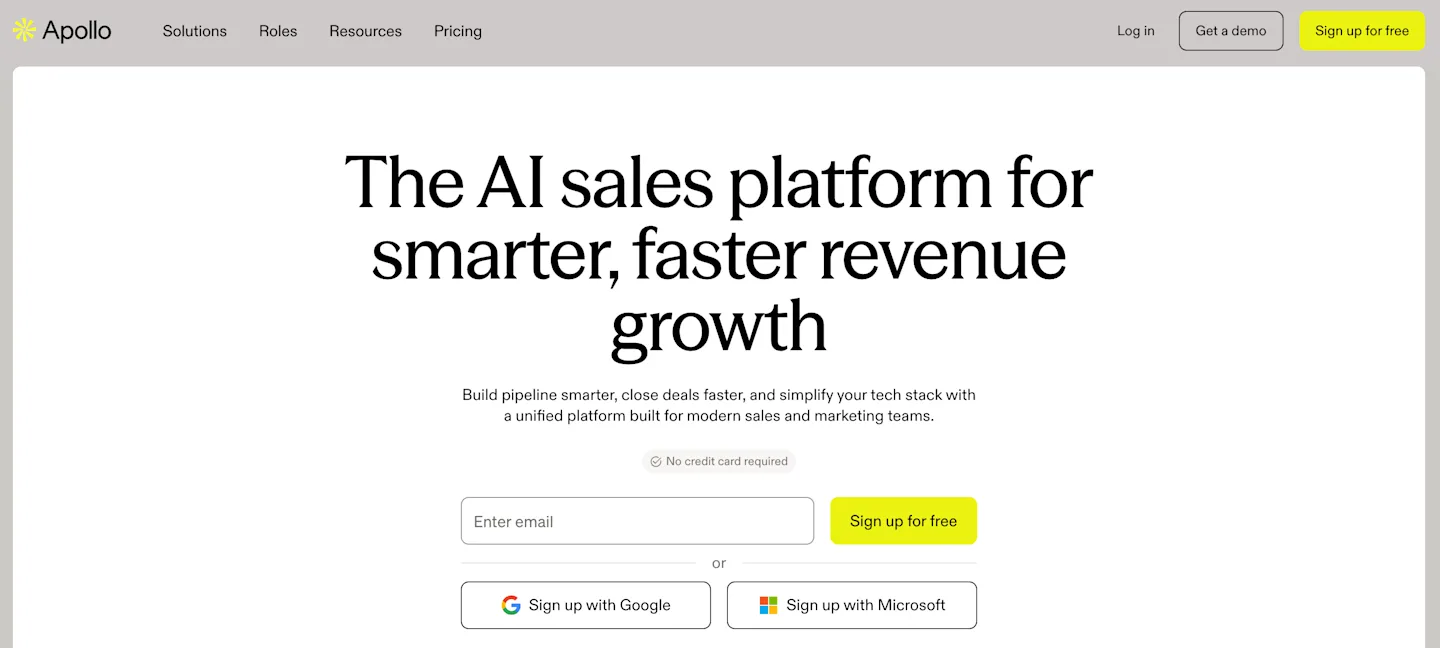
Apollo starts with a large searchable contact database and adds enrichment plus scoring. Sequences turn those records into email campaigns, while CRM connections and calling keep later activity on the same contact. That can replace a data provider and an email sequencer in one purchase.
LinkedIn is present through extensions and workflow tasks. It does not provide the same multi-sender LinkedIn sequencing depth as HeyReach.
Apollo makes the most economic sense when the database replaces another subscription, the credits cover the records you actually export, and email remains the primary channel, because its LinkedIn layer supports the process without trying to reproduce an agency sender pool.
Capabilities:
Contact and company search with advanced filters.
Email and phone enrichment through credits.
Unlimited sequences on paid plans.
CRM connections plus automated workflows.
Dialer, meeting scheduling, and analytics.
Pricing:
The Free plan is $0 with 900 credits per seat each year and two sequences. Basic costs $49 per seat per month on annual billing with 30,000 yearly credits. Professional costs $79 and includes a 14-day free trial. Organization costs $119 per seat with a three-seat minimum and adds advanced controls.
Pros:
Data and email execution share one record.
The free plan can validate search quality.
Paid tiers include substantial annual credit pools.
Cons:
LinkedIn activity is less automated than HeyReach.
Credit use varies by the type of returned data.
A data-first workflow can still miss live buyer timing.
Apollo is the logical purchase when list building is the main expense. For a deeper look at intent sources, our explanation of social media monitoring workflows separates raw mentions from qualified signals.
12. Reply.io: Best for a modular multichannel stack
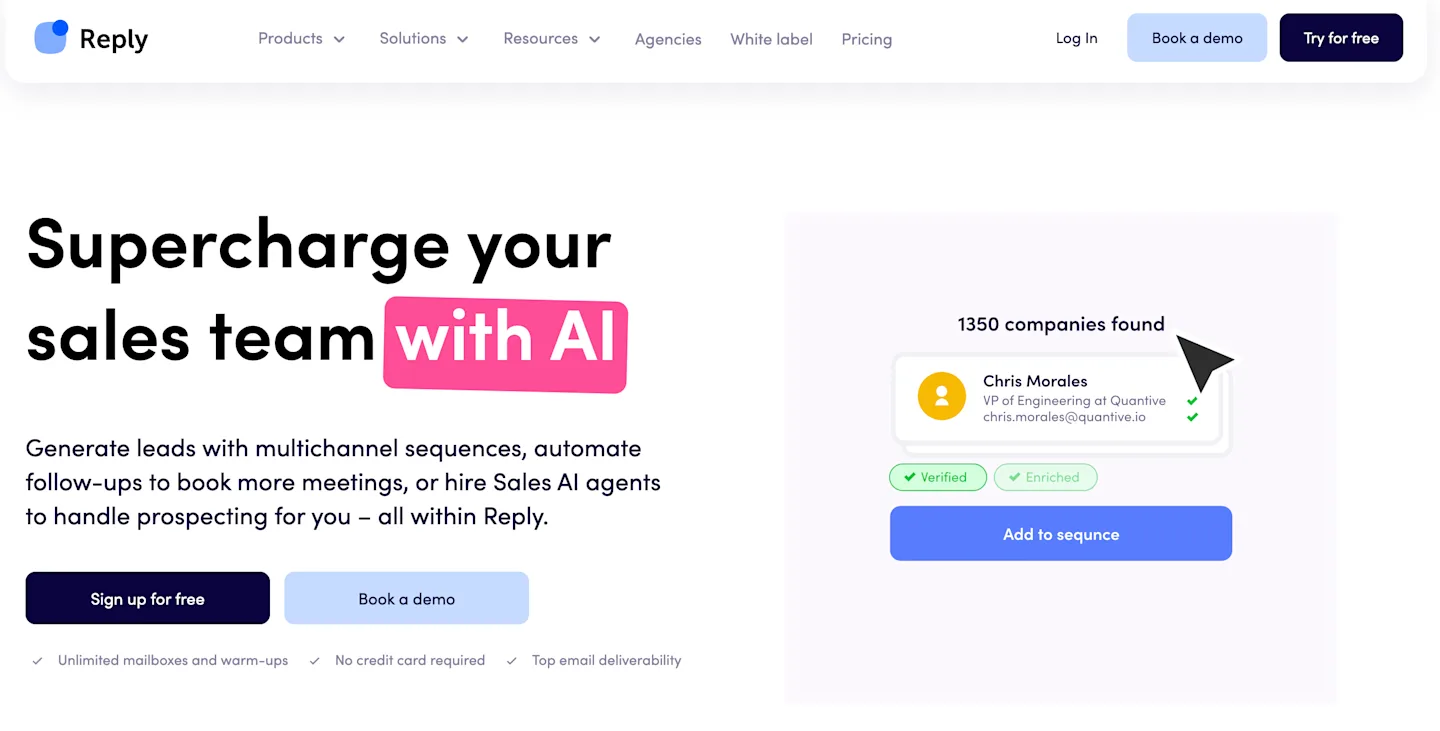
Reply.io lets you start with email-volume pricing and add LinkedIn sequencing or calling. Its multichannel package brings email, LinkedIn, and calls together. SMS and WhatsApp remain available as tasks, while conditional sequences and meeting scheduling handle the later stages.
The modular package works when channel demand changes by campaign, since one motion can stay email-first, another can add a LinkedIn account, and a third can include calling without forcing every user into the same highest-cost configuration.
Before signing, I would price the exact combination that will run in month one, assign ownership for replies across each channel, and test whether a response stops every remaining step, because modular packaging becomes expensive and risky when separate add-ons keep contacting the same person after a live conversation has already started.
The modular design is useful when channel needs change. It also means the final bill depends on which add-ons sit beside the base plan.
Capabilities:
Email sequences with a centralized inbox.
LinkedIn sequencing as an add-on or bundled channel.
Calling, SMS, and WhatsApp tasks.
Conditional sequences and workflow triggers.
Meeting scheduling plus CRM integrations.
Pricing:
Email Volume starts at $59 per month, while Multichannel starts at $99. A free trial is available on Email Volume; no permanent free plan is published. LinkedIn sequencing costs $69 per account as an add-on, and calls plus SMS cost $29 per user. Agency starts at $166, while upper packages use custom pricing.
Pros:
Packaging can follow the channels you actually use.
Conditional flows handle more than linear follow-ups.
Calling and messaging tasks share campaign context.
Cons:
Add-ons can make the effective cost hard to scan.
LinkedIn depth is not the center of every plan.
Setup takes longer than a single-channel sequence builder.
Reply.io deserves the shortlist when email remains the primary channel, and LinkedIn supports it. A LinkedIn-only operator will get to value faster with Expandi.
Related Read: 8 Best Gojiberry Alternatives for Buyer Intent and Linkedin Outreach in 2026
13. PhantomBuster: Best for custom extraction and routing
PhantomBuster is a toolbox rather than a prescribed sequence product. Individual Phantoms extract profiles, enrich records, or export data. A workflow can collect people who engaged with a post, enrich the useful records, and route the result to a CRM without forcing the operator into a vendor's fixed campaign model.
That flexibility is useful for a technical operator. Execution hours, automation slots, and separate credit pools create more capacity planning than a conventional outreach seat.
The product earns its place when the source itself is unusual, the extraction needs a scheduled refresh, and the result must reach a CRM in a custom shape, because a conventional sequence tool rarely exposes that much control before the first message.
Capabilities:
More than 100 automations and workflows.
Data extraction across over 15 public platforms.
LinkedIn engagement and search-result collection.
Email enrichment and URL-finder credits.
CRM routing works through n8n, Zapier, or Make.
Pricing:
A free trial includes five automation slots, two execution hours, and exports capped at ten rows. Start costs $69 monthly, or $56 on annual billing, with 20 hours and 500 email credits. Grow costs $159 monthly. Scale costs $439 monthly and raises capacity to 50 slots and 300 hours.
Pros:
You can shape the workflow around a precise data source.
Unlimited users reduce seat pressure.
Prebuilt components shorten custom automation work.
Cons:
Execution hours can become the binding limit.
Separate credit pools complicate forecasting.
Reply handling is less unified than a sales-engagement platform.
PhantomBuster fits when extraction and routing are the differentiators. HeyReach remains more direct for launching and managing LinkedIn conversations.
Pick the alternative by the bottleneck
When timing is weak, start with CommunityTracker and reach people after a high-intent signal appears.
For one controlled LinkedIn account, Expandi offers the closest focused replacement.
If price matters most, Waalaxy or Linked Helper lowers the entry cost.
Where email and calls carry equal weight, LGM or Lemlist gives the sequence more depth.
To combine a database with email execution, Apollo is the cleanest consolidation play.
Large seat counts deserve a Salesflow cost model before any decision.
Custom extraction belongs in PhantomBuster when someone can own the workflow.
Keep HeyReach when pooled senders and client workspaces are the real requirement.
The right metric is not the number of actions the tool can automate. Measure how many qualified conversations reach a useful next move.
Use CommunityTracker to reach buyers while the signal is live
control over a single account. HeyReach deserves credit for multi-sender LinkedIn execution. Expandi provides tighter one-account control, while lemlist and LGM coordinateacross more channels.
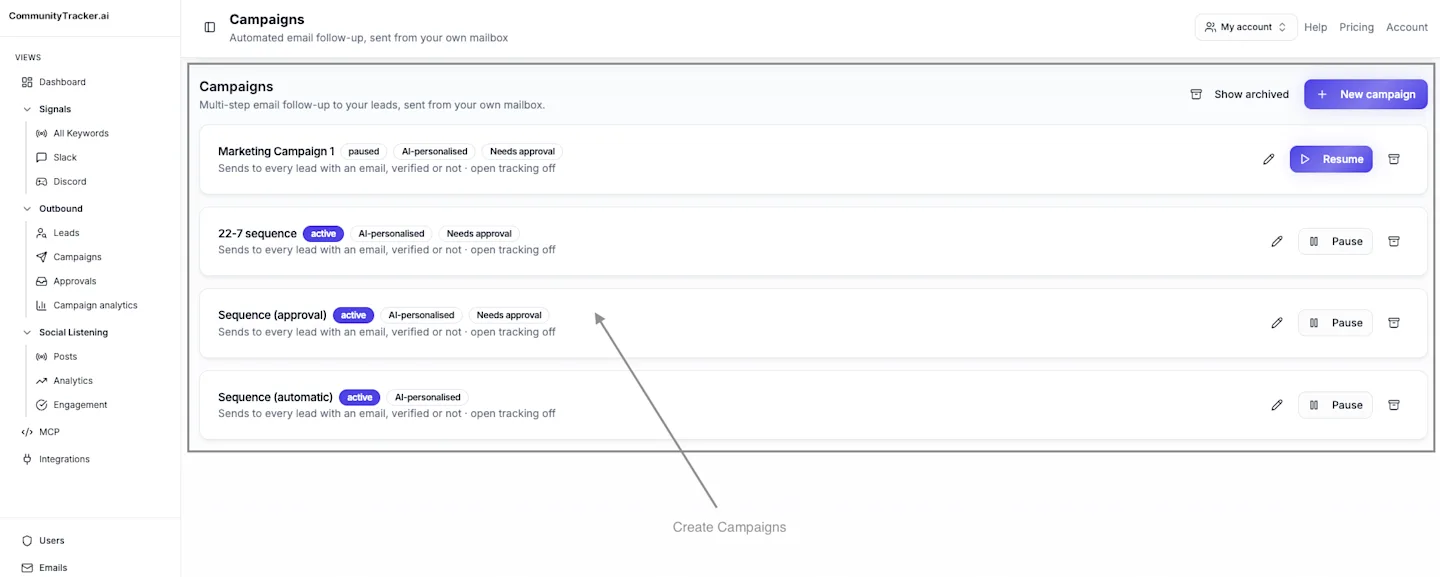
CommunityTracker solves the earlier problem. We catch a buyer signal while it still matters and preserve the conversation context. You can act through LinkedIn or email, then move to phone when the signal warrants a direct conversation. That is how you turn community conversations into pipeline.
Start with one Reddit keyword on the free plan. If your workflow only needs connection requests from an existing list, choose a lighter campaign tool instead.