7 Best Visual Social Listening Tools in 2027
Visual social listening tools for 2027: 7 compared on logo detection, objects and scenes, video, custom logos and price, with the pick I'd start with.
Adarsh Kumar
GTM Expert
Founder — CommunityTracker, Miraa.io, and Infraboxes
You ran a brand-name search and the mention count looked fine, but a product photo with your logo on a cup never appeared, because the caption never said your name. Visual social listening tools should catch that image.
Teams now get asked to count logo photos and event footage next to the caption mentions they already report, and a name search still leaves most of those posts out.
I’m sure you’ve already run a saved hashtag folder, a reverse image search, or an alert in the suite already on your bill. Those catch posts that already name you. What they leave open is whether the photo with no caption will ever appear.
I ranked the seven on logo detection, on objects and scenes, on video or printed text, and on whether the cheapest plan reads images at all. Start with the first name when the photo is the mention.
TL;DR: The 7 Visual Social Listening Tools I Recommend
YouScan - Best for brands that want logos, objects, scenes and colors in one filter panel
Talkwalker - Best for sponsorship teams that need logos spotted in video
Sprinklr - Best for teams that need OCR plus a custom logo trained within days
Brandwatch - Best for research teams that pull image filters through an API
Pulsar - Best for insight teams that cluster image captions beside audience data
Meltwater - Best for comms teams that count logos beside press coverage
Emplifi - Best for social teams that want object detection inside a publishing suite
My pick: YouScan, because Visual Insights covers logos, objects, scenes, activities, people and colors, and Insight, Listen and Analyze include object, scene and action detection, with logo recognition as a paid add-on on Listen and Analyze. One warning up front: Starter 3, the only YouScan price you’ll see, runs text queries only, so image search means an Unlimited plan you price in a demo.
Image coverage at a glance
Tool | Logo detection | Objects and scenes | Video | Your own logo | Where image analysis sits |
|---|---|---|---|---|---|
YouScan (My pick) | Yes | Objects, scenes, activities, colors | Not published | Sent by chat or email | Not on Starter 3 (text queries only); objects, scenes and actions on Insight, Listen and Analyze; logos paid per topic on Listen and Analyze |
Talkwalker | Yes | Logos, scenes and objects in images | Logos in video, memes and GIFs | Configured first, extras on request | Not published per plan |
Sprinklr | Yes | OCR text in images | Images, GIFs and video | Trained in 4 to 5 business days | Not published |
Brandwatch | Yes | Objects, scenes and actions | Not published | Picked from a logo list | Module your CSM turns on |
Pulsar | Yes, trained brands only | Image captions | Video transcripts in 16 languages | Not published | Turned on per search |
Meltwater | Yes | Computer vision | Speech to text | Not published | Explore+, usually an add-on |
Emplifi | Yes | Objects | Not published | Not published | Intelligent tier |
“Not published” means the detail was not public as of 25 November 2026.
What you’d pay
Tool | Entry plan | Month by month | Yearly, per month | Does that plan read images? |
|---|---|---|---|---|
YouScan | Starter 3 | No monthly rate | $499 | No, Starter 3 uses text queries |
Talkwalker | Custom quote | No public fee | No public fee | Not published per plan |
Sprinklr | Custom quote | No public fee | No public fee | Not published |
Brandwatch | Demo first | No public fee | No public fee | Image module is separate |
Pulsar | Custom quote | No public fee | No public fee | Image AI is set per search |
Meltwater | Tailored quote | No public price | Annual, 12-month minimum on most contracts | Explore+ is usually an add-on |
Emplifi | Essential | Billing term not public | Billing term not public | Object detection sits on Intelligent, a custom quote |
Prices below are US list, dated 25 November 2026. Essential and Advanced list starting figures, without a monthly or yearly billing view, so those amounts stay out of this table.
How visual listening differs from text listening
Three limits apply across this list:
Logo detection works only on logos the vendor has trained. Every tool here either keeps a logo library or trains yours on request.
Image analysis usually starts from the day you switch it on. Sprinklr Visual Topics pull no historical data.
Vendors often sell the image module apart from text listening, so a quote for listening alone may not include it.
Keep those in mind as you read the sections below.
1. YouScan
YouScan puts images at the center of its listening product, once you leave Starter 3. That entry plan runs text queries only. Image-content collection, including brand logos, sits on the Unlimited plans you price in a demo.
Features
Logo recognition, sent in by chat or email
Tags for objects, scenes, activities and people
Filters by image type and dominant color
I’d start a lean brand team on Listen or Analyze if photos are the mention. Starter 3 is text only, so it doesn’t buy image search.
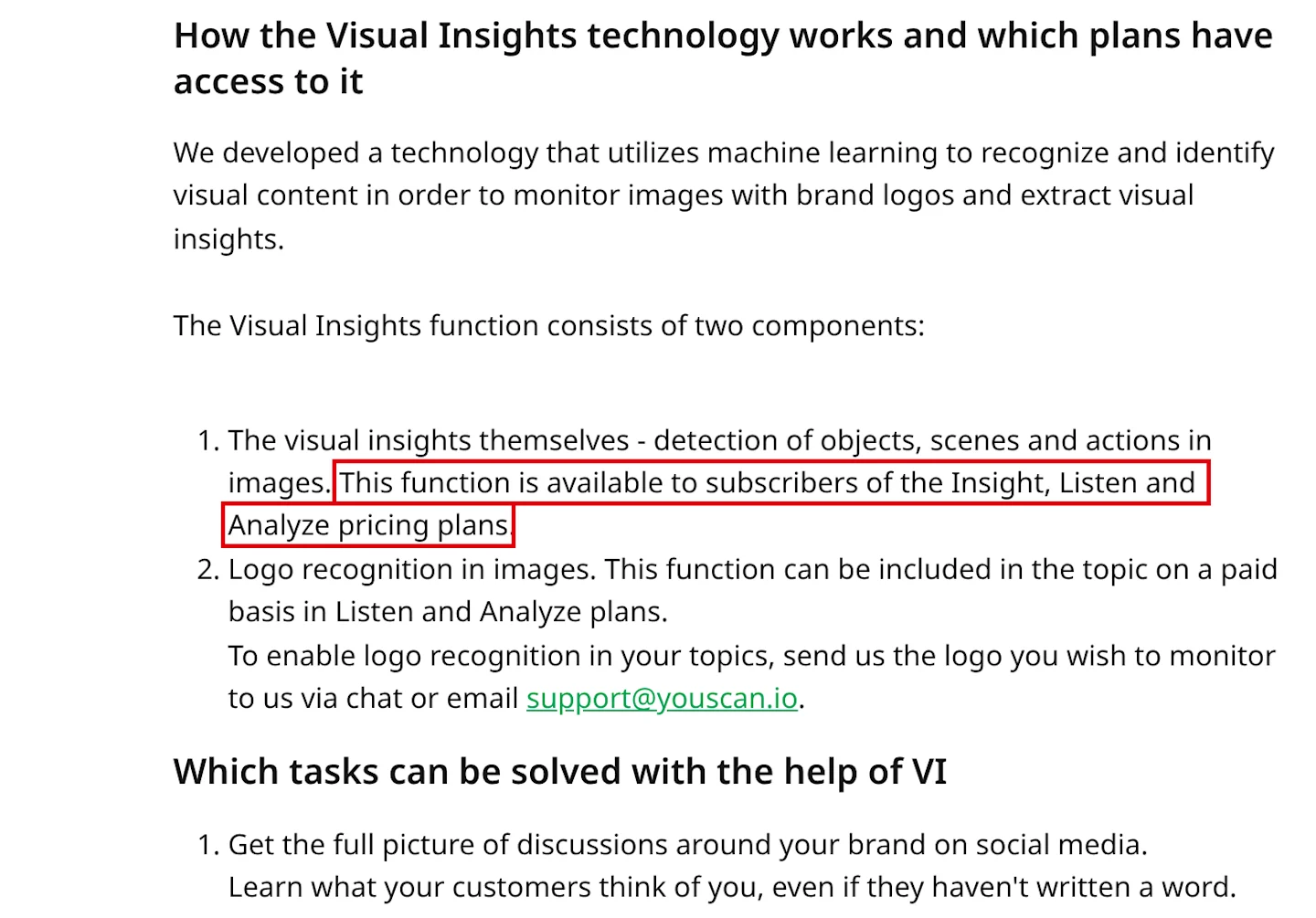
I’d ask for Listen or Analyze in writing. Object, scene and action detection sits on Insight, Listen and Analyze, and logo recognition is a paid add-on on Listen and Analyze.
Fees for YouScan
Starter 3 is $499 a month when you pay yearly, for three text topics and 15,000 mentions a month. YouScan lists no month-to-month rate. You price higher plans in a demo.
A logo add-on billed per topic punishes a multi-brand agency. I’d want every extra logo on Listen or Analyze counted before you sign. The image plan arrives in a demo, so you won’t have an Unlimited figure on day one.
One review I’d keep
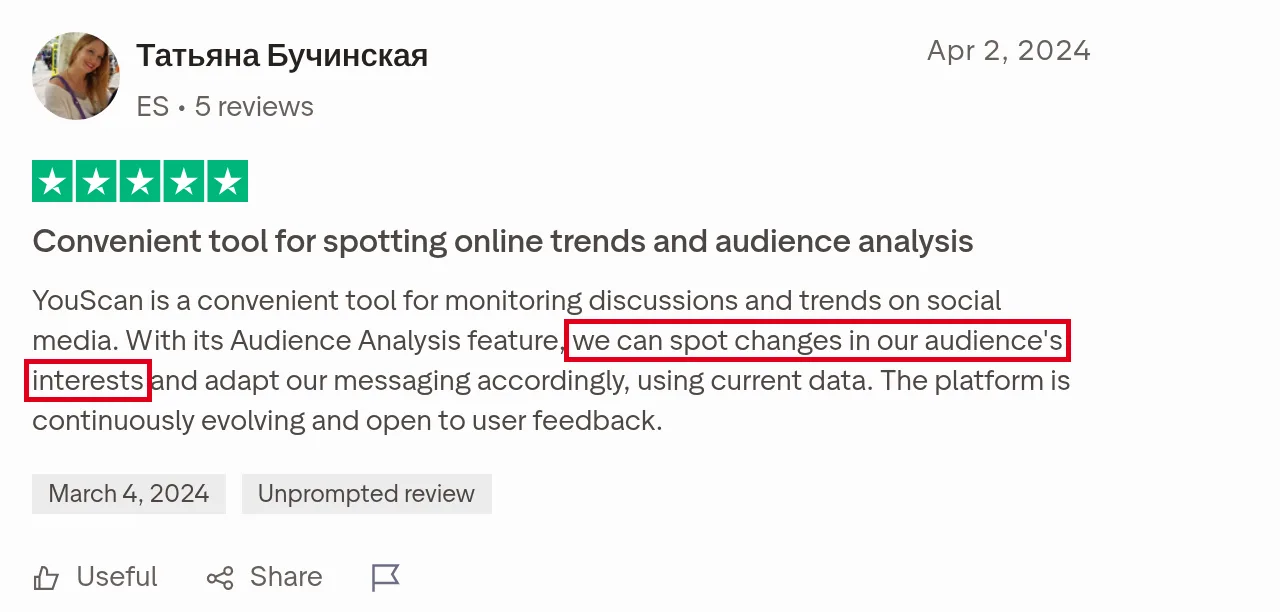
Trustpilot, 2 April 2024, more than a year old. Татьяна Бучинская points to audience-interest shifts, which is why I’d still open this review for a logo-and-photo brief.
In August 2026 on G2: “its interface is intuitive, user-friendly, and easy to navigate.”
Pros
The filter panel covers logos, objects, scenes, colors and image type in one place.
Insight, Listen and Analyze include object, scene and action detection, and Listen and Analyze add paid logo recognition.
You add a logo by sending it over chat or email.
Unlimited users come with Starter 3, even though that tier still reads text only.
Cons
Starter 3, the only public price, reads text only.
Logo recognition costs extra per topic on Listen and Analyze.
An August 2026 review notes “some of the other providers on the market offer more advanced customisation in this space.”
A September 2026 reviewer called it “a little cumbersome to navigate, particularly when trying to locate or view certain posts.”
Summary
Start with YouScan if photos of your product carry more of the story than captions. Ask for the Listen or Analyze plan by name on the contract. My YouScan review covers the text side, and YouScan alternatives lists other options.
2. Talkwalker
Talkwalker, sold as Lumen by Talkwalker, is the one I’d pick when the job is logos in video. Blue Silk AI detects brand logos, scenes and objects in images, and it finds those logos inside video, memes and GIFs.
Features
Logo, scene and object detection in images
Logo recognition in video, memes and GIFs
Sponsorship tracking through logo impressions
Trademark checks for unauthorized logo use
Image recognition API at 300 calls per minute
Talkwalker has to configure logos first, and extras arrive only on request. I’d push a sales rep to list every logo in the same quote, or a sponsorship brief waits on the extra mark.
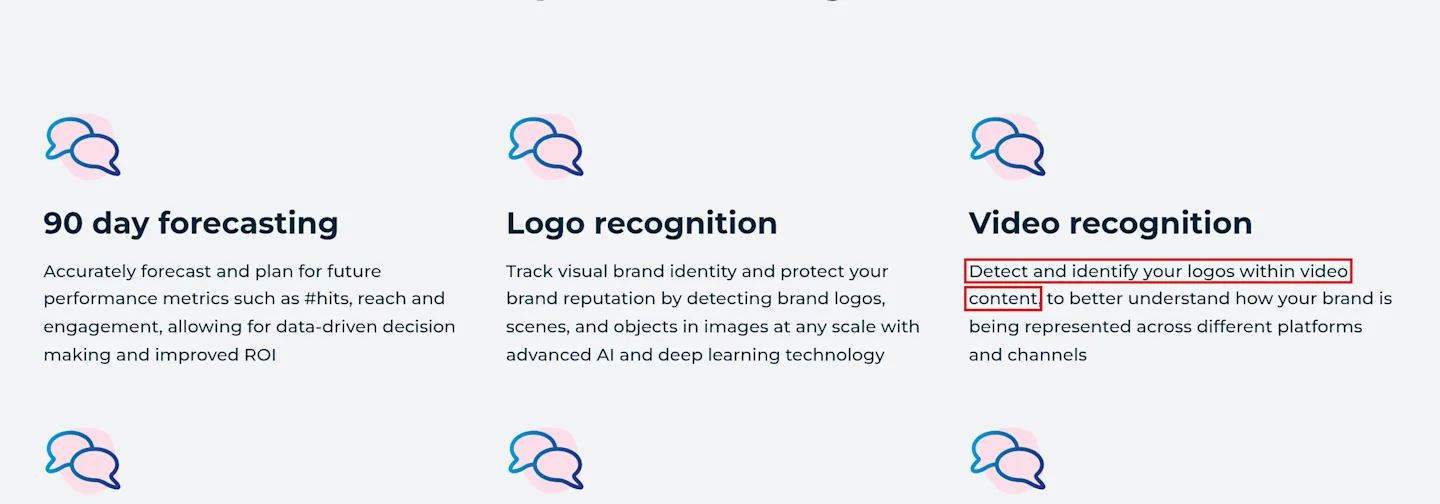
I’d add Talkwalker when the brief is logos in video, rather than still photos alone. Logo recognition also covers scenes and objects in images.
Fees for Talkwalker
You choose Core, Analyze or Business and receive a custom quote. Each plan includes unlimited users and professional onboarding. No plan names which tier carries image or video recognition.
I wouldn’t sign until they name that tier on the quote. A sponsorship lead cannot budget a logo-in-video module that might sit on a higher plan.
One review I’d keep
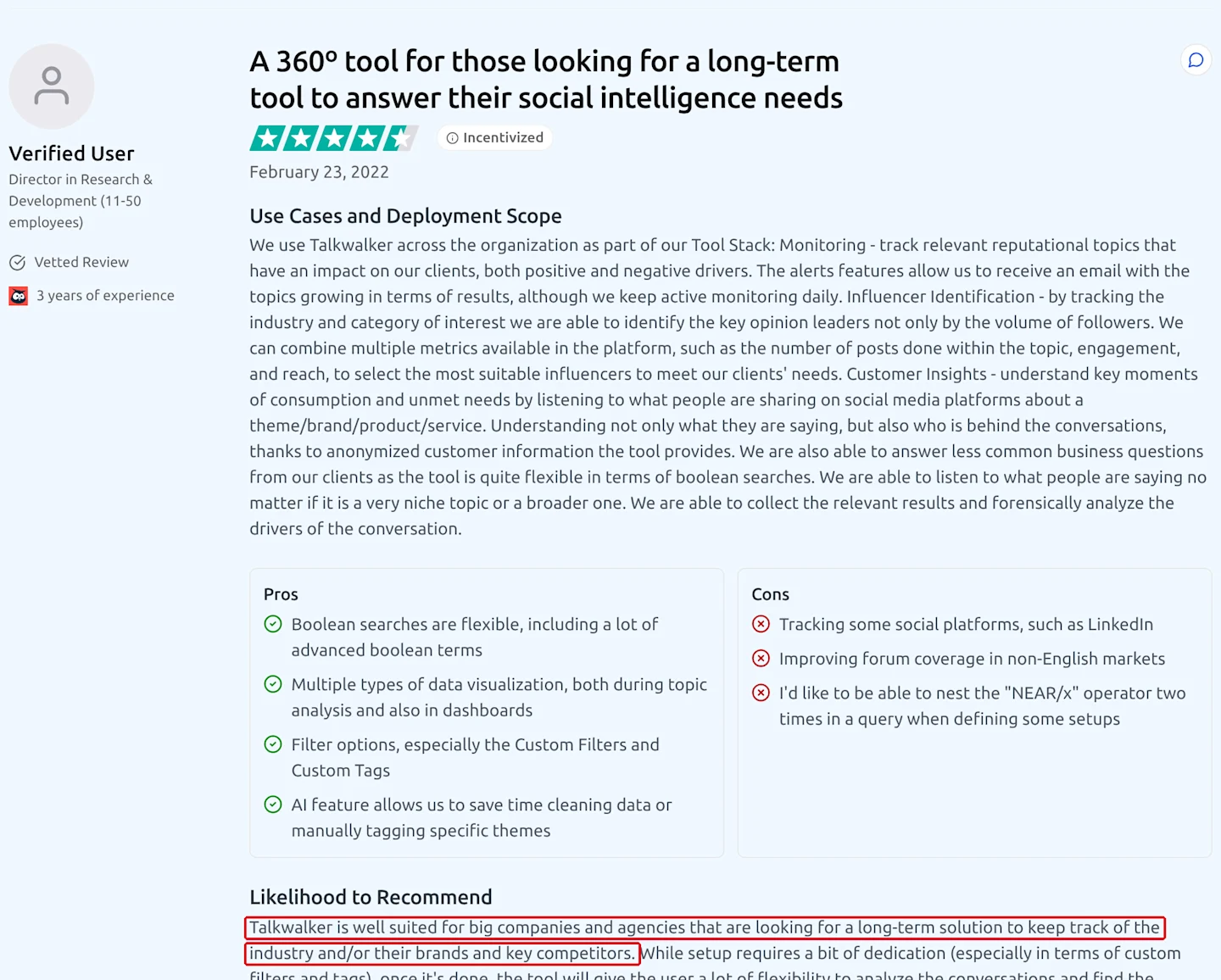
TrustRadius, 23 Feb 2022, Incentivized, more than a year old. I’d hand Talkwalker the long research brief in this review, not a one-off hashtag alert.
In April 2026 on G2: “I really love the cluster analysis and how it can synthesize key themes in a huge data set.”
Pros
Video logo detection covers clips that still-image tools skip.
Sponsorship teams get logo impressions tied to engagement.
Trademark checks catch misuse of your logo.
Unlimited users come with the public plans, even though the quote is custom.
Cons
No plan names image recognition by tier.
Talkwalker has to configure logos before detection runs.
From April 2026: “I wish we could share clusters between accounts.”
An August 2025 review (over 12 months old): “Doesn’t let you edit queries in the same view as the graph.”
Summary
Shortlist Talkwalker if logo exposure in video drives your sponsorship reports. My Talkwalker review goes through its other modules.
3. Sprinklr
Sprinklr runs visual listening inside Sprinklr Insights. You create a Visual Topic, then choose logos or PhotoText OCR keywords, or both. You need at least one logo or OCR keyword. If your logo isn’t in the library, training takes 4 to 5 business days. Logo monitoring covers 30+ channels, including images, GIFs and video.
Features
Visual Topics built on logos and OCR keywords
PhotoText search inside images and messages
Logo monitoring across 30+ channels, including GIFs and video
Alerts for visual sentiment and brand associations
Logo benchmarking against competitors
I’d push back on backfill when the brief needs historic logo photos. Visual Topics pull no historical data, so you start from the day you save the topic.
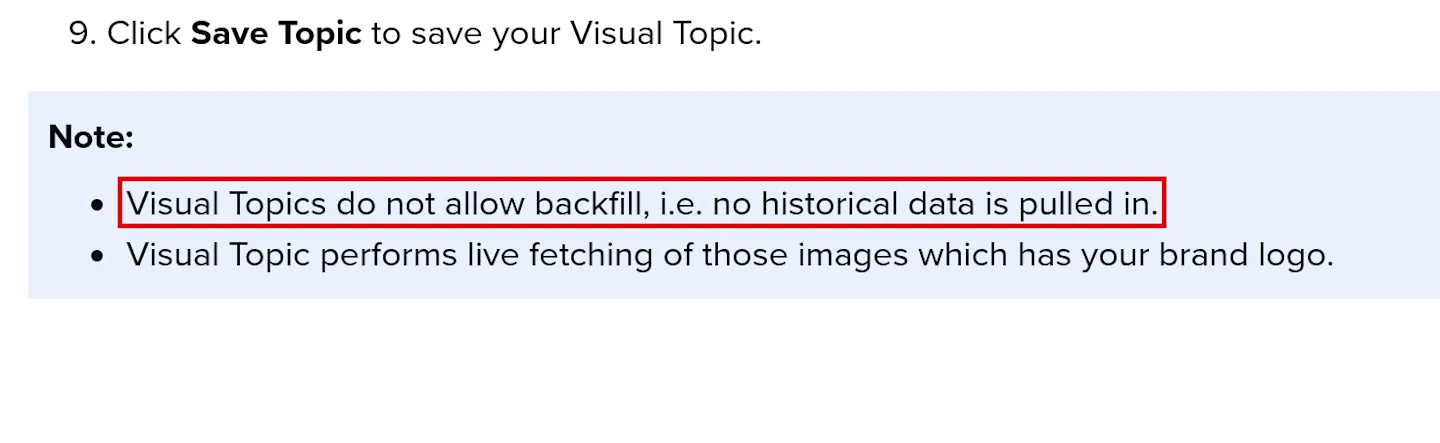
I’d treat Sprinklr as a live visual feed, not a backfill tool. Visual Topics start from the day you save the topic.
Fees for Sprinklr
Sprinklr prices Insights and visual listening through a sales quote. I wouldn’t start logo training until that figure is on the quote. Training takes 4 to 5 business days, and I wouldn’t spend that window before the Insights price is firm.
One review I’d keep
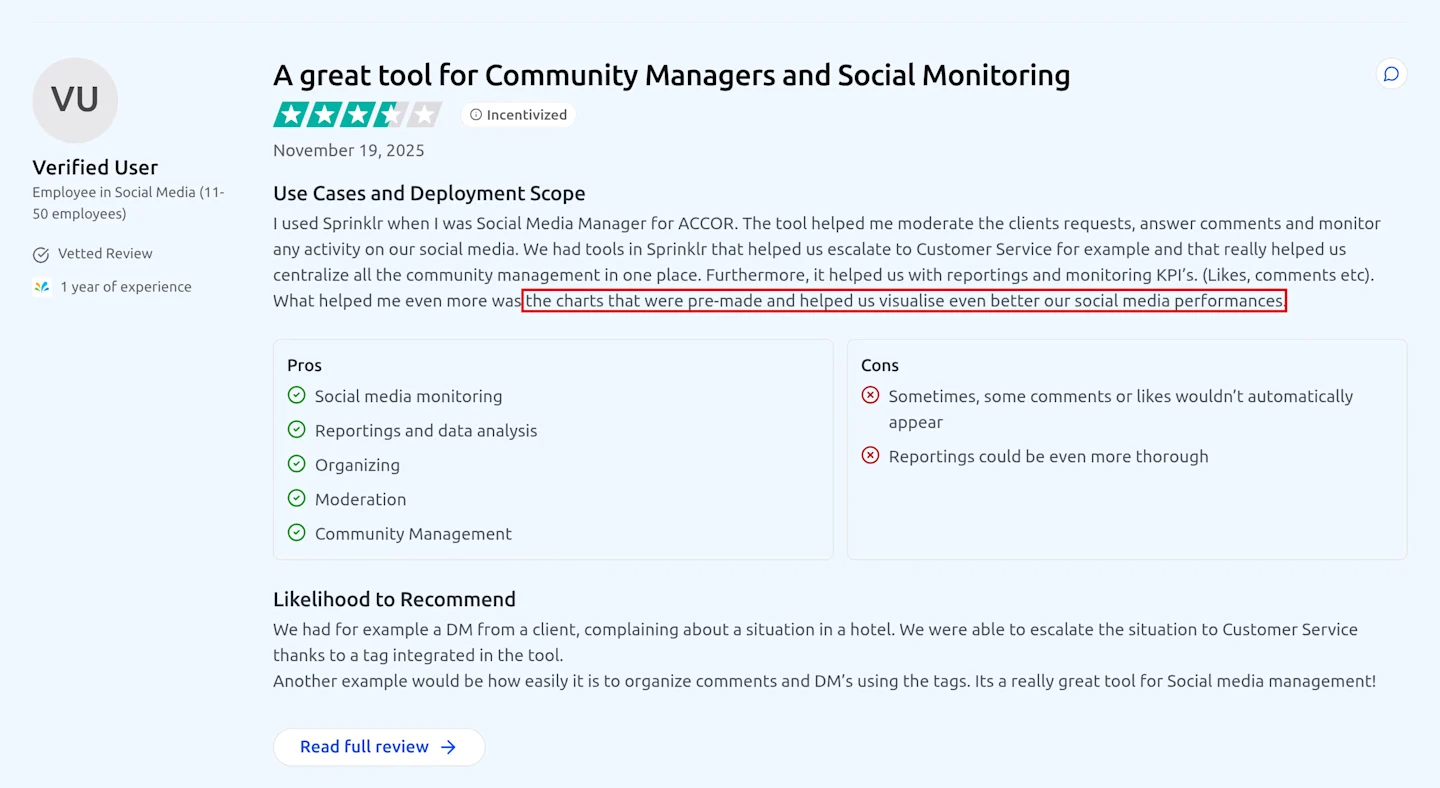
TrustRadius, 19 November 2025, Incentivized, over 12 months old. The pre-made charts are the part I’d want after a Visual Topic starts filling, even though this review is about community management more than logos.
In October 2026 on G2: “You can then categorize mentions according to predefined or customized categories.”
Pros
OCR finds your brand name printed on packaging or signs.
Custom logos go live within a week.
Logo monitoring includes GIFs and video, along with stills.
You can benchmark logo presence against competitors.
Cons
Visual Topics pull no historical data.
Prices stay behind a sales call.
An April 2025 review (over 12 months old): “Set-up and implementation/integration can be complex and time-consuming.”
A July 2025 review (over 12 months old): “you cannot use more than ten asterisks (*) in a single query.”
Summary
Pick Sprinklr if you need text inside images as much as logos, and you can live without backfill. My Sprinklr review covers the wider suite.
4. Brandwatch
Brandwatch exposes image search as a filter on queries. You can search for logos and for images with objects, scenes and actions, and you can match images, keywords, or both. You ask your CSM to enable the image module.
Features
Logo filter on any query
Object, scene and action filters
Images-or-keywords and images-and-keywords modes
A library of logo and object IDs
Query setup through the API
I’d treat the CSM-enabled image module as a contract item, not a default. A listening quote alone can leave a research team waiting on enablement.
I’d use Brandwatch when image filters have to sit inside the same query as the text. The logo module is something your CSM turns on, so confirm it in the contract.
Fees for Brandwatch
Brandwatch offers standard to enterprise plans, and pricing starts with a demo. I wouldn’t book that demo until they name the image module in the quote. My Brandwatch pricing post collects figures buyers report.
One review I’d keep
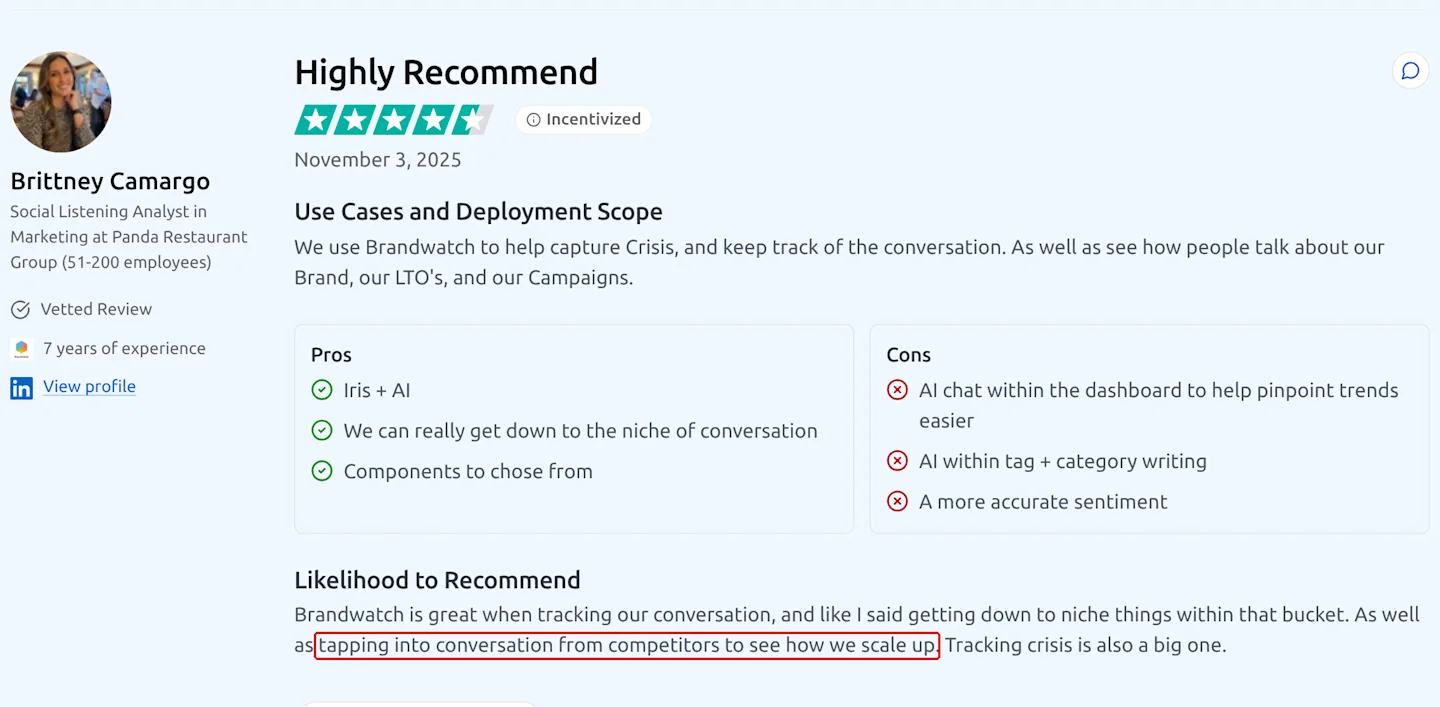
TrustRadius, 3 Nov 2025, Incentivized, more than a year old. Brittney Camargo uses rival conversation to judge growth, and that is the brief I’d take into a Brandwatch demo.
In October 2026 on G2: “The AI summaries and insights. Also like the AI query builder, too.”
Pros
Image filters sit inside the same query as text.
The images-and-keywords mode cuts noise from unrelated photos.
Data teams can set up image queries through the API.
Logo and object IDs come from a list you can call first, so the query is explicit.
Cons
Image search needs a module your CSM enables.
The image module can stay off the quote you walk out of the demo with.
A June 2026 review points to this: “The duplication of mentions per query when using this platform is a problem.”
From April 2026: “The dashboard interface could use improvement, since some widgets feel fairly basic.”
Summary
Brandwatch fits a team that writes queries by hand and wants images in the same dataset. Read my Brandwatch review before the demo.
5. Pulsar
Pulsar handles images inside TRAC. Logo Detection finds logos in UGC, catalog and white-background images, but only for trained companies and industries. Image Caption labels each picture so you can filter by content. You switch the model on at Search Setup. Video transcripts cover X, Instagram, YouTube and Facebook in 16 languages, sold in hourly packages.
Features
General image tagging
Logo Detection for trained brands and industries
Image Caption labels you can filter on
Network chart of image clusters
Video transcripts in 16 languages, sold in hourly packages
I’d ask, before a demo, whether your logo is already in the trained set. Logo Detection misses brands outside that set, and there is no self-serve checkout to test it alone.
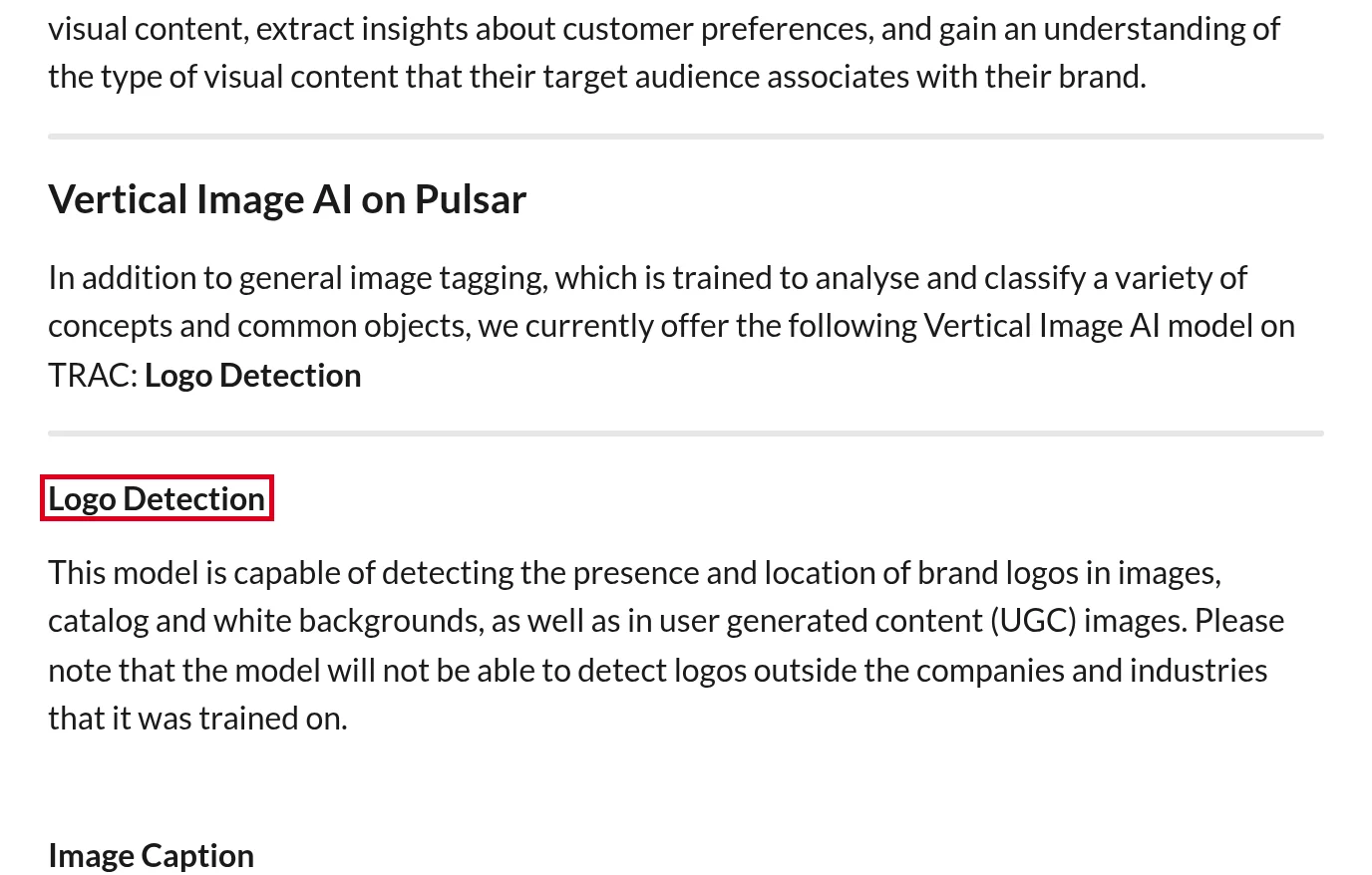
I’d treat Pulsar as a caption-and-cluster tool first. Logo Detection only hits brands already in its trained set, so ask if your logo is in that set before you buy.
Fees for Pulsar
Pulsar quotes TRAC per enterprise contract. It lists no tiers and offers no checkout you can complete alone. I’d keep hourly transcript packages off an insight team’s first contract unless they’re scoped in the same quote.
One review I’d keep
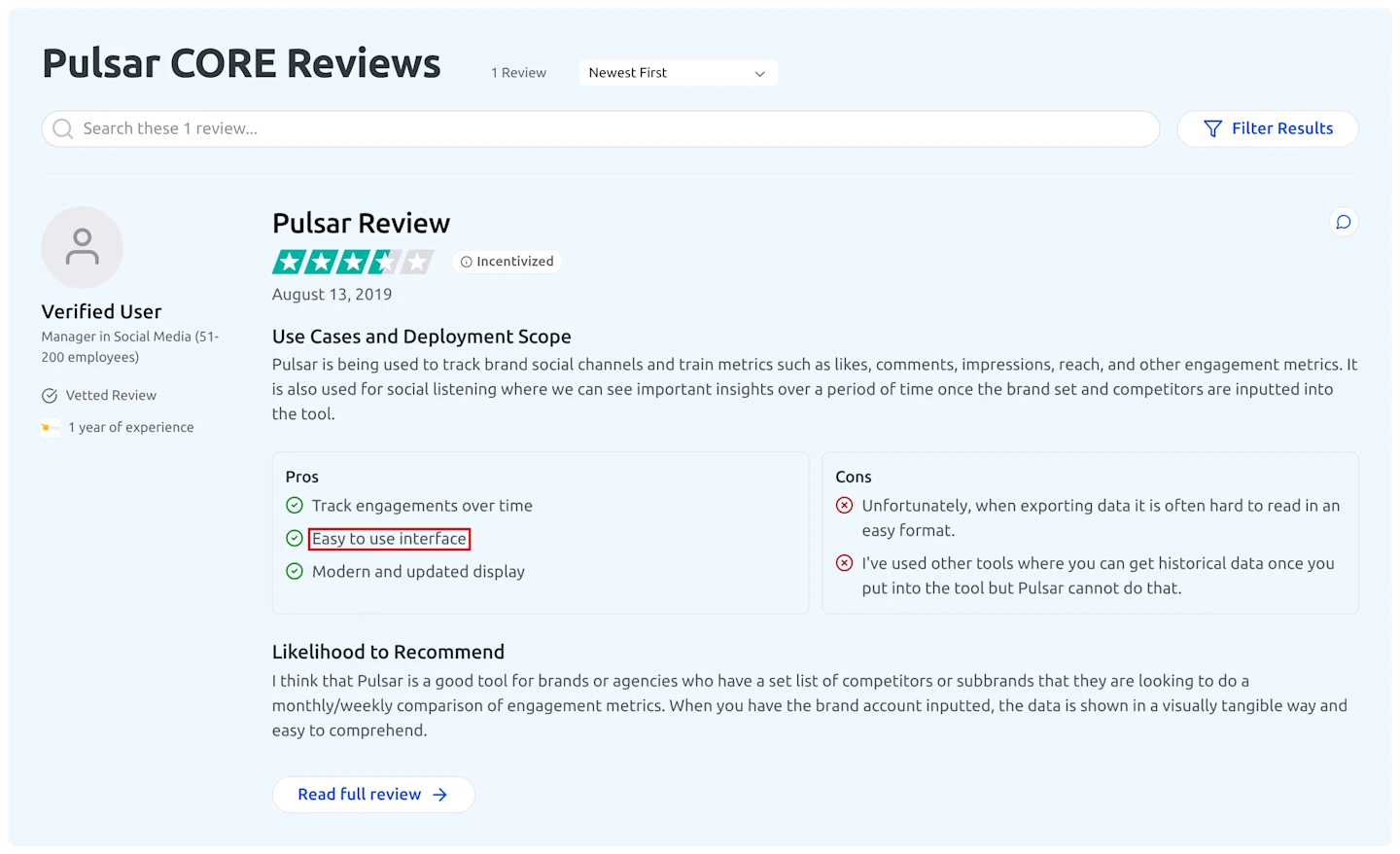
TrustRadius, 13 August 2019, Incentivized, older than a year. The “easy to use interface” line is the part I’d still want after a caption model is on, even though this review is far older than a year.
The same 2019 review notes that historical data does not fill in once you add a brand.
In October 2026 on G2: “I like the themes summarization and the snapshot tabs to pull numbers and themes quickly and easily.”
Pros
Captions describe what’s in each image in plain words.
Image clusters show which visuals travel together.
Video transcripts feed the same analysis as text.
You can turn the image model on per search, so a test query stays contained.
Cons
Logo Detection misses brands outside its trained set.
You must enable image models per search.
In November 2026, one user wrote: “The main pain point I run into daily is that the platform is lagging.”
A July 2026 reviewer found that “The boolean search can be a little tricky to use sometimes.”
Summary
Choose Pulsar if image captions and audience clusters matter more than custom logos. My Pulsar review covers contracts and the rest of TRAC.
6. Meltwater
Meltwater puts visual analysis in Explore+. It adds logo spotting, computer vision that reads images, speech to text for video and audio, and more than two years of stored history. Meltwater typically offers Explore+ as an add-on.
Features
Logo detection in photos and other visual content
Computer vision that reads images
Speech to text for video and audio
24+ months of historical data
Deeper segmentation than standard Explore
I’d budget Explore+ as its own line, because a listening quote can look complete and still leave logo spotting out.
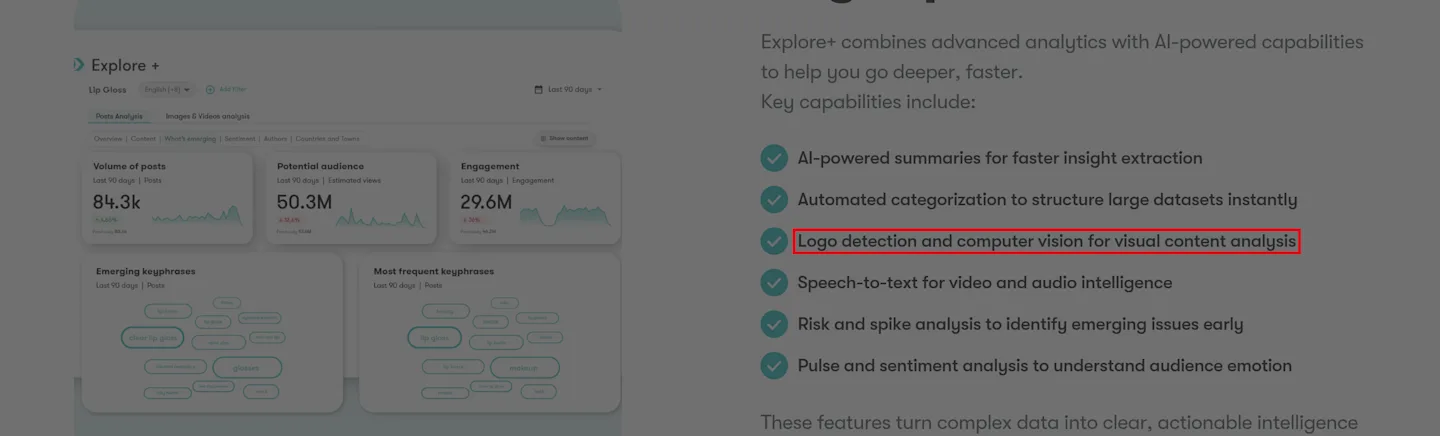
I’d add Explore+ when logo counts have to sit beside news and broadcast coverage. Treat it as an add-on, and confirm that in the quote.
Fees for Meltwater
Meltwater prices each contract to your modules, sources, regions and users. Most contracts run for a year, and a 12-month minimum applies to most deals. You get a guided demo instead of a self-serve trial.
That 12-month minimum is the pushback I’d bring into the Explore+ negotiation. A lean team that only needs a quarter of logo counts is still signing a year in most deals, with no self-serve trial to test Explore+ first.
One review I’d keep
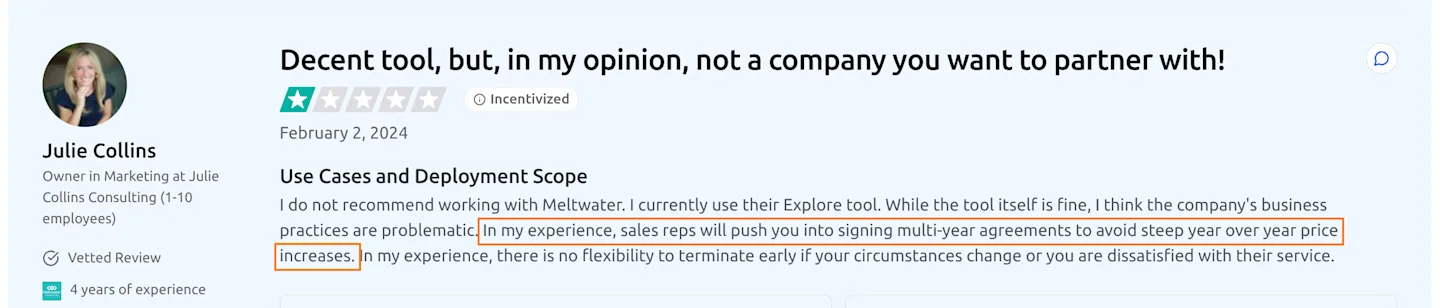
TrustRadius, 2 February 2024, Incentivized, older than a year. I’d carry that multi-year warning into the Explore+ negotiation, because most Meltwater contracts already run a year.
In September 2026 on G2: “The social listening side is probably one of my favorite parts.”
Pros
Logo results sit beside news and broadcast coverage.
Speech to text covers video audio.
Two years of history supports long trend reports.
You can scope Explore+ as an add-on, so the base contract can stay narrower.
Cons
Explore+ usually costs extra.
A 12-month minimum applies to most contracts.
An October 2026 reviewer noted: “The Boolean search method is great, but it does not filter out context that is incorrect.”
An August 2026 review: “When there is a large amount of coverage, the dashboard can also feel a bit busy.”
Summary
Meltwater suits a PR team that wants logos counted next to press coverage. See my Meltwater review for the core product.
7. Emplifi
Emplifi lists object detection inside its social marketing suite. The Intelligent tier includes AI Object Detection, which identifies brand logos and objects in visual content, plus an AI Query Copilot for Listening.
Features
AI Object Detection for logos and objects
AI Query Copilot for Listening
Publishing and community tools in the same suite
API access on Intelligent
AI data summarization
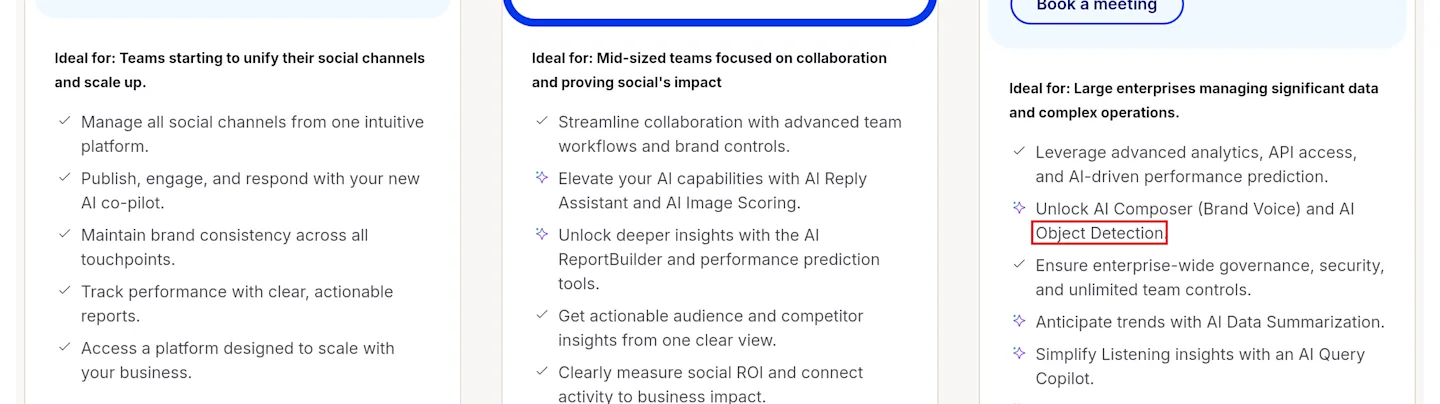
I’d only buy Emplifi for visual work if Intelligent is already in the conversation. Object detection is not on Essential or Advanced.
Fees for Emplifi
Essential and Advanced list starting prices, and Intelligent, which includes AI Object Detection, is a custom quote. I’d only take Emplifi to a visual brief if Intelligent is already in the conversation, because Essential does not buy object detection. Get the figure and the billing term in writing before you pay.
One review I’d keep
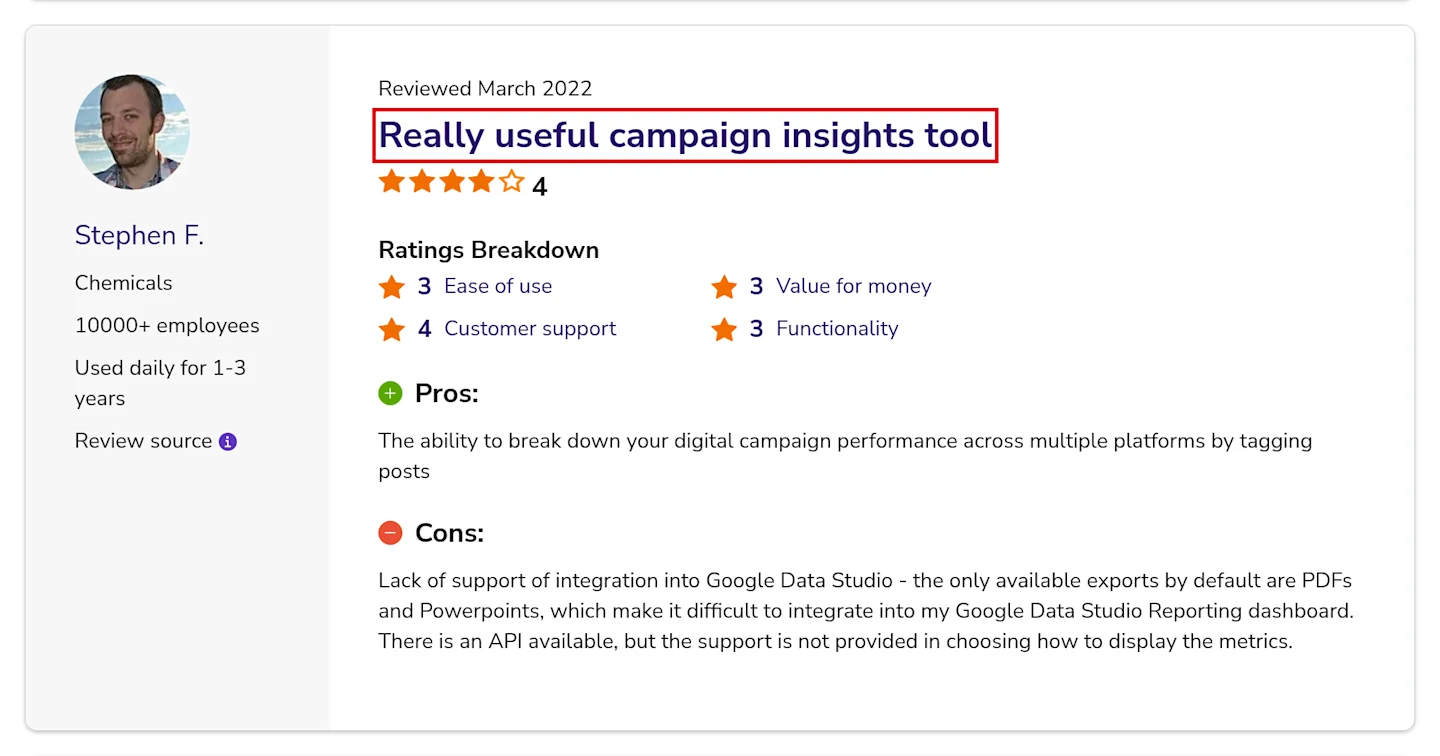
Software Advice, March 2022, more than a year old. I’d read Stephen F.’s campaign-insights line beside the newer G2 comments, because this review sits outside the last year.
In April 2026 on G2: “From publishing to the dashboards, Emplifi is an extremely easy-to-use platform.”
Pros
Visual detection lives in the tool your team already posts from.
Logos and objects come from one feature.
API access sits on the same Intelligent tier as object detection.
A Query Copilot is there if listening queries are part of the same buy.
Cons
Object detection sits on the top tier only.
You sign for object detection without knowing how it works.
You may have to accept a starting price with no monthly or yearly billing term.
An April 2026 reviewer said: “The layouts of these dashboards are not very visually appealing.”
Summary
Emplifi works if you want light visual detection inside a suite you already use for publishing. For deep image research, pick from the six above it.
How I picked
I listed a tool when I could point you to image recognition, such as logos, objects, scenes, OCR or video, and when a public review page exists. I left Digimind out because I can’t point you to image recognition on its plans today.
I scored the 7 that passed on logo detection, objects and scenes, video or printed text, custom logos, and whether the cheapest plan reads images.
How to choose a visual social listening tool
Pick from the kind of visual you need to catch:
Product photos and lifestyle shots: YouScan or Pulsar.
Sponsorship footage and event video: Talkwalker.
Packaging, signs and screenshots with printed text: Sprinklr.
Image data for a research or data team: Brandwatch.
Logo counts next to press coverage: Meltwater.
Light detection inside a publishing tool: Emplifi.
Then get the plan name on the contract. Ask which tier includes image recognition, if your logo is already trained, and if results start on the day you switch it on. For text listening tools, see my list of social listening tools.
FAQ
What is visual social listening?
It’s listening that reads images instead of captions. The tool detects logos, objects, scenes or printed text in photos and video, so you find posts that never name your brand.
Which visual social listening tools made my list?
YouScan, Talkwalker, Sprinklr, Brandwatch, Pulsar, Meltwater and Emplifi. YouScan is my pick for its range of image filters.
Do visual listening tools find old images?
Often not. Sprinklr’s Visual Topics pull no historical data, and most vendors don’t publish backfill for image search, so ask before you sign.
Can I add my own logo?
Yes on most platforms. YouScan takes your logo by chat or email, Sprinklr trains it within about 5 days, and Talkwalker adds logos on request after it configures the first set.
Is visual listening included in standard plans?
Rarely. YouScan’s Starter 3 plan reads text only, Meltwater sells Explore+ as an add-on in most cases, Brandwatch needs a module, and Emplifi puts object detection on its top tier.
After you have an image tool, and you still want community intent
CommunityTracker stays unranked here. The seven tools above read logos, objects and scenes in photos and video. Visual listening is not on CommunityTracker’s official feature list, so it will not catch an untagged product photo for you.
I’d still add it for a different job: intent threads inside its official communities, then scored leads and a first touch, once the visual report is already handled.
The official communities do not change. Starter opens Reddit, LinkedIn, Hacker News and GitHub. The remaining official communities unlock on Pro or Advanced. On those sources, a post gets a score when someone is shopping for a tool in your category, complains about software they already pay for, or lines two options up side by side. The score lives on the post. Buying signals use Hot, Warm or Watch, and each one has a reason.
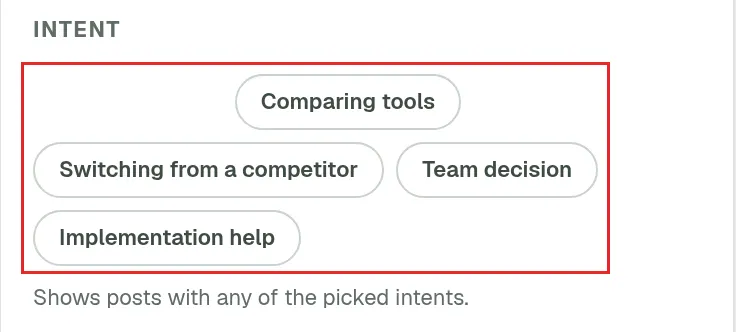
For a buying-intent thread, I’d start with Comparing tools or Switching from a competitor. Post titles in this shot are sample data from Icypeas, Hunter, Apollo and Clearbit.
Job changes, funding rounds and hiring posts get the same Hot, Warm or Watch labels, and a reason still sits on each one. Paid plans, and the trial, include lead lists, enrichment and a watch on those buying signals.
LinkedIn outreach and email can share one workspace, and replies collect in a single inbox. You can edit a draft reply, then send it yourself. If lemlist, Instantly, Smartlead or Salesforge is already on your stack, you can push leads across with a key you provide. HubSpot can file a Hot or Warm post as a deal and keep the signal attached.
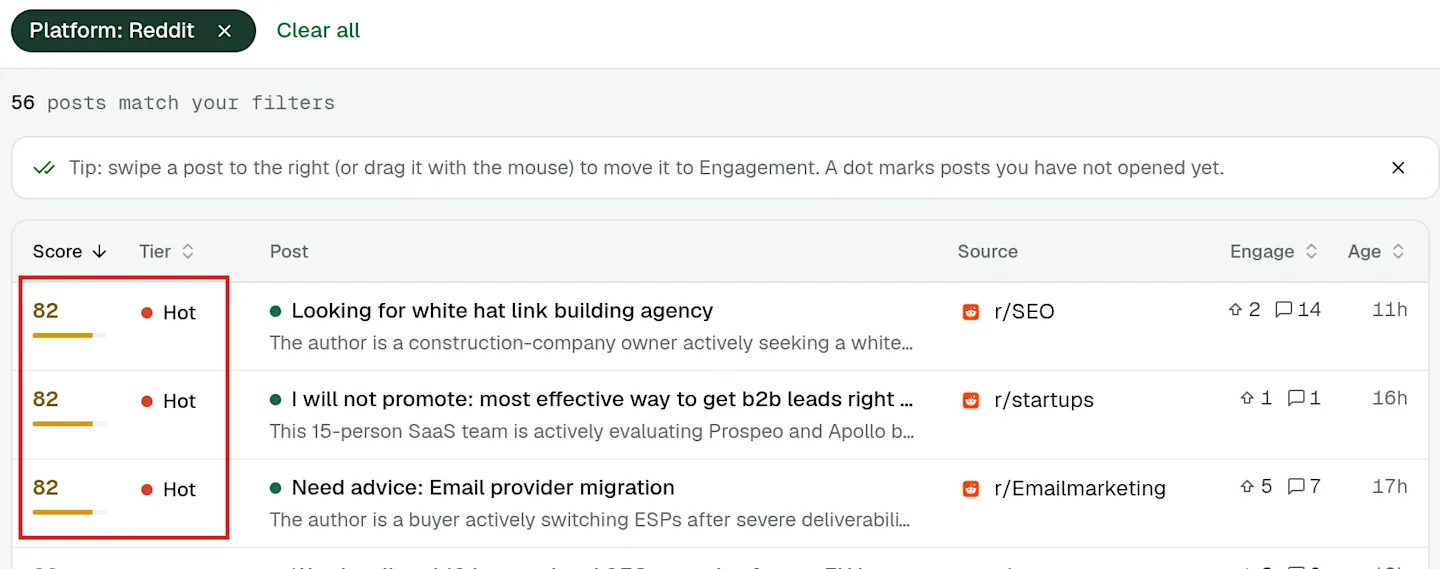
When a scored thread should become a lead, I’d start from the Hot label on this Reddit Posts view. Titles and scores in this shot are sample data from Icypeas, Hunter, Apollo and Clearbit.
If you only came for visual listening, skip CommunityTracker. Come back once you pick the image tool, or if you never needed one, and you want community intent to start the conversation.
Paying for this GTM track
CommunityTracker is a GTM tool. Use it for scored community threads, not for logo photos. A seven-day trial costs $4.99. Use that week to open the Pro feature set. Nothing bills after day seven. It is a paid trial, not a subscription. Starter alerts once a day. Alerts arrive as a once-a-day summary, which is slower than a logo mention popping up in a listening inbox. 100 warm emails a month on Starter, unlimited on Pro. This is the Starter warm-email ceiling. Once you pick the image tool, CommunityTracker charges Starter at $39, Pro at $99 and Advanced at $199 a month, billed monthly (pricing). If you prefer a yearly invoice, you can request one. Public plans have no required term, and you can cancel when you want. A new paid plan has a 14-day refund window. On Starter you get 4 keywords and 5,000 mentions, limited to those four communities.